
Category
Apps
Productivity tools, Microsoft Office, communication apps, and browsers.
-
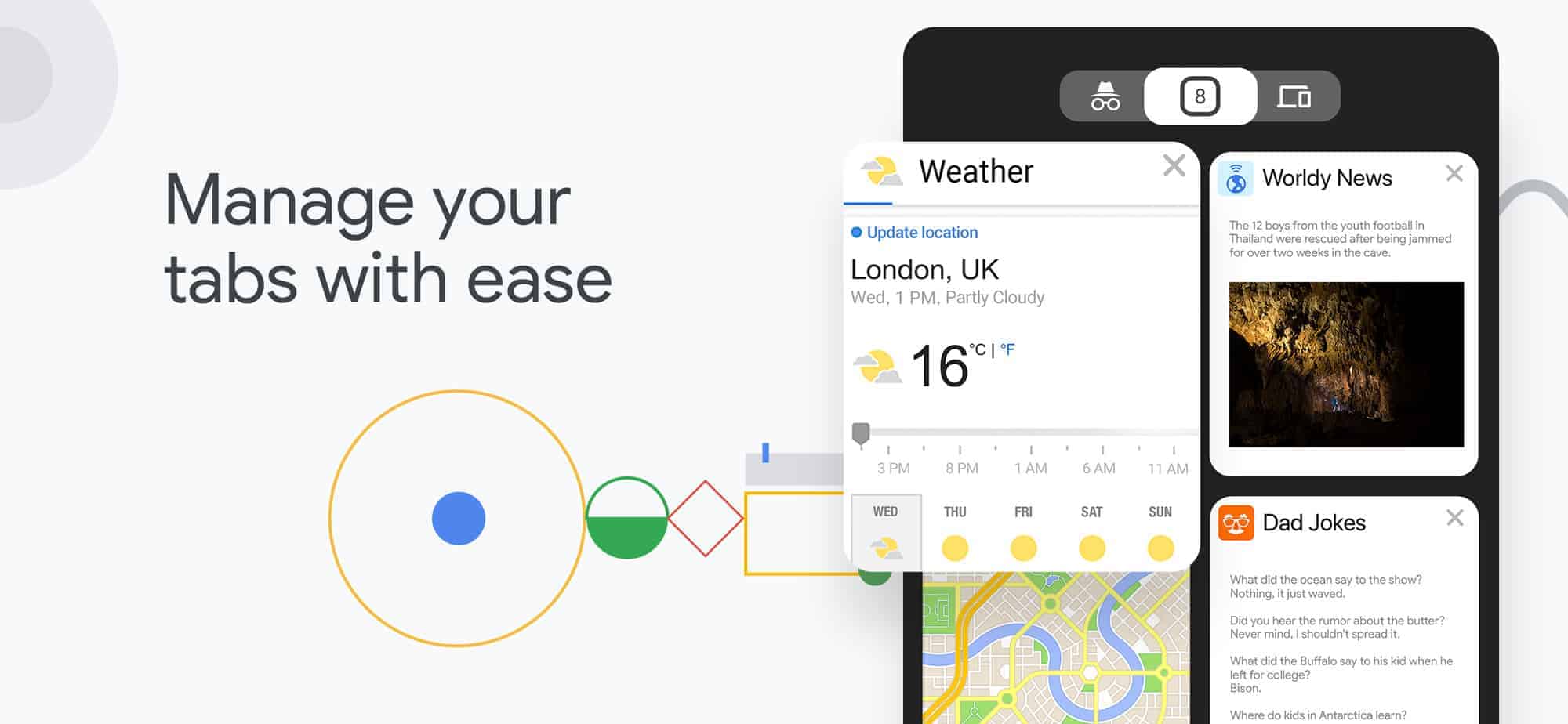
Swipe to close a tab on Chrome is no longer a feature for iOS devices
Google rolled out a design refresh for the Chrome browser with version 69 for desktop and mobile devices. The update improves the usability of the…
-
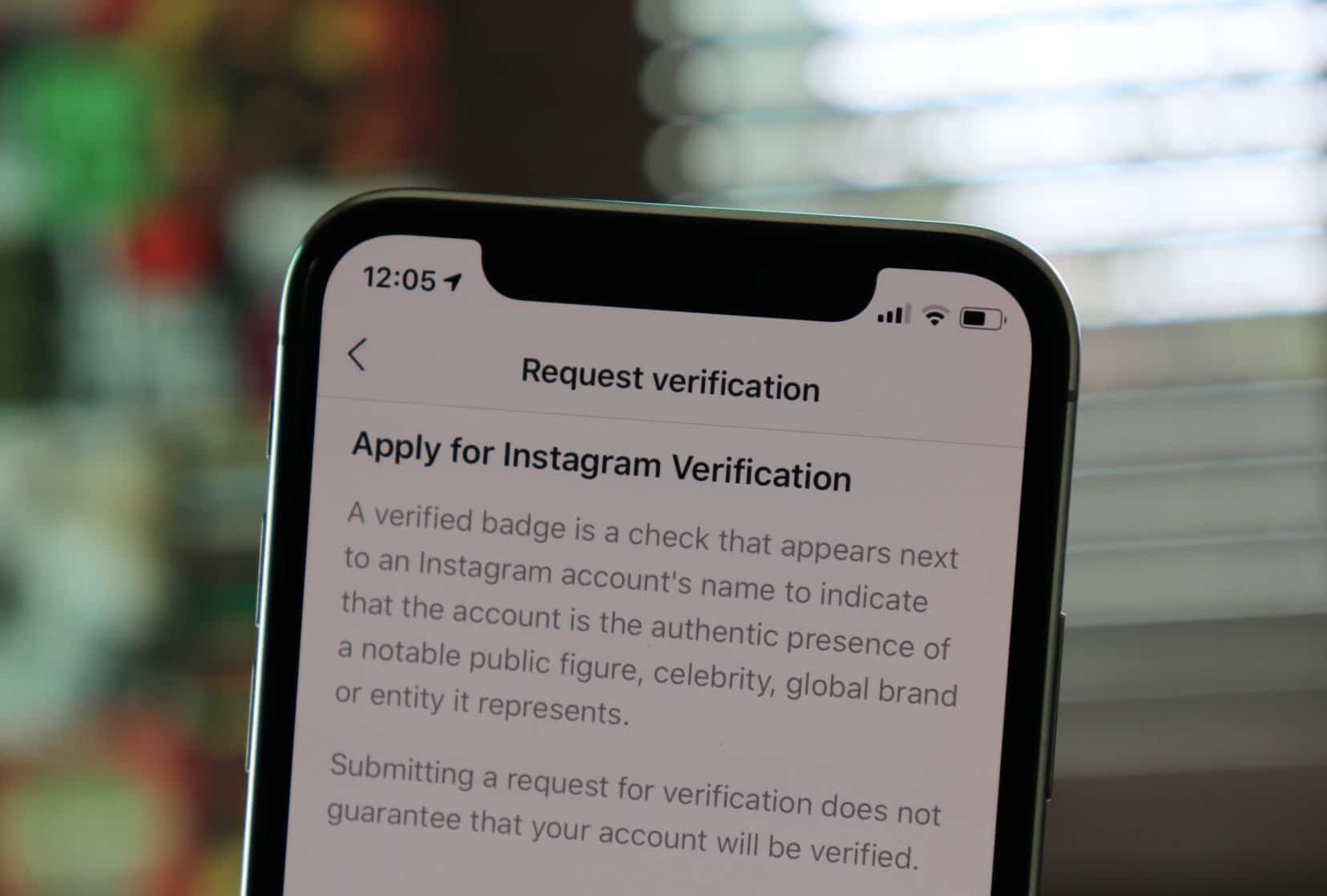
How to verify Instagram account on iPhone
Ever wanted to get your Instagram account verified but didn’t know how to? Well, Instagram has now made it simpler for users to get their accounts verified…
-
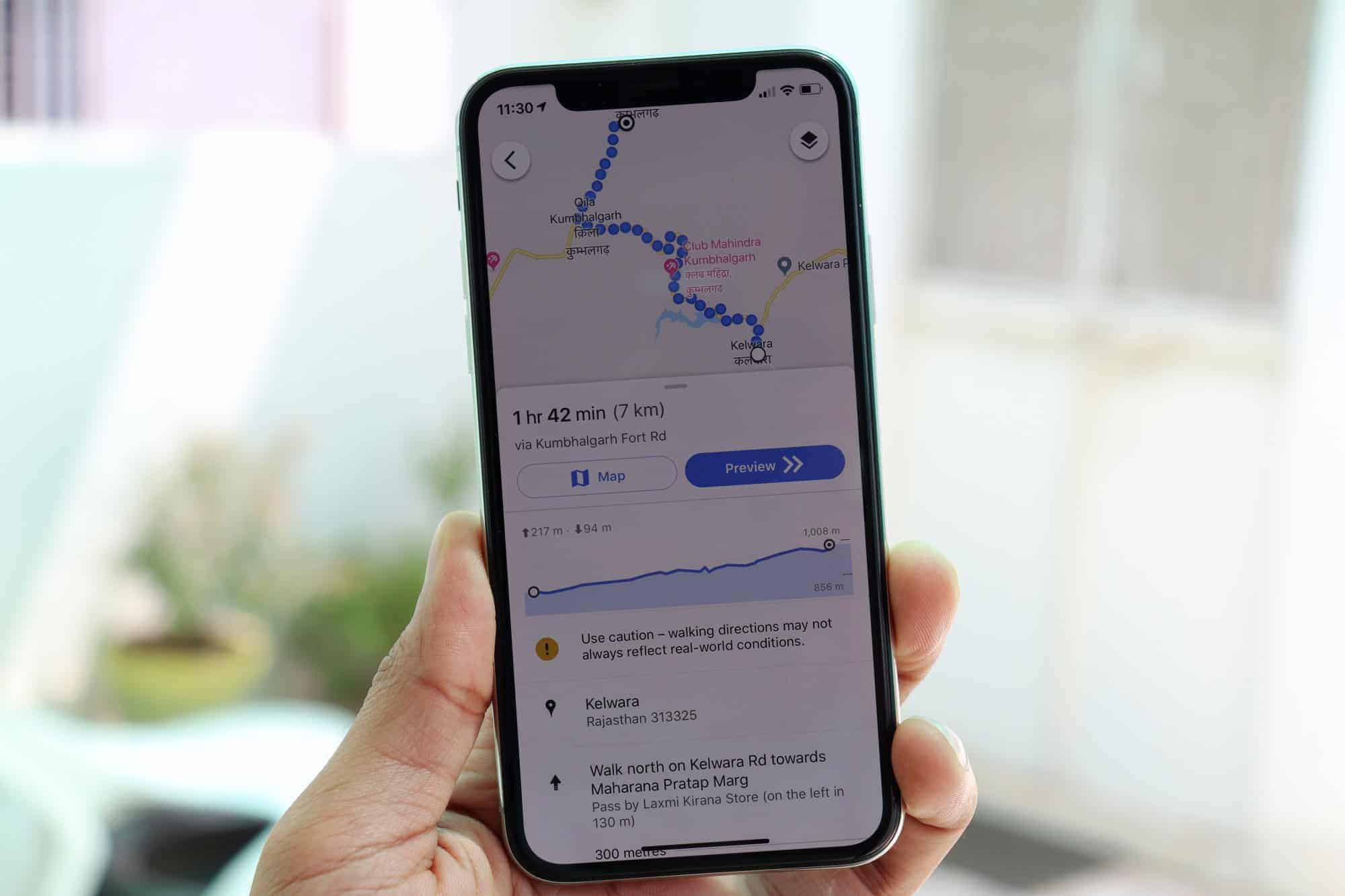
Google Maps app for iOS now shows nearby Events and elevation of route for biking and walking directions
Google is rolling out an update to the Google Maps iOS app with a couple of handy new features. The app now stands at…
-
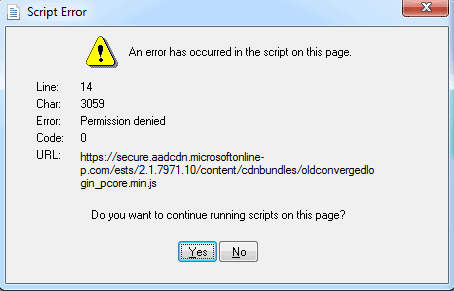
Microsoft Outlook users getting Script Error “Permission Denied” with Line 14
A lot of Microsoft Outlook users are getting a Script Error in the Outlook app on Windows. The error details are as follows: *…
-
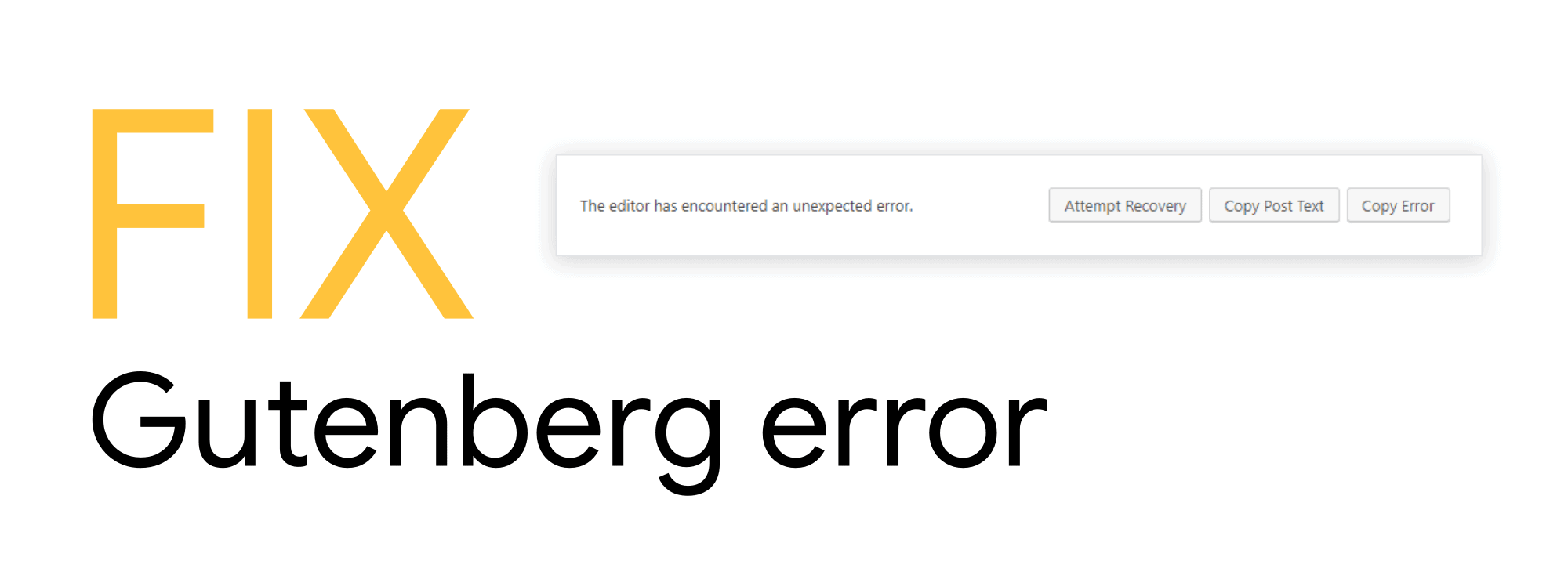
FIX: “The editor has encountered an unexpected error” in WordPress after update
Unable to write a new post using the new Block Editor in WordPress? The chances are you’re getting “The editor has encountered an unexpected…
-
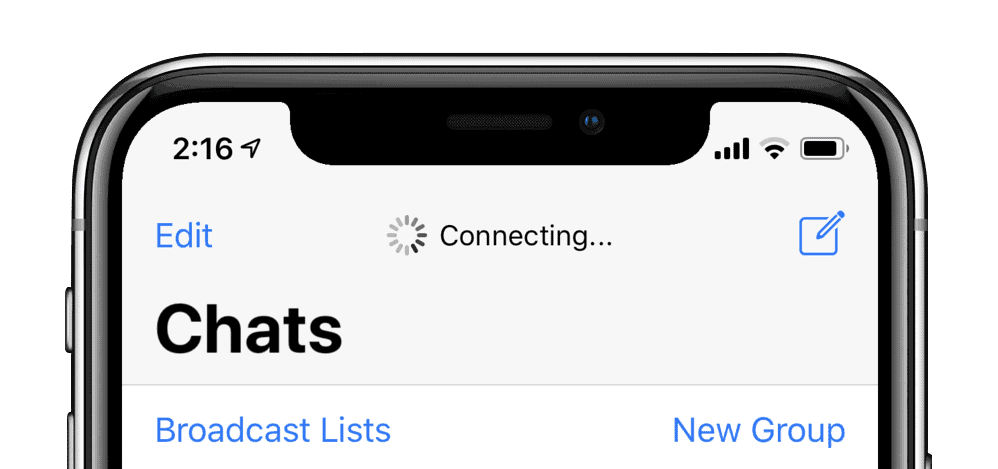
FIX: WhatsApp stuck on “Connecting…” on iPhone
Unable to send/receive messages on WhatsApp? Or unable to download an image a friend shared with you? Well, the chances are you have connectivity…
-
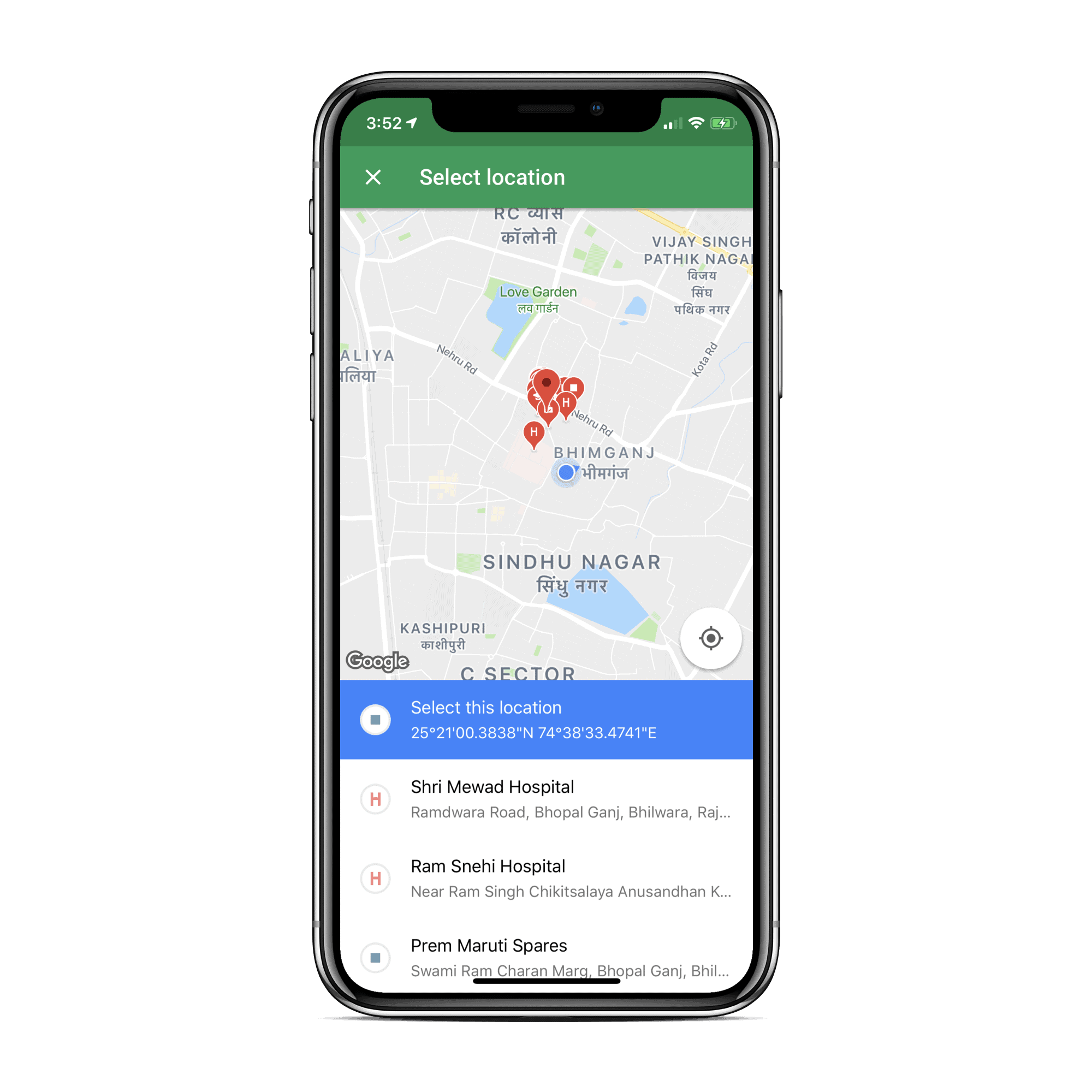
Hangouts version 23 update for iOS brings New Location Picker and Bug fixes
Google has updated the Hangouts app for iOS devices to version 23.0. The new update brings bug fixes, stability improvements and a new Location…
-
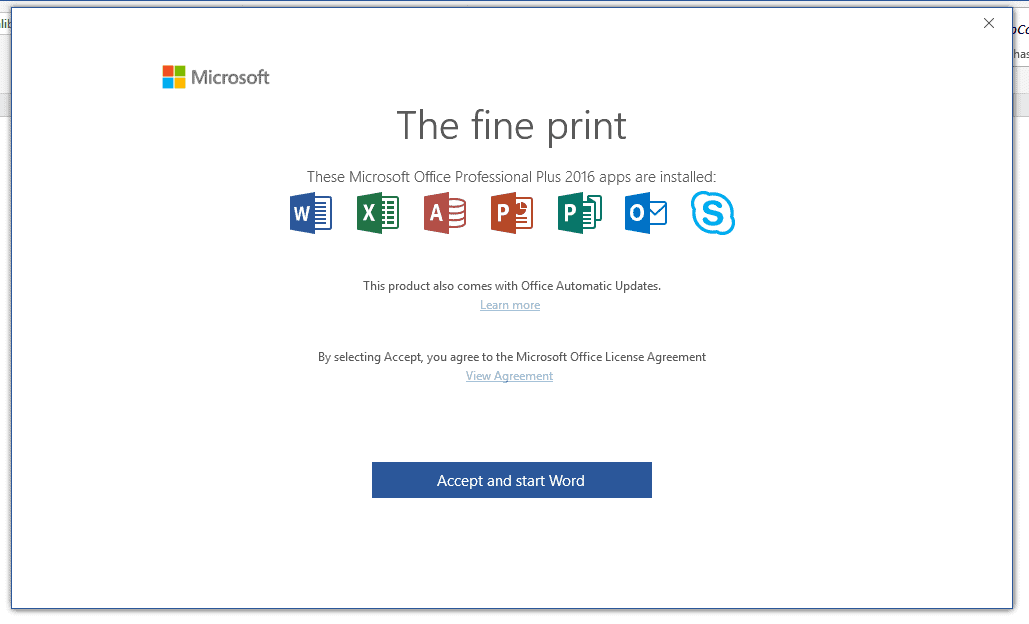
Microsoft Office Apps show “The Fine Print” pop-up message? Here’s what it means
Several Microsoft Office 2016 apps users have been getting the “The Fine Print” pop-up message lately. Some of you even wondered if it’s legitimate…
-
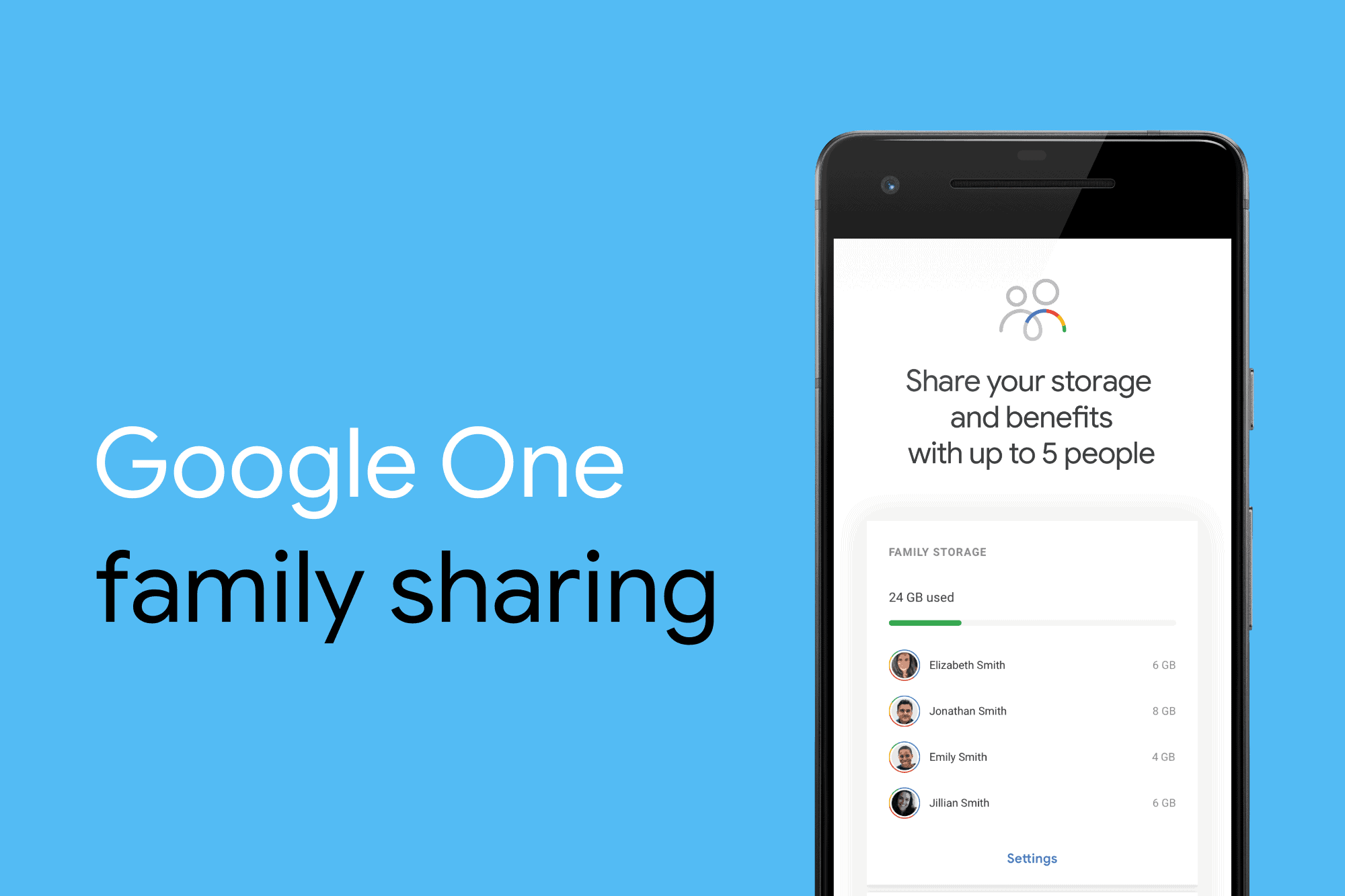
How to Share Google One Storage with Family
Google One is the new home for your Google cloud storage management. It’s one dashboard to see how much storage you’re using from Google…
-

How to get Google One 2 TB $9.99 plan or 200 GB $2.99 plan
Google has finally launched the much-awaited Google One pricing for Google Drive cloud storage plans. Starting today in the US, you can now upgrade…