
Category
Apps
Productivity tools, Microsoft Office, communication apps, and browsers.
-
How To Update Microsoft Edge Browser
It’s easy to update the Microsoft Edge browser manually, whether you’re on Windows or macOS.
-

How To Disable Copilot In Microsoft Edge
Easily disable Microsoft’s AI assistant Copilot in the Edge browser on desktop and mobile if it’s not your cup of tea.
-
How to Save All Tabs in Chrome
Save all your open Chrome tabs so you can find them later easily.
-

How to Turn On DRM in Chrome
With DRM in Chrome enabled, you can play protected content without issues.
-

How To Use CroxyProxy YouTube
With CroxyProxy YouTube, you can access videos on the platform when it is inaccessible in your location.
-

How to Change Reddit Profile Picture
Learn how to easily change your Reddit avatar or add a profile picture on the mobile app and desktop site.
-
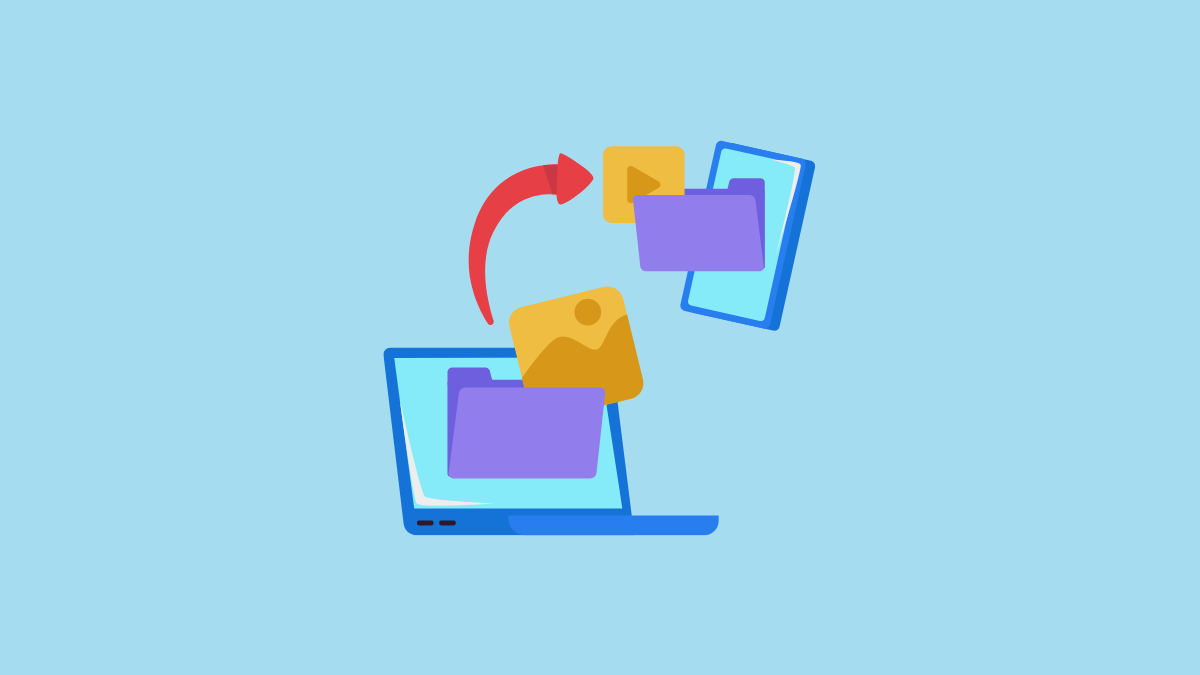
How to Move Google Photos From One Account to Another
4 methods to transfer Google Photos between accounts.
-

How To Remove Grammarly From Chrome
Remove the Grammarly browser extension from Chrome in a few simple steps.
-

How To Delete All Photos From Google Photos
Learn how to easily delete photos from your Google Photos library if you’re short on storage space.
-

How to Stop & Unsync Google Photos Backup
Learn how to stop your photos from automatically syncing and backing up to Google Photos on mobile app and desktop.