
Category
Apps
Productivity tools, Microsoft Office, communication apps, and browsers.
-
How to Download All Your Photos from Google Photos
Use Google Takeout to easily download all your photos from Google Photos to your PC or Mac.
-

How to Pin and Unpin Chats on Instagram
Instagram now allows you to pin chats to organize your inbox better.
-
How to Share Photos on Google Drive
Easily share photos with others using Google Drive, whether you are on desktop or mobile.
-

How to Edit DMs on Instagram
You can now edit DMs you’ve sent on Instagram within 15 minutes of sending them.
-

How To Change Microsoft Word to Light Mode (Turn Off Dark Mode)
Learn how to easily switch Microsoft Word between light and dark modes on desktop and Android.
-
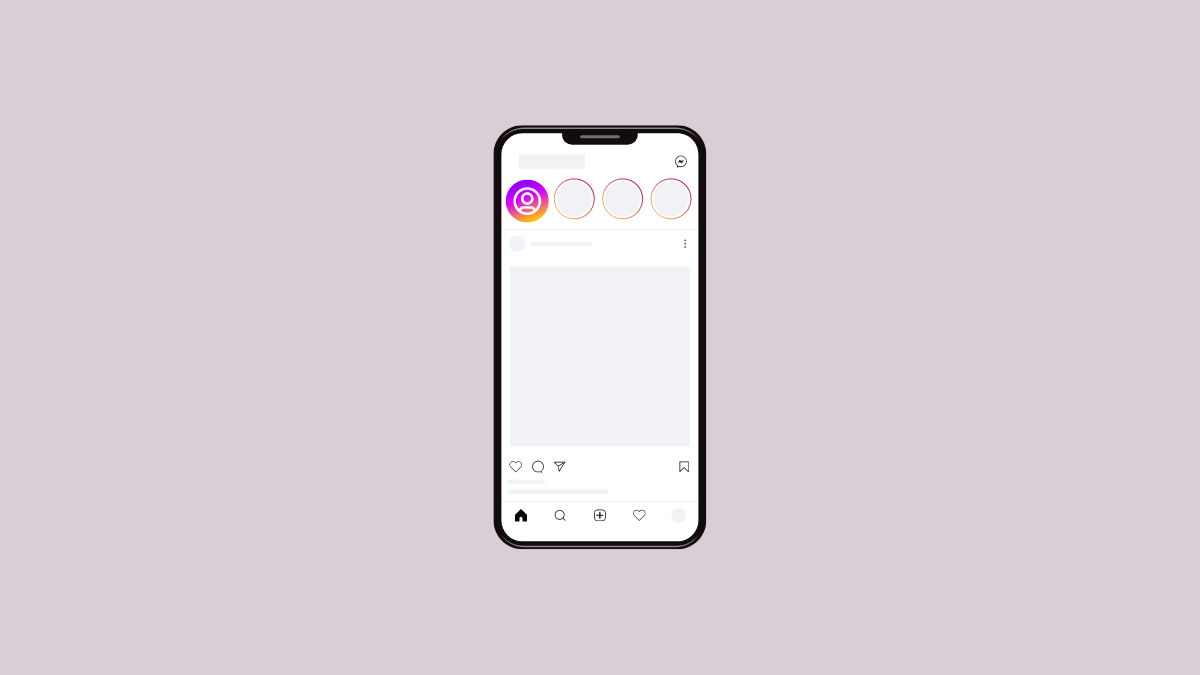
How to See Notes on Instagram
Don’t know where you can find the notes your friend keeps telling you they shared? Learn where to find them.
-
How to Download Everything from Google Drive
3 different methods to download all your files and data from Google Drive.
-
How to Clear Roblox Cache on a Windows 11 PC
Whether you use the desktop app or the web app, clear the cache for Roblox on your Windows 11 PC using these methods.
-
How to Fix YouTube Video Lagging on Android
11 straightforward methods to fix lagging YouTube videos on your Android device.
-
How to Create a Shortcut in Google Drive
Create shortcuts in Google Drive for easier file organization.