
Category
Apps
Productivity tools, Microsoft Office, communication apps, and browsers.
-

How to Use Magic Grab in Canva to Edit Any Image with the Power of AI
Canva’s Magic Grab harnesses the power of AI to make photo editing a breeze like never before.
-

How to Use Microsoft Lists
The ultimate guide to get started with Microsoft Lists.
-

What’s New in Health App on iOS 17 and watchOS 10
Enjoy features like mood tracking and screen distance after updating your iPhone and Apple Watch.
-
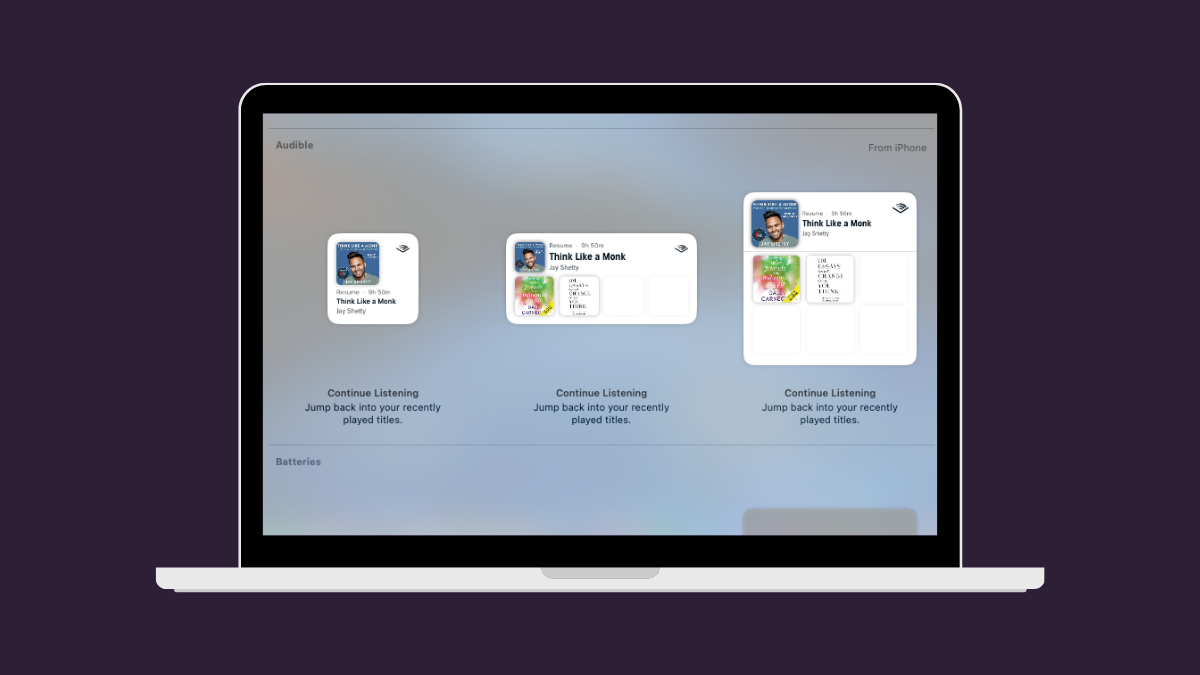
How to Use iPhone Widgets on Mac
Why should your iPhone have all the fun? Bring the widgets from your favorite iPhone apps to your Mac screens!
-
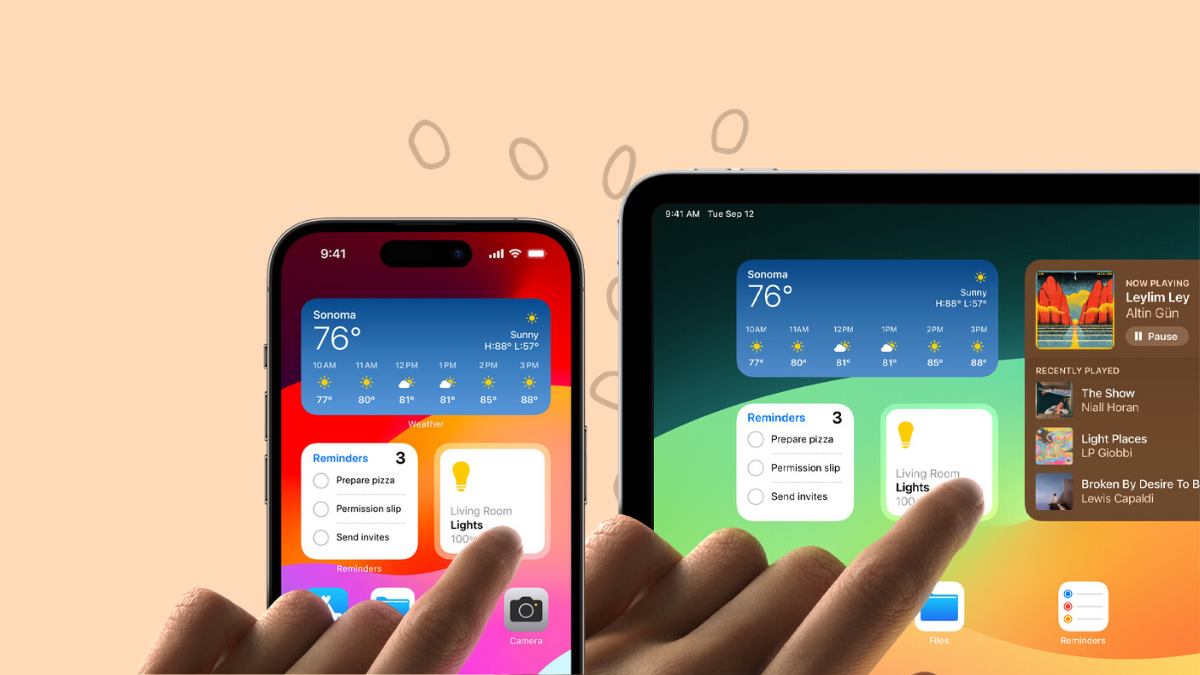
What’s New in Widgets on iOS 17 for your iPhone, iPad
Make the most out of your widgets by staying on top of all the updates in iOS 17!
-
How to Disable Voice Conversations in ChatGPT
Not a fan of the new Voice Conversations feature in ChatGPT? Here’s how to disable it in a jiffy.
-
How to Talk to ChatGPT Using the New ‘Voice Conversations’ Feature
ChatGPT now talks! With its new ‘Voice Conversations’ capability, you can engage in hands-free, human-like dialogue on iOS and Android apps. This innovation is…
-
How to Create Subliminal Messages with AI
Explore the allure of the unseen, or barely seen, with subliminal AI images.
-

How to Completely Remove Copilot from Windows 11
Remove Copilot from your Windows 11 computer using one of these two methods, depending on your Windows edition.
-

How to Enable and Use Microsoft Copilot in Windows 11
Use Windows 11’s new Copilot AI assistant to find answers, complete tasks, navigate Windows, and be more productive.