
Category
iPhone
iOS updates, iPhone tips, iMessage tricks, and the apps that matter.
-
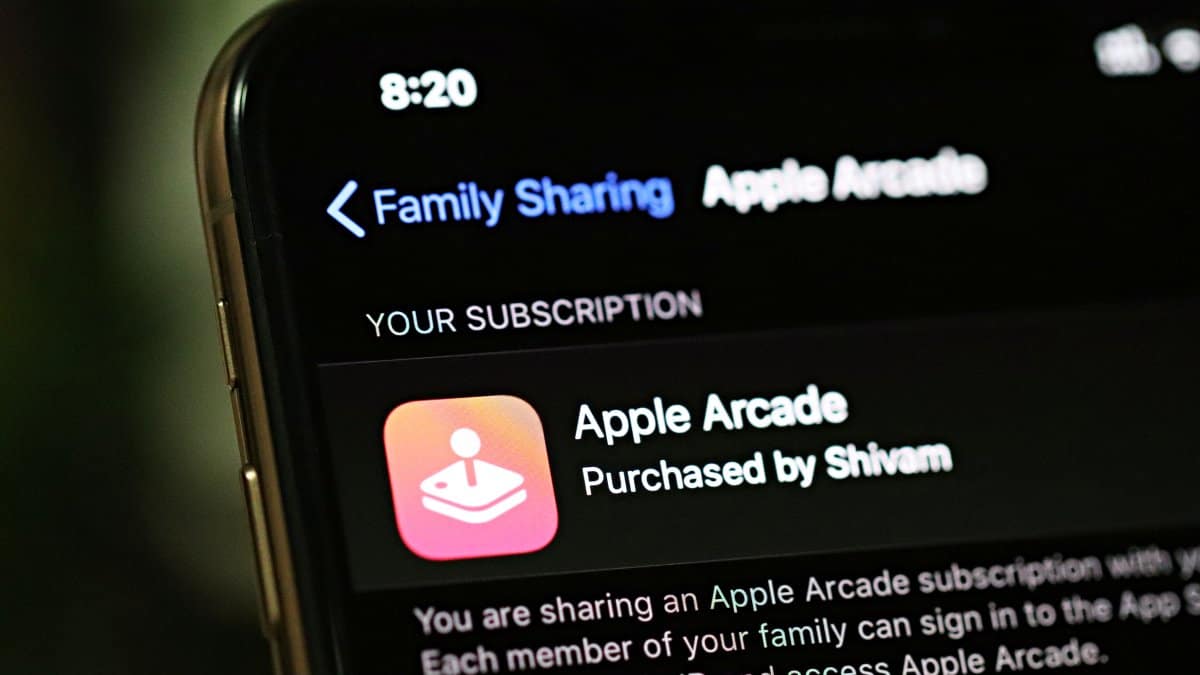
How Apple Arcade Family Sharing Works
Apple Arcade is finally here with the iOS 13 update for iPhone. And as a launch offer, Apple is giving away a 1-month trial…
-

How to Access and Download Apple Arcade Games on iPhone
With the official roll out of iOS 13 for the public, Apple Arcade is now available to all devices running the latest iOS update.…
-

WordPress iPhone app gets “Sign in with Apple” and iOS 13 Dark Mode
The WordPress app for iPhone and iPad is now receiving a new update on the App Store adding support for “Sign in with Apple”…
-
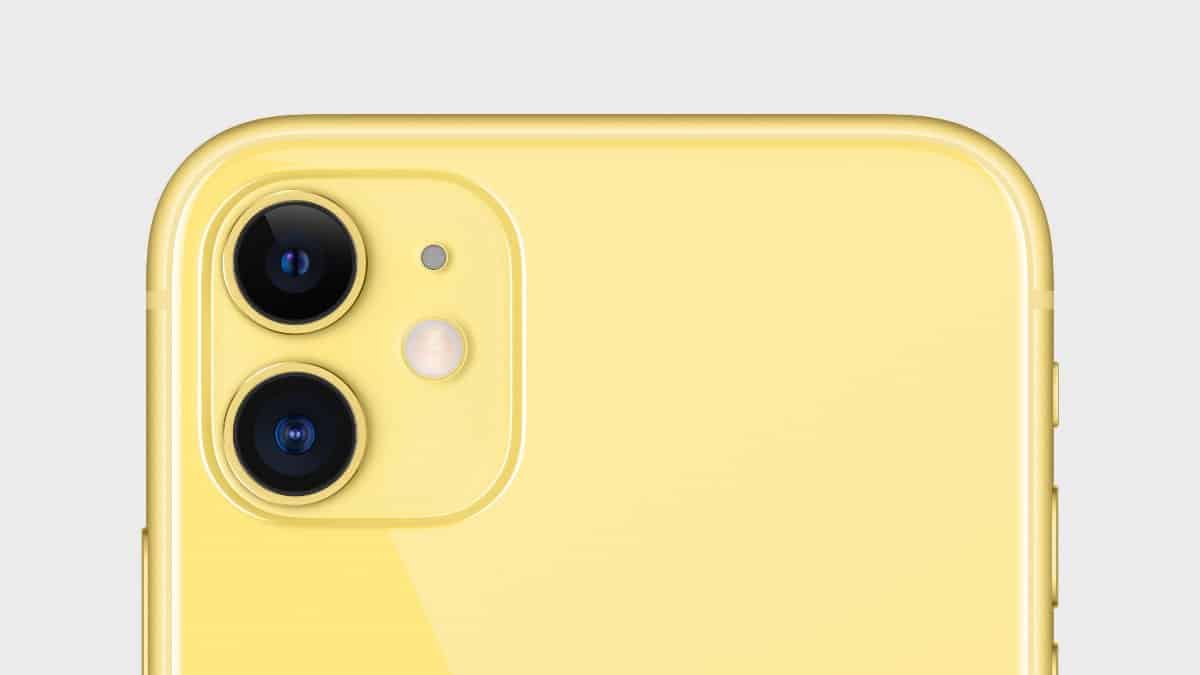
Top 3 iPhone 11 Camera Features iOS 13 could have included
iOS 13 brings many new features to your current iPhone, but Apple has kept the best ones as exclusive to the iPhone 11 and…
-
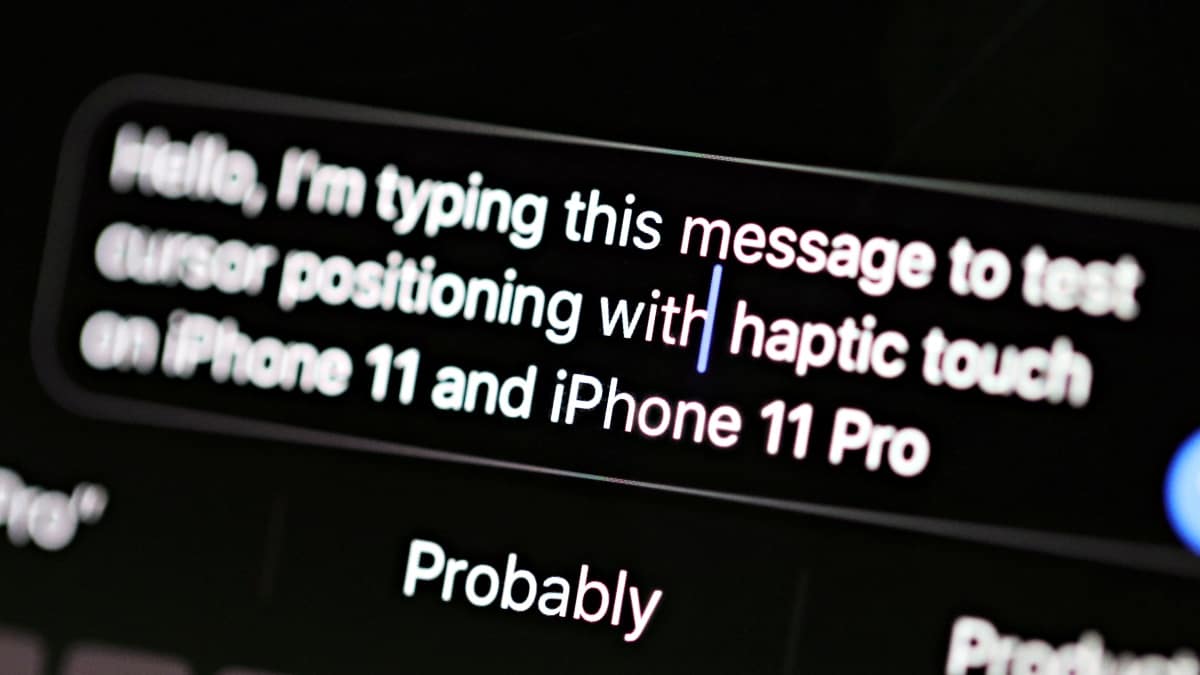
How to Move Cursor from Keyboard using Haptic Touch on iPhone 11 and 11 Pro
To move the cursor on iPhone 11 and 11 Pro, touch and hold space bar on the keyboard and then swipe your finger around…
-

Sayonara Wild Hearts tips to help you play better
Sayonara Wild Hearts is one of the few truly innovative game that you shouldn’t miss. The game has a pace that never rests and…
-
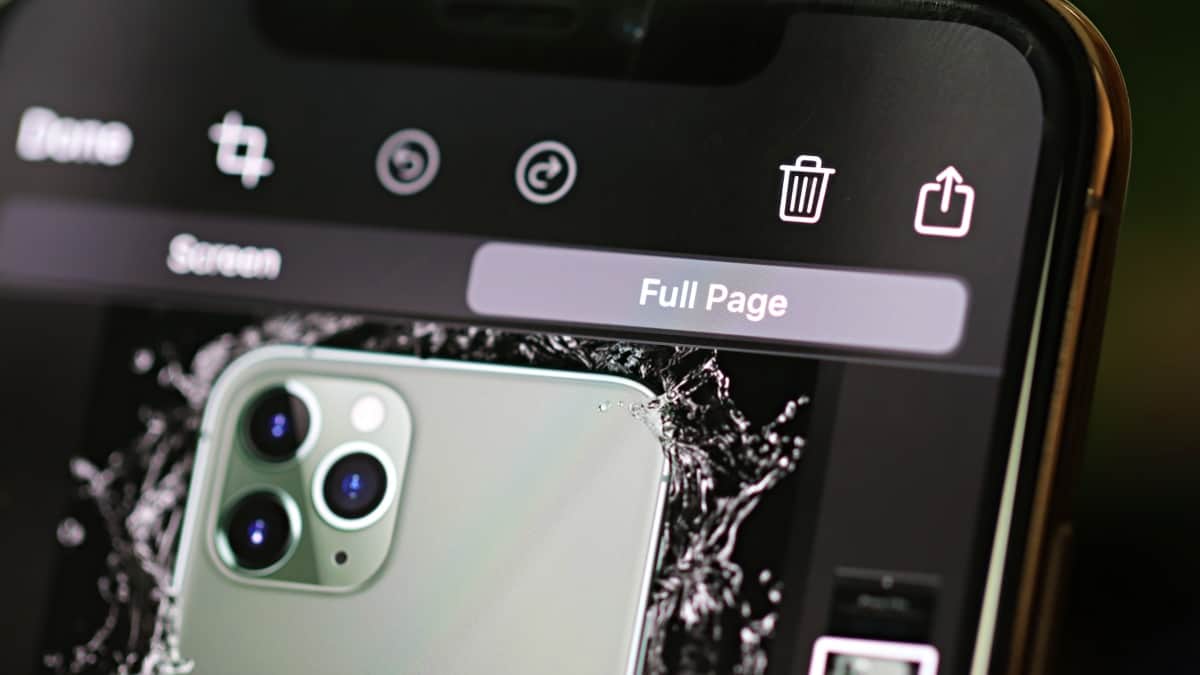
How to take a Full Page Screenshot on iPhone
iOS 13 let’s you take a full page screenshot in compatible apps on your iPhone. You can get the “Full Page” option from the…
-
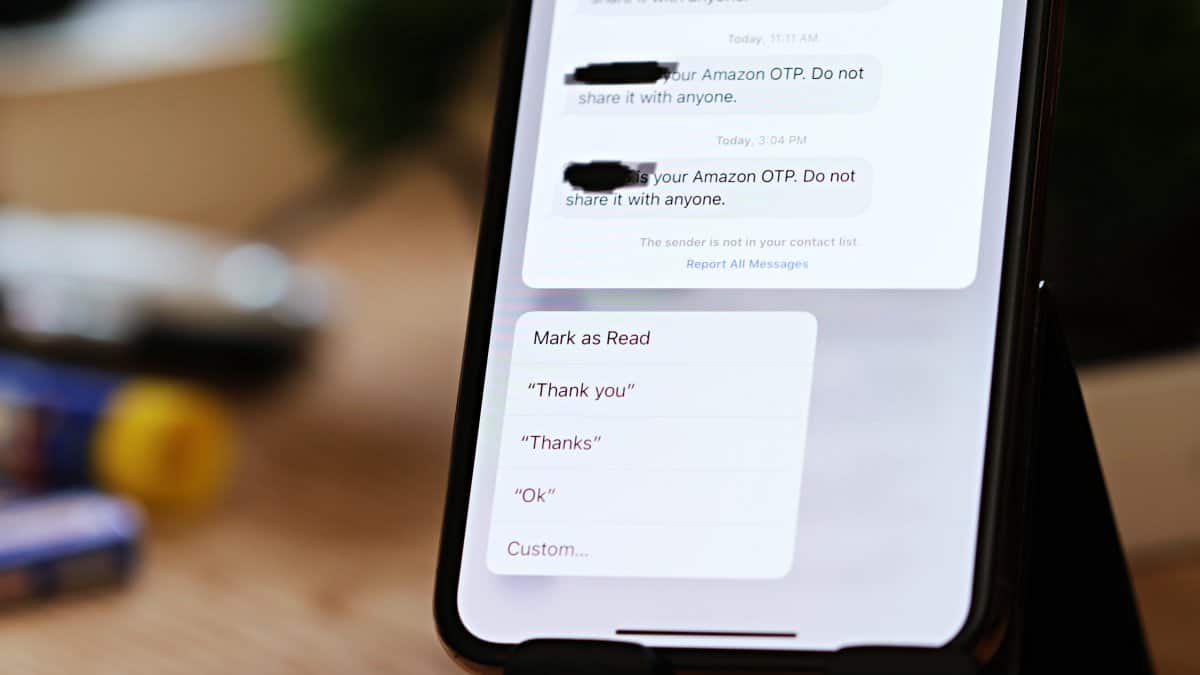
How to Mark All Messages as Read on iPhone after iOS 13 update
iOS 13 changes the location of “Read All” messages button on iPhone. It’s now available from “Manage Messages List” option under menu.
-
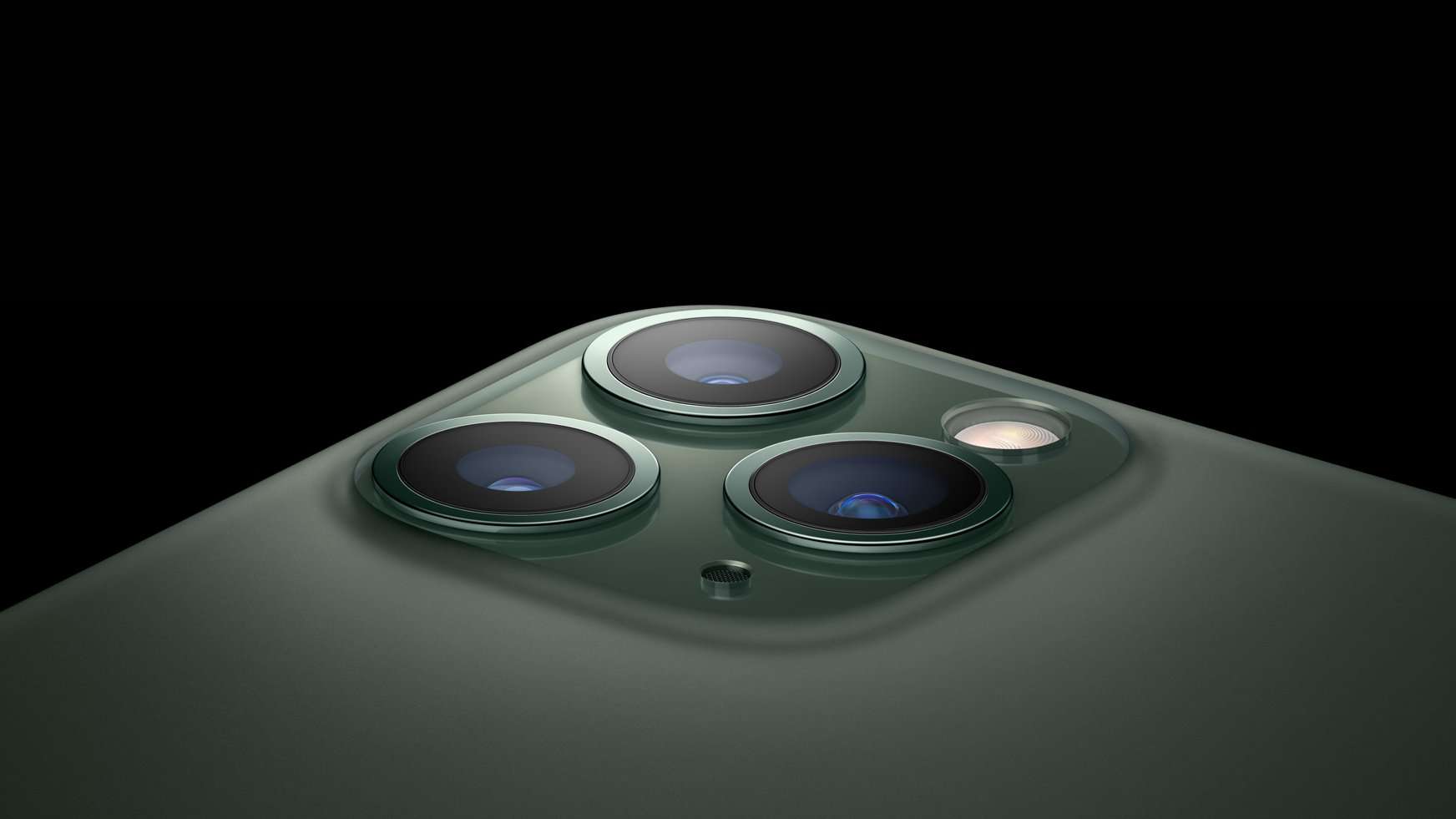
How to take wide-angle photos on iPhone 11 and 11 Pro
One of the biggest selling point of the new iPhone 11 and iPhone 11 Pro is the ability to take ultra wide photos with…
-
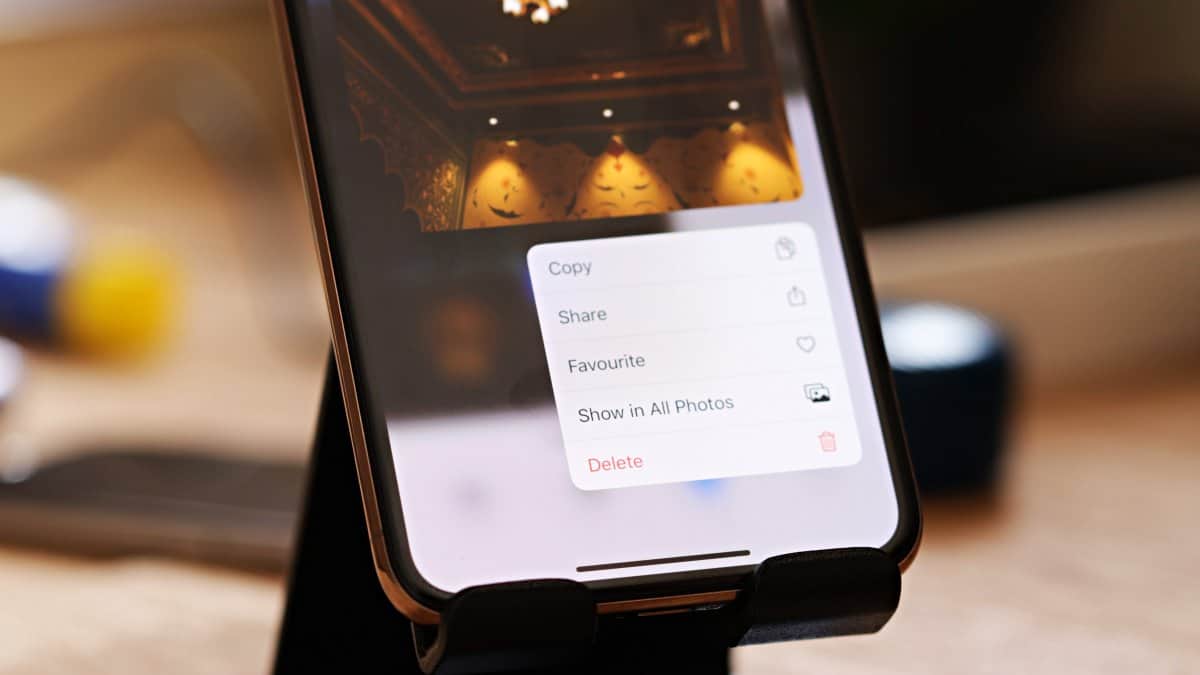
How to Quickly Delete a Photo on iPhone
The Photos app on iPhone has received a lot of improvements and new features in iOS 13. One of our favorite is the quick…