
Category
Windows
Windows 11, Windows 10, troubleshooting, and tips for power users.
-
How to Fix Black Screen After Shut Down on Windows 11
Restore access to your Windows 11 system when a black screen appears after shutdown, update, or restart by following these targeted troubleshooting steps.
-
How to Fix Windows 11 Update or Activation Error 0x800f0805
Resolve Windows 11 error 0x800f0805 with clear solutions for both update failures and product key activation issues.
-
How to Disable Login After Sleep in Windows 11
Learn practical methods to stop Windows 11 from requiring a password or sign-in after your PC wakes from sleep mode.
-
How to Fix Windows 11 Start Search Not Displaying Results
Resolve missing or blank search results in the Windows 11 Start menu with proven troubleshooting and repair steps.
-
How to Fix Windows 11 Unable to Boot to BIOS
Resolve issues preventing access to BIOS or UEFI firmware settings on Windows 11 systems using proven solutions.
-
How to Fix Downloads Folder Loading Slowly on Windows 11
Resolve slow loading times in the Downloads folder on Windows 11 by adjusting folder optimization, clearing cache, and applying targeted troubleshooting steps.
-
How to Fix Dxgi.dll Is Missing or Not Found Error on Windows 11
Restore system stability and application functionality by resolving the dxgi.dll missing or not found error with these proven Windows 11 troubleshooting steps.
-
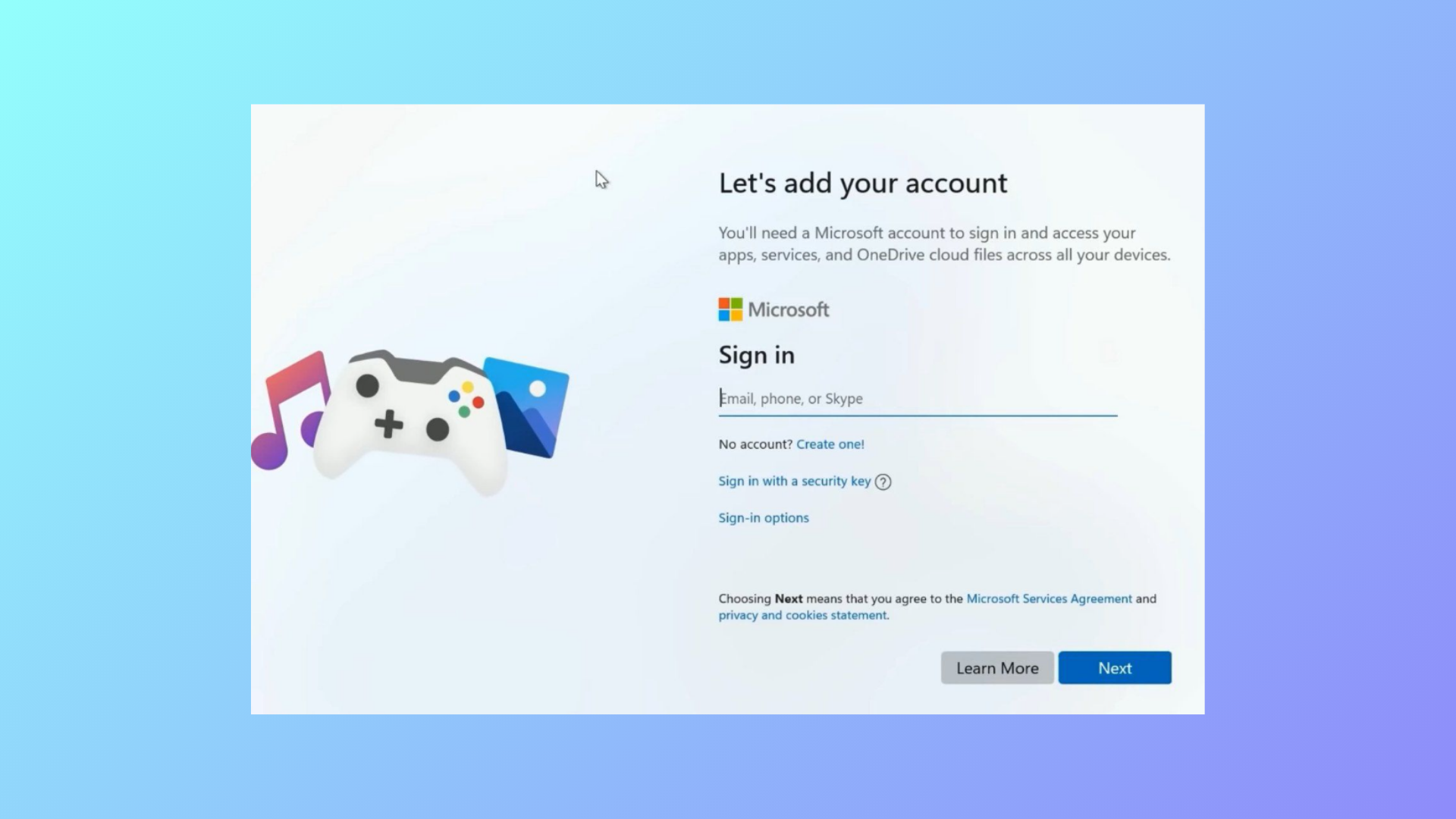
How to Fix Tiny11 Stuck on Let’s Add Your Microsoft Account
Resolve the Tiny11 installation hang at the Microsoft account screen by using proven bypass methods for local account setup.
-
How to Fix Memory Integrity Blue Screen Error on Windows 11
Resolve persistent blue screen crashes and system instability caused by Memory Integrity issues in Windows 11 with proven troubleshooting and repair methods.
-
How to Change the Default Language Shortcut in Windows 11
Switching or customizing keyboard language shortcuts in Windows 11 streamlines multilingual typing and prevents accidental layout changes.