
Category
Windows
Windows 11, Windows 10, troubleshooting, and tips for power users.
-
How to Fix “You’ve Entered an Incorrect PIN Too Many Times” Error in Windows 11
Regain access to your Windows 11 device after reaching the PIN entry limit by following these practical recovery methods.
-
How to Fix DirectDraw Initialization Failed Error on Windows 11
Resolve DirectDraw initialization errors in Windows 11 to restore compatibility for older games and legacy applications.
-
How to Cancel a Print Job on Brother, Epson, HP, and Other Printers
Clear instructions for stopping unwanted print jobs across major printer brands and operating systems.
-
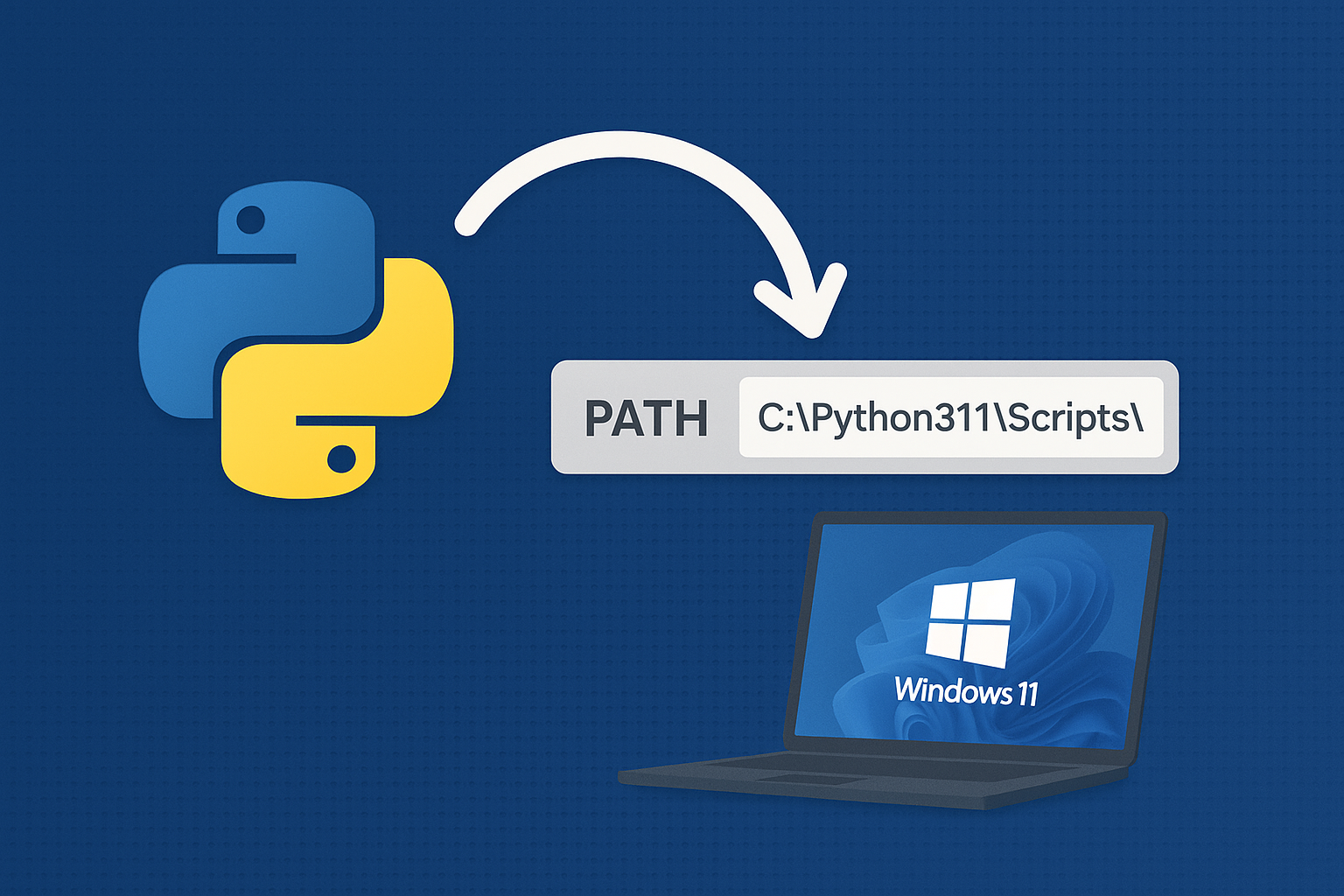
Add Python to PATH on Windows 11
Resolve “python is not recognized” by adding the correct install and Scripts folders to PATH or using the built‑in Python Launcher.
-
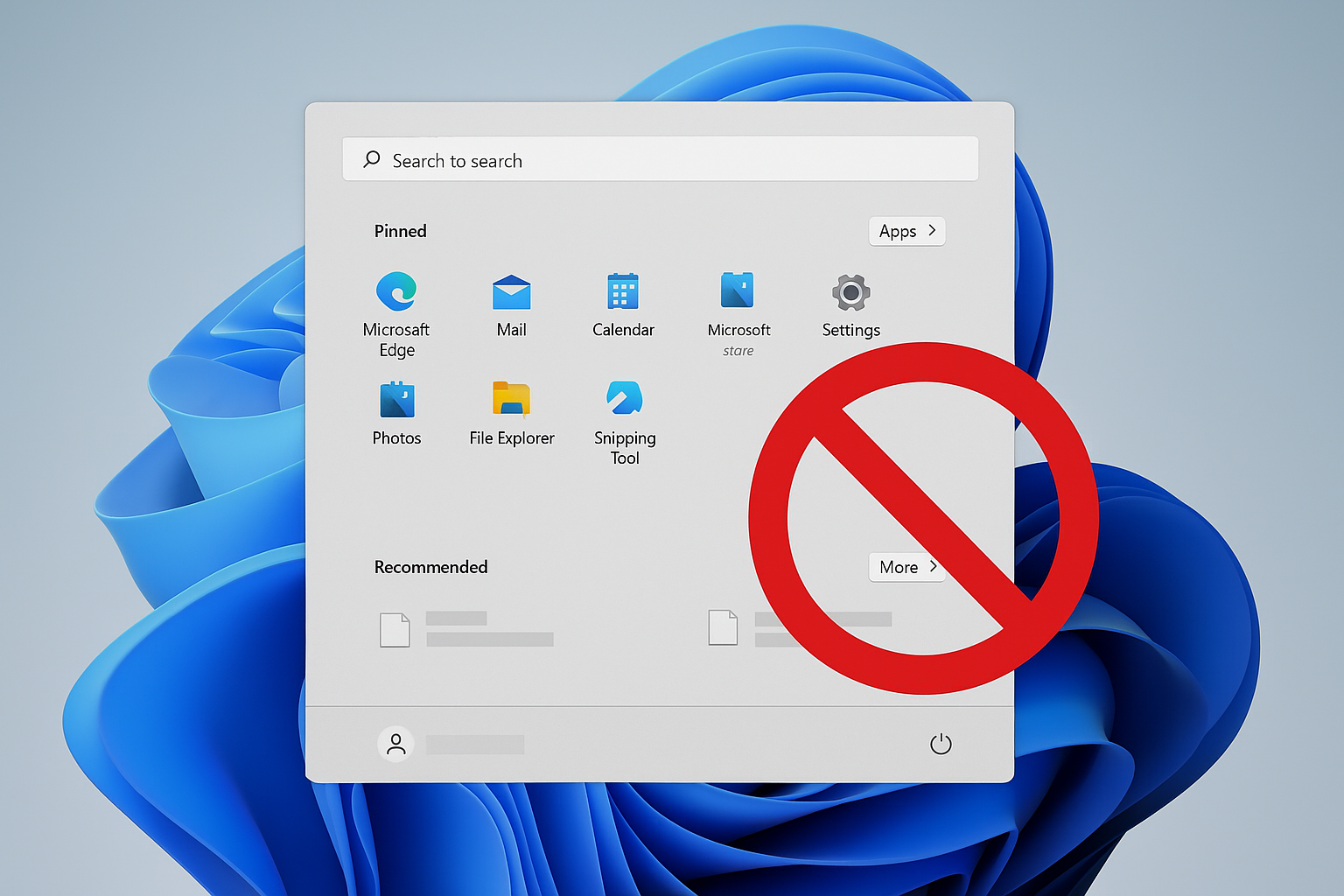
Remove Recommended on Windows 11 Start Menu
Disable or hide the Start menu’s Recommended section using Group Policy, registry, or built‑in settings.
-
How to Fix DST.exe Blocked by Windows Defender on Booting Windows 11
Resolve recurring DST.exe block notifications on HP laptops running Windows 11 by configuring Controlled Folder Access and verifying file safety.
-
How to Fix Windows 11 Black Screen Error After Running Memory Diagnostic
Detailed solutions to resolve a black screen on Windows 11 after using the Windows Memory Diagnostic tool, including hardware checks, system recovery, and advanced…
-
Download and Install Alienware Command Center on Windows 11
Get the correct Alienware Command Center build and device components on Windows 11 using Dell’s model-specific installer or Microsoft Store.
-
How to Make Windows Save Documents Locally Instead of in OneDrive
Switching Windows default save location from OneDrive to your PC ensures your files stay local and avoids cloud sync issues.
-
How to Fix Windows Update Error 0x8007065e
Clear instructions to resolve Windows update error 0x8007065e, including troubleshooting steps for corrupt update files, system file repairs, and manual update methods.