
Category
Windows
Windows 11, Windows 10, troubleshooting, and tips for power users.
-
How to Stop Snipping Tool from Taking Screenshots Automatically
Learn practical methods to prevent the Snipping Tool from launching or saving screenshots automatically on your Windows 11 device.
-
How to Fix Cannot Change Desktop Background on Windows 11
Learn multiple solutions to restore your ability to set desktop wallpapers on Windows 11, including registry fixes, group policy adjustments, and troubleshooting hidden system…
-
How to Fix Dynamic Lighting Not Working on Windows 11
Get your RGB devices and keyboard lighting working again in Windows 11 by adjusting Dynamic Lighting settings, resolving conflicts, and using device-specific software.
-
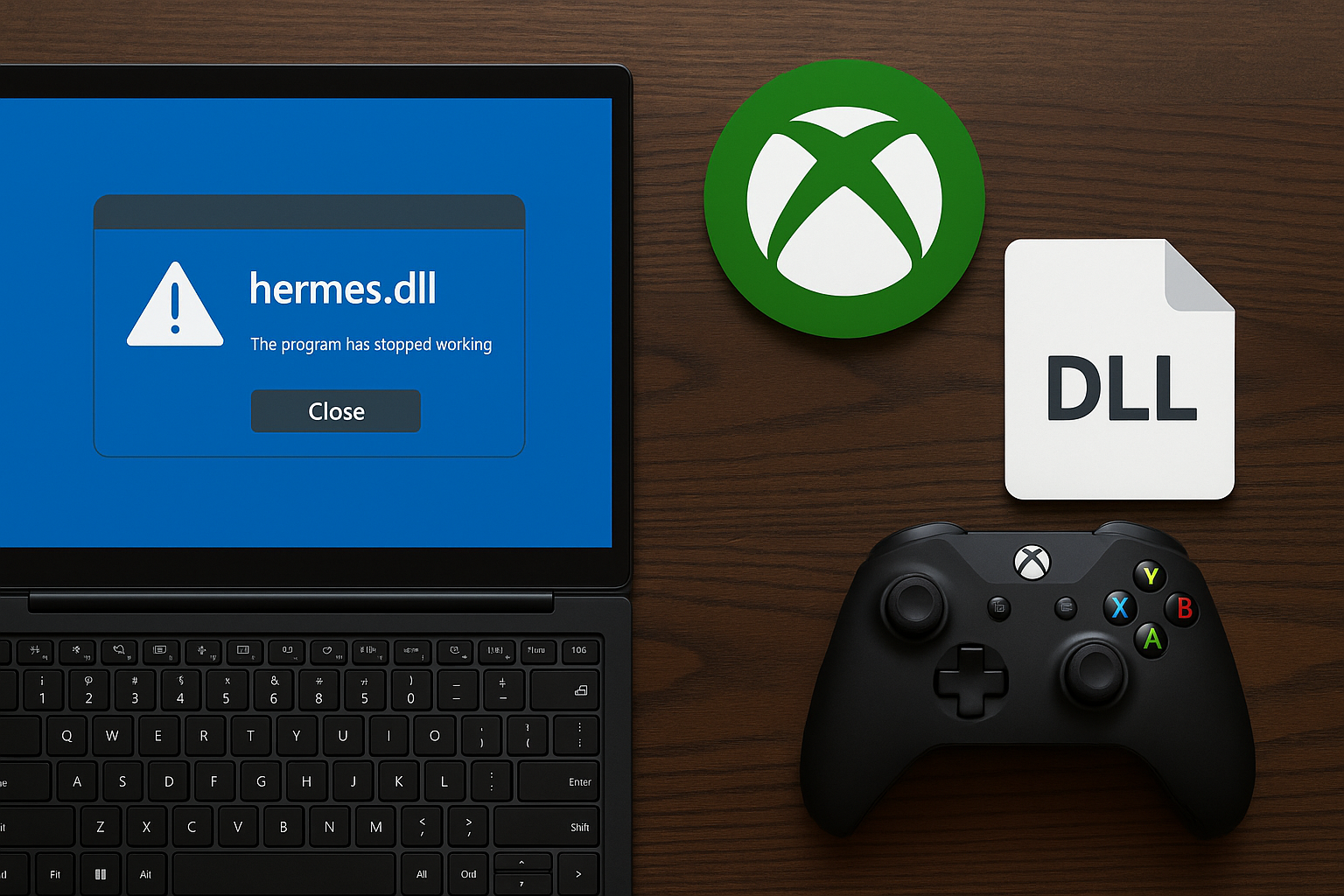
Fix Xbox PC App Crashing Due to hermes.dll
Stop XboxPcApp.exe failures with hermes.dll and 0xc0000005 by stabilizing your system and repairing the Xbox Gaming Services stack.
-

How to Install Docker on Ubuntu
Set up Docker Engine on Ubuntu using Docker’s apt repository, offline .deb packages, or the convenience script, then verify and configure non-root access.
-

Use Bash if…else Statement
Build reliable conditionals in Bash using [[ ]], elif, and logical operators for strings, numbers, and files.
-
How to Fix the “Your Printer Is Not Receiving the Print Command” Error on Windows 11
Clear solutions to resolve printer communication errors and restore printing functionality on Windows 11.
-
How to Repair Microsoft Office in Windows 11
Detailed instructions for fixing Office apps that fail to open, crash, or display errors in Windows 11 using built-in repair tools and advanced troubleshooting.
-
How to Prevent Windows 11 from Moving or Resizing Windows After Waking from Sleep
Stop Windows 11 from automatically rearranging or resizing your open windows after your computer wakes from sleep by applying targeted fixes to display settings,…
-

How to Remove Text Formatting in Notepad on Windows 11
Clear all formatting from text in Notepad for a plain text experience using built-in options or settings in Windows 11.