
Category
Windows
Windows 11, Windows 10, troubleshooting, and tips for power users.
-
Fix Error 0x80244018 on Windows 11
Resolve Windows 11 update failures caused by error 0x80244018 by adjusting proxy settings, repairing system files, and optimizing update services.
-
Fix Automatic Startup Repair Not Working on Windows 11
Resolve persistent boot issues in Windows 11 when Automatic Startup Repair fails, using command-line tools and recovery options to restore system functionality.
-
Fix Video Driver Crashing and Resetting on Windows 11
Resolve video driver crashes and resets in Windows 11 with effective solutions to restore stable graphics performance.
-
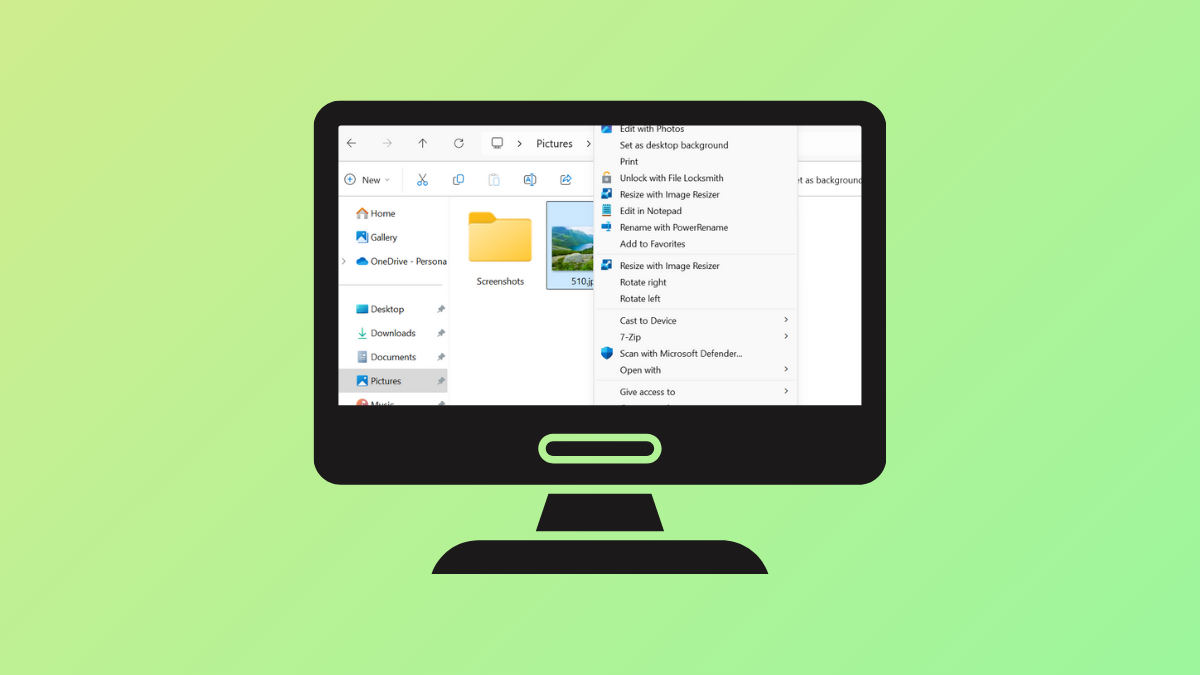
Remove Rotate Options for Images in Windows 11 Context Menu
Streamline the Windows 11 right-click menu by removing Rotate Left and Rotate Right options for image files using Registry Editor or a registry script.
-

Rebuild Search Index on Windows 11
Refreshing the Windows 11 search index resolves missing or outdated search results and restores accurate, fast file and app searches.
-
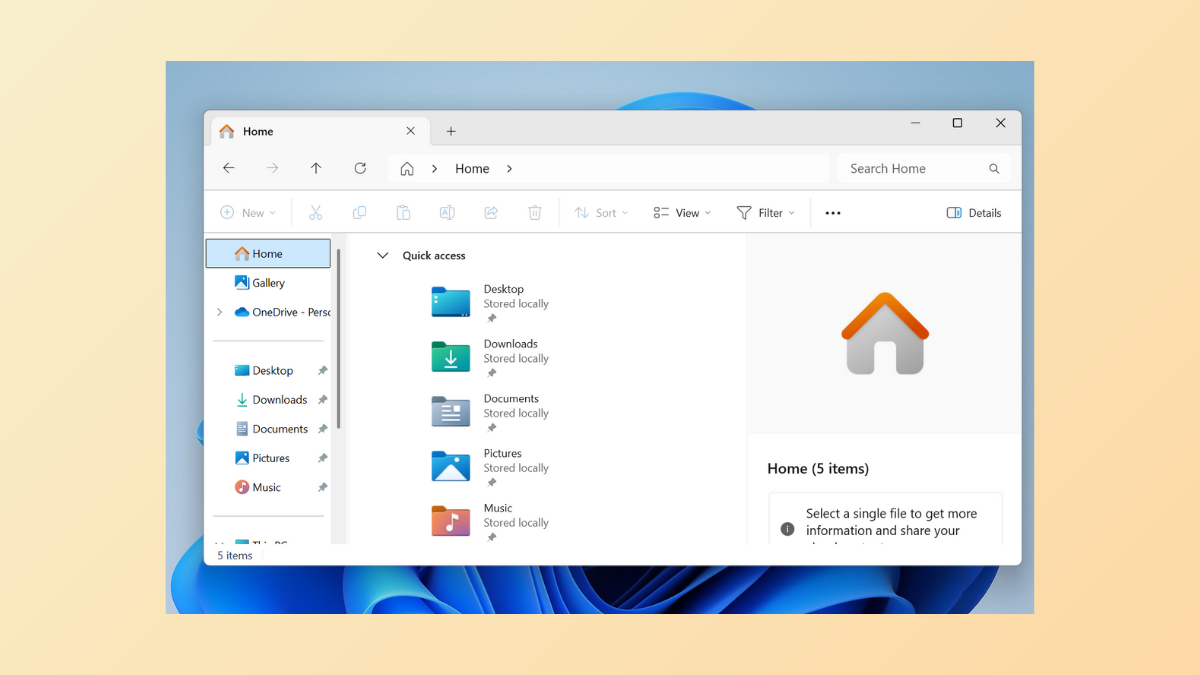
Remove Drop Shadows for Icon Labels and Shadow Effect from Windows Explorer in Windows 11
Clear up desktop icon text and window borders by disabling drop shadows and shadow effects in Windows 11 for improved readability and a cleaner…
-

Fix Discord Voice Connection Errors on Windows 11
Resolve Discord voice connection issues like “No Route,” “RTC Connecting,” and audio dropouts in Windows 11 with effective troubleshooting for reliable voice chat.
-

Check If Someone Is Remotely Accessing Your Windows 11 PC
Learn various methods to detect, confirm, and stop unauthorized remote access on your Windows 11 computer, with practical instructions and security tips.
-
Fix Error 0x80071AC3 on Windows 11
Resolve the “Volume is Dirty” message and restore file access by addressing disk errors, driver issues, and system settings in Windows 11.
-
Suspend or Resume BitLocker Encryption on Windows 11
Learn various methods to temporarily pause or restart BitLocker encryption for system, fixed, or removable drives in Windows 11, using Control Panel, File Explorer,…