
Category
Windows 11
-
Fix Error 0x8004de2f on Windows 11
Resolve OneDrive, Outlook, Office, and Windows activation issues caused by error code 0x8004de2f with clear troubleshooting for connectivity and credential problems.
-
Fix Gdrv2.sys and Gdrv2.sys Driver Errors on Windows 11
Resolve GIGABYTE driver loading issues in Windows 11 by removing incompatible utilities, updating drivers, or adjusting security settings.
-
Fix Windows 11 Freezing After Waking Up From Sleep
Resolve system freezes after sleep in Windows 11 with proven troubleshooting steps and targeted solutions.
-

Change Primary and Secondary Monitor on Windows 11
Switch your main display and arrange multiple monitors in Windows 11 to match your workspace layout and workflow needs.
-

Fix Epic Games Error LS-0013 on Windows 11
Resolve LS-0013 launch failures in Epic Games Launcher on Windows 11 with clear solutions for Fortnite and other titles.
-
Fix Location Services Greyed Out on Windows 11
Restore access to location settings in Windows 11 by adjusting group policies, registry entries, and checking for restrictive software.
-
Get Admin Access on Standard Account in Windows 11
Unlock administrative privileges on a standard user account in Windows 11 to manage system settings, install software, and troubleshoot restrictions.
-
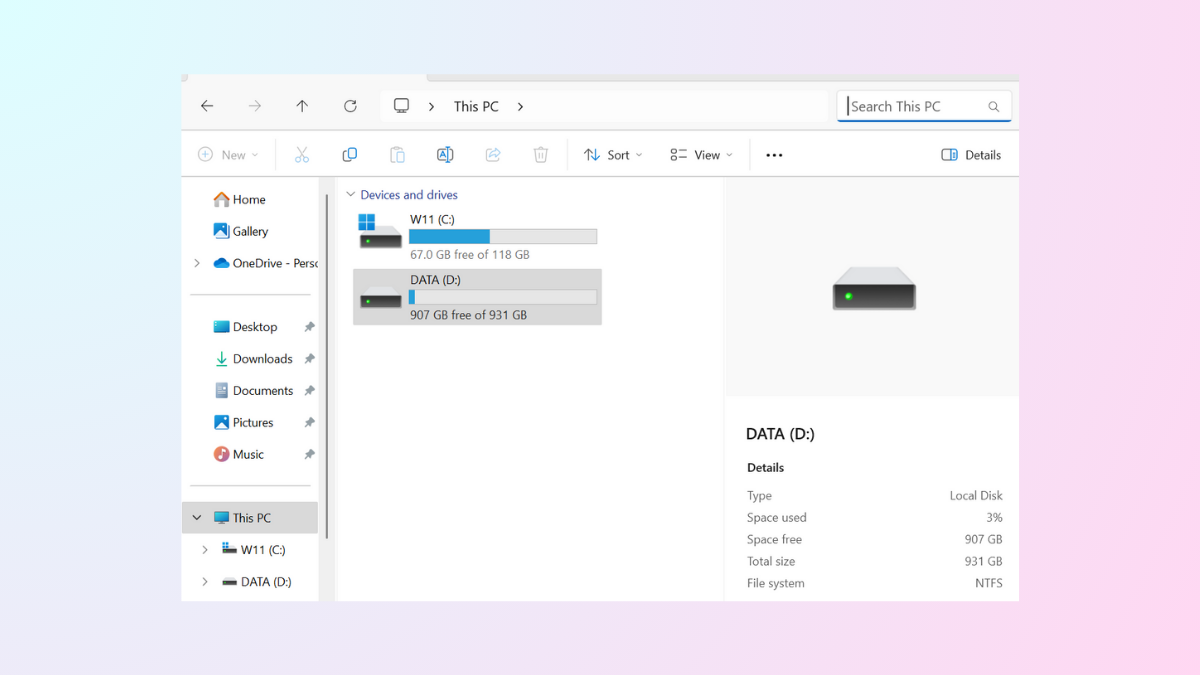
Fix File Explorer Search Not Working on Windows 11
Resolve missing or incomplete search results in Windows 11 File Explorer with effective solutions, from rebuilding the search index to adjusting system settings.
-
Change and Set the Default Media Player in Windows 11
Switching your default media player in Windows 11 ensures your preferred app opens audio and video files automatically, saving time and streamlining playback.
-
Fix Error 0x800CCC1A in Outlook on Windows 11
Resolve Outlook error 0x800CCC1A on Windows 11 by correcting encryption settings, adjusting firewall or antivirus configurations, and repairing your Outlook profile for reliable email…