
Category
Windows 11
-

Fix Ethernet Connection Not Working on Windows 11
Resolve wired network issues on Windows 11 with clear troubleshooting, driver updates, and proven solutions for persistent Ethernet connection failures.
-

Display Time in Notification Center on Windows 11
Enable or disable the clock with seconds in the Notification Center on Windows 11 using built-in settings, registry tweaks, or third-party tools.
-

Fix Error 0xc0290122 on Windows 11
Resolve the virtualization-based security enablement policy check failure and restore system stability on Windows 11.
-

Extract Audio Using PowerToys in Windows 11
PowerToys now lets you quickly extract audio from video files on Windows 11 using the Advanced Paste feature, streamlining content creation and file conversion…
-
Fix Chrome Not Opening After System Restore on Windows 11
Resolve Chrome launch issues after a Windows 11 system restore with clear repair, reset, and reinstall methods.
-

Fix Unable to Remove Old Devices from Phone Link
Resolve issues with removing outdated or inactive devices from Windows 11’s Phone Link app using detailed troubleshooting steps and alternative solutions.
-
Enable New Advanced Settings on Windows 11
Microsoft introduces a redesigned Advanced Settings page in Windows 11, streamlining system customization for developers and advanced users with new features and improved access.
-
Install Microsoft Edit on Windows 11
Get Microsoft’s new open-source command-line text editor running on your Windows 11 system with detailed instructions.
-
Reset Windows 11 Without Losing Your Files
Learn the most effective methods to restore Windows 11 to a working state while keeping your personal files safe and minimizing downtime.
-
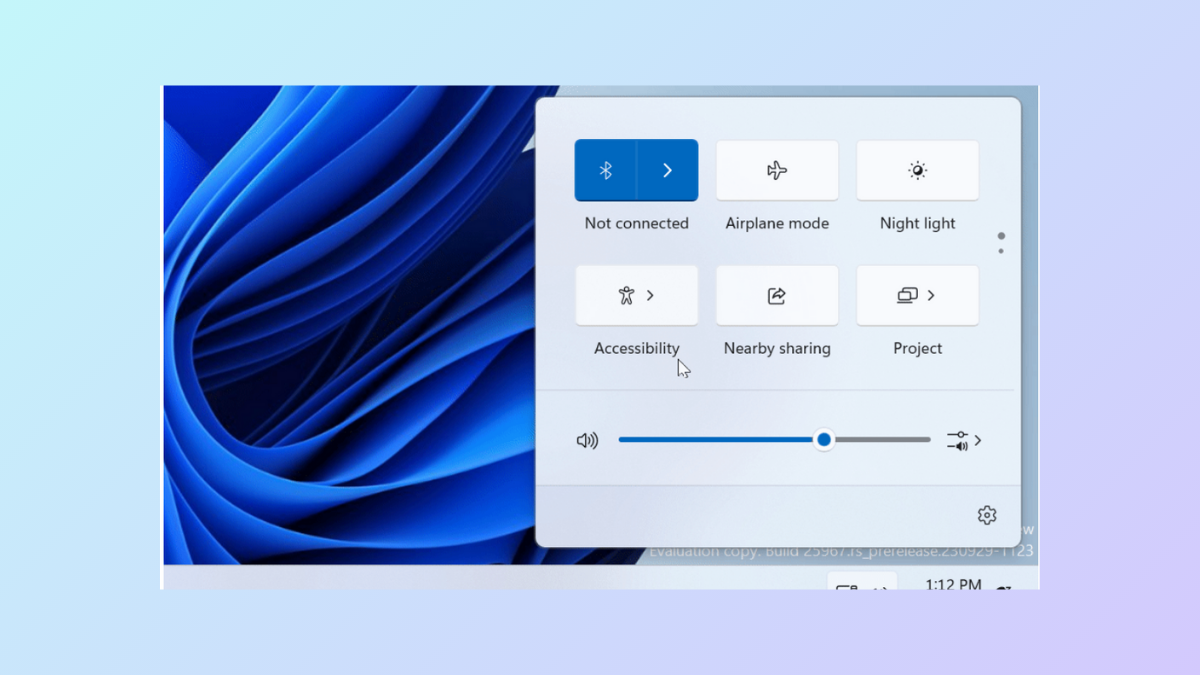
Customize the Quick Settings Panel in Windows 11 24H2
Drag and drop to reorder quick settings tiles in Windows 11, but note that adding or removing tiles is now restricted.