
Category
Windows 11
-
Fix File Explorer Lag When Browsing Large Folders on Windows 11
Resolve persistent delays and freezing in Windows 11 File Explorer when navigating directories with many files by applying targeted solutions that address indexing, background…
-

Use Storage Spaces to Protect Your Data on Windows 11
Combine multiple drives into a resilient storage pool with Storage Spaces in Windows 11 to reduce risk of data loss and streamline disk management.
-
Fix Missing Update Files Error on Windows 11
Resolve the “Some update files are missing or have problems” error in Windows 11 with detailed, clear repair solutions.
-

Stop OneDrive from Syncing a Folder on Windows 11
Learn the most effective ways to prevent OneDrive from syncing specific folders or all folders on your Windows 11 device while keeping your files…
-
Fix Error 0x800F0838 on Windows 11
Solve Windows 11 update error 0x800F0838 by installing required checkpoint updates and using the correct update installation method.
-
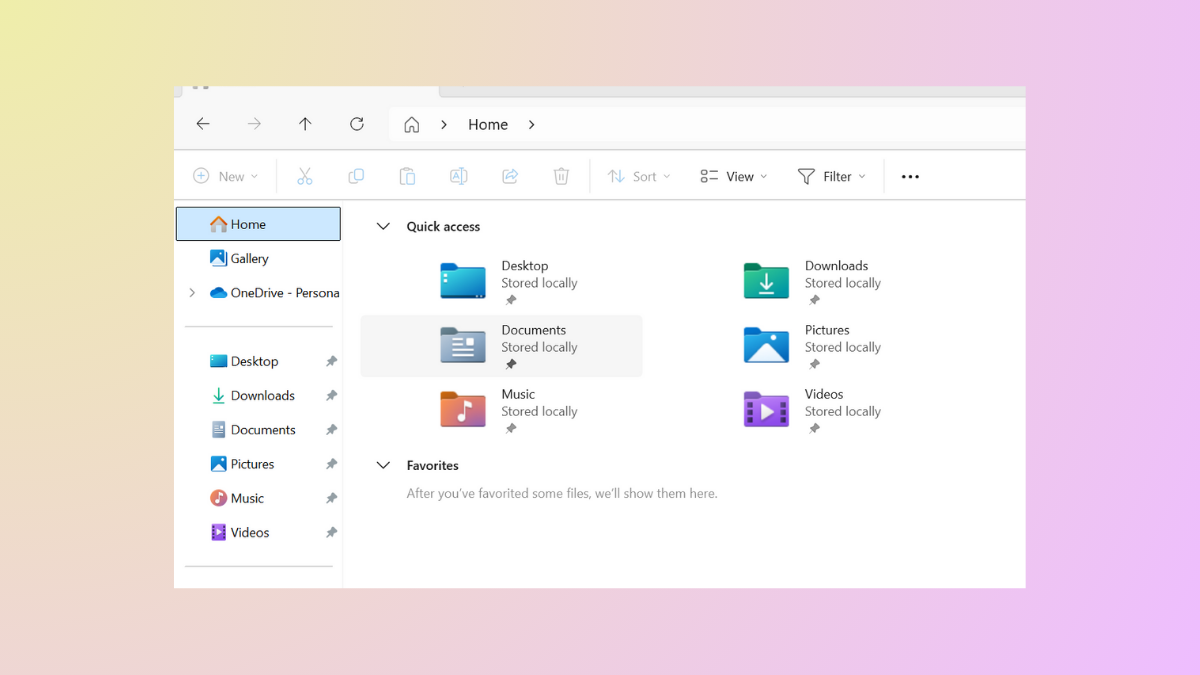
Change Folder Icons in File Explorer in Windows 11 for Better Organization
Customize folder icons in Windows 11 to streamline navigation and make files easier to identify at a glance.
-
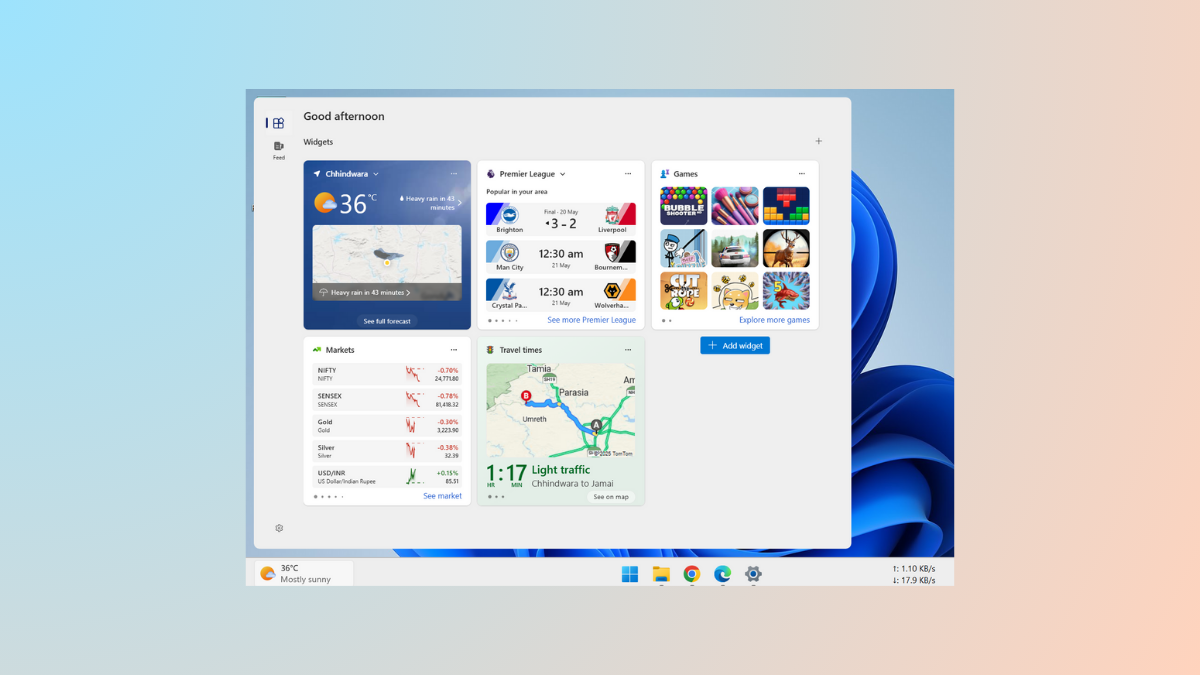
Move or Resize Widgets Panel in Windows 11
Learn how to reposition and resize widgets on the Widgets board in Windows 11, and understand the current limitations for moving the Widgets panel…
-

Restore Missing Bluetooth Toggle in Settings on Windows 11
Resolve the issue of the Bluetooth toggle disappearing from Windows 11 Settings with reliable methods, restoring device connectivity and streamlining wireless use.
-

Speed Up Your Windows 11 PC with These Tweaks
Apply these proven methods to make Windows 11 run faster, reduce lag, and improve overall system responsiveness.
-
Use Microsoft PC Manager to Manage Your System Efficiently
Streamline cleanup, storage, and performance tasks on Windows 10 and 11 with Microsoft’s free PC Manager app.