
Category
Windows 11
-

Fix Intel Smart Sound Technology (SST) Driver Conflicts on Windows 11
Resolve audio issues, blue screens, and compatibility problems caused by Intel Smart Sound Technology drivers on Windows 11 systems.
-
Fix Error 0x80240069 on Windows 11
Resolve Windows Update failures caused by error 0x80240069 when deploying Windows 11 24H2 updates through WSUS in enterprise environments.
-
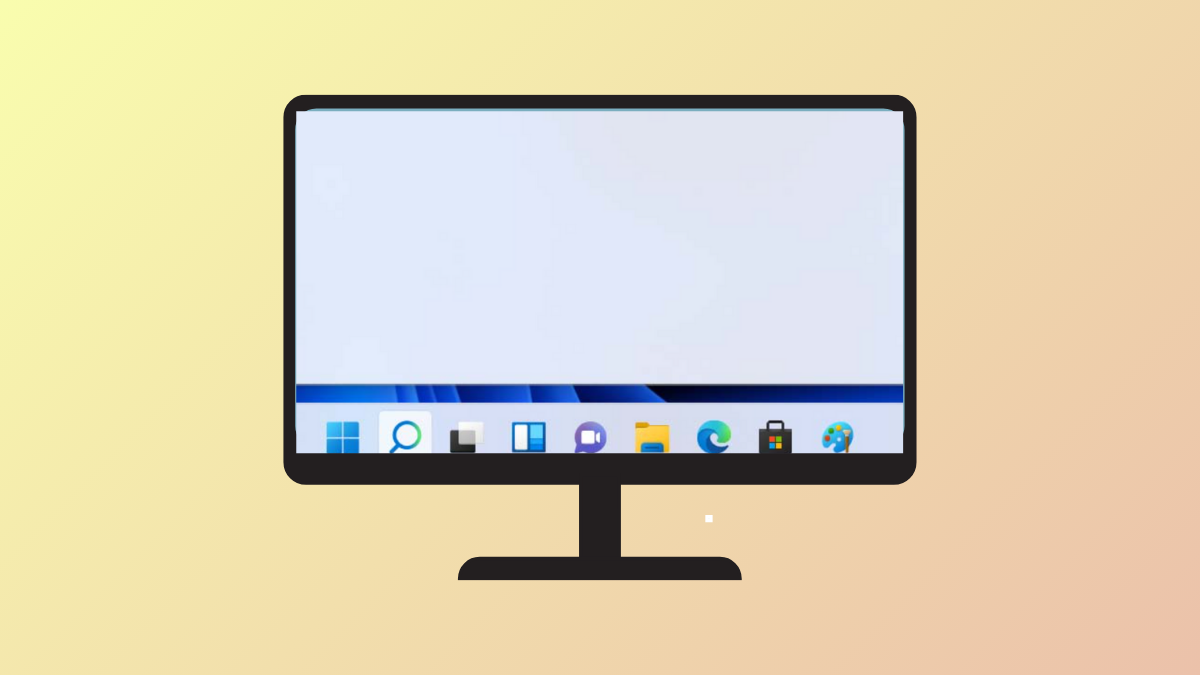
Show App Labels on Windows 11 Taskbar
Display or hide window titles on your Windows 11 taskbar by adjusting taskbar label settings for clearer multitasking.
-
Adjust DNS Settings on Windows 11
Switching DNS servers in Windows 11 can resolve network issues, speed up browsing, and improve privacy—here’s how to configure DNS settings using the most…
-
Prevent Windows 11 From Automatically Locking Your PC
Stop your Windows 11 computer from locking after inactivity by adjusting sign-in, power, and registry settings.
-
Fix C Drive Filling Up Automatically on Windows 11 24H2
Stop unexpected disk space loss on your C drive after Windows 11 24H2 updates by following targeted cleanup and troubleshooting steps.
-
Windows 11’s New AI Agent Lets You Change PC Settings With a Simple Prompt
Microsoft’s on-device AI agent debuts in Windows 11 Settings, streamlining troubleshooting and configuration for Copilot+ PCs.
-
Disable PIN Login When Windows Won’t Let You Use Password
Resolve issues with Windows 11 forcing PIN login by removing the PIN requirement and restoring password or passwordless access.
-

Fix Microsoft Account Not Syncing in Windows 11
Resolve Microsoft account sync issues in Windows 11 with detailed solutions for settings, passwords, and device preferences.
-
Use Winhance to Optimize Windows 11
Streamline Windows 11 by removing bloatware, customizing system settings, and boosting performance using the free, open-source Winhance utility.