
Category
Windows 11
-
Fix Ethernet Not Working or Unidentified Network on Windows 11
Resolve persistent Ethernet connectivity issues and unidentified network errors on Windows 11 with these troubleshooting and proven solutions.
-
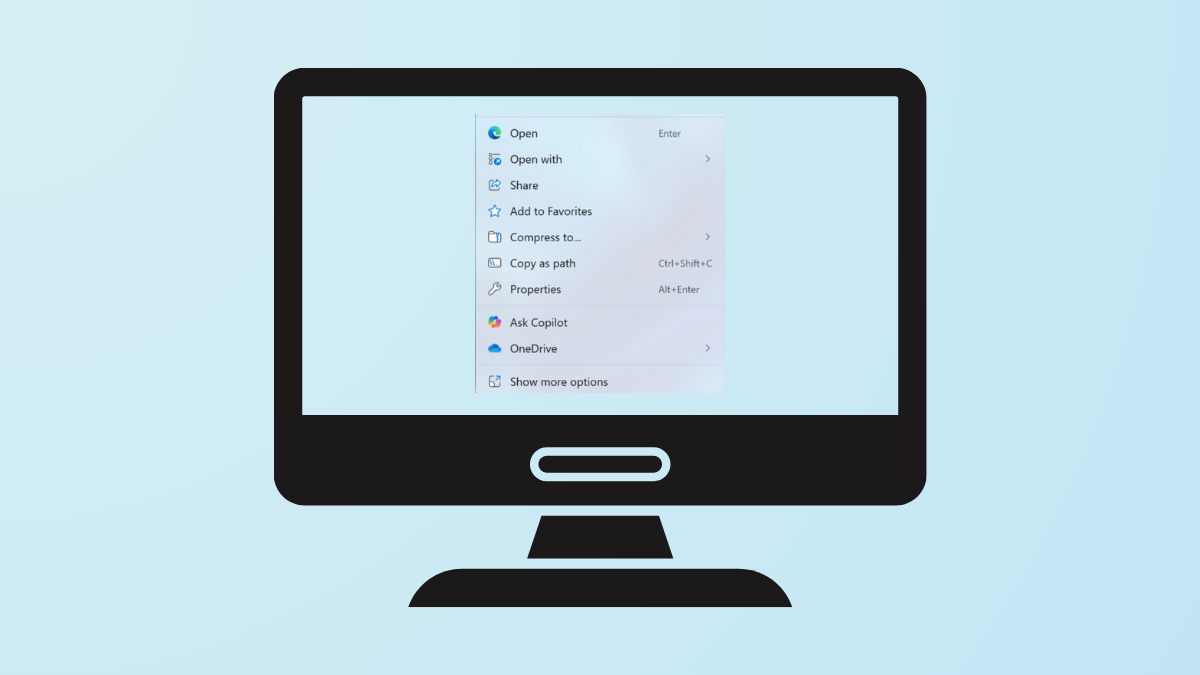
Remove ‘Ask Copilot’ From Windows 11 Context Menu
Learn how to eliminate the ‘Ask Copilot’ option from your Windows 11 right-click menu using reliable Registry and uninstall methods.
-
Fix Bluetooth Not Connecting or Missing in Windows 11
Effective solutions to resolve Bluetooth connection failures and missing Bluetooth options on Windows 11 devices.
-
Reset a Forgotten Windows 11 Password
Regain access to your Windows 11 computer by following these instructions for resetting a lost password, whether you use a Microsoft account or a…
-
Fix “You Need to Sign In Again” Loop on Windows 11
Stop repeated sign-in prompts on Windows 11 by removing outdated work or school accounts and resetting device associations.
-
Fix Microsoft Store Crashing on Windows 11 24H2
Resolve persistent Microsoft Store crashes and loading failures after the Windows 11 24H2 update by applying targeted troubleshooting steps and system fixes.
-
Fix Wi-Fi Not Connecting Automatically in Windows 11
Resolve persistent Wi-Fi auto-connect issues in Windows 11 with proven methods, from adjusting network settings to updating drivers and modifying system configurations.
-
Fix Error 0x80243004 in Windows 11
Resolve Windows Update error 0x80243004 in Windows 11 by following targeted troubleshooting steps that restore update functionality and prevent further installation failures.
-

Change the Default View in File Explorer on Windows 11
Apply your preferred folder layout across all folders in Windows 11 to simplify navigation and file management.
-

Fix Webcam Not Working in Windows 11 Apps
Resolve webcam issues in Windows 11 apps with targeted troubleshooting steps for drivers, permissions, connections, and privacy settings.