
Category
Windows 11
-
Resolve ODBC Settings Not Getting Saved in Windows 11 Pro
Learn practical steps to fix issues with ODBC Data Source settings not being retained after changes in Windows 11 Pro.
-
Restore Mouse Cursor Disappeared After Windows 11 Updates
Regain control of your system by troubleshooting and fixing a missing mouse cursor following recent Windows 11 updates.
-

Achieve a Cleaner Windows 11 Experience
Streamline your Windows 11 system by removing clutter, disabling unwanted features, and optimizing settings for a more focused and efficient desktop environment.
-
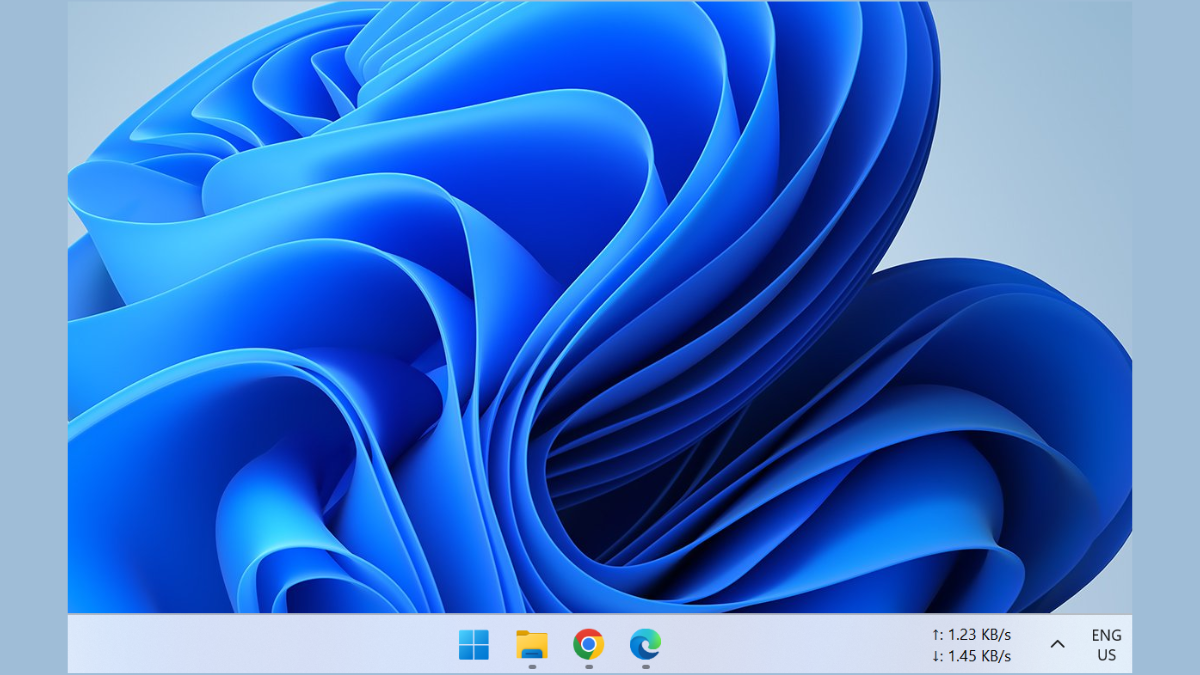
How to Lock the Taskbar Only While on Desktop in Windows
Learn how to keep your taskbar locked on the desktop but auto-hide in full-screen apps and windows
-
Keep Files on Existing Drives When Installing Windows 11
Preserve your personal files and data on other drives while performing a Windows 11 installation or upgrade.
-
Windows Security vs. Microsoft Defender on Windows 11: What Sets Them Apart?
Microsoft’s built-in Windows Security and subscription-based Microsoft Defender may sound similar, but their roles, features, and protections are distinctly different—here’s how to tell which…
-

How to Fix Can’t Un-Minimize Apps Using Taskbar in Windows 11
Resolve the issue preventing minimized apps from reopening via the taskbar in Windows 11.
-

How to Reset Notepad Font in Windows 11
Quickly restore the default font settings in Notepad on Windows 11.
-
How to Use Excel Troubleshooter to Fix Excel Problems on Windows 11
Resolve common Excel issues quickly using Windows 11’s built-in troubleshooting tool.
-
Clear Clipboard Data on Windows 11
Remove sensitive or unwanted clipboard data on Windows 11 using built-in tools, shortcuts, or command-line methods to protect privacy and free up resources.