
Category
Windows 11
-
Disable Location Tracking on Windows 11 Devices
Prevent Windows 11 and installed apps from collecting and sharing your device’s location data by adjusting system settings, managing app permissions, and clearing stored…
-
Adjust Settings to Instantly Clear Storage on Windows 11
Effective system tweaks to free up disk space and maintain smooth performance on Windows 11.
-
Stop Windows 11 From Installing Drivers Automatically
Control driver installations on Windows 11 by disabling automatic driver updates through Settings, Group Policy, or Registry Editor.
-

Enable TPM 2.0 and Secure Boot for Windows 11 Compatibility
Detailed instructions to activate TPM 2.0 and Secure Boot in BIOS for a successful Windows 11 installation
-
What is Windows 11’s Upcoming Semantic Search, and How Do You Use It
Discover how Windows 11’s new AI-powered semantic search works, its requirements, availability, and how to use it effectively.
-
Fix Error 0x18B (SECURE_KERNEL_ERROR) in Windows 11
Resolve the SECURE_KERNEL_ERROR 0x18B Blue Screen of Death caused by recent Windows 11 updates through automatic and manual methods.
-
Extract Text Using Snipping Tool in Windows 11
Streamline copying text from images or screen regions with Windows 11’s built-in Snipping Tool text extraction feature.
-
Right-Click Without a Mouse on Windows 11
Multiple keyboard and touchpad methods to perform right-click actions without using a mouse on Windows 11.
-

Disable Touchscreen on Windows 11
Easy and effective methods to turn off touchscreen functionality on Windows 11 devices
-
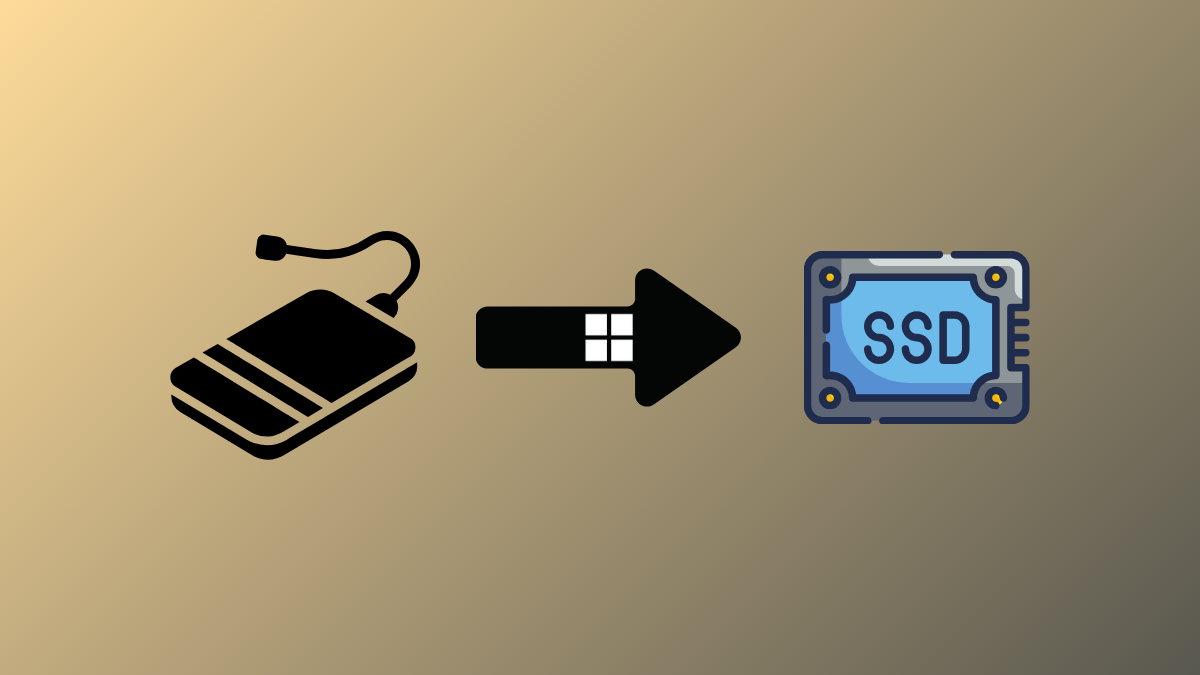
Transfer Windows 11 to a New SSD for Faster Boot and Improved Performance
Detailed instructions to move your Windows 11 installation to a new SSD without losing data or reinstalling the OS.