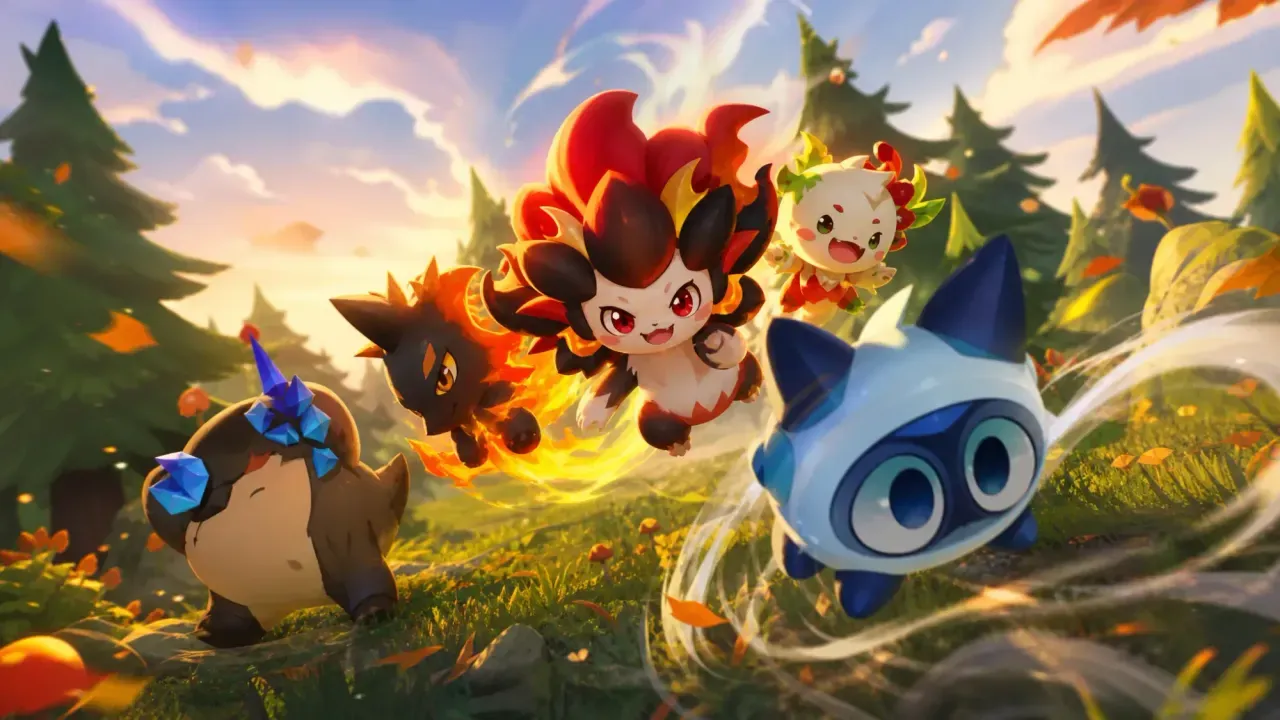
Clash of Critters rewards players with Pinballs, Candy, and Tatari capsules through promo codes that Farlight Games releases from time to time. These freebies help you level up your critters and expand your roster without grinding through every battle.
Working Clash of Critters codes
Redeem the codes below before they expire to claim Pinballs, Candy, and Tatari capsules.
weeklygift— 50 Pinballs and 5 Tatari capsuleswelcomegift— 100 Pinballs, 5 Tatari capsules, and 1 rare Tatari capsulegoonbug— 4,000 Candy, 1 lunchbox, and a Goonbughellotatari— 4,000 Candy, 3 Tatari capsules, and 1,000 Pinballs
Codes in Clash of Critters are case-sensitive and typically written in all lowercase. Type or paste each one exactly as shown to avoid a failed redemption.
How to redeem codes in Clash of Critters
The redemption menu sits behind the social settings rather than the main screen, so follow these steps in order.
A successful redemption delivers the Pinballs, Candy, or Tatari capsules straight to your inventory, and the game will show a confirmation message on screen. If nothing appears, double-check the spelling and capitalization before trying again.
Where new codes get announced
Farlight Games doesn’t post new codes on a fixed schedule. The official Clash of Critters Facebook page is one place codes tend to surface, usually tied to updates or community milestones. The Clash of Critters Discord server is another option, where the developer shares announcements alongside community giveaways and events.
Bookmarking this page is the fastest way to keep track, since the working list above gets refreshed as codes go live or expire.