Windows 11 now has a recovery tool that can rebuild a broken PC without a USB stick or a custom image. It’s called Cloud rebuild, and it arrived with Insider Experimental build 26300.8772 for version 26H2, released on July 6, 2026. The tool downloads a fresh Windows image and your device’s drivers straight from Windows Update, then performs a full reinstall so the machine comes back working.
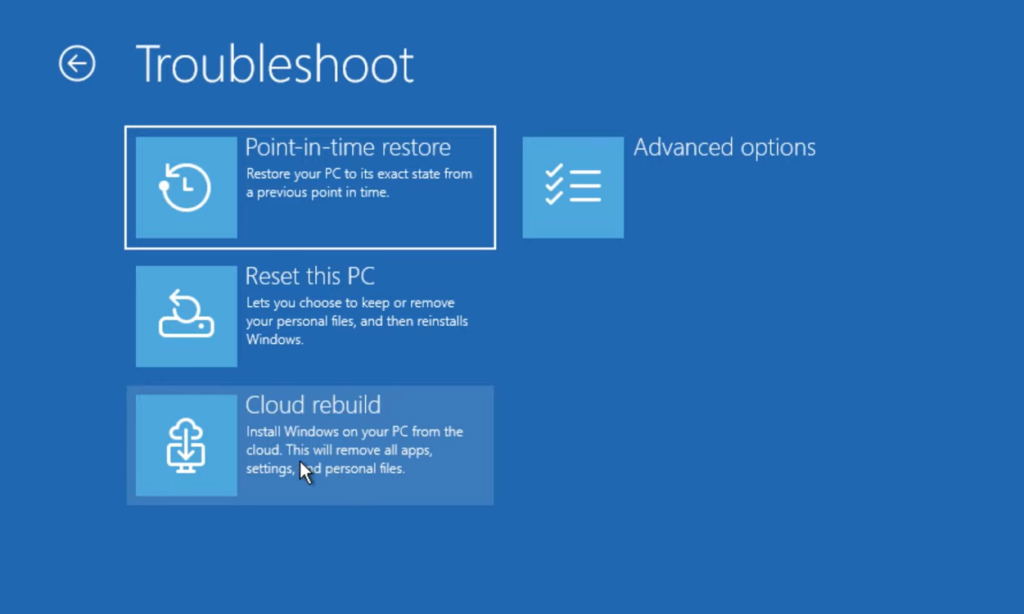
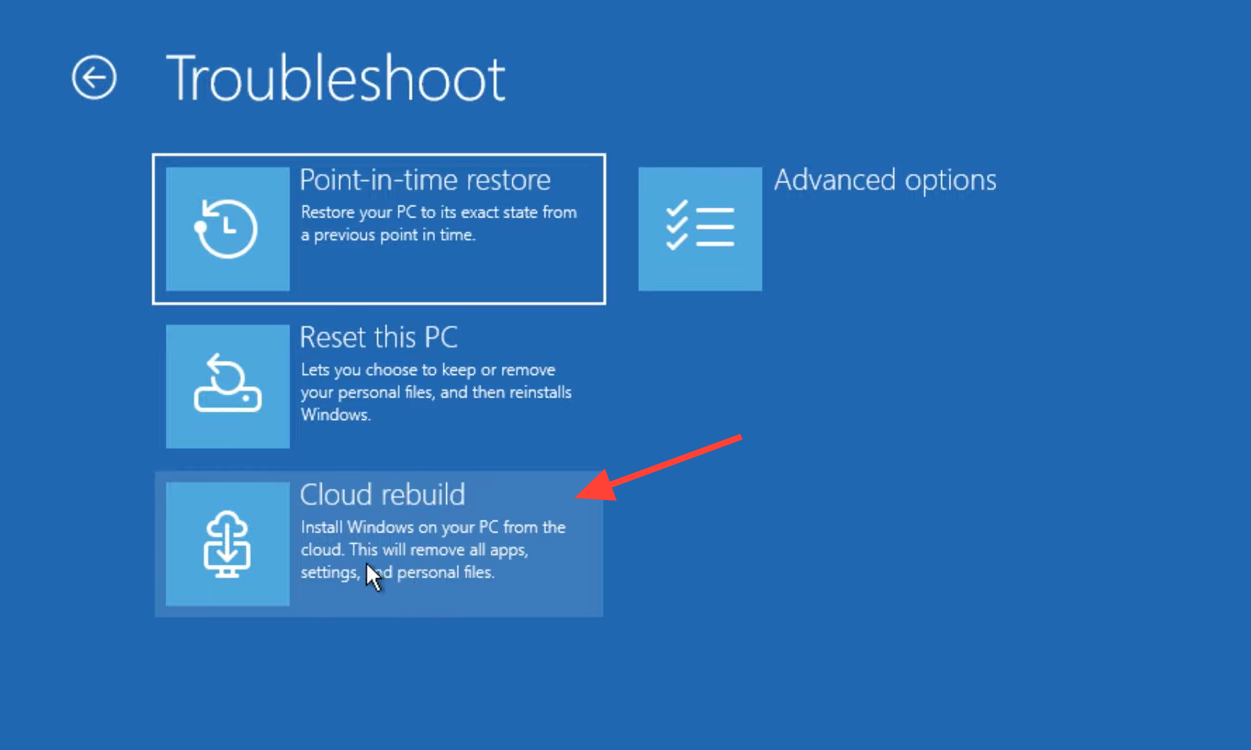
Quick answer: Boot into the Windows Recovery Environment, then go to Troubleshoot > Recovery and uninstall > Cloud rebuild, connect to Ethernet or Wi-Fi, confirm the target build and the data-loss warning, and let it reinstall Windows.
What Cloud rebuild does
Cloud rebuild restores a Windows 11 PC to a clean, known-good state by reinstalling the whole operating system. The key point is that it works even when Windows won’t start. Instead of depending on the files already on the machine, it fetches both the target Windows image and the correct drivers for your hardware from Windows Update.
That means three things you normally need for a reinstall are no longer required. You don’t need USB installation media, you don’t need a custom image prepared ahead of time, and you don’t have to rely on the health of the currently installed copy of Windows. When the process finishes, the device comes back fully functional with its drivers in place.
Cloud rebuild vs. Reset this PC
Windows already has a Reset this PC option, so the difference matters. Cloud rebuild pulls a fresh image and drivers from the cloud rather than rebuilding from local system files, which is what lets it recover a system that can’t boot at all.
| Detail | Cloud rebuild |
|---|---|
| Where you start it | Windows Recovery Environment (WinRE) |
| Source of the OS image | Downloaded from Windows Update |
| Source of drivers | Downloaded from Windows Update |
| Works when Windows won’t boot | Yes |
| USB media required | No |
| Custom image required | No |
| Depends on current OS health | No |
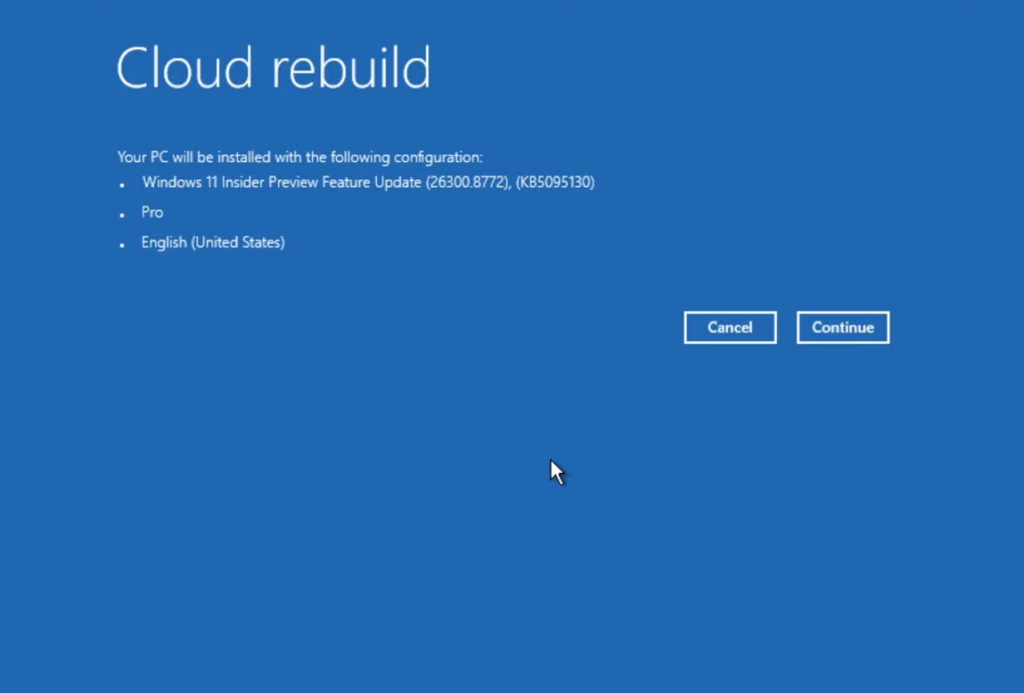
How to run Cloud rebuild from WinRE
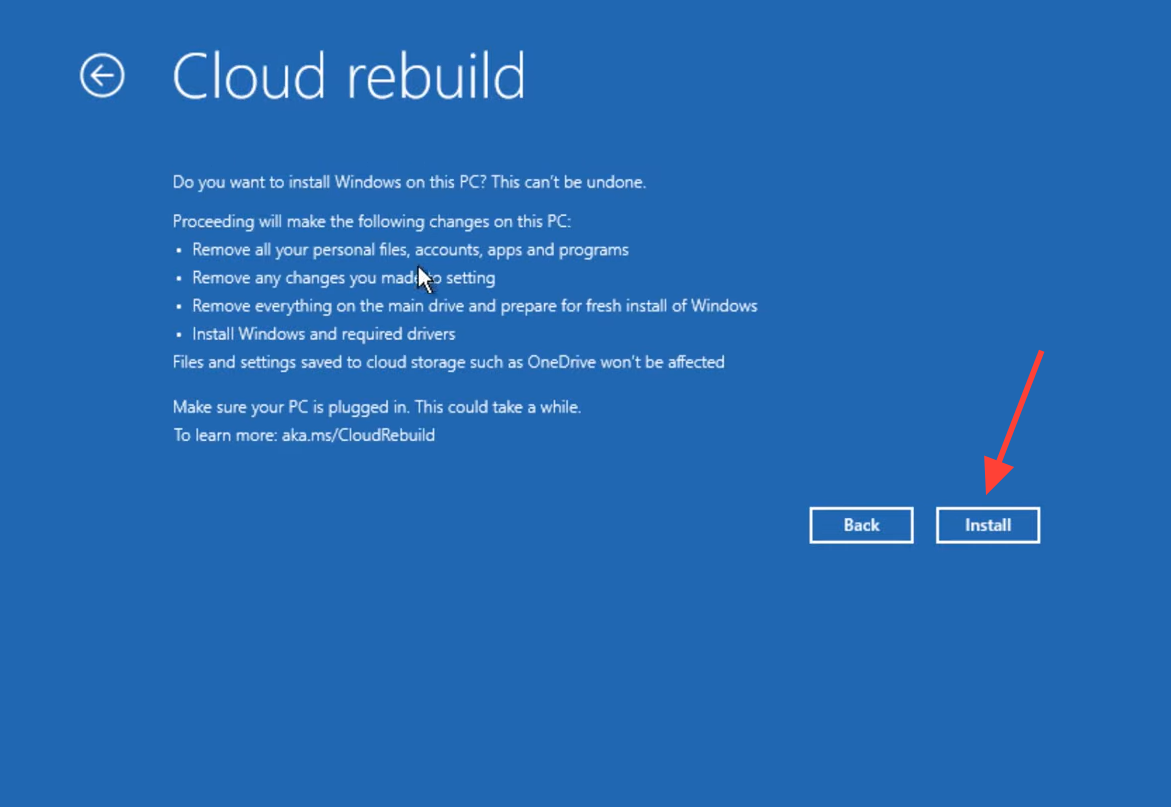
Because the process performs a full reinstall, back up anything important first if the PC can still reach your files. The data-loss warning is there for a reason.
How to try it right now
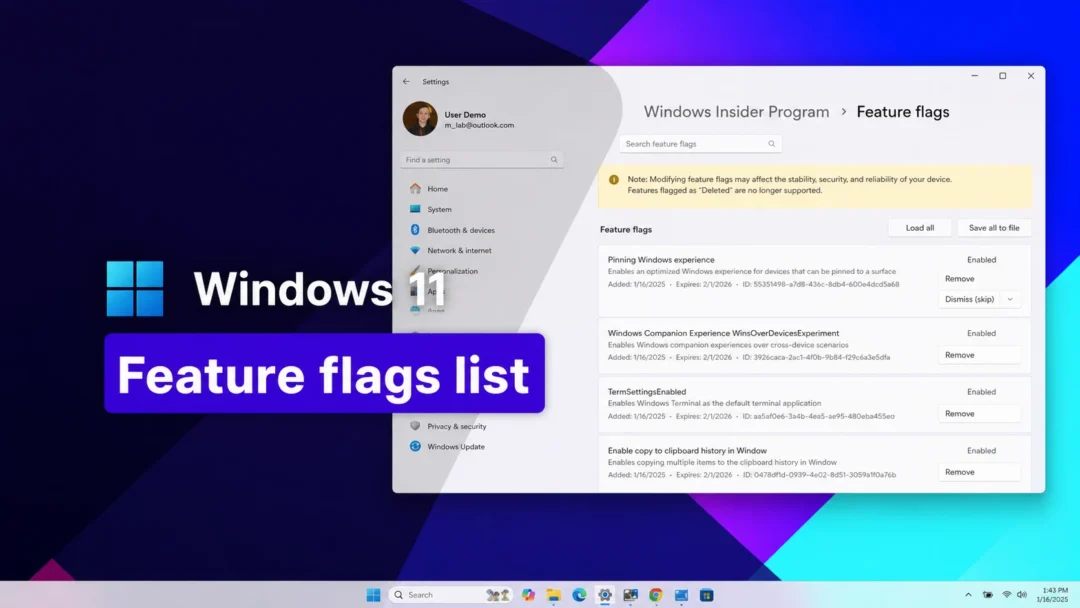
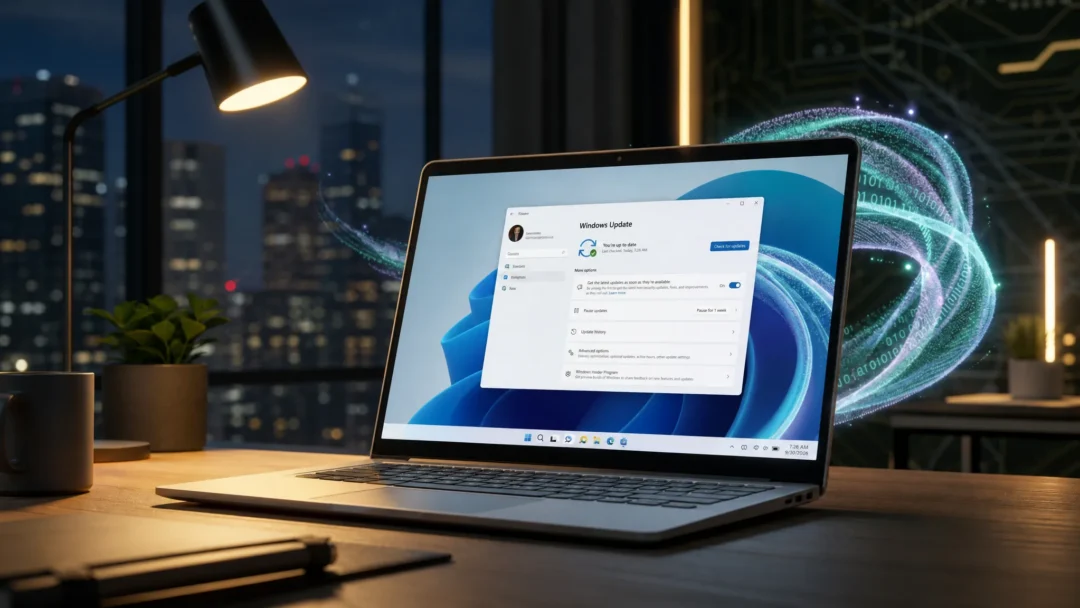
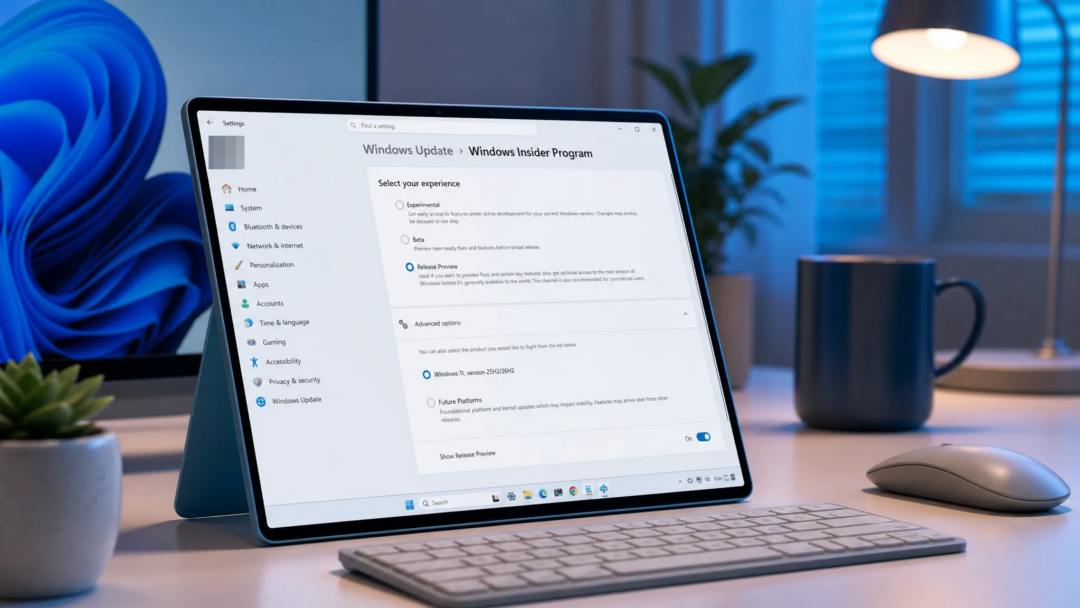
Cloud rebuild is available today in the preview build, but only for Insiders. To get build 26300.8772, your device needs to be enrolled in the Experimental channel of the Windows Insider Program. After enrolling, open Settings > Windows Update, turn on Get the latest updates as soon as they’re available, and click Check for updates to pull the flight.
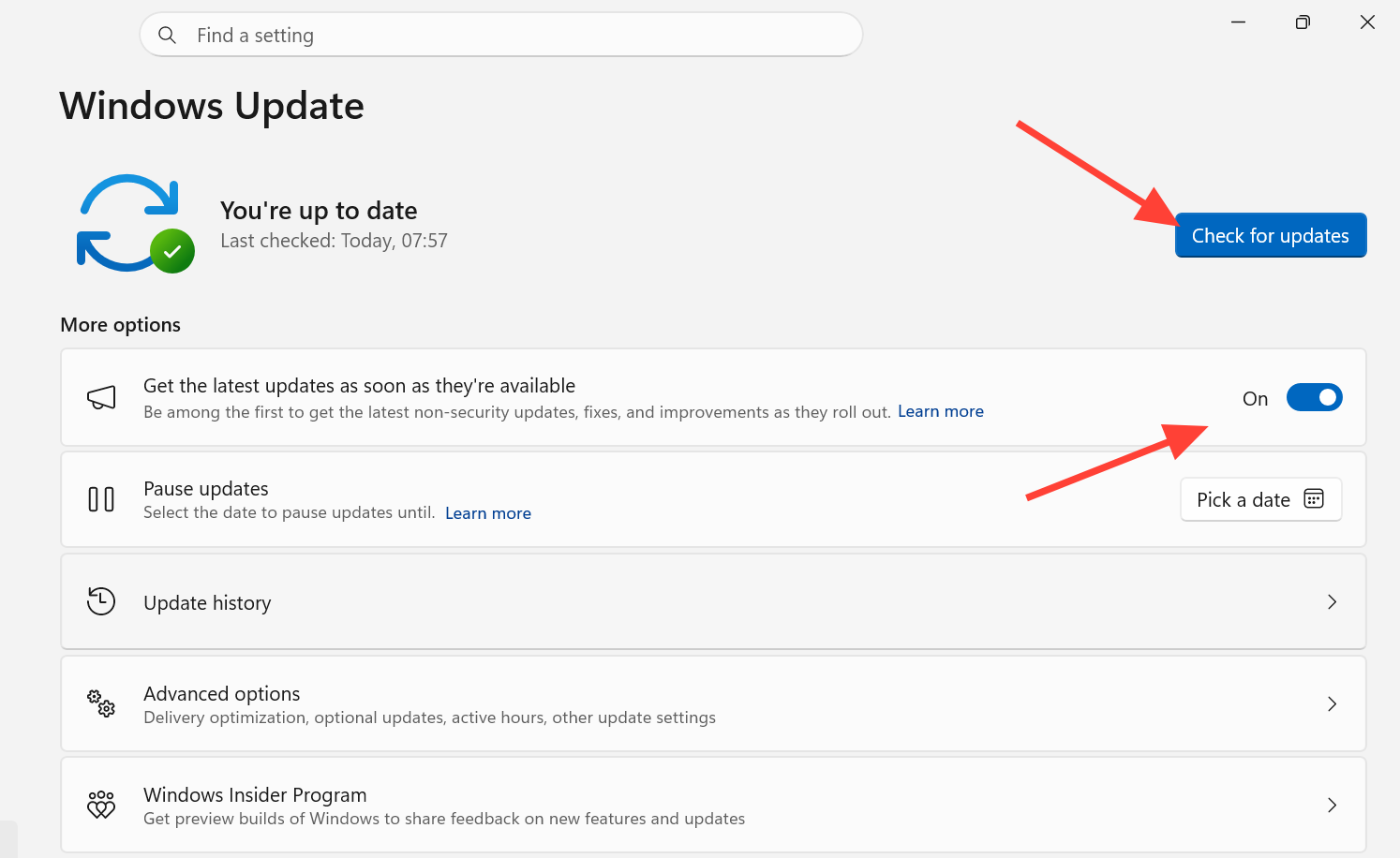
The build is based on Windows 11, version 26H2 through an enablement package. Many features roll out gradually through Controlled Feature Rollout, so the exact experience can differ between machines even on the same build.
To send feedback on the tool, open Feedback Hub with WIN + F and file it under Recovery > Cloud rebuild.
Keep expectations in check
This is preview software. Features shown to Insiders can change over time, get replaced, or never ship beyond the Insider channels. Cloud rebuild looks like a practical answer to the “my PC won’t boot and I don’t have a recovery drive” problem, but it hasn’t reached general availability, and version 26H2 is still an in-development release. If you want to test it, do so on a machine you can afford to reinstall.