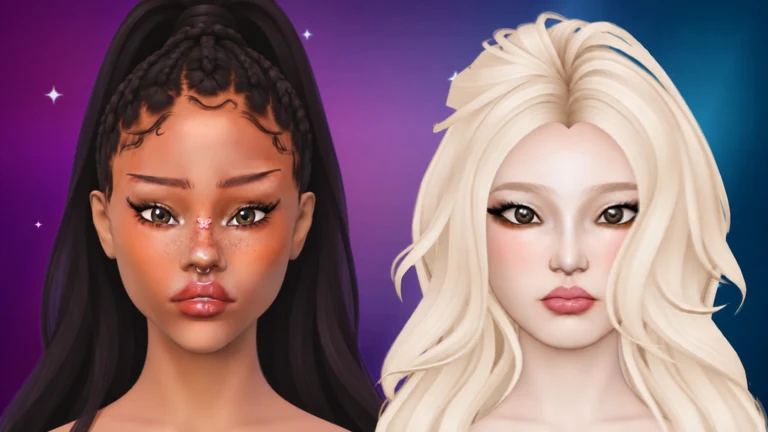
Facecard: Makeup Showdown is mostly about painting. You get a theme, a bare 3D face, and a set of brushes, and the room votes on the result. But the face you paint on is only a starting point. A separate Style tab swaps out the head itself, the eyes, the hair, and a few finishing touches, and any change you pick shows up on the model the moment you click it.
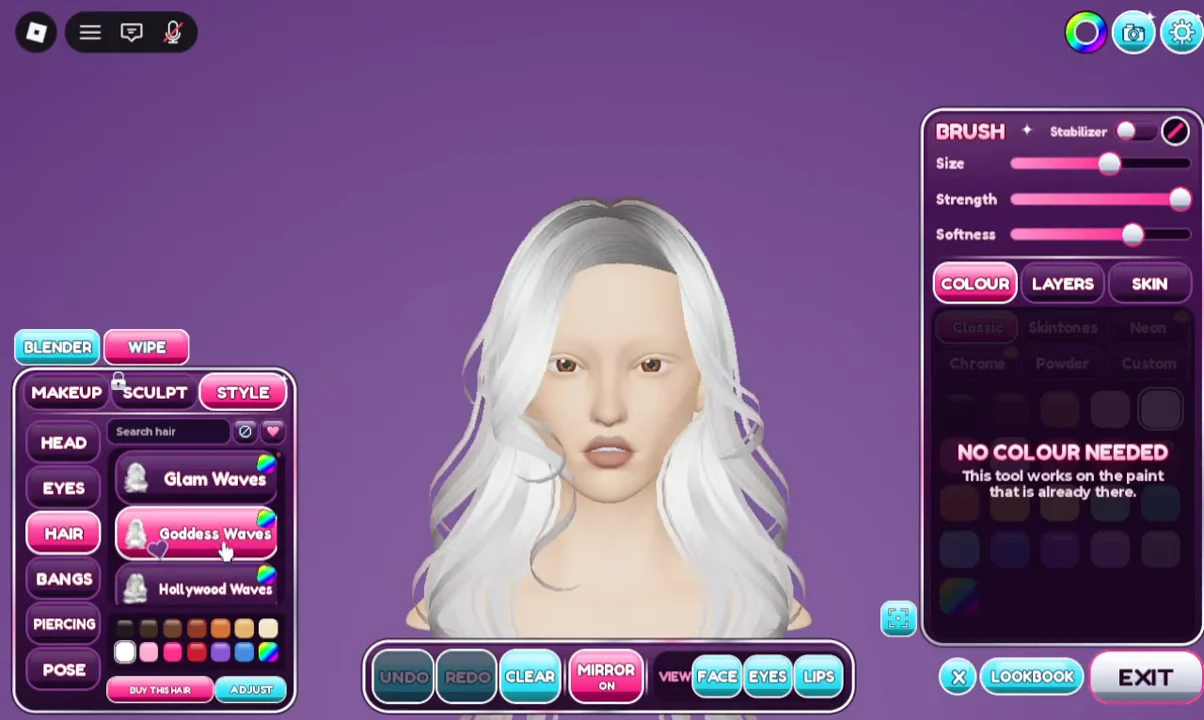
Quick answer: Click STYLE in the left-side menu, choose a category (HEAD, EYES, HAIR, BANGS, PIERCING, or POSE), then click a preset to put it on the model.
How to change a style in Facecard: Makeup Showdown
The customization menu sits on the left edge of the screen and has three tabs: MAKEUP, SCULPT, and STYLE. Painting happens under Makeup. Everything structural lives under Style.
Search hair box instead of scrolling.You know it worked because the model changes right away. There is no confirm button or loading step. To undo a choice, click a different preset in the same category, such as Classic under Head, No Piercing under Piercing, or None under Pose.
Style categories and presets
Each category holds its own set of presets. Here is what you can pick from in each one.
| Category | Presets | Extras |
|---|---|---|
| HEAD | Classic, Aniya, Mina, Collie, Rina | Changes face shape and skin tone |
| EYES | Natural, Doe, Bright, Star, Sparkles, Doll, Heart | Color swatches, WHITES option |
| HAIR | Glam Waves, Goddess Waves, Hollywood Waves, Swirl Blowout | Search bar, color swatches |
| BANGS | Wispy Curtain, Soft Curtain, Sleek Curtain, Side Part | None |
| PIERCING | Available choices, in order: Custom, No Piercing, Septum Ring, Nose Stud, Snake Bites, Medusa, Eyebrow, Bridge, Bite Me, Punk Princess, and Angel Bites. | Single pieces and full sets |
| POSE | None, Daniela, Smirk, Bleh, XOXO | None |
Head
Head presets do more than tweak features. They swap the facial structure and the base skin tone together. Picking Aniya, for example, gives the model a darker skin tone and different features. Clicking Classic puts the default face back. Because this changes the canvas you paint on, it makes sense to set the head before you start on makeup.
Eyes and pricing
Natural, Doe, and Bright are free. Star, Sparkles, Doll, and Heart each cost $11,750 in in-game cash, which you earn by placing in rounds. The eye menu also has color swatches and a WHITES option.
Hair and bangs
The model starts out bald, so hair is where you see the biggest change. Choose a style from the list, or search for it by name with Search hair, and then click a color swatch to tint it. Bangs are a separate category, so you can put Wispy Curtain or Side Part on top of any hairstyle.
Piercing and pose
Piercing has single pieces, like Nose Stud or Septum Ring, and preset combinations, like Punk Princess and Bite Me. There is also a Custom entry, and No Piercing clears everything. Pose changes the model’s expression for the photoshoot. Pick None to keep a neutral face.
Sculpt tab requirements
The Sculpt tab, which sits next to Style, is easy to confuse with it. Sculpt holds the face sculpt sliders, and those stay locked until you finish two free tasks:
- Join the Facecard group on Roblox using the
JOIN GROUPbutton in the panel. - Give a thumbs-up on the Facecard: Makeup Showdown Roblox page.
- Rejoin the game so the unlock takes effect.
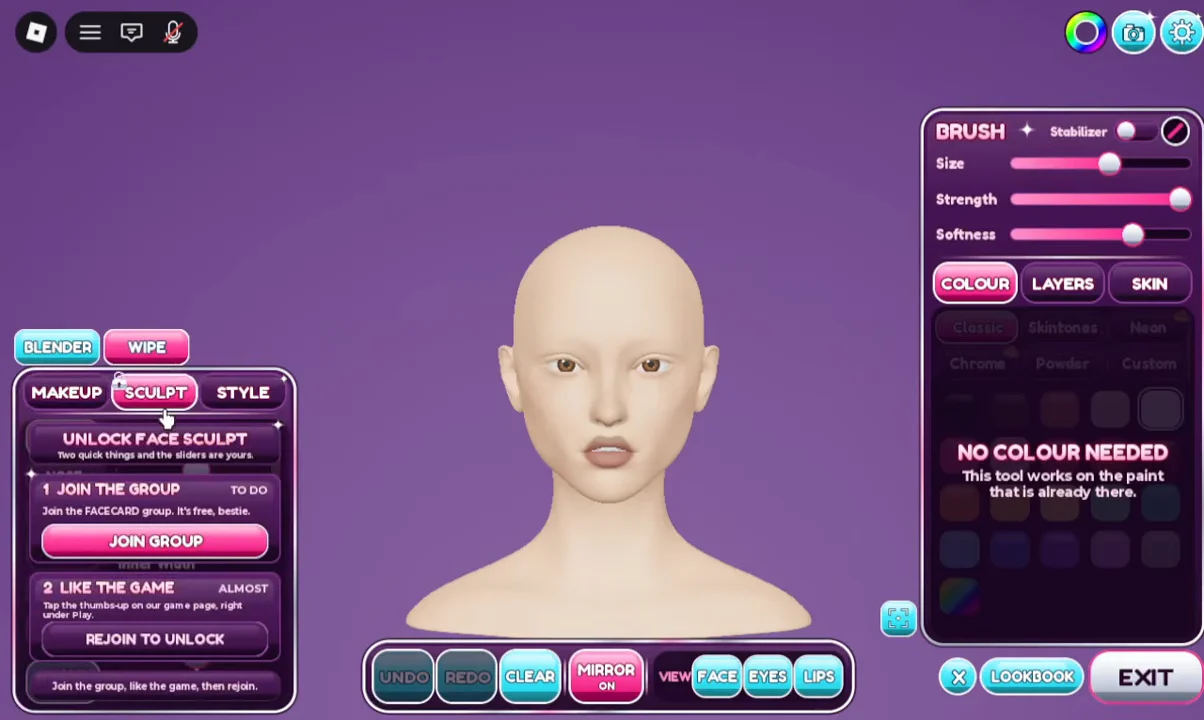
None of this affects the Style tab. Head, eyes, hair, bangs, piercings, and poses are all available as soon as you load in. The only things you have to pay for are the four premium eye styles.