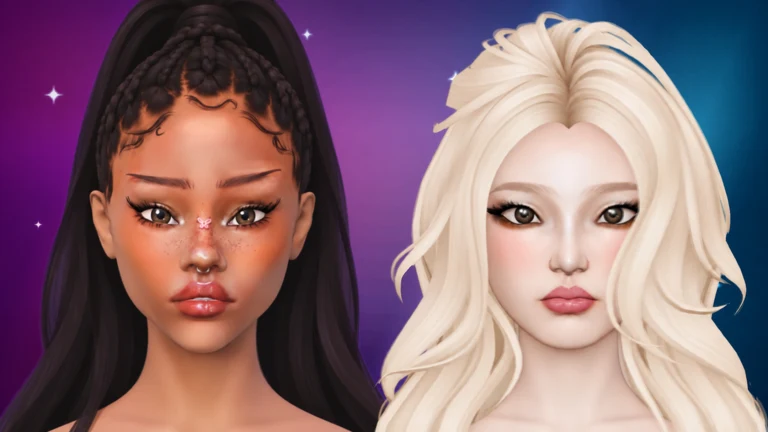
Facecard: Makeup Showdown gives every player the same bald, pale mannequin bust and one theme to paint toward. Eyes do a lot of the work in a finished look, and every tool for them sits in a single sub-menu. Once you find it, the process is short: pick a tool, pick a color, and paint.
Quick answer: Open MAKEUP in the left sidebar, choose EYES, then pick Eyeshadow, Eyeliner, Brow Pencil, or Brow Stamp. Select a color on the right and paint directly on the bust.
Eye makeup tools in the EYES menu
The sidebar on the left is organized into MAKEUP, SCULPT, and STYLE. MAKEUP has seven sections, ordered as follows: BASE; next, CHEEKS; then EYES; LIPS follows; after that come TOOLS and LASHES, with SETTING last. LASHES is separate from EYES, which contains four tools.
| Tool | How it applies | Typical use |
|---|---|---|
| Eyeshadow | Brush | Color over the eyelids |
| Eyeliner | Brush | Lines along the eye edges |
| Brow Pencil | Brush | Freehand brow work |
| Brow Stamp | Preset stamp | One-click eyebrow shapes |
Brow Stamp works differently from the other three tools. You don’t paint with it. Instead, you choose a ready-made eyebrow from a Style tab. STYLE 1 contains Brow 1, Brow 2, Brow 3, and Brow 4. Clicking on the face places the selected shape.
How to apply eye makeup on the Facecard bust
You can only paint once you’re in a round. From the salon lobby, press JOIN ROUND at the bottom of the screen. A title card shows the round’s theme, such as HIGHLIGHT HEAVEN, and then the makeup station loads with a blank face. If you haven’t installed the game yet, it’s free on Roblox.
To check that it worked, look at the bust. Shadow and liner show up on the face as you paint, and stamped brows appear the moment you click. The yellow circle that follows your cursor is the brush outline. It shows the brush size and exactly where the next stroke will land.
Use the EYES button under VIEW at the bottom of the screen to jump straight to the eye area before you start fine liner work.
Brush settings and colors for eyeshadow and eyeliner
The right-hand panel controls how each stroke behaves. It uses the same settings for all the brush tools, so anything you change for eyeshadow also affects liner until you change it back.
- SIZE: the width of the brush. Keep it small for eyeliner.
- STRENGTH: how much color each stroke lays down.
- SOFTNESS: how sharp or blended the stroke edge looks.
- Stabilizer: a toggle that smooths out shaky lines.
- COLOUR tabs: choose Classic, then Skintones; next comes Neon, followed by Chrome; Powder precedes Custom.
The utility controls along the bottom of the screen help you fix mistakes and move around the face.
| Control | What it does |
|---|---|
| UNDO / REDO | Steps back or forward one action |
| CLEAR | Wipes the painted look |
| MIRROR ON/OFF | Toggles mirroring |
| VIEW (FACE, EYES, LIPS) | Camera shortcuts |
| LOOKBOOK | Opens your saved looks |
| DONE | Finishes the look |
Eye options in the Facecard Shop
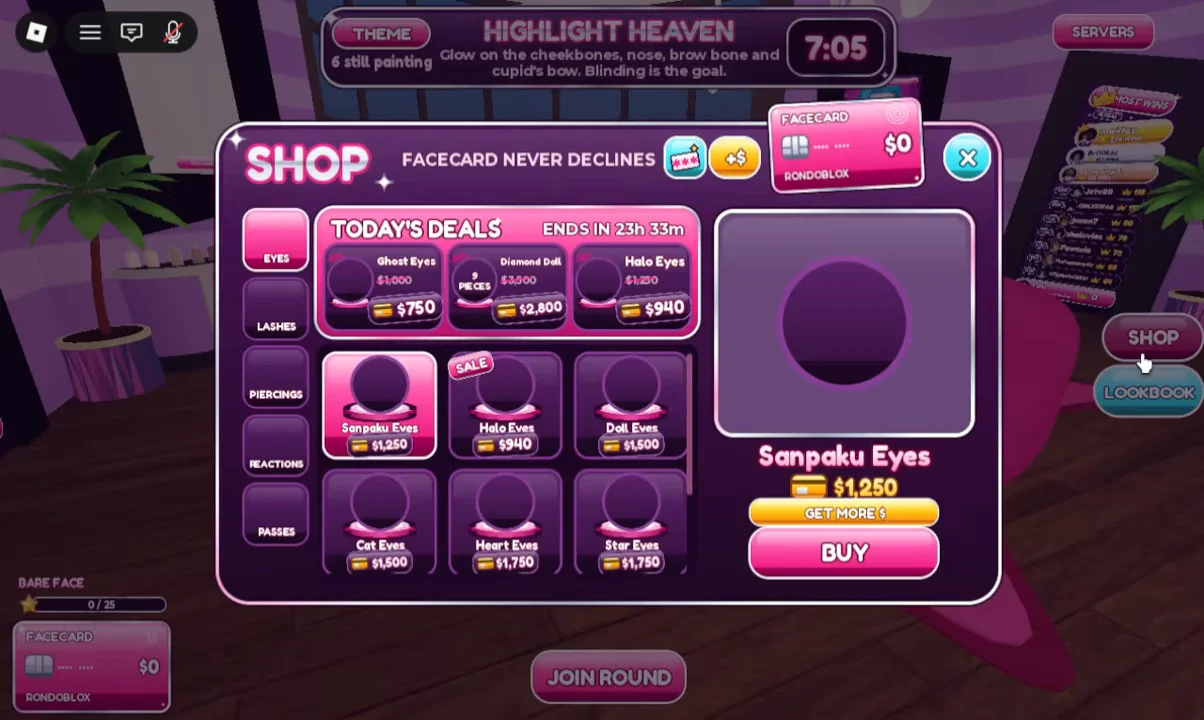
The eyes themselves are a separate thing from eye makeup. In the lobby, the SHOP button opens a TODAY’S DEALS catalog that sells eye options such as Sanpaku Eyes and Ghost Eyes. You don’t need any of them to use the four tools in the EYES makeup menu.
When your eyes, brows, and the rest of the face match the theme, press DONE. Every look then gets a photoshoot, players rate each one from 1 to 5 stars, and the highest-rated face takes first place.