An installer that reaches “Finishing Installation” and then never moves is one of the more frustrating ways for a setup to fail, because everything else appeared to work. The progress bar sits at the end, the window stays open, and the only way out is to kill the process. With Aslain’s modpack, the cause is usually narrow and repeatable, and you can clear it without reinstalling the game.
Why the modpack hangs at “Finishing Installation”
The final stage is where the installer unpacks files and applies the options you selected. When it stalls here, the installer itself is not broken. Something on your machine, or one specific option, is stopping the last write from completing.
The most consistent trigger is the replays feature in the modpack. When that option is enabled, the installer can hang at the finishing step under certain conditions, even when the install path, permissions, and antivirus are all fine. Multiple users have confirmed that turning it off lets the process complete normally.
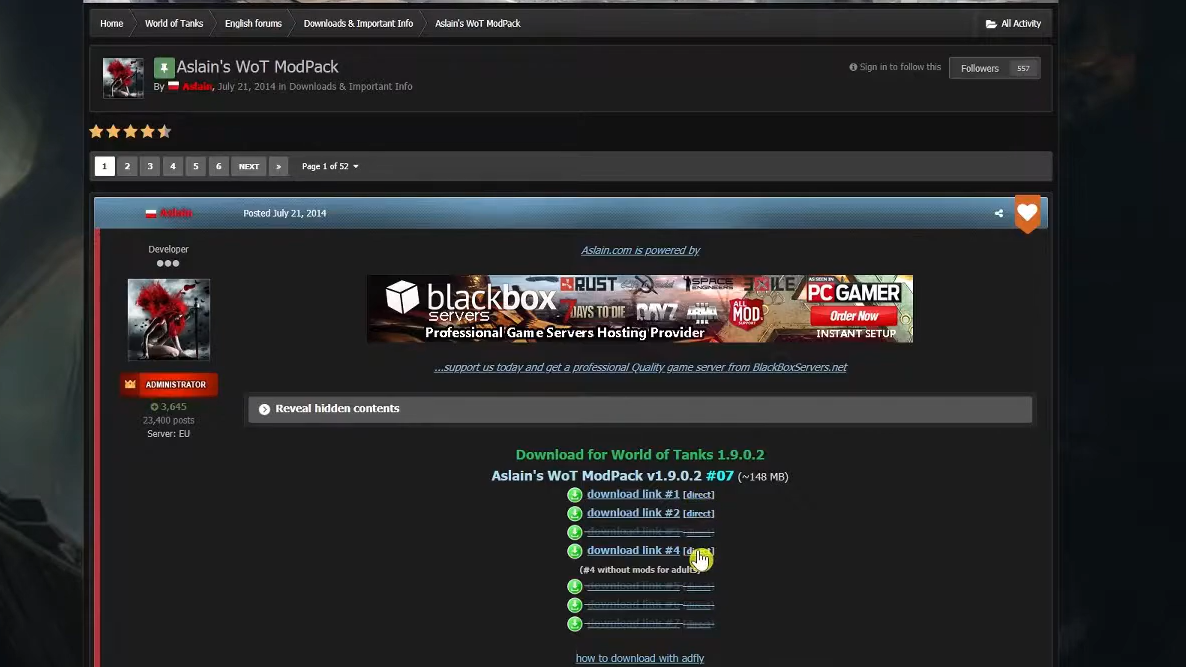
Disable the replays option to clear the freeze
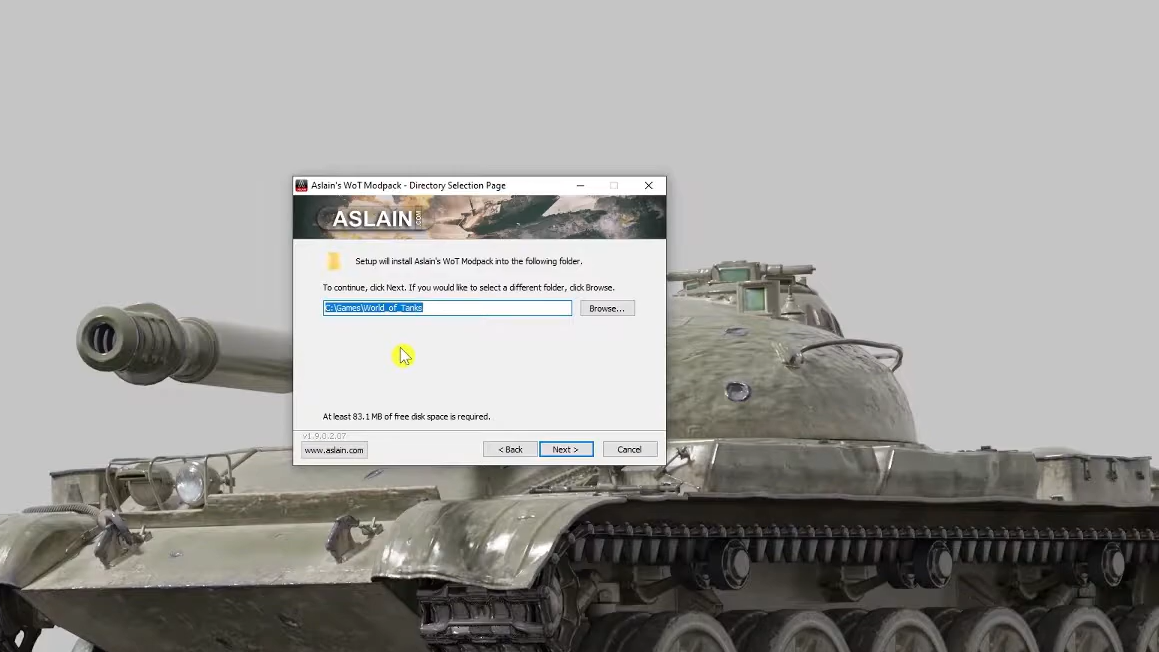
Other causes that block the finishing step
If unchecking replays does not fully fix it, a few environment problems can stop the last stage of any installer. Each one prevents the installer from finishing the file writes it needs to complete.
| Cause | What to do |
|---|---|
| Antivirus blocking a file | Temporarily disable real-time protection, then run the installer again. |
| Insufficient privileges | Run the installer as an administrator so it can write to the game folder. |
| Install path with special characters or extra spaces | Use a clean folder path without unusual symbols or long runs of spaces. |
| Heavy mod selection on a slow drive | Allow extra time for unpacking before assuming it is frozen. |
How to confirm the install finished
You know it worked when the installer reaches the end of “Finishing Installation” and closes on its own, without you needing to force-quit it. Your selected mods will then load when you start the game.
If the window still hangs after disabling replays and checking the items above, the block is local to your PC rather than the installer. Repeat the install with antivirus off, administrator rights on, and a simple install path, and the finishing step should complete.