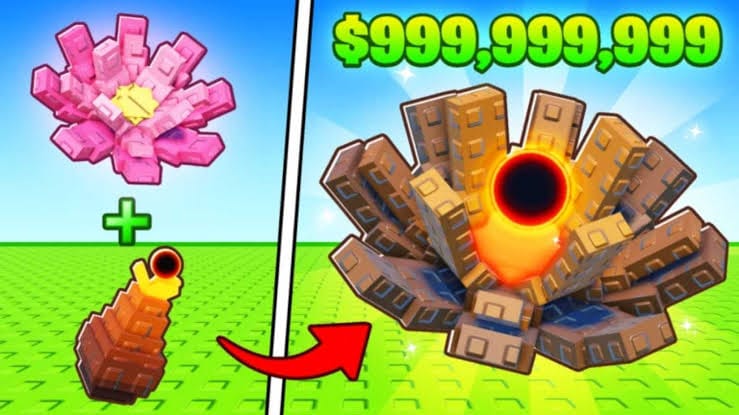
Grow Anything is a Roblox gardening simulator where codes give you free items like sprinklers, fertilizers, seeds, and other boosters to speed up your garden.
Updated: November 14, 2025
New codes: SHARK, 30K, OCEAN
SHARK— Free rewards such as sprinklers, fertilizers, seeds, and other useful items NEW30K— Free rewards to celebrate a player milestone (includes currencies and consumables) NEWOCEAN— Free themed rewards like extra ingredients, seeds, and other goodies NEW
How to redeem codes
Expired codes
halloween— Previously granted a Jack O Fertilizerfirst— Previously granted a Void Sprinkler
Why codes might not work
- The code has expired and is no longer active in the game.
- There is a typo, wrong letter case, or extra space; Grow Anything codes are case-sensitive.
- The code was already redeemed on your Roblox account, so it cannot be used again.
- The game client or servers are having issues; closing Grow Anything, reopening it, and trying again later can help.
Where to find more codes
New Grow Anything codes are usually shared during updates, events, and milestones. Check the official Grow Anything Roblox group and the official Grow Anything Discord server for announcements and fresh codes.
Bookmark this page — the working code list is reviewed and updated regularly so you can claim new rewards quickly.
Remember that Grow Anything codes are free, case-sensitive, and often time-limited. Always redeem them directly in the game and avoid any third‑party “code generator” sites or tools, as these are unsafe and cannot create real codes.