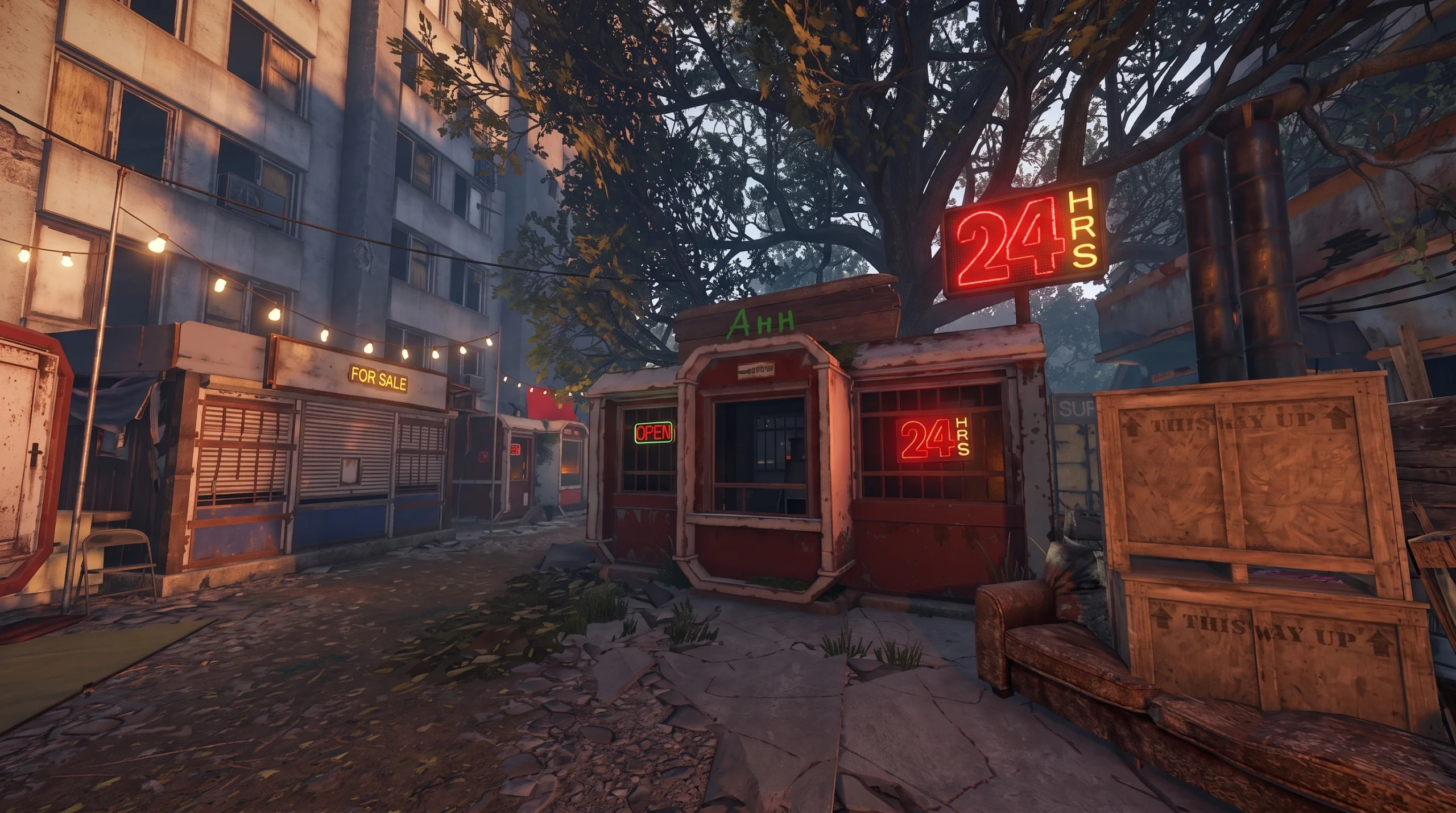
The Apartment Complex is a safe-zone monument in Rust where you can rent a stall and run your own storefront. Naming that stall is part of the rental flow itself. Once you pay for a shop and take ownership, the option to set a custom name appears, and that name is what other players and drones see when they browse your listings.
Quick answer: Rent one of the roughly 12 shops inside the Apartment Complex for 100 scrap, then open the shop interface and enter your custom name before you add products for sale.
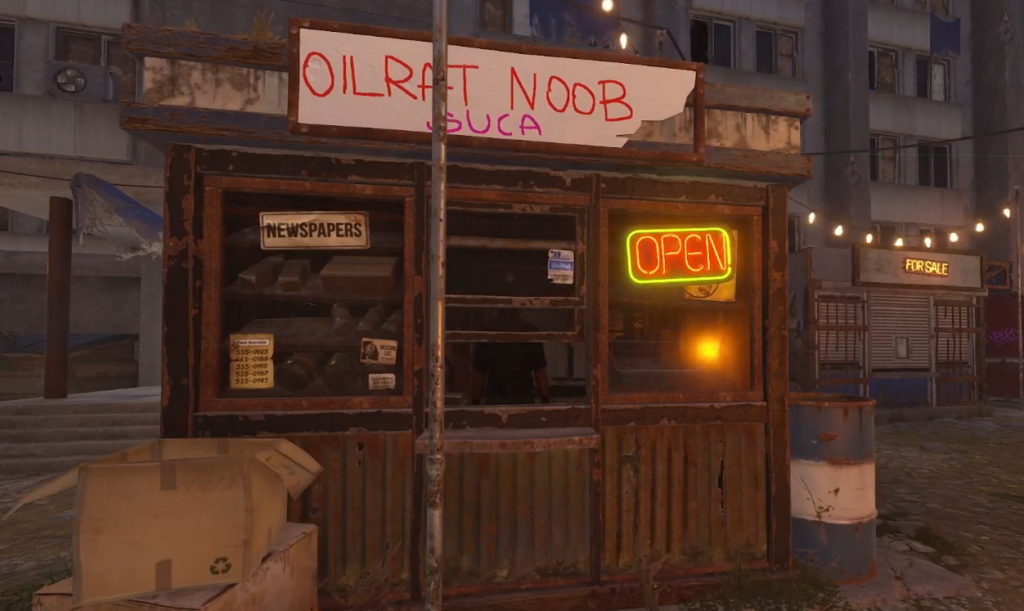
What a rental shop costs and how long it lasts
There are around 12 rentable shops inside the Apartment Complex. Renting one has a fixed entry price and a short lifespan, so you need to understand the timing before you commit scrap to it.
| Detail | Value |
|---|---|
| Initial rental cost | 100 scrap |
| Rental duration | 12 hours |
| Owner earnings | 10 scrap per hour |
| Access | In person or by drone |
| Safety | Inside a safe zone, expected to be unraidable |
Because the whole monument is a safe zone, your shop cannot be raided like a regular vending machine placed in the open. Drones can reach it too, which makes remote buying and selling possible.
How to rent a shop and set its name
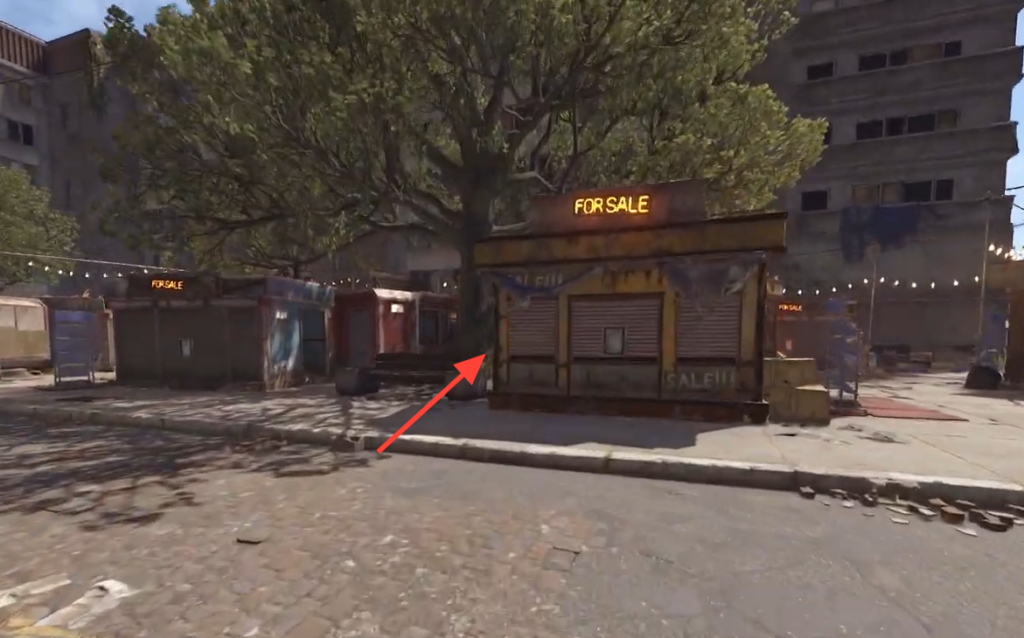
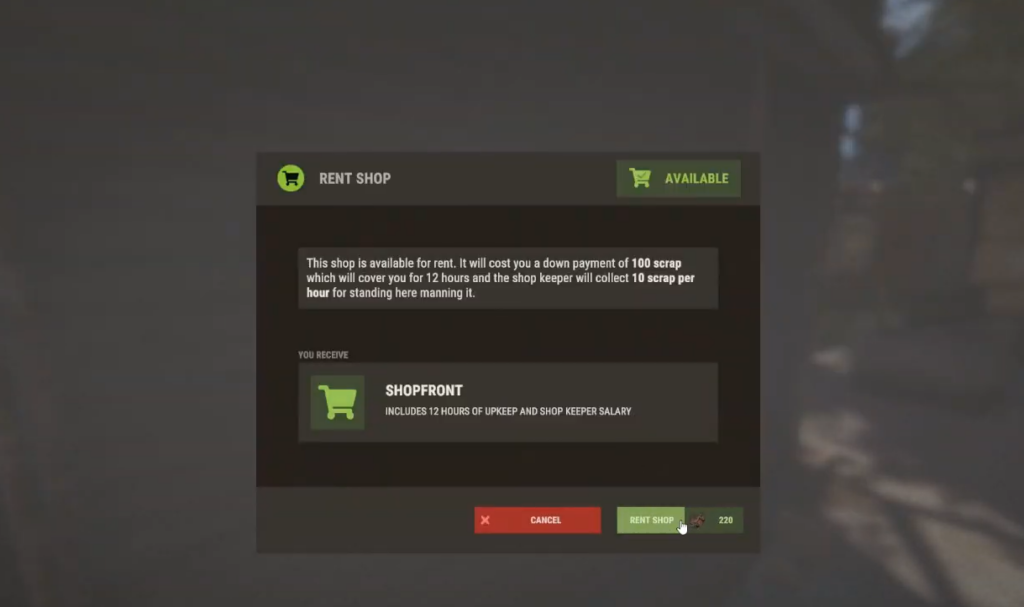
How to confirm the name is set
You know the name applied when it displays on the shop and appears to players browsing your listings, including anyone approaching by drone. If the name field is empty or greyed out, you likely have not completed the rental yet, since naming only unlocks after you take ownership of the stall.
Why a shop closes and how earnings work
A rental shop shuts down automatically in two situations. The first is when the 12-hour operating window ends. The second is when the shop runs out of scrap. As the owner, you earn 10 scrap per hour while the stall is active, so keeping enough scrap in play matters if you want the storefront to stay open for the full duration.
The shop name and its listings only persist while the rental is active. Once it closes, you would need to rent a stall again and re-enter your name and products.
Beyond the shops, the Apartment Complex also offers rentable rooms that run separately from the storefront system, but those are combat zones rather than safe zones. For simply naming and running a stall, the shop rental flow above is all you need.