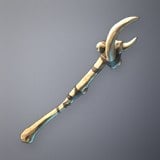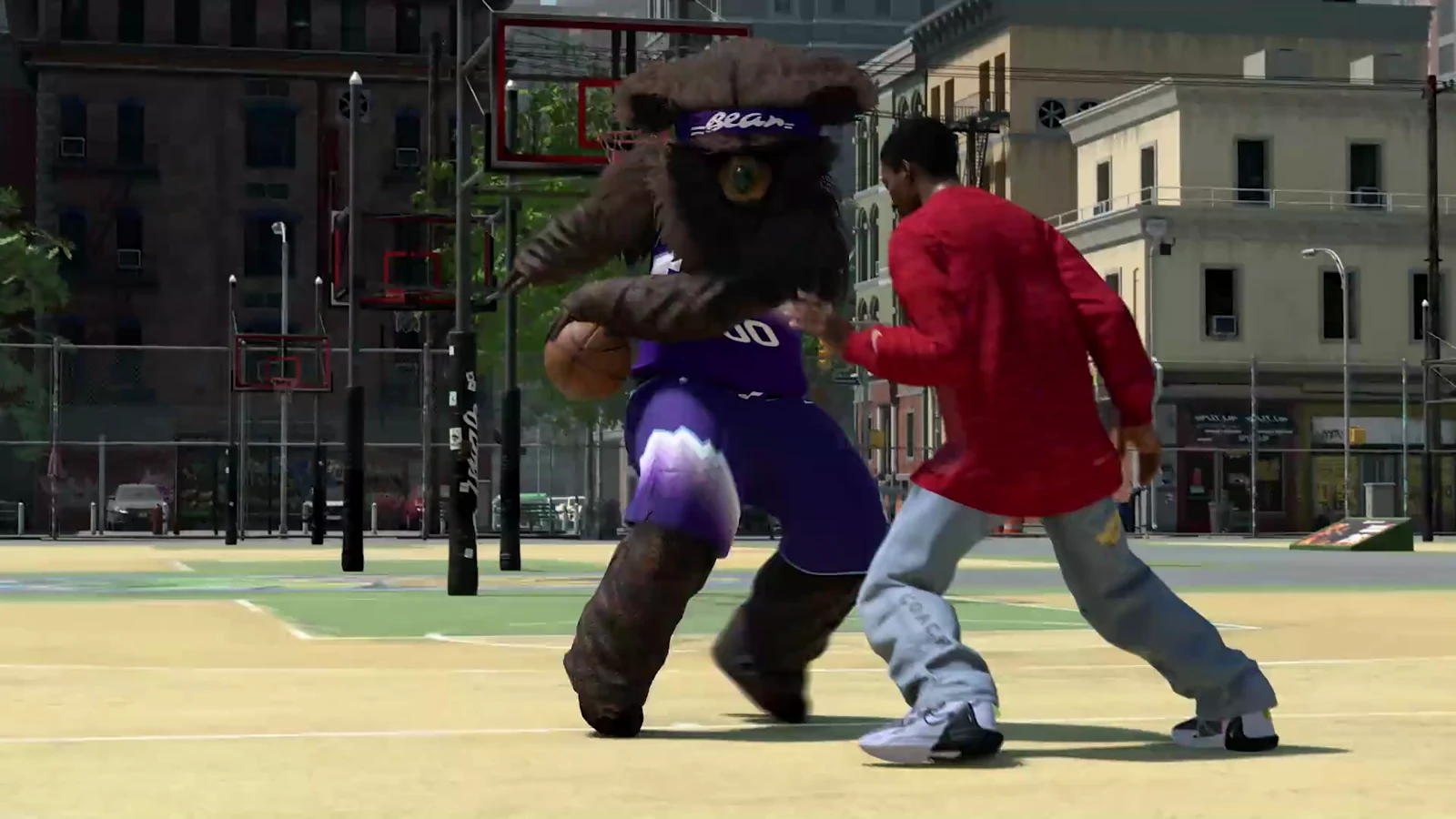
NBA 2K27 Season 2 has a Halloween set of cosmetics: a pumpkin-headed scarecrow mascot suit, a Headhunter Mask, and Jack-O’-Lantern face paint. None of them are on the free reward track. All three sit on the premium side of the Season 2 pass, and each one goes on your MyPLAYER from a different spot in the Appearance menu.
Quick answer: Purchase the Season 2 Pro Pass or Hall of Fame Pass. The mascot and mask unlock immediately, and face paint opens at premium Level 3. Equip all three through MyPLAYER > Appearance.
Season 2 Halloween cosmetics and how each one unlocks
Each item has one name on the rewards track and a slightly different name in the equip menus. The table lists both, so you know what to look for.
| Reward track name | Name in equip menu | Unlock | Equip location |
|---|---|---|---|
| Jack-O’-Lantern Scarecrow Mascot | Scarecrow Pumpkin | Instant with pass | The City > Mascot |
| Headhunter Mask | Headhunter Mask | Instant with pass | The City > Head |
| Jack O’Lantern Facepaint | Jack-O’-Lantern | Premium Level 3 | Head Editor > Face Paint |
Each paid pass includes these rewards. Pro Pass extends the free track with a 40-level premium track. Hall of Fame Pass offers the same premium rewards, plus 10 Season level skips and a 15 percent XP bonus. No third reward track is available. Either pass requires the base game, internet access, and an NBA 2K account.
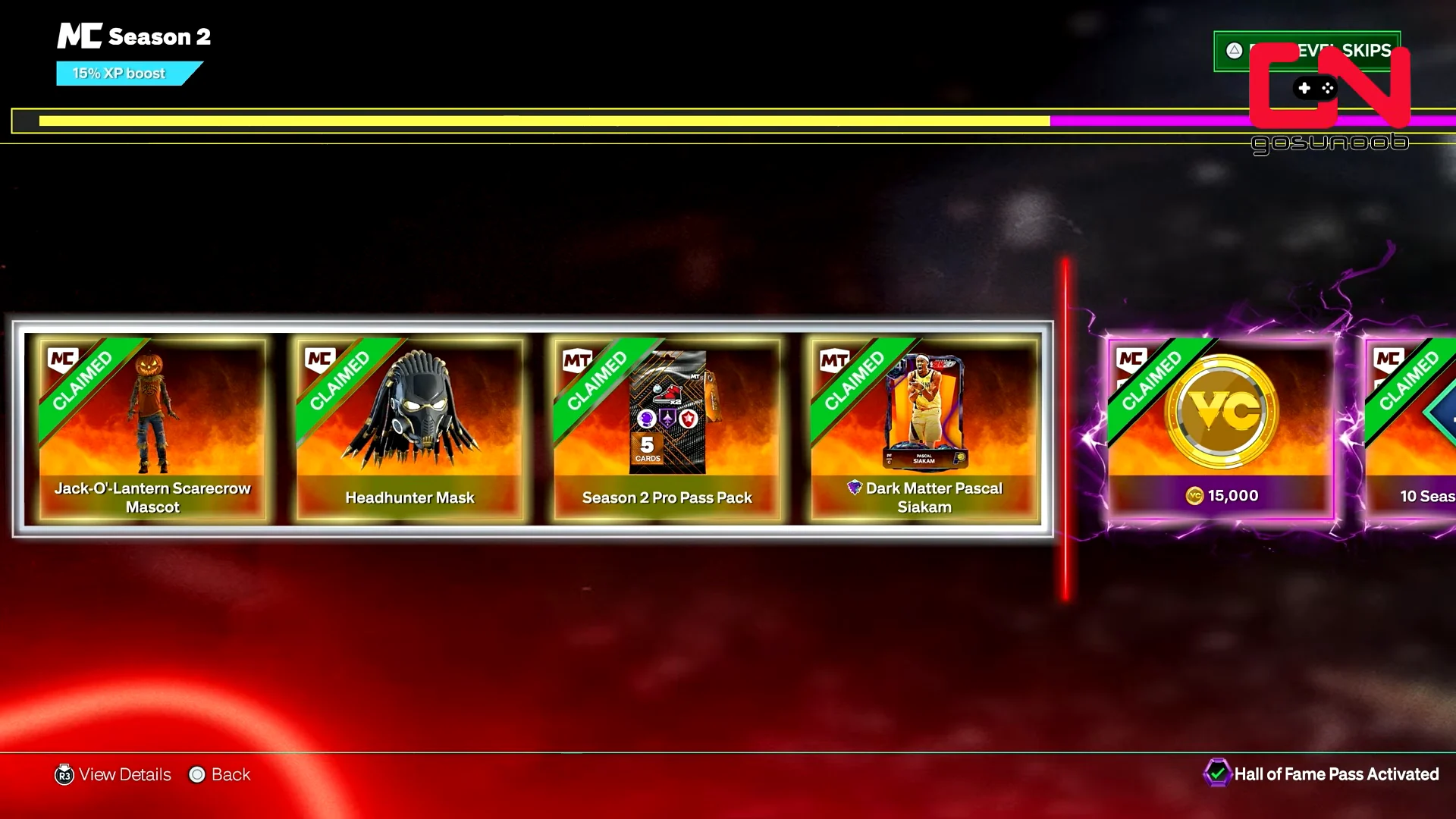
The mascot suit and the mask are part of the pass’s automatic rewards, along with a Pascal Siakam card and a Pro Pass Pack. They are claimed as soon as the purchase lands on your account, so you don’t need to play any games for them. The face paint is different. It sits at Level 3 of the premium track, and you reach it by earning Season XP in The City, MyCAREER, or MyTEAM, or by spending level skips.
To check that everything arrived, open the Season 2 rewards track. The mascot and mask show a CLAIMED tag. The face paint stays locked at Level 3 until you get there.
Progress on the pass resets when the season ends. Reach premium Level 3 before Season 2 is over, or the face paint unlock goes with it.
How to equip the Scarecrow Pumpkin mascot
In the mascot menu, the scarecrow suit is listed as Scarecrow Pumpkin. It replaces your whole City outfit while it’s equipped.
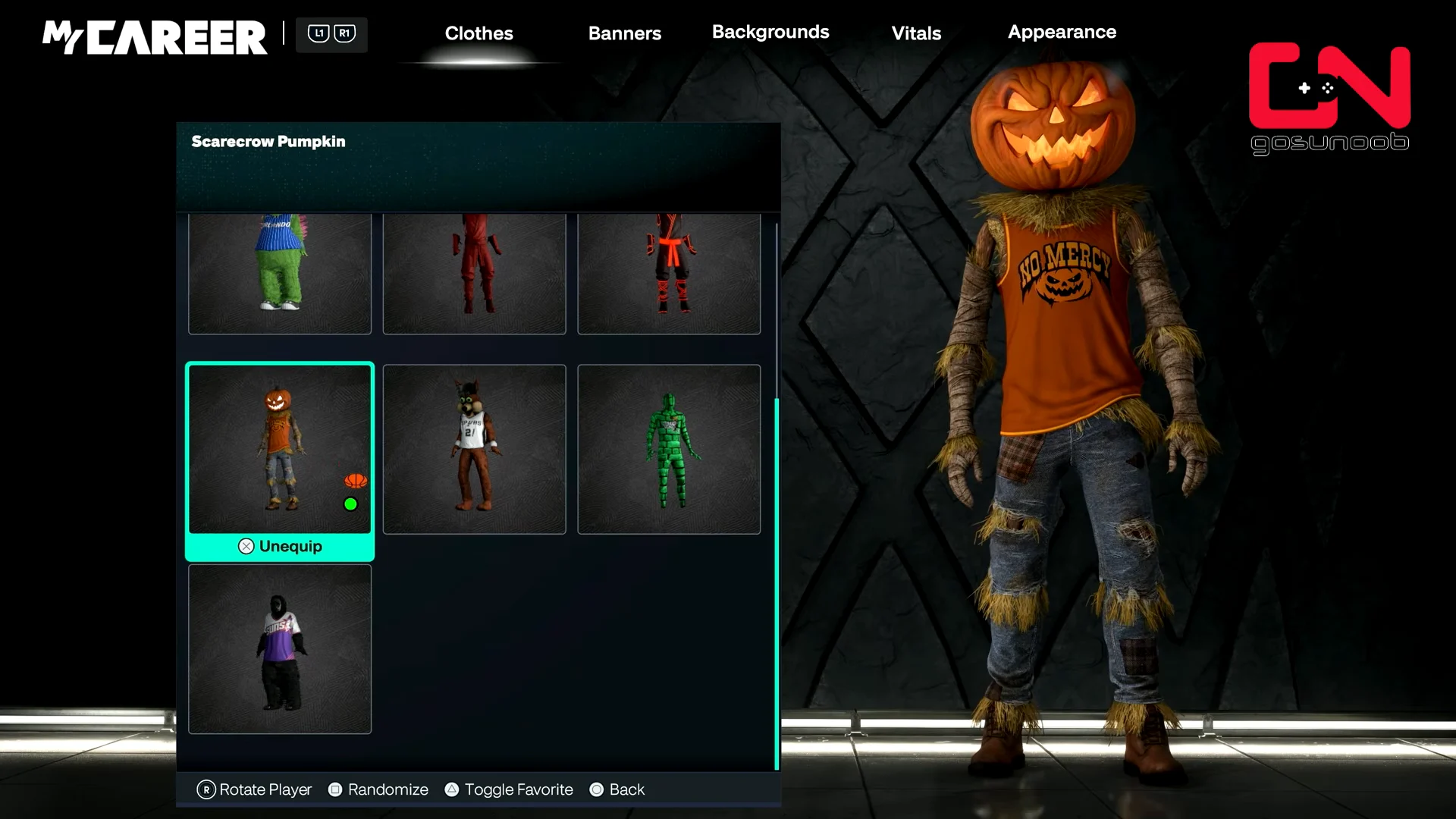
Go back into The City to make sure it worked. Your player should be running around in the pumpkin-headed scarecrow costume, and emotes play while you’re wearing it.
How to equip the Headhunter Mask
The mask and the mascot suit can’t be worn together. A full mascot costume hides any head item, so the Headhunter Mask won’t show while the scarecrow suit is on. Pick one look at a time.
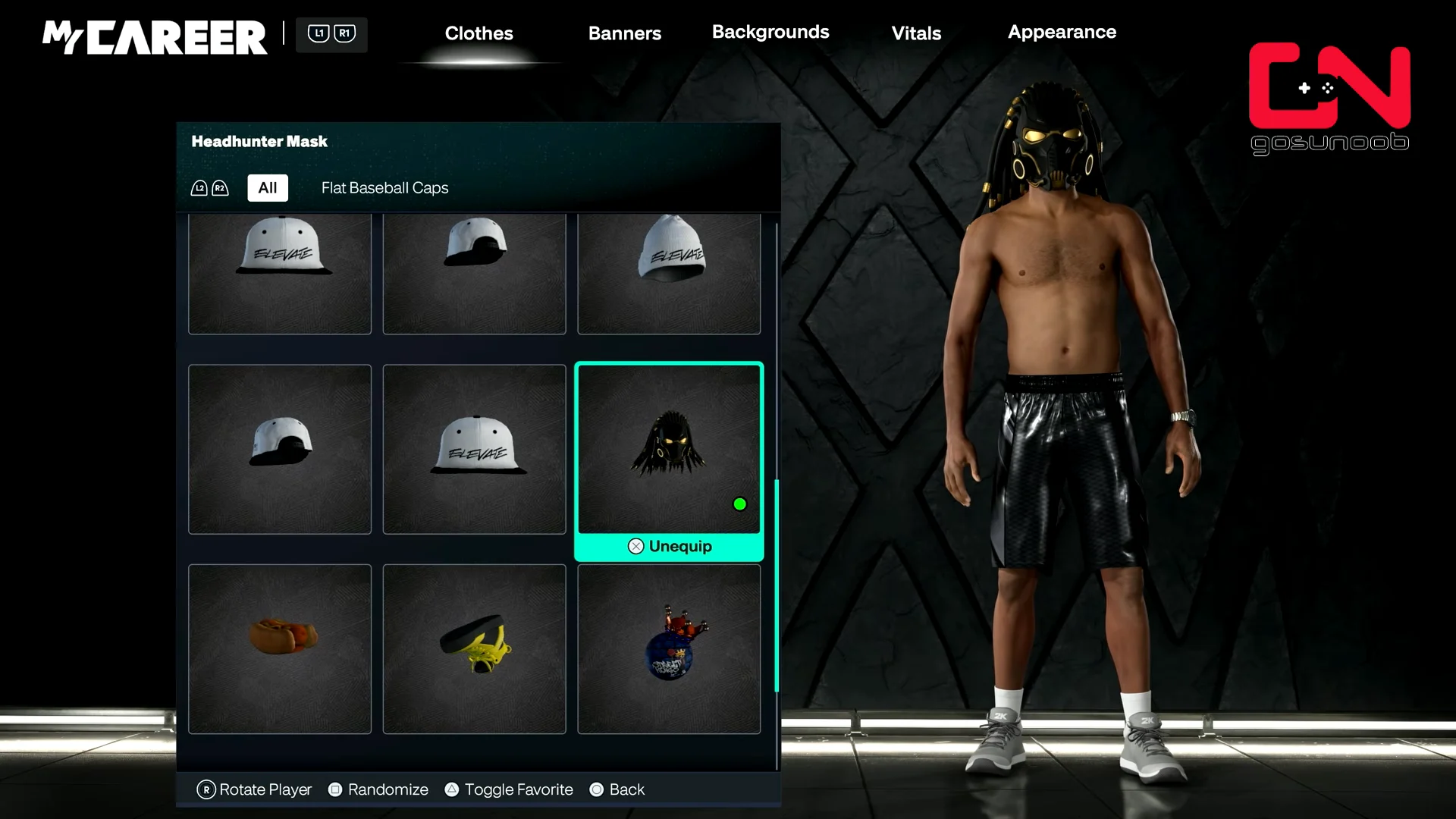
If the mask is equipped but your player still looks like a scarecrow, the mascot is still on. Go back to Mascot and remove the suit.
How to apply the Jack-O’-Lantern face paint
Face paint isn’t in The City clothing menu. It’s part of your head, so you apply it in the Head Editor. Unlock premium Level 3 first or the option won’t be there.
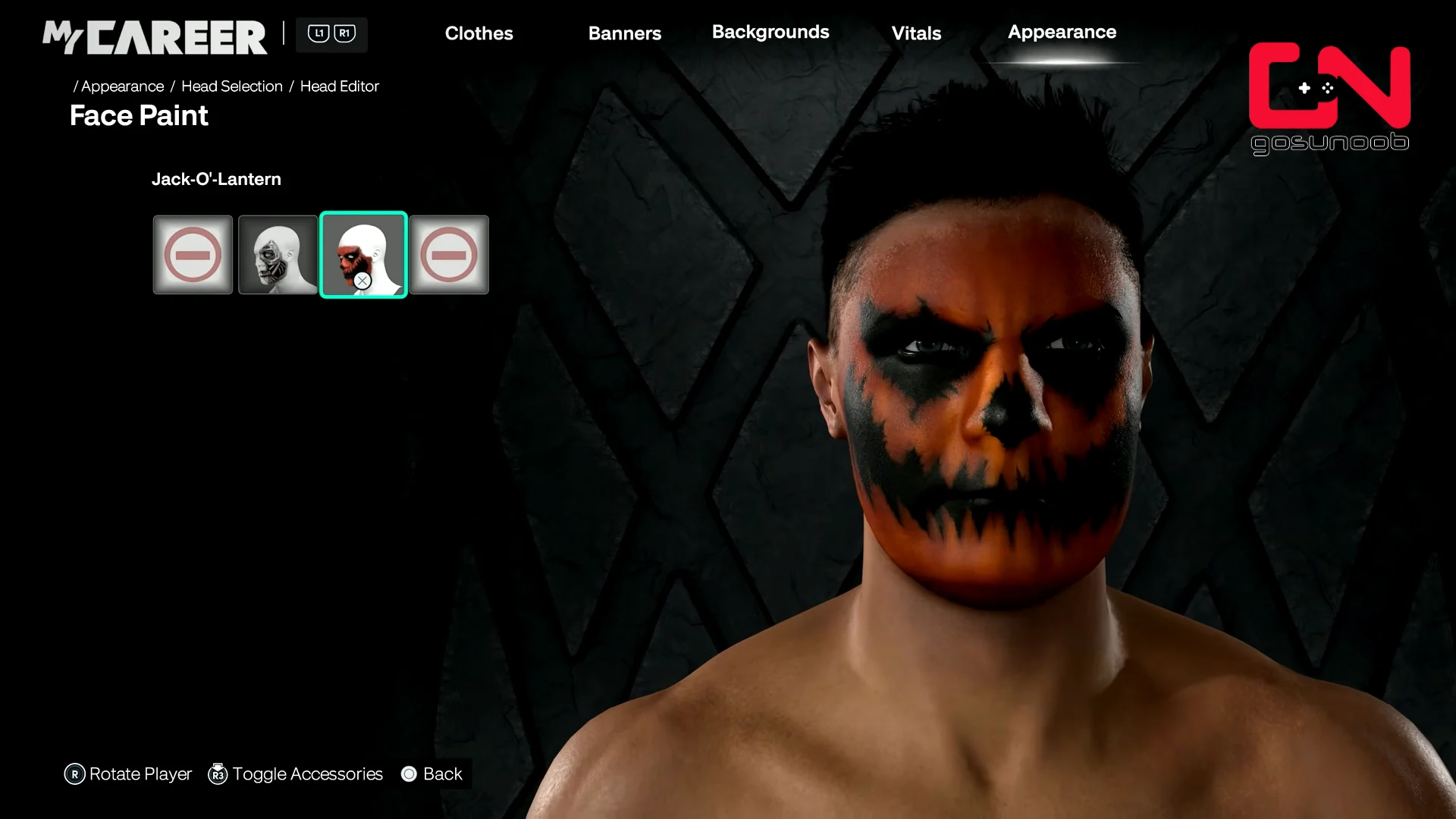
Load into The City and look at your player. The orange pumpkin face should be visible. A mascot suit covers your face, so take it off if you want the paint to show.
Paid Season 2 rewards not showing up
Pass purchases can take a while to reach your account when servers are busy. If the mascot and mask still aren’t marked CLAIMED 24 hours after you bought the pass, contact 2K Support. Have your receipt and a record of your purchase history ready.
On Nintendo Switch 2, upgrading a Season Pass you already own may unlock only the premium track, leaving out automatic items such as the scarecrow mascot and Headhunter Mask. A direct purchase of either the Pro Pass or Hall of Fame Pass should also include those items.