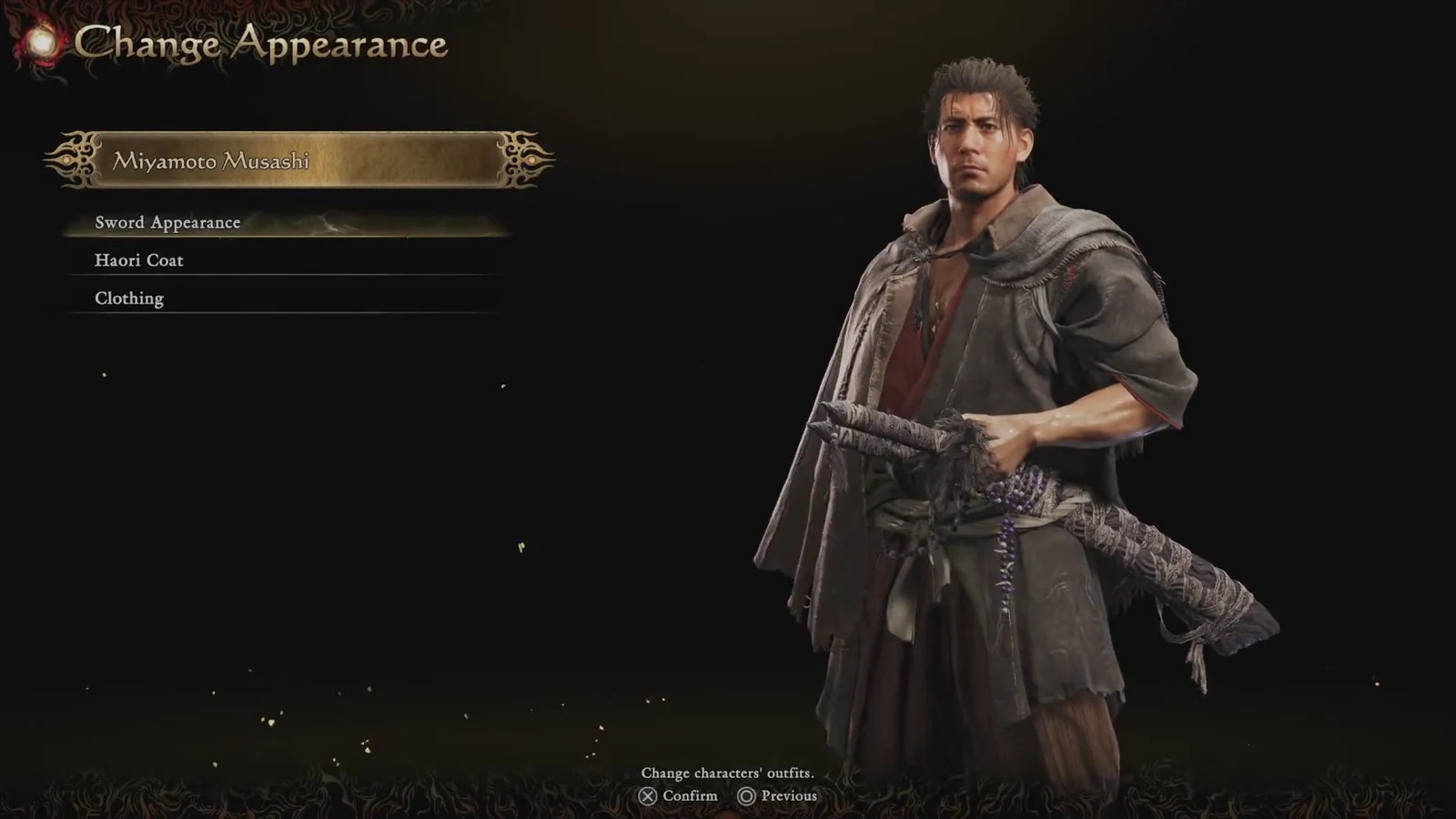
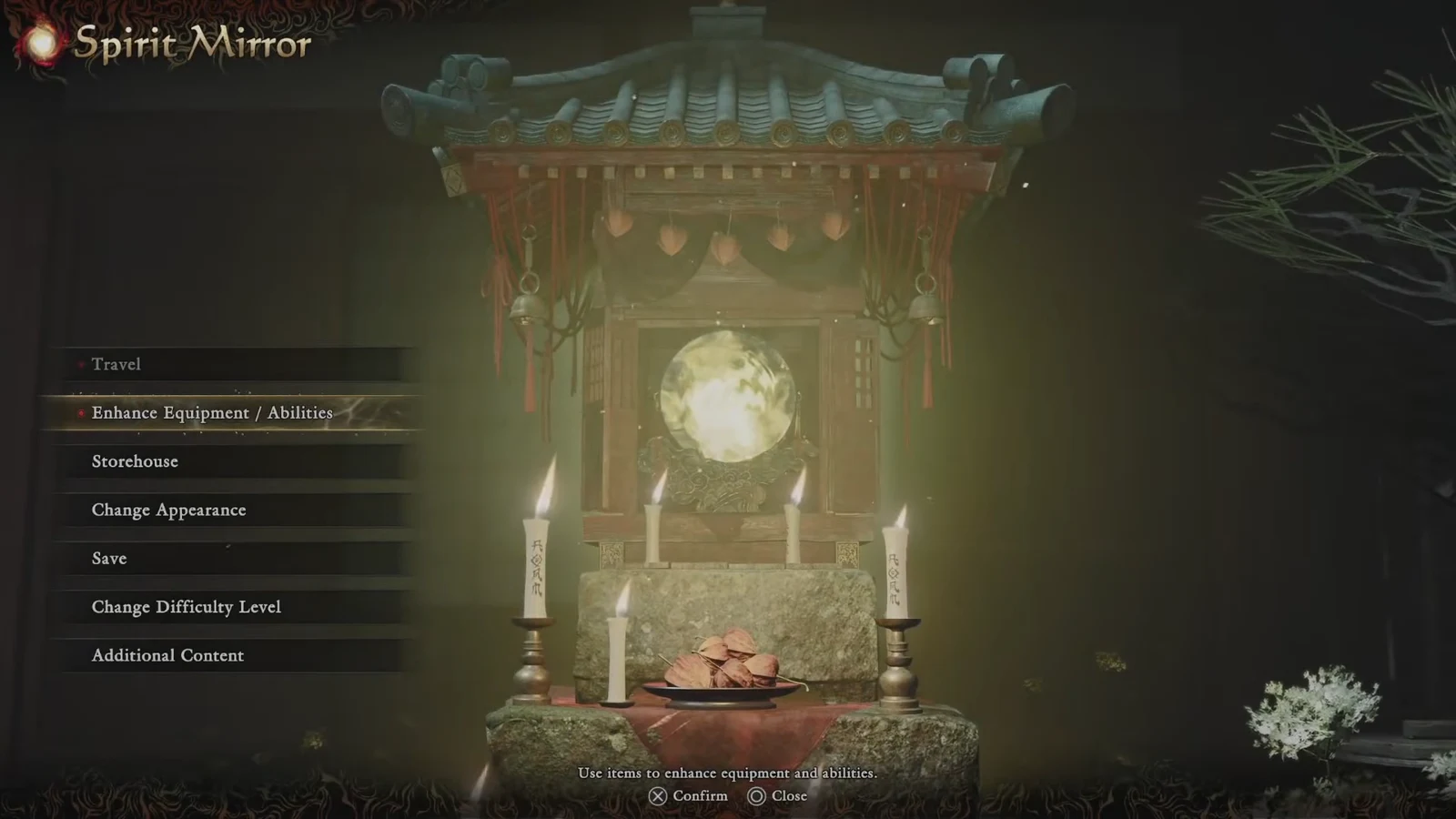
Musashi Miyamoto has a fixed face and build in Onimusha: Way of the Sword, but almost everything he wears or carries can be swapped out. The system lives inside the Spirit Mirror, the same save point you already use for saving, storage, and difficulty changes, and it stays greyed out until the story opens it up.
Quick answer: Finish the quest “The Stage is Set at Kiyomizu,” return to the Spirit Mirror at Tokamaru’s place, and choose Change Appearance to swap Musashi’s Sword Appearance, Haori Coat, or Clothing.
The unlock condition: complete “The Stage is Set at Kiyomizu”
Change Appearance is gated behind story progress, not behind an item or a purchase. The trigger is the quest “The Stage is Set at Kiyomizu” under the Way of the Sword track. Once it is marked complete in the Progress menu, the option becomes available the next time you use a Spirit Mirror.
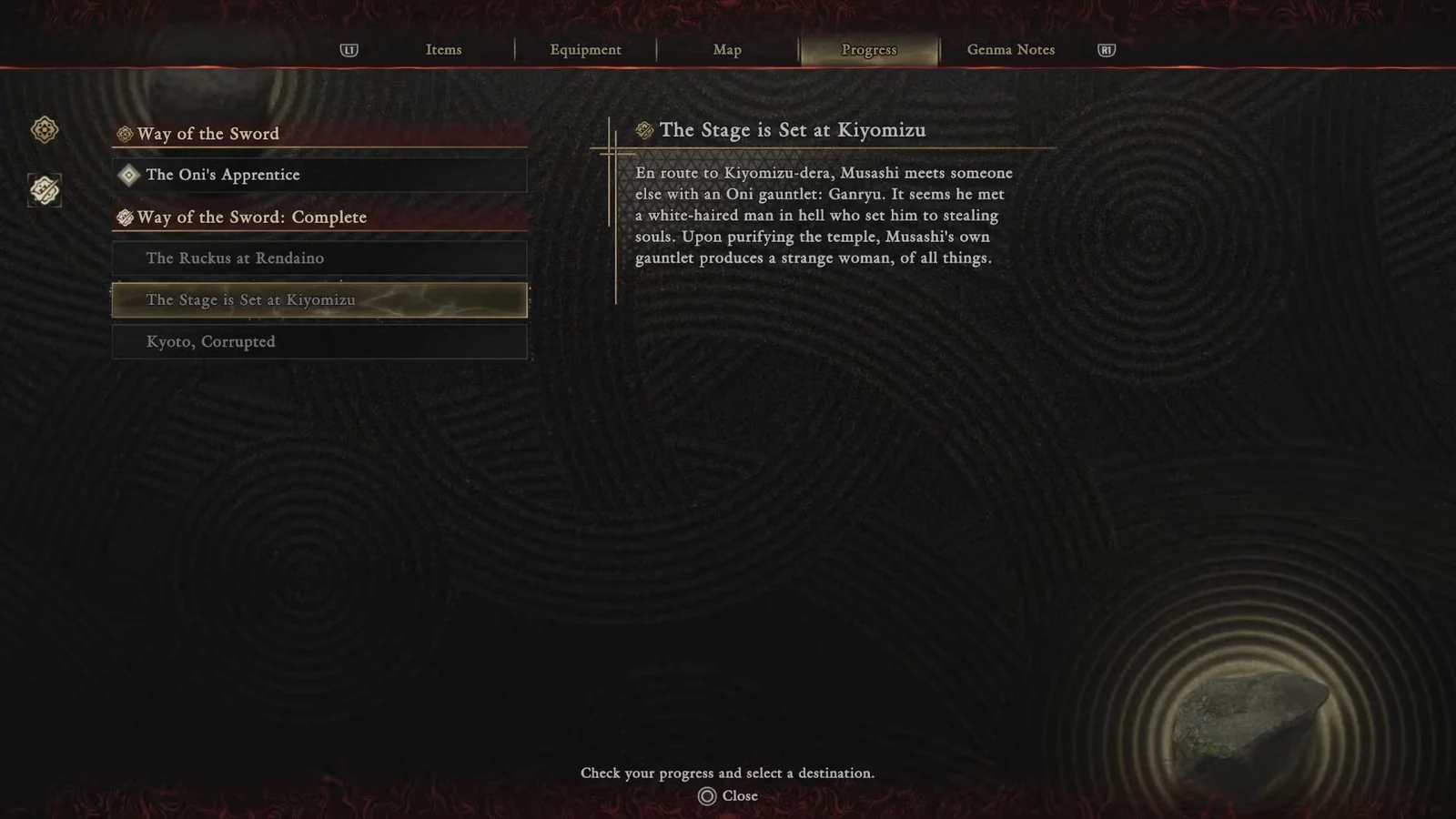
If the entry still shows as active, keep playing the main story. There is no alternate route, no side quest shortcut, and no menu toggle that opens the cosmetic screen early. The Spirit Mirror and the Equipment screen unlock separately as you progress, so having one available does not guarantee the other.
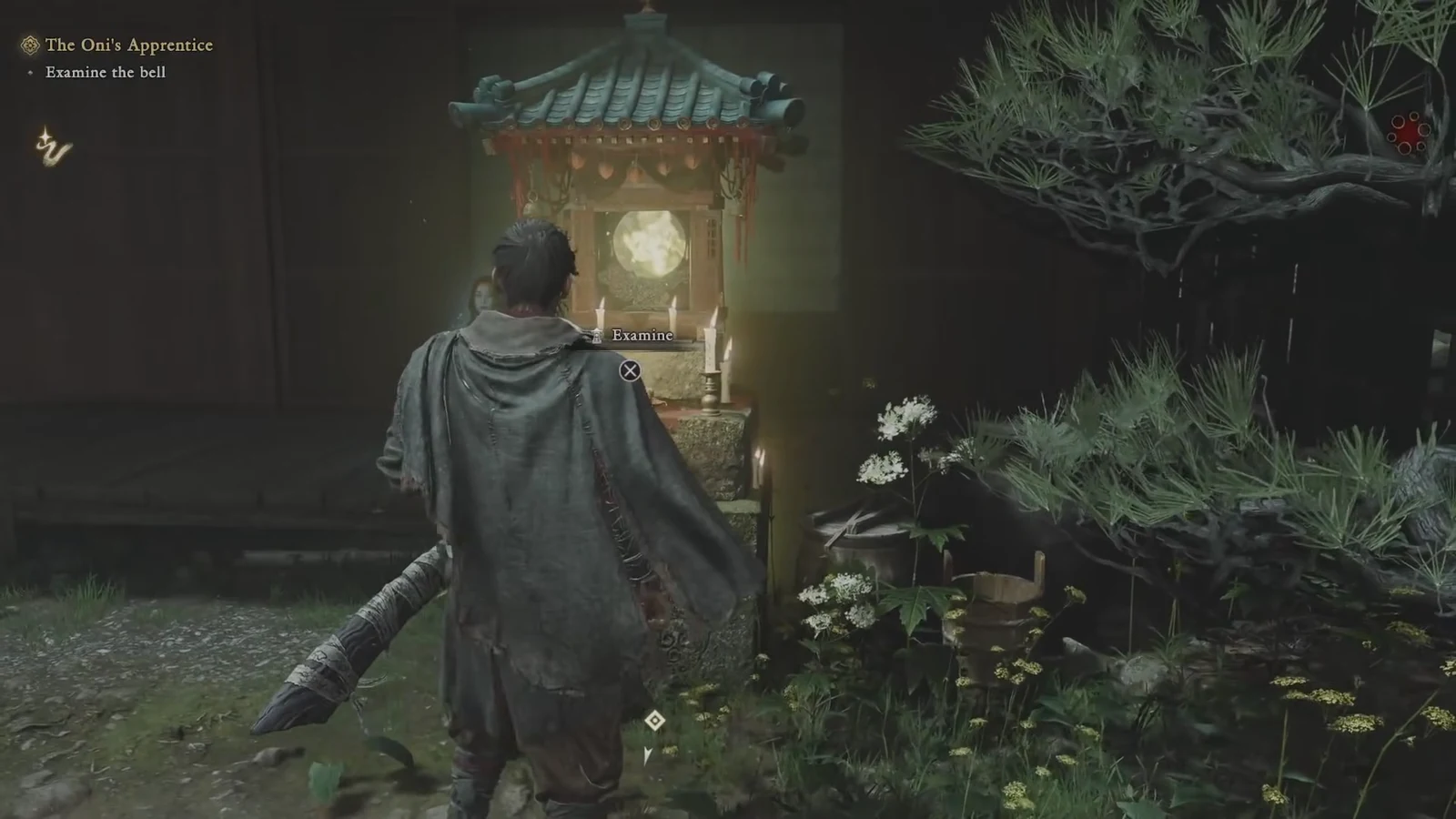
How to change Musashi’s appearance at the Spirit Mirror
What each slot actually changes
Every option here is purely visual. Swapping a sword skin does not alter damage, reach, or any combat property, and changing Musashi’s outfit has no effect on defense. Stat changes come from charms, which are equipped on the Equipment screen rather than in the mirror.
| Slot | What it affects |
|---|---|
| Sword Appearance | The look of Musashi’s blades, including skins like Sealed Curse and Raizan |
| Haori Coat | The coat worn over his outfit, such as the Gauntlet-Hiding Haori |
| Clothing | Musashi’s base outfit, including alternate sets like Red Armor |
The Oni Gauntlet has its own skins as well, and some side characters can be re-dressed too. The Oni Lady and Okuni both have alternate outfits that appear once you own them.
Why a cosmetic slot is locked or missing
Individual entries inside Change Appearance can stay locked even after the menu itself opens. A locked Haori Coat slot, for example, spells out its own requirement on screen, such as completing “Careful What You Wish For.” Finish the named quest and the slot becomes selectable on your next visit to the mirror.
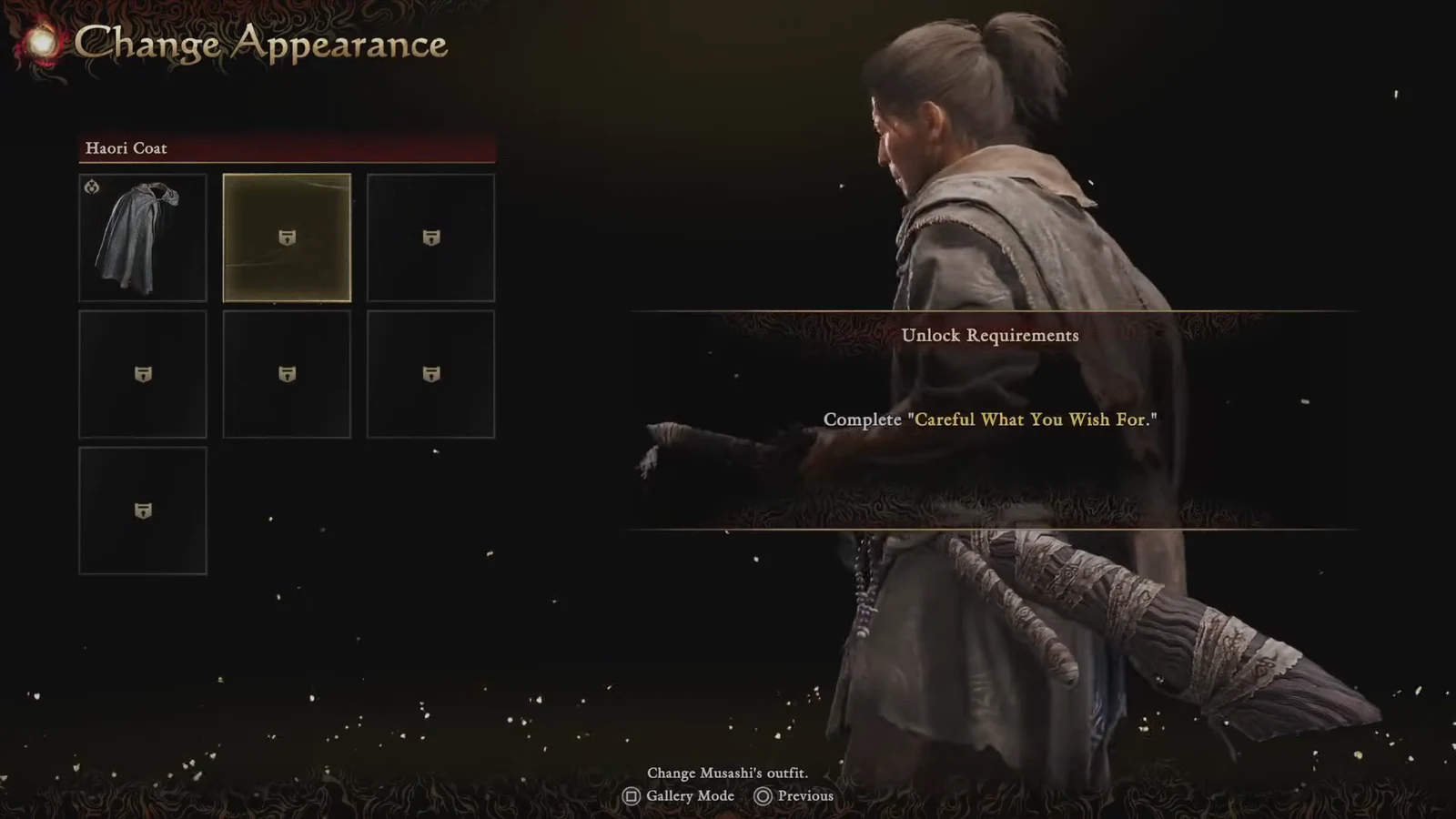
The other common reason an item never shows up is ownership. Several skins only exist in the Deluxe Kit or Premium Kit, and pre-order bonuses are attached to the account that claimed them. If you are on the standard edition, those entries simply will not be in the list.
Note: charms are not part of this menu at all. If you are looking for Lion Dog, White Monkey, Oni Lady, Little Dancer, or Mentor, open the Equipment screen instead.
Where the skins come from
Cosmetics arrive from three directions: story and side quest progress, optional challenge content like boss rematches, and the paid kits bundled with the higher editions. Everything ends up in the same Change Appearance list once you have it.
| Source | Examples |
|---|---|
| Story and side quests | Additional outfits and haori unlocked as you progress |
| Challenges | Rewards from replaying bosses in the rematch mode |
| Pre-order bonus | Sword Appearance: Sealed Curse, plus White Lion with Deluxe or Premium Deluxe |
| Deluxe Kit | Bamboo & Panda, Whittled Oar, Raizan, Enryuu swords; Red Armor outfit; Crimson Lotus gauntlet |
| Premium Kit | Hellfire, Moonlight, and Cloudbiter haori; Okuni and Oni Lady outfits |
You can swap any of it as often as you like once the menu is open, and there is no cost or cooldown for changing your mind. The only real constraint is the story gate up front, so if Change Appearance is not there yet, the fix is to push on to Kiyomizu.