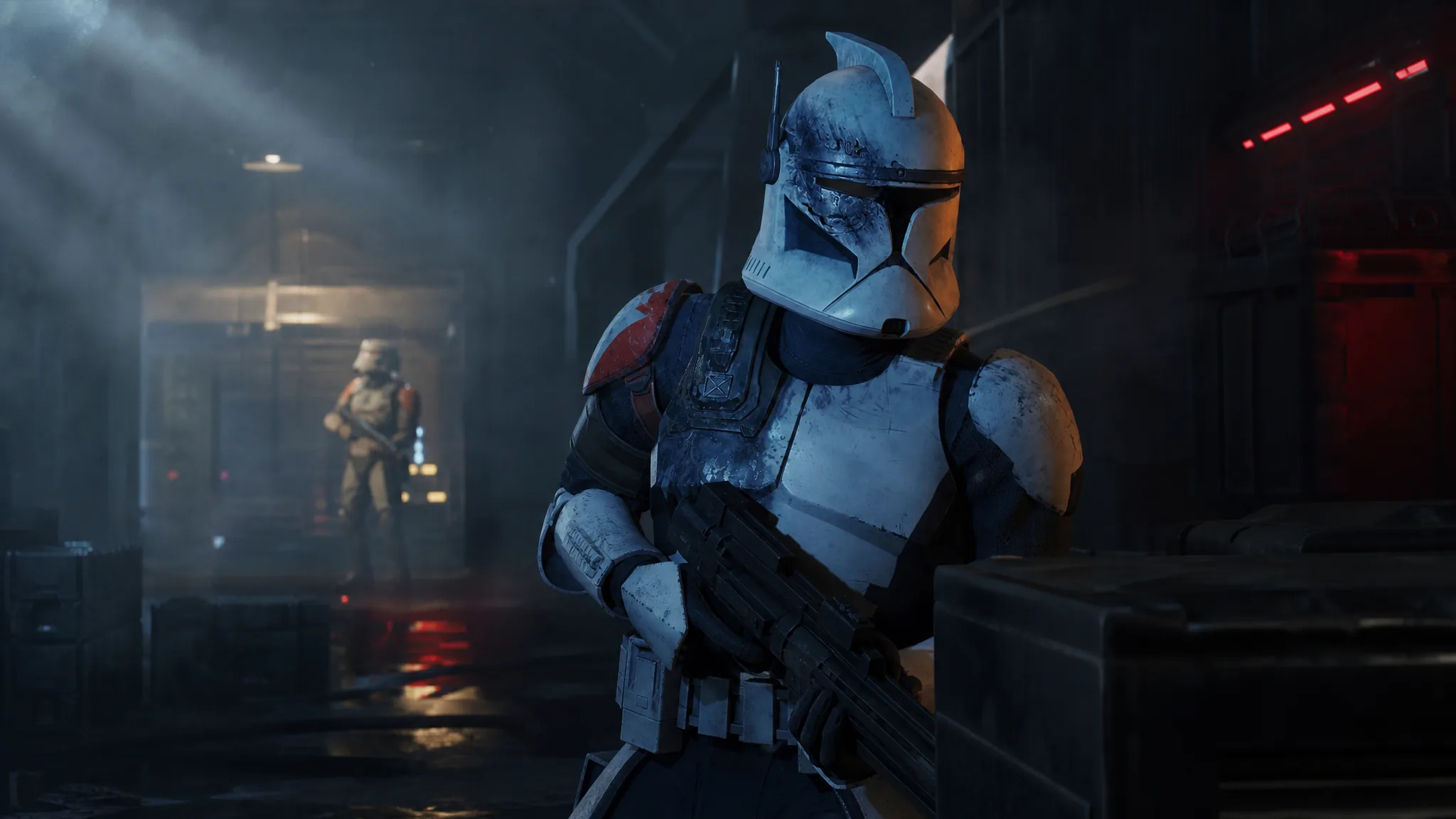
Star Wars Zero Company ends the moment Fathom falls, and the credits roll before you can do much else with your squad. A fan-made expansion called Aftermath changes that by keeping the Den open after the story wraps, so you can drop back into combat, run more missions, and recruit new operators instead of starting a fresh campaign.
Quick answer: Install the Aftermath mod only once you have reached the final mission, then play that mission normally to trigger it. Installing it earlier rewrites active skirmish missions and can break your current run.
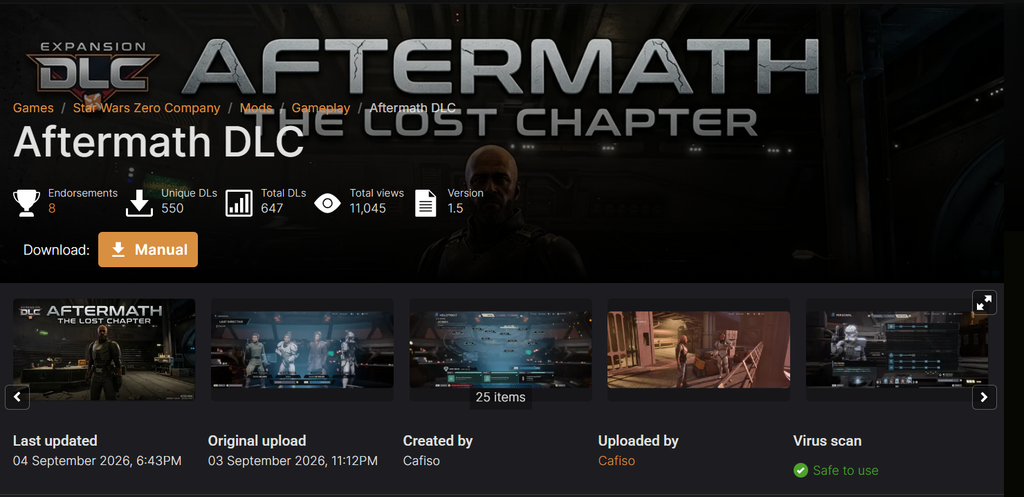
What the Aftermath mod adds after the ending
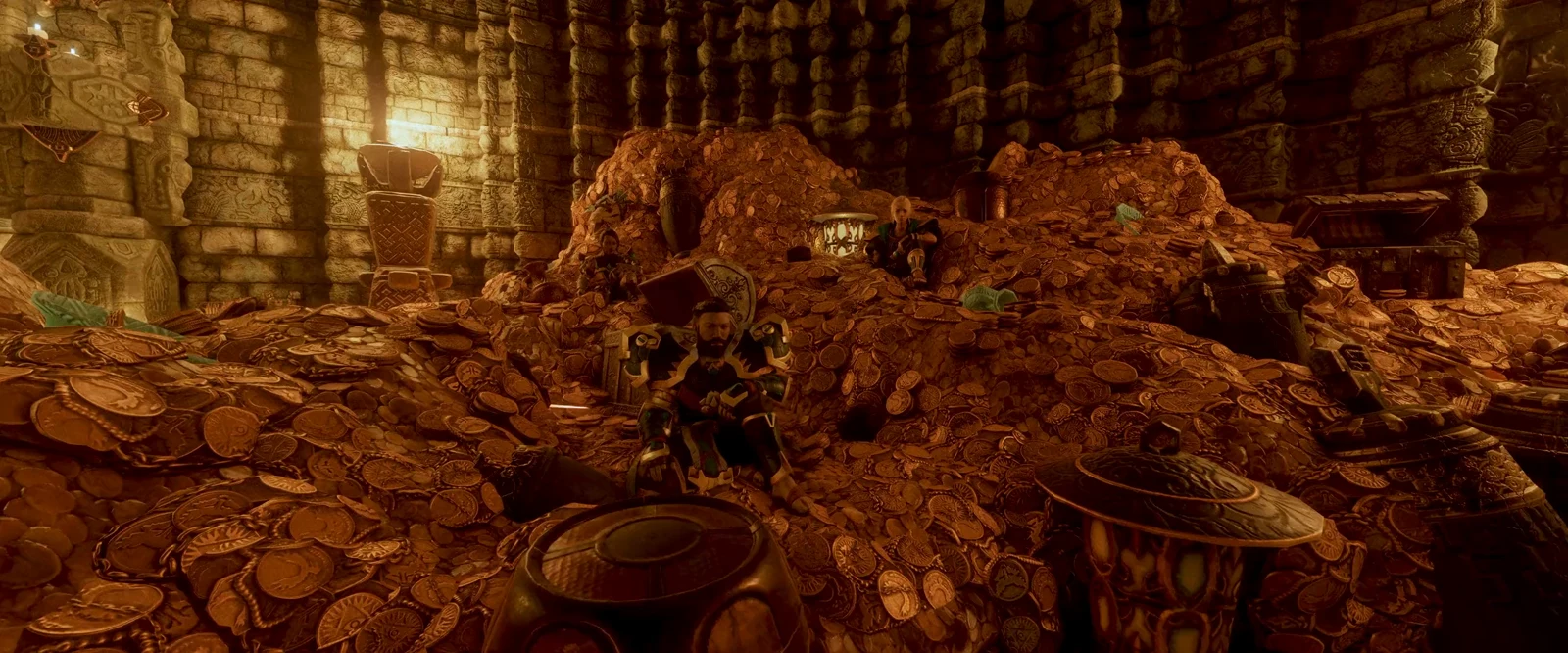
Aftermath, made by modder Cafiso, treats the ending as a starting point rather than a stopping point. After the story concludes, the Den stays accessible and its features come back online, giving you a reason to keep playing well past the credits.
| Addition | Detail |
|---|---|
| Den access | All Den features reopen once the game ends |
| Skirmish missions | 48 missions, rewritten to fit the post-game setting |
| Coil crisis events | New pop-ups appear every five cycles |
| New operators | Four recruitable characters, some returning |
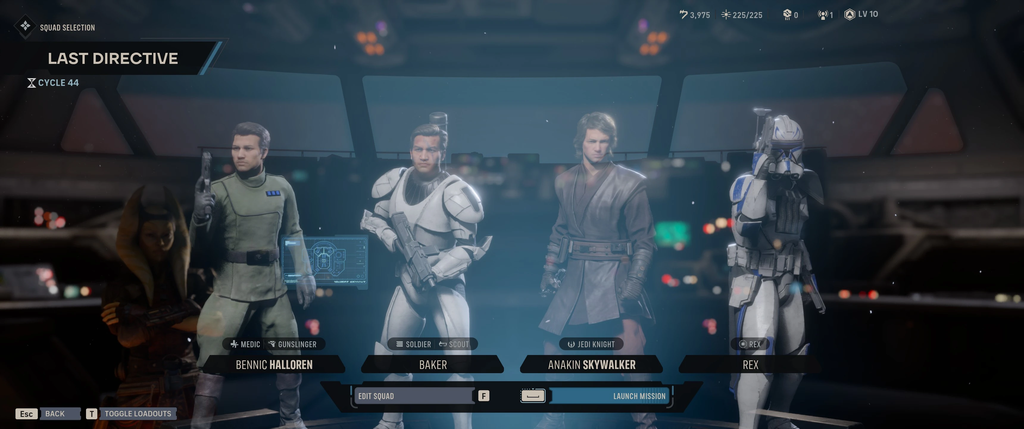
The four operators are Bennic, who finally joins the fight directly; Aurelio, who returns despite his earlier fate; Captain Rex, taking on more missions with the squad; and Anakin. Between the rewritten skirmishes and the recurring Coil crisis events, the mod is built to give the endgame a steady rotation of work.
How to install the mod correctly
Timing is the part that matters most here. Because Aftermath rewrites some missions, installing it at the wrong point can interfere with a campaign that is still in progress. Follow the sequence below to avoid that.
How to confirm it worked and why it can fail
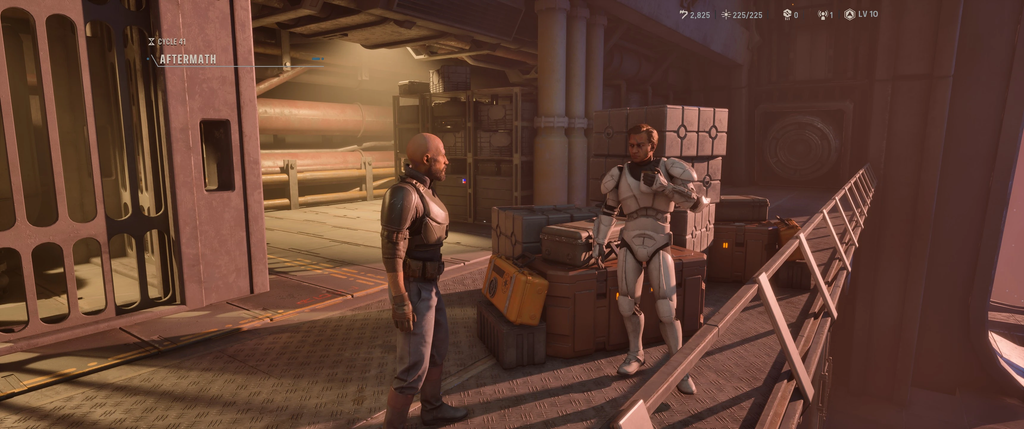
You will know Aftermath is active when the credits no longer lock you out. The Den reopens after the ending, the skirmish missions become available again, and Coil crisis pop-ups begin surfacing on their five-cycle schedule. Access to the four new operators is the other clear sign that the mod is running.
The most common way it goes wrong is installing it mid-playthrough. Adding the mod while a campaign is still active lets its mission rewrites collide with your in-progress run, which is exactly why the final-mission timing is required.
Aftermath is one of a growing set of community mods for the game, which already has a sizable modding scene on PC. If you want more variety alongside the post-game content, one of the more popular options raises the squad limit so you can take six operators into missions instead of four.