
Topic
Linux
-
Replace GRUB with Systemd-Boot on Linux
Switching from GRUB to systemd-boot streamlines Linux boot management, reduces complexity, and speeds up boot times on UEFI systems.
-
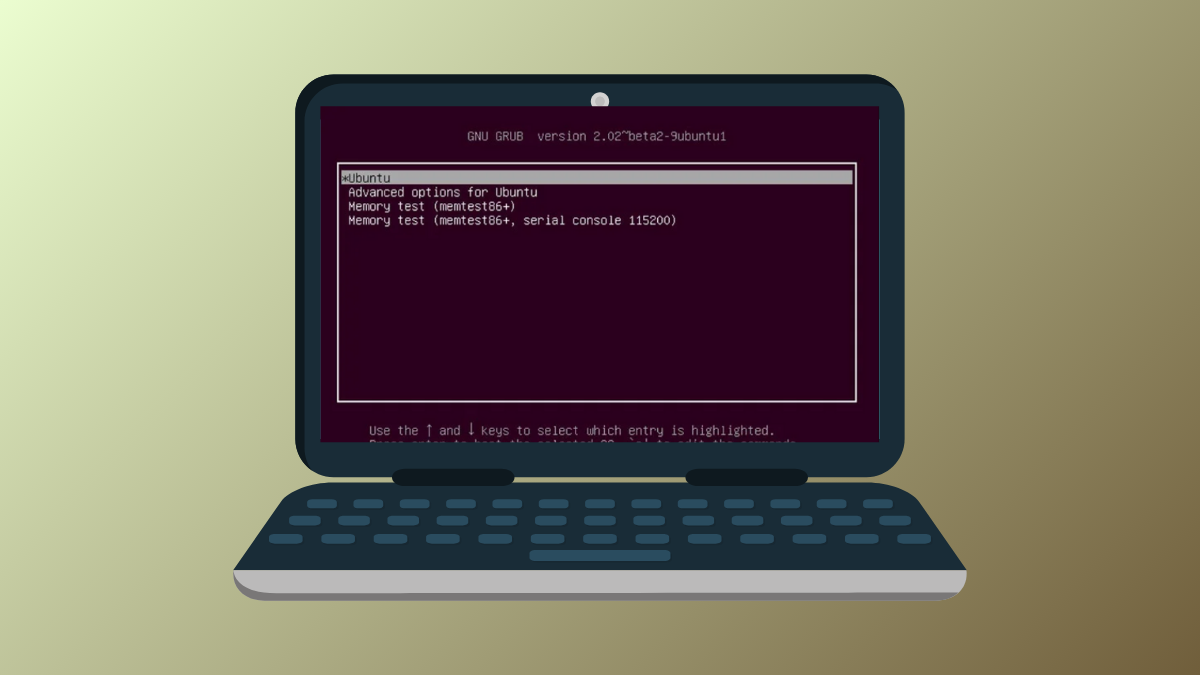
Rebuild the GRUB Bootloader After a Failed Update
Follow detailed solutions to restore Linux boot access and repair GRUB after updates or dual-boot changes disrupt system startup.
-

Switch Display Protocol Between X11 and Wayland in Fedora
Learn how to switch your Fedora session between X11 and Wayland, verify your current protocol, and troubleshoot common issues for GNOME, KDE, and other…
-
Set Up TPM-Based Full Disk Encryption in Ubuntu
Configure TPM-backed full disk encryption in Ubuntu to secure your data with hardware-based protection and streamline the boot process.
-

Set Up Touchpad Gestures in Linux Mint Using Gestures or Fusuma
Configure multi-finger touchpad gestures in Linux Mint with detailed instructions for both Gestures (libinput-gestures) and Fusuma, including installation, configuration, and troubleshooting tips.
-
Fix Missing Wi-Fi After a Linux Kernel Upgrade
Detailed solutions for restoring Wi-Fi connectivity and adapter detection after updating your Linux kernel, with step-by-step methods for Ubuntu, Mint, Debian, and Arch systems.
-

Fix “Unable to Locate Package” Errors After Upgrading to Ubuntu 24.04
Resolve package installation failures and restore apt functionality on Ubuntu 24.04 by addressing repository issues, cache updates, and package availability.
-

Use DNF5 for Package Management in Fedora
Switching to DNF5 speeds up software installation, reduces resource usage, and prepares your Fedora system for the next generation of package management.
-

Install NVIDIA Drivers the Right Way in Fedora
Follow these instructions to properly install NVIDIA drivers on Fedora, ensuring maximum GPU performance and system stability.
-

Enable RPM Fusion Repositories in Fedora
Unlock access to additional software packages on Fedora by enabling the RPM Fusion repositories using command-line or graphical methods.