
Topic
Microsoft Edge
-
How to Prevent Chrome and Edge From Accessing Your Mic and Webcam
Restrict browser and app permissions to stop unauthorized microphone and camera access in Google Chrome and Microsoft Edge.
-
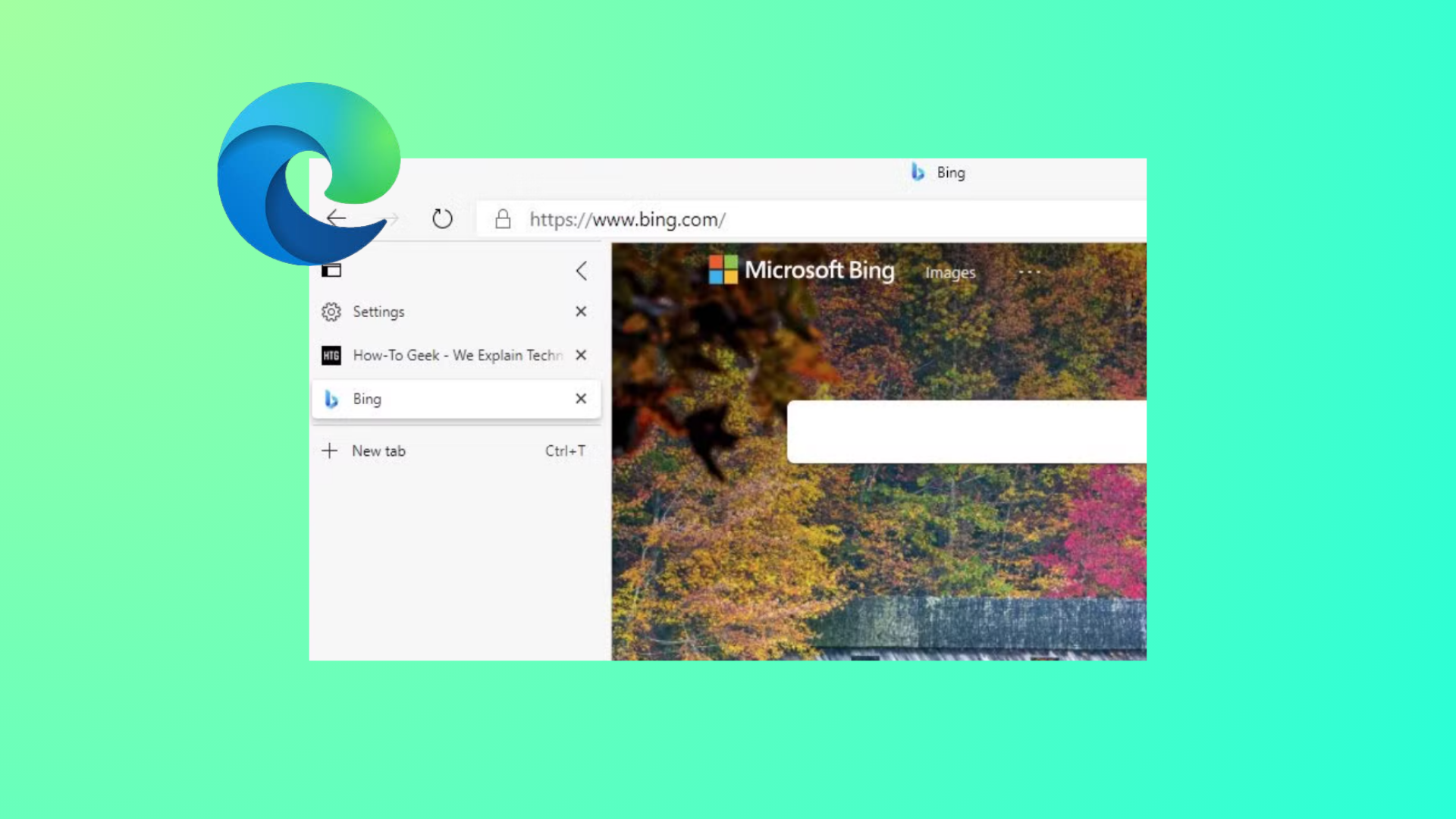
How to Remove Edge Browser Tabs from Alt+Tab in Windows 11
Stop Microsoft Edge tabs from appearing as separate entries when switching apps with Alt+Tab by adjusting Windows 11 multitasking settings.
-
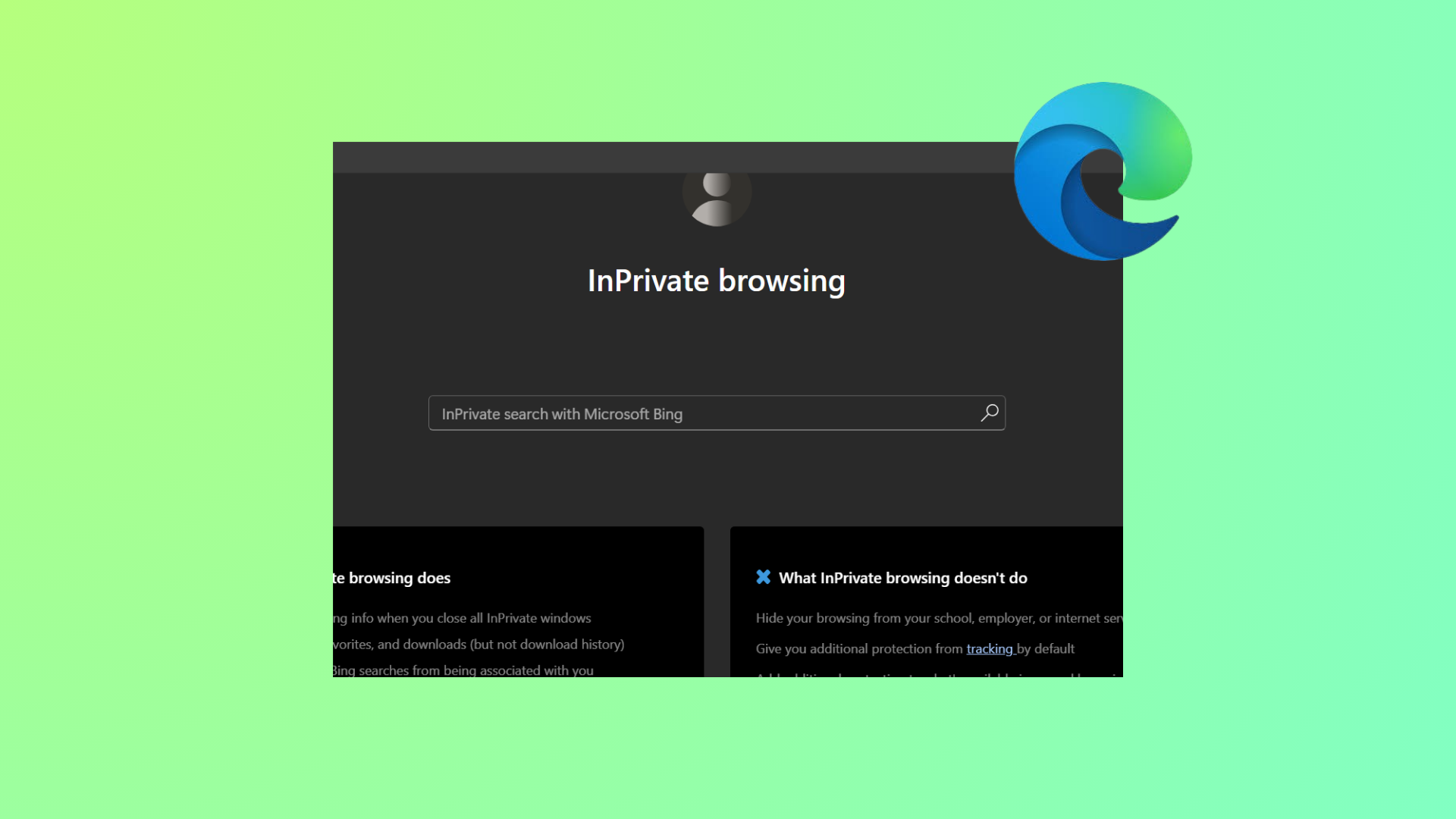
How to Fix Edge Browser InPrivate Mode Not Working on Windows 11
Resolve issues with Microsoft Edge InPrivate browsing not opening, greyed out, or crashing on Windows 11 using proven troubleshooting steps.
-
How to Fix Microsoft Edge Not Showing History
Restore missing or incomplete browsing history in Microsoft Edge by adjusting privacy settings, checking sync, and troubleshooting profile issues.
-

How to Fix Edge Browser Not Loading Amazon Prime
Clear instructions to resolve Amazon Prime Video and Amazon site loading issues in Microsoft Edge on Windows 11.
-
Edge Browser Gets Copilot Mode
Microsoft Edge introduces Copilot Mode, bringing AI-powered tab management, voice navigation, and automated actions directly to Windows 11 browsing.
-
How to Fix Microsoft Edge Installed but Not Appearing in Windows 11
Resolve the issue where Microsoft Edge shows as installed but is missing from the Start menu, apps list, or file system in Windows 11.
-
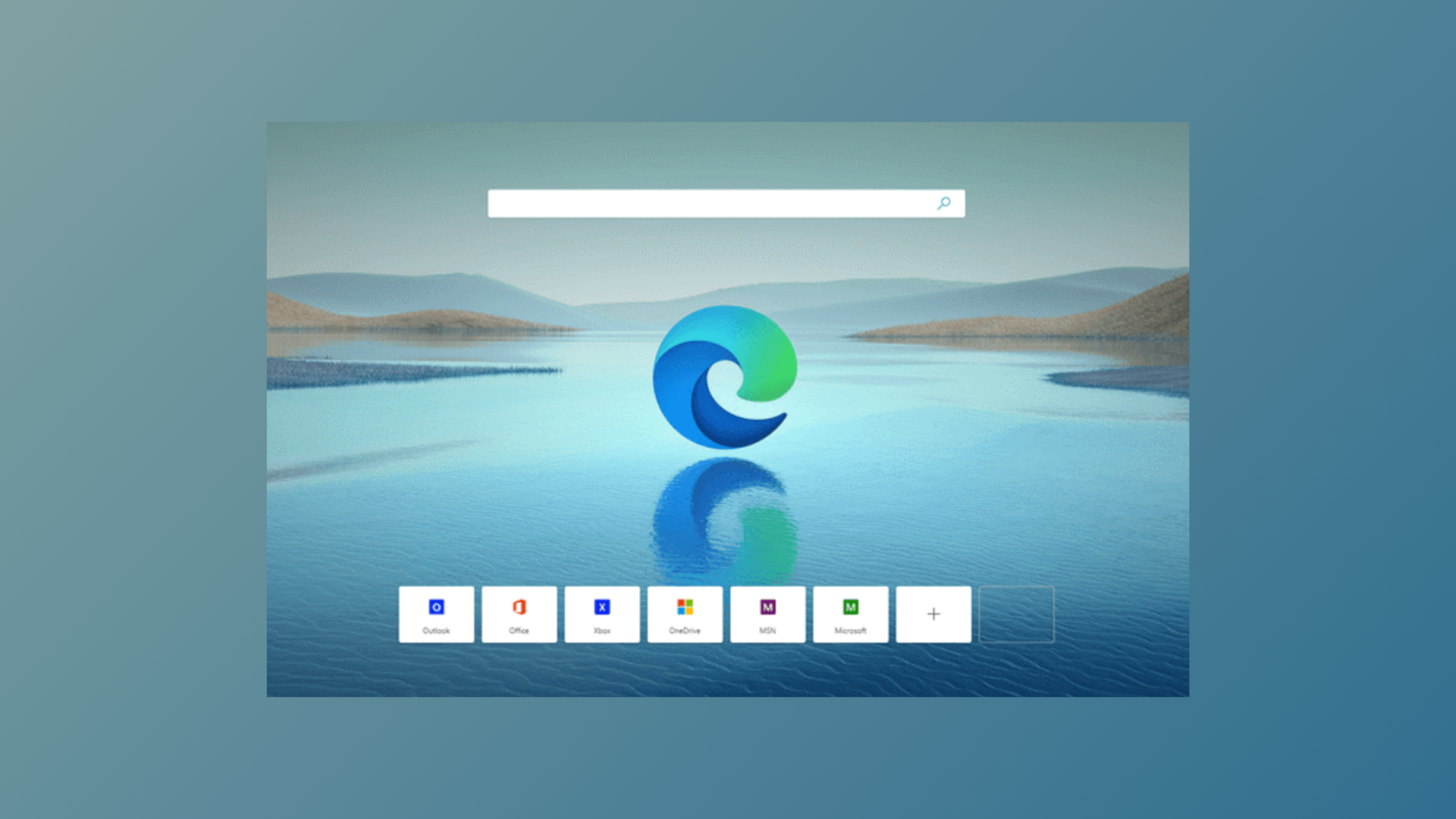
How to Enable Mica Effect in Edge Browser in 2025
Activate the Windows 11 Mica visual effect in Microsoft Edge to achieve a semi-transparent, modern interface—now available in Edge version 140 and newer.
-
How to Fix Audio Not Working on Certain Websites in Edge
Resolve sound problems in Microsoft Edge for specific sites by adjusting audio settings, updating drivers, and resetting browser configurations.
-
How to Fix YouTube or Other Videos Not Playing in Edge
Resolve video playback issues in Microsoft Edge with proven troubleshooting steps for YouTube and other streaming sites.