Microsoft Edge How to Use Smart Copy on Microsoft Edge Microsoft Edge's Smart Copy feature simplifies the process of copying content from web pages by allowing users to select and copy text, images,
Apps How to Enable Startup Boost In Microsoft Edge Slow browser launch times can impede efficiency, particularly when timely access to online resources is crucial. Microsoft Edge addresses this issue with its Startup boost
macOS FIX: Microsoft Edge Error Code 6 (Can't Open this Page) on Mac One of the most frustrating things while using the internet is getting an error in your web browser like ‘Can’t open this page’, for
Microsoft Edge FIX: Microsoft Edge Keeps Closing (Not Launching) Problem Does Edge keeps closing and not launching properly on your Windows 10 PC? Are you facing issues with Microsoft Edge after a Windows update? Then
Google Chrome How to Link to Text on a Web Page in Chrome and Edge Create a link that automatically scrolls to a selected text on a webpage when opened in Chrome or Edge browser.
Google Chrome How to Download Microsoft Editor Extension for Chrome and Edge Microsoft Editor is an AI-powered assistant designed to enhance your writing by providing real-time suggestions for spelling, grammar, and style across various web platforms. Whether
Microsoft Edge How to Show Icons Only for Sites in Favorites Bar on Microsoft Edge Microsoft Edge's Favorites Bar offers quick access to your most frequently visited websites. However, displaying both the site icons and names can quickly
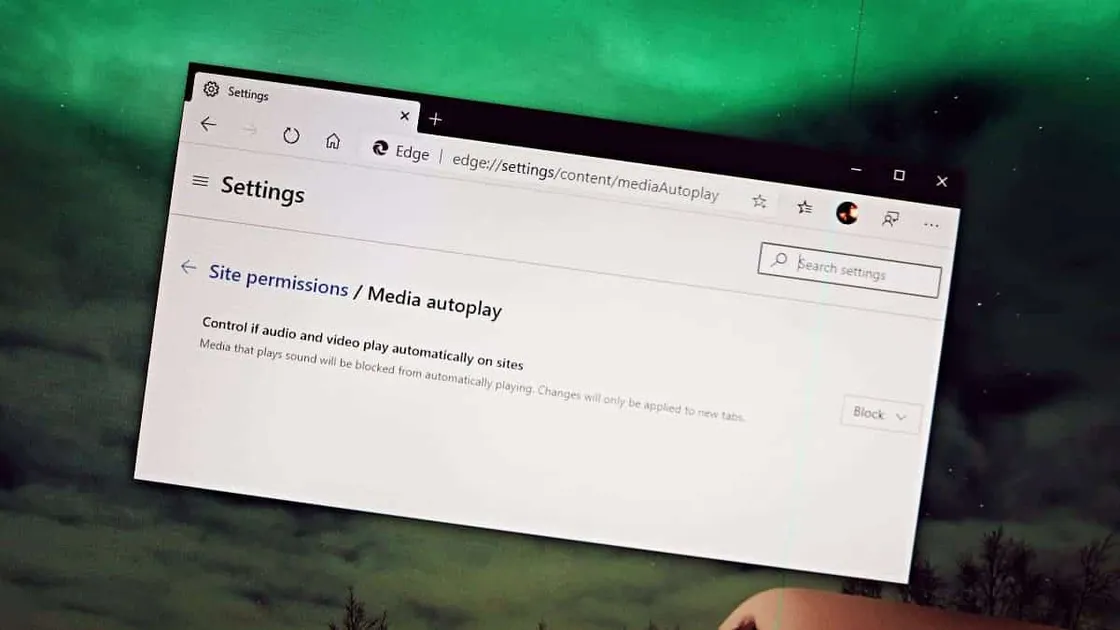
Microsoft Edge How to Stop Auto-Playing Videos on Websites in Microsoft Edge Auto-playing videos on websites can be both annoying and disruptive, especially when they suddenly start with sound in quiet environments. If you're using
Google Chrome How to Increase Font Size in Chrome and Microsoft Edge If you're having trouble reading small text on websites, both Google Chrome and Microsoft Edge allow you to adjust the font size to
Google Chrome How to Disable Password Saving in Chrome and Microsoft Edge Most web browsers, including Google Chrome and Microsoft Edge, offer to save your passwords for the websites you visit, making future logins more convenient. However,
Gmail Make Your Emails Stand Out With Formatted Subject Lines in Gmail Everyone receives tonnes of emails every day and it is a fact that no one opens every single email in their inbox. So, when you
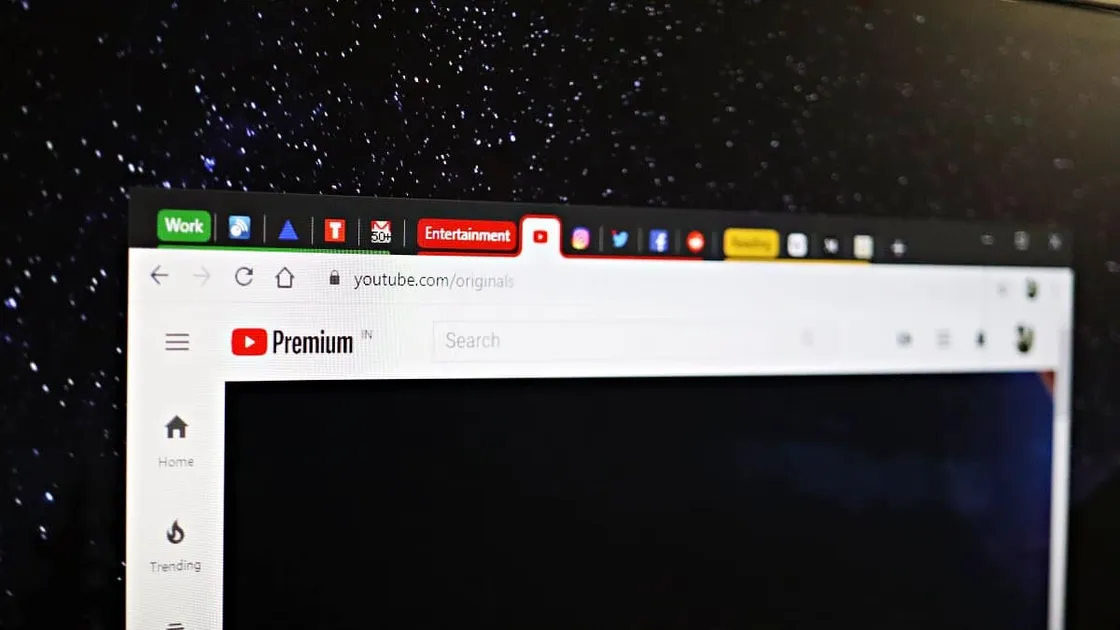
Google Chrome How to Enable and Use Tab Groups in Chrome and Microsoft Edge Managing multiple tabs in your web browser can be overwhelming and inefficient. Thankfully, browsers like Google Chrome and Microsoft Edge offer an experimental feature called