
Topic
Windows 11
Windows 11 is Microsoft’s modern PC operating system, built to deliver a refreshed interface, stronger productivity tools, gaming features, enhanced security, and deep integration with services like Copilot. It launched as the successor to Windows 10 and supports a wide range of desktops, laptops, and compatible hardware configurations for work, play, and everyday computing. | Release Date: October 5, 2021 | Developer: Microsoft | Platforms: x86-64 PCs, Arm64 PCs | Genre: Operating System
-
Fix Error 0x80071AC3 on Windows 11
Resolve the “Volume is Dirty” message and restore file access by addressing disk errors, driver issues, and system settings in Windows 11.
-
Suspend or Resume BitLocker Encryption on Windows 11
Learn various methods to temporarily pause or restart BitLocker encryption for system, fixed, or removable drives in Windows 11, using Control Panel, File Explorer,…
-

Fix Cursor Not Moving to Second Monitor in Windows 11
Resolve issues that prevent your mouse cursor from moving between monitors by correcting display alignment, settings, and hardware connections in Windows 11.
-
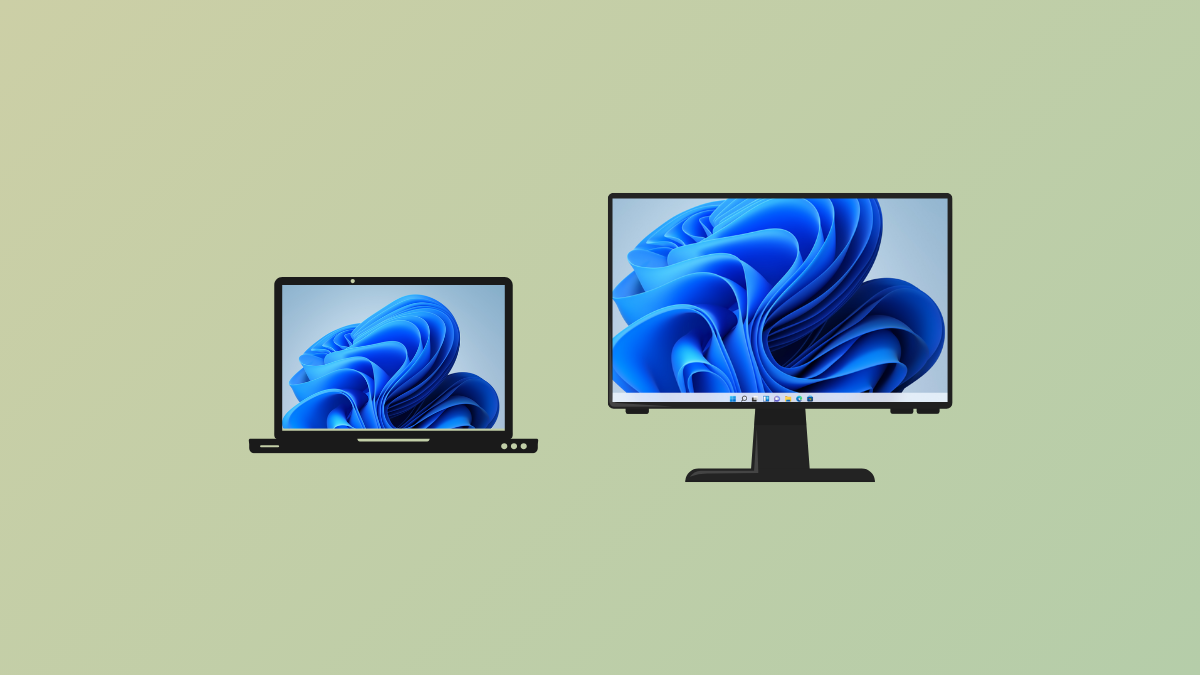
Move Taskbar to Second Monitor on Windows 11
Switch the Windows 11 taskbar to a different monitor or display it across multiple screens for a more efficient multi-monitor setup.
-
Rebuild Boot Configuration Data (BCD) File in Windows 11
Resolve boot issues in Windows 11 by rebuilding the Boot Configuration Data (BCD) file using effective command-line and recovery methods.
-
Fix Laptop Shuts Down After Locking but Doesn’t Turn Back On Error
Resolve a Windows 11 laptop that powers off after locking and fails to restart, with clear troubleshooting steps for power, battery, and hardware issues.
-
Resolve “Windows Resource Protection Found Some Corrupt Files but Was Unable to Fix Them” Error
Discover effective solutions to repair system file corruption and restore normal Windows 11 functionality when the System File Checker cannot fix all issues.
-
Fix Windows Could Not Automatically Detect This Network’s Proxy Settings Error on Windows 11
Resolve the “Windows could not automatically detect this network’s proxy settings” error in Windows 11 using multiple methods to restore reliable internet connectivity.
-
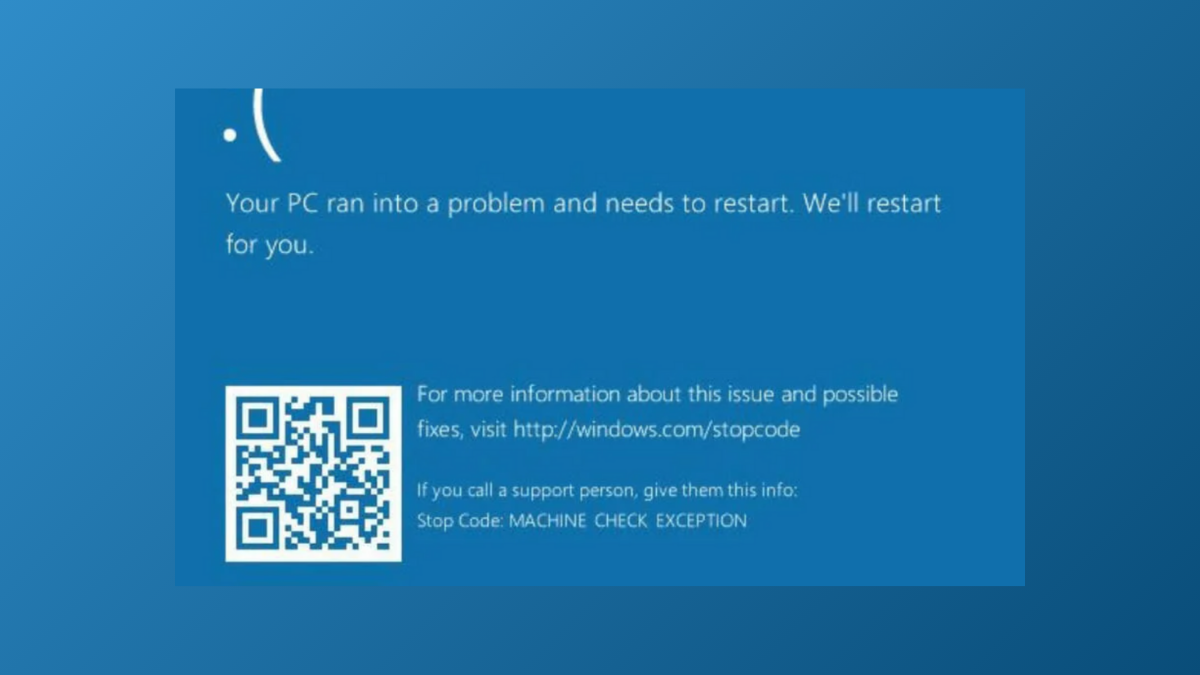
Fix Machine Check Exception Blue Screen Error in Windows 11
Resolve the Machine Check Exception BSOD in Windows 11 by addressing hardware faults, updating drivers, and applying targeted troubleshooting steps to restore system stability.
-
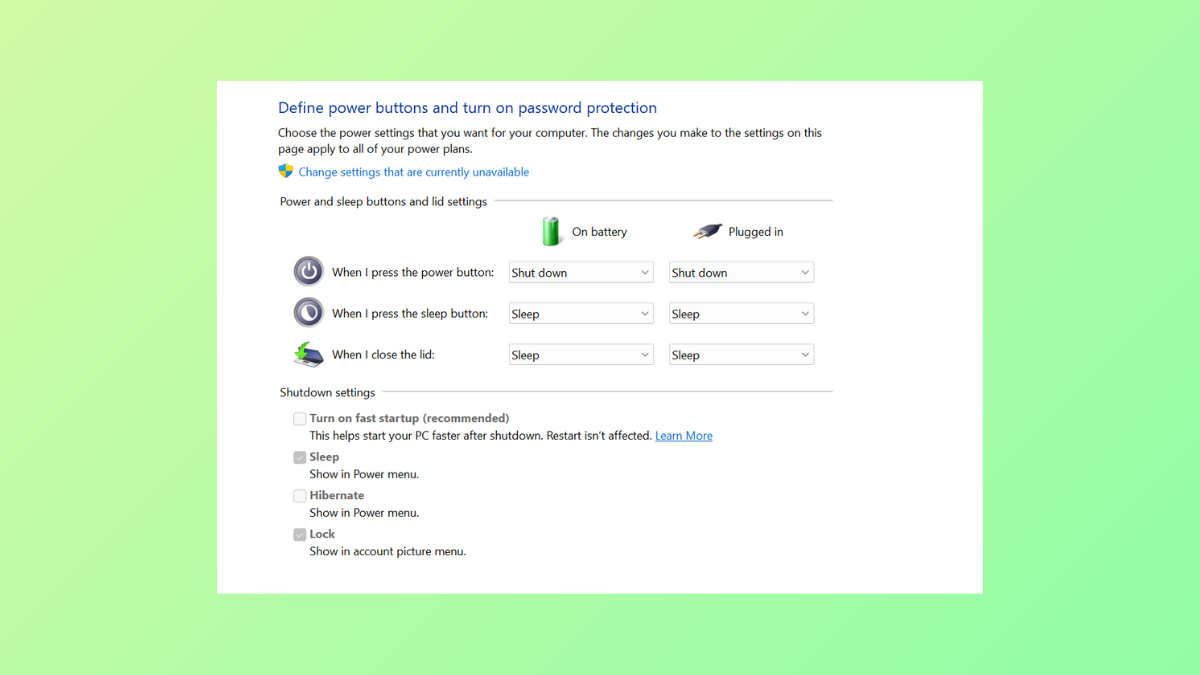
Fix Turn On Fast Startup Missing on Windows 11
Restore the missing Fast Startup option in Windows 11 Power Options by enabling hibernation and adjusting system settings.