
Instructional, step-by-step articles.
Content Type: How-To
-
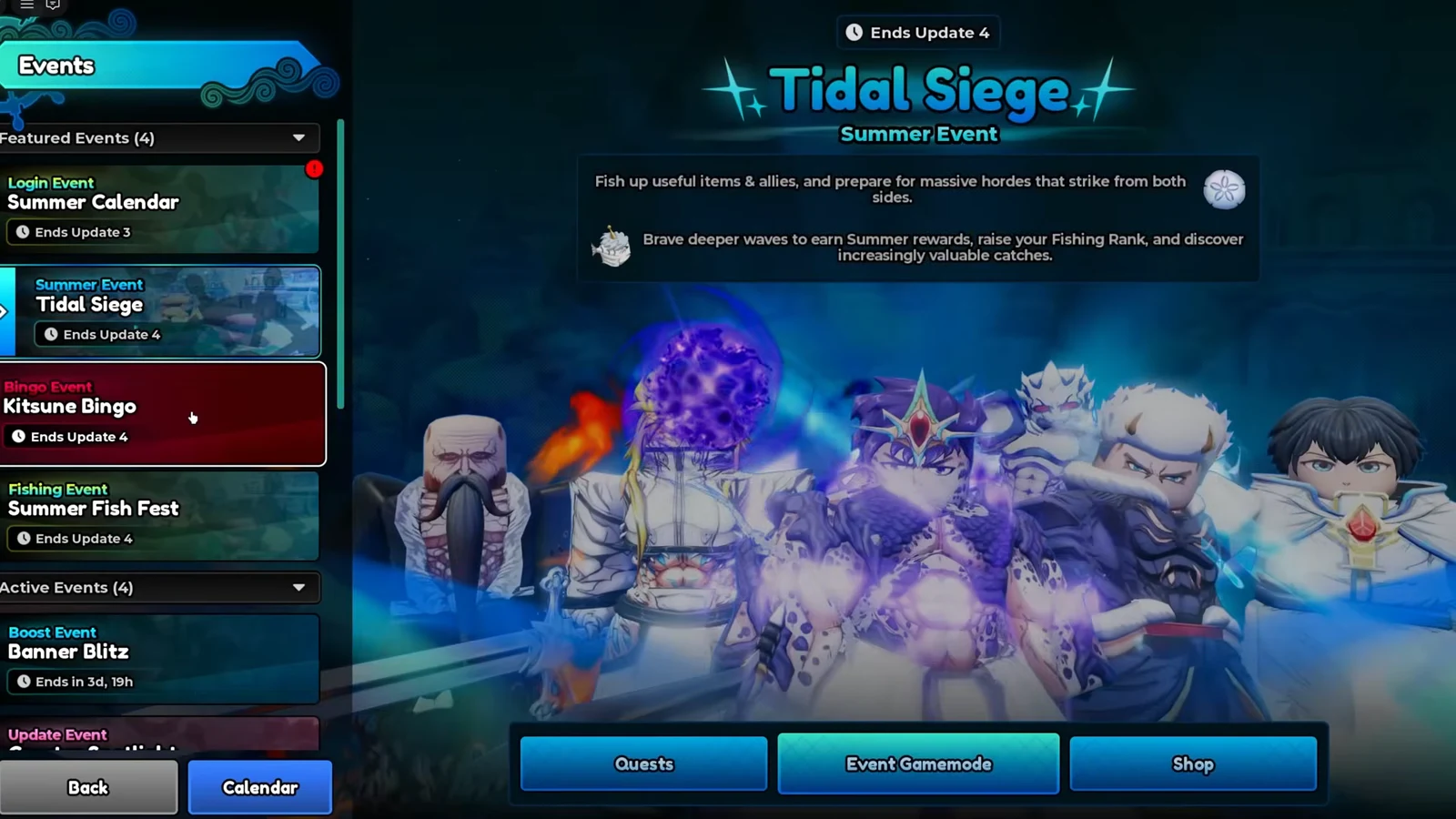
Anime Expeditions Summer Siege: How to Get the New Summer Units
Unlock Kitsune, Head Captain, Rainman, and Sharkfang through the Summer Siege event before it ends on September 11.
-
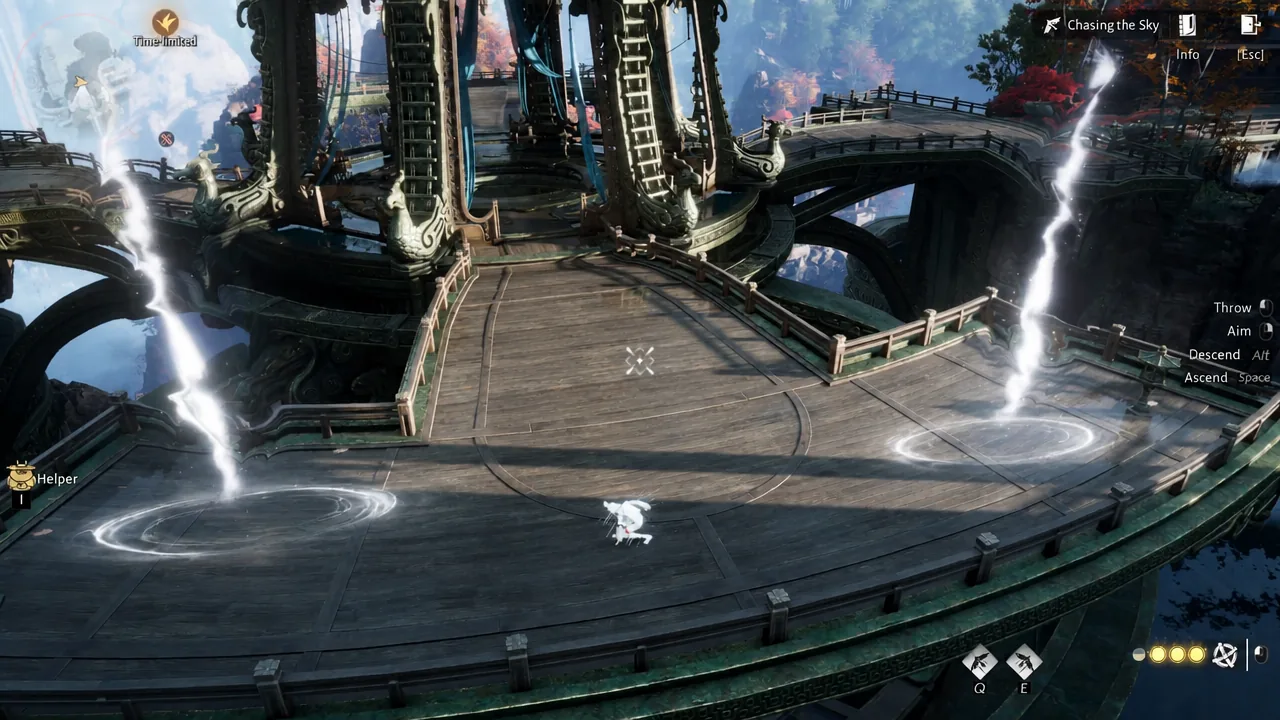
Where Winds Meet: How to Complete Chasing the Sky in Heaven’s Threshold
The exact route, timer trick, and reward for the Rollstone Hollow kite challenge that pushes Heaven’s Threshold Fun to 100%.
-
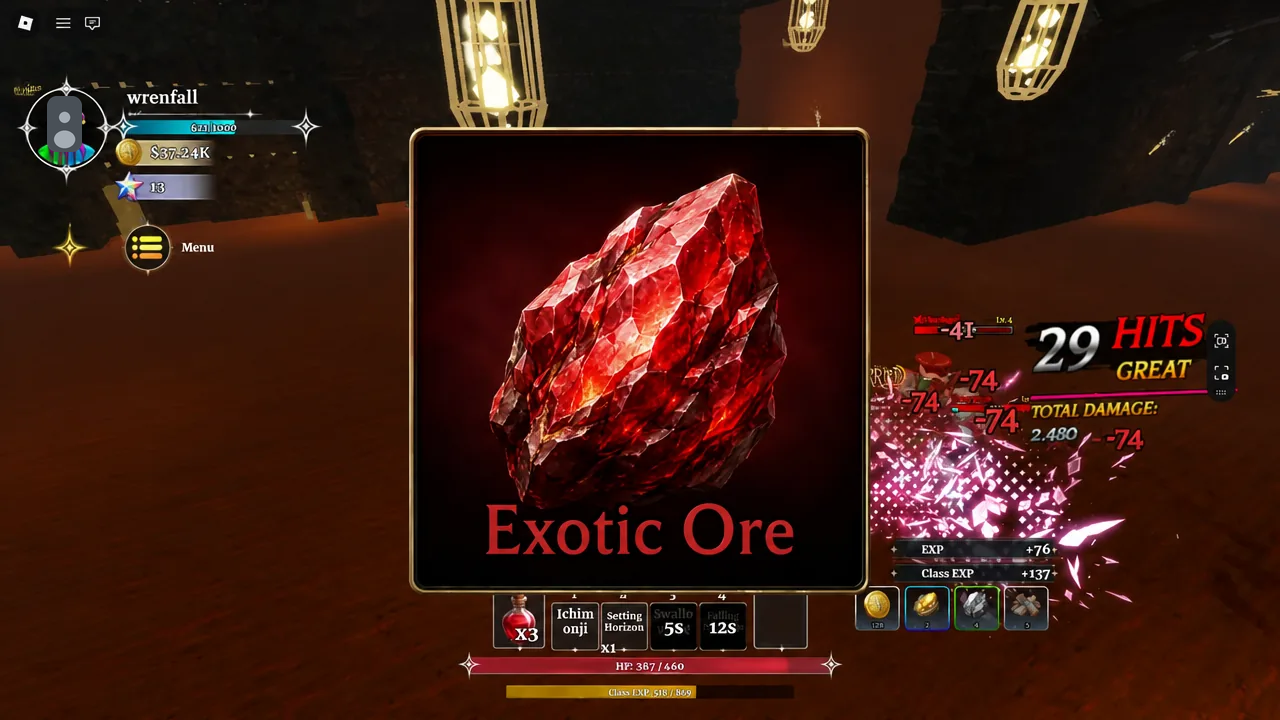
How to Get Exotic Materials in Dungeon Lootr (Drop Rates)
Exotic Essence, Exotic Ore, and Exotic Shattered Armor come from two endgame modes, each with a fixed drop rate.
-
Fortnite Star Wars Droid Tycoon: How to AFK Pickaxe Scrap at the Scrap Station
The pipe-and-rack positioning trick that stops blueprint drops from cutting your pickaxe animation short.
-
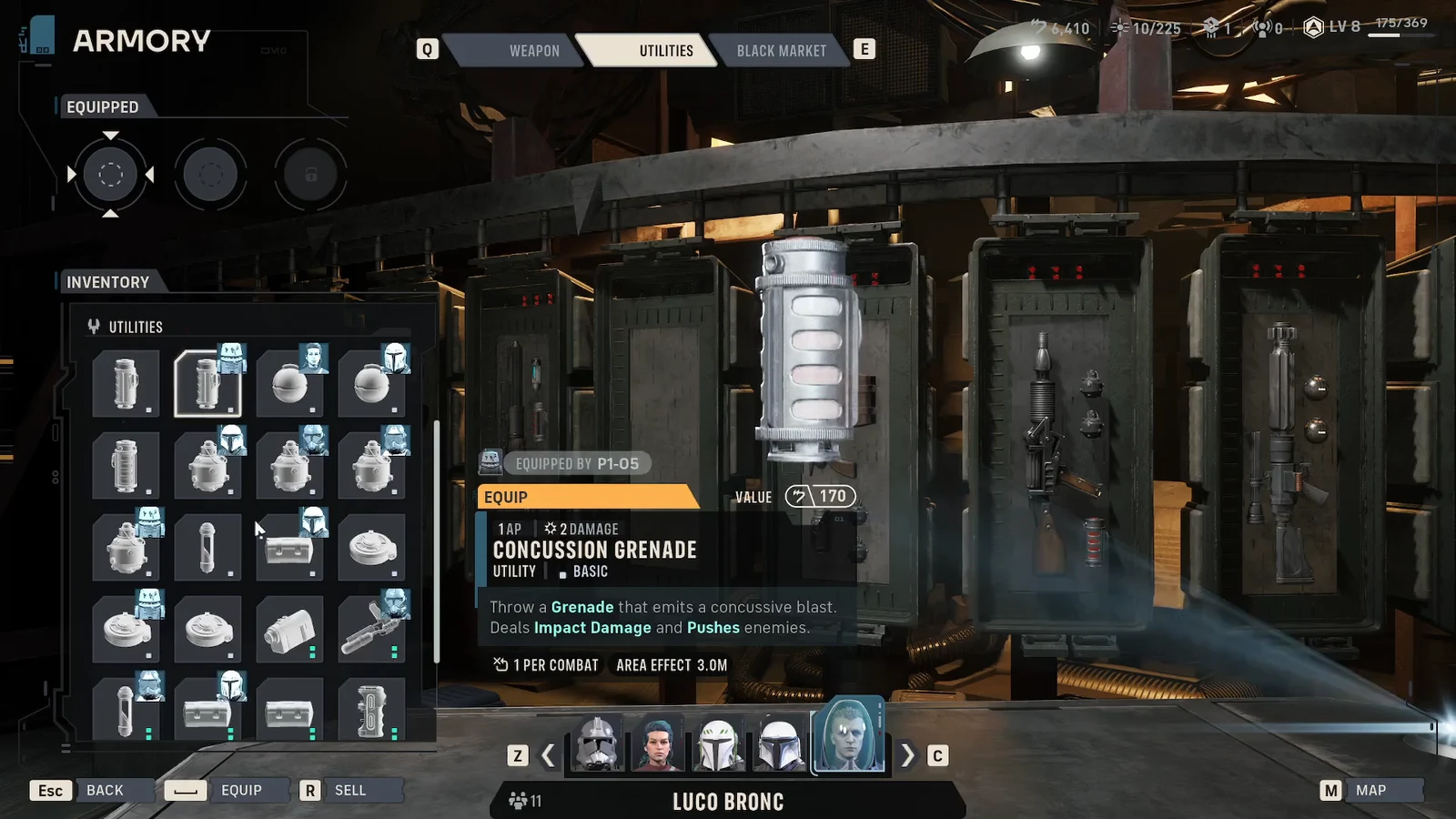
Star Wars Zero Company: How to Sell Utilities and Weapon Mods
Clear out duplicate grenades, medpacs, and spare mods at the Den’s Armory counter and turn them into credits.
-
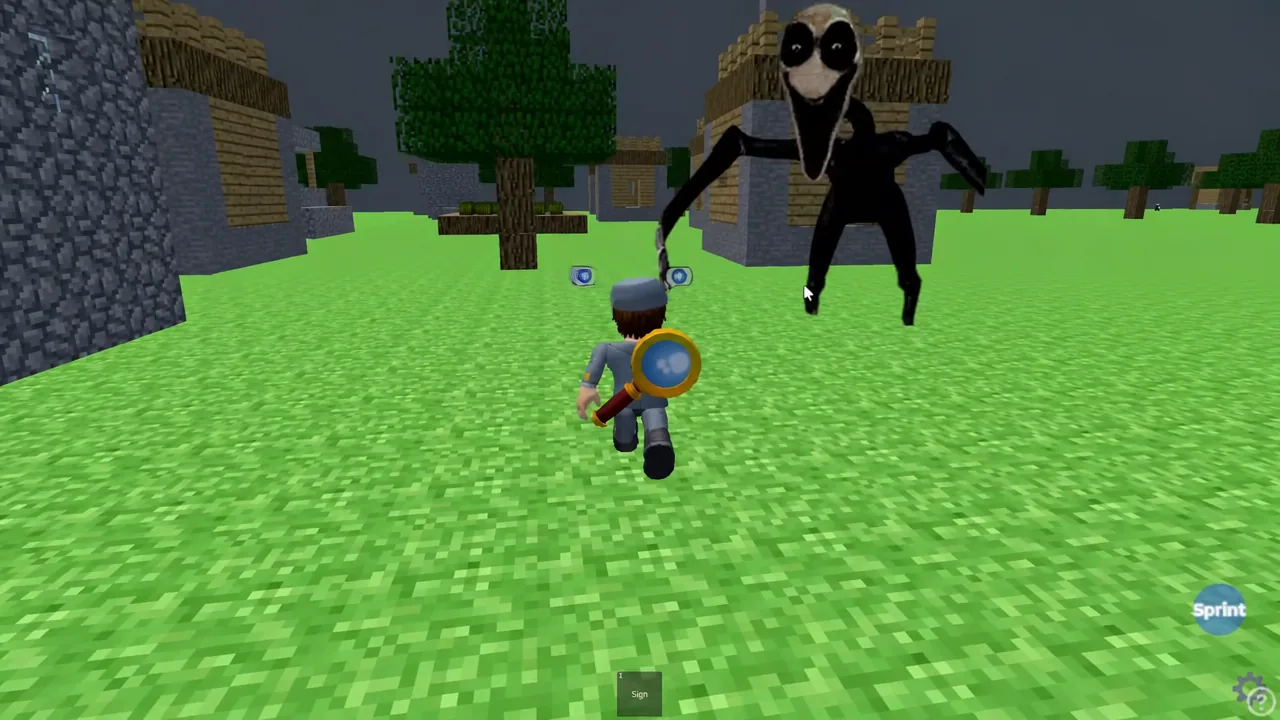
IGNBTS Twixxels Stalker Rp: How to Get All Badges (Roblox)
Exact locations for all nine hidden badges across The Village, The Cave, Twixxel’s house, and Snowy map.
-
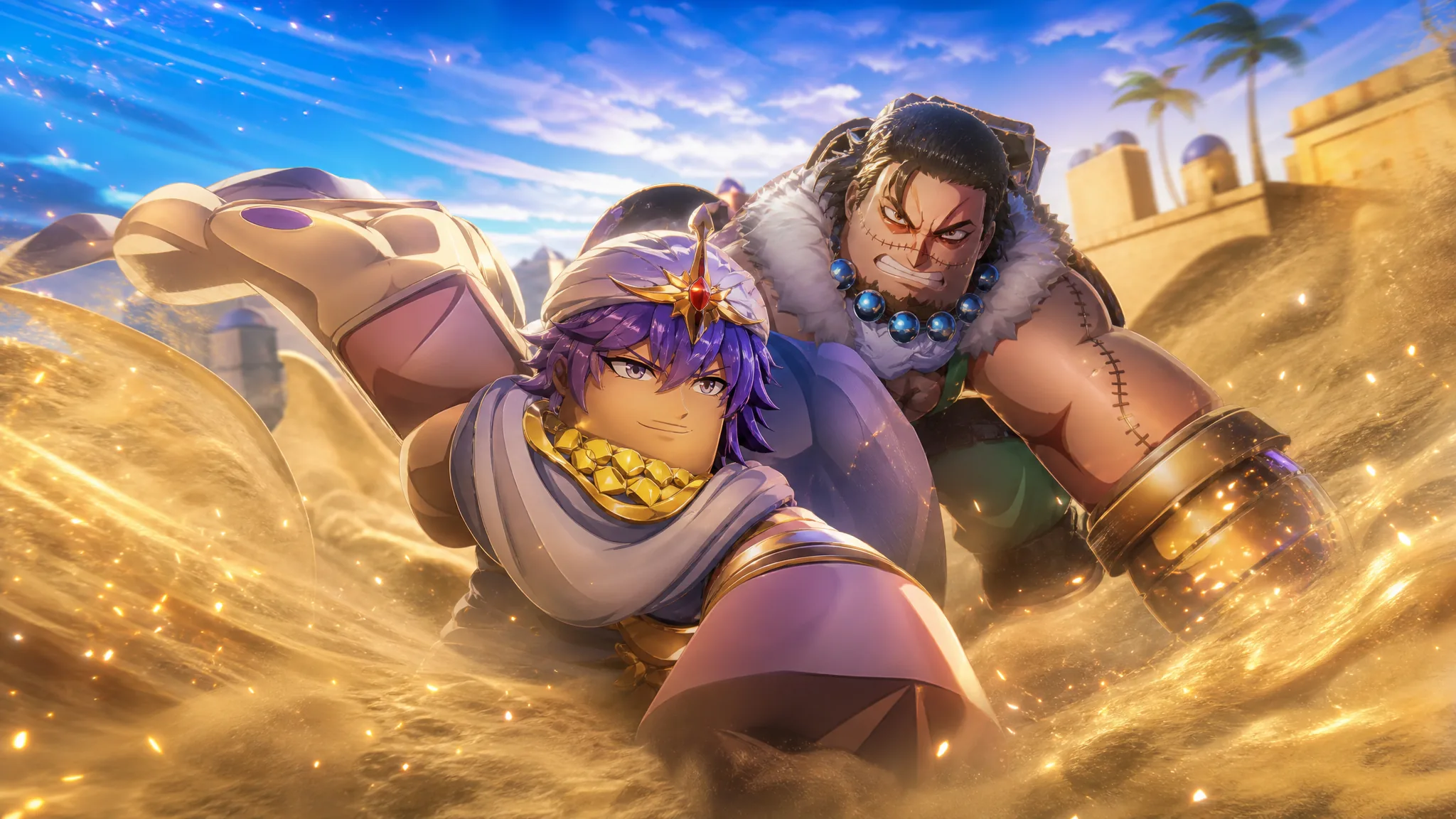
Anime Expeditions: How to Get and Evolve Sand (Crocodile)
Everything needed to pull the Mythic Crocodile unit, evolve it into Sand (Alligator), and read its Desert Storm kit.
-
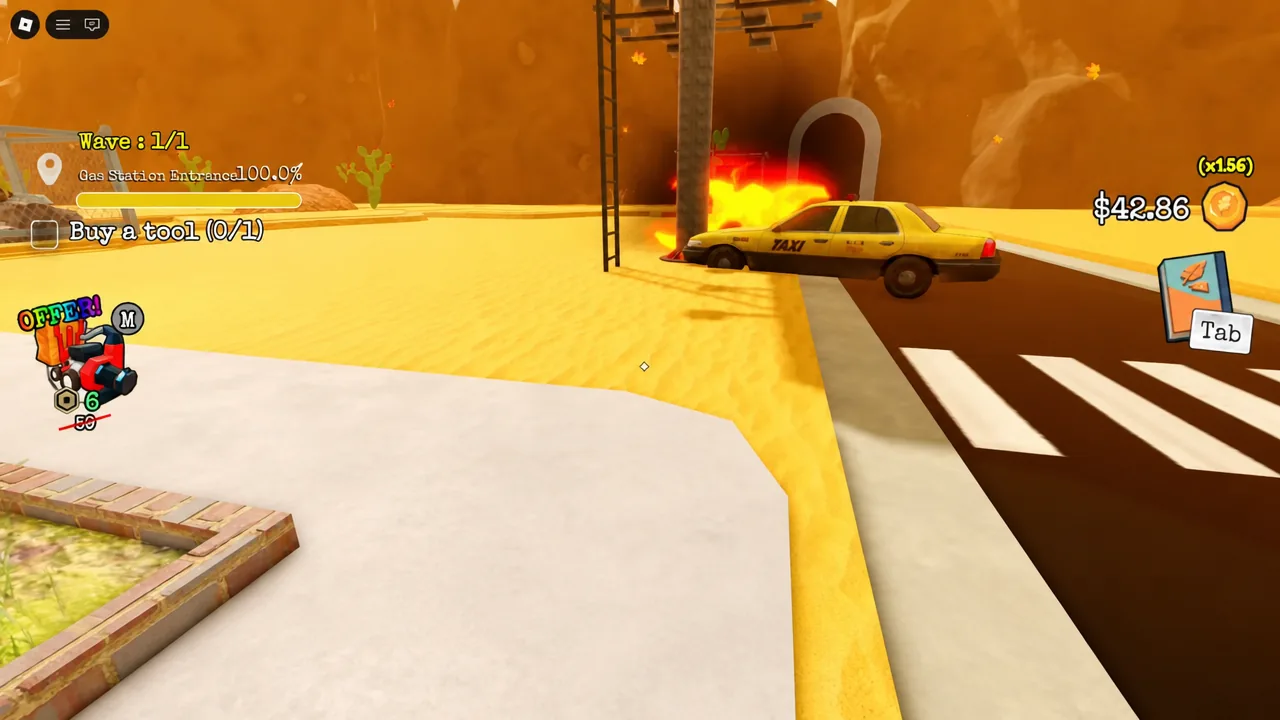
How to Unlock the Inside Gas Station Area in Clean All the Leaves
Clear four surrounding zones to 100 percent, and the front doors open so you can enter and collect the leaves inside.
-
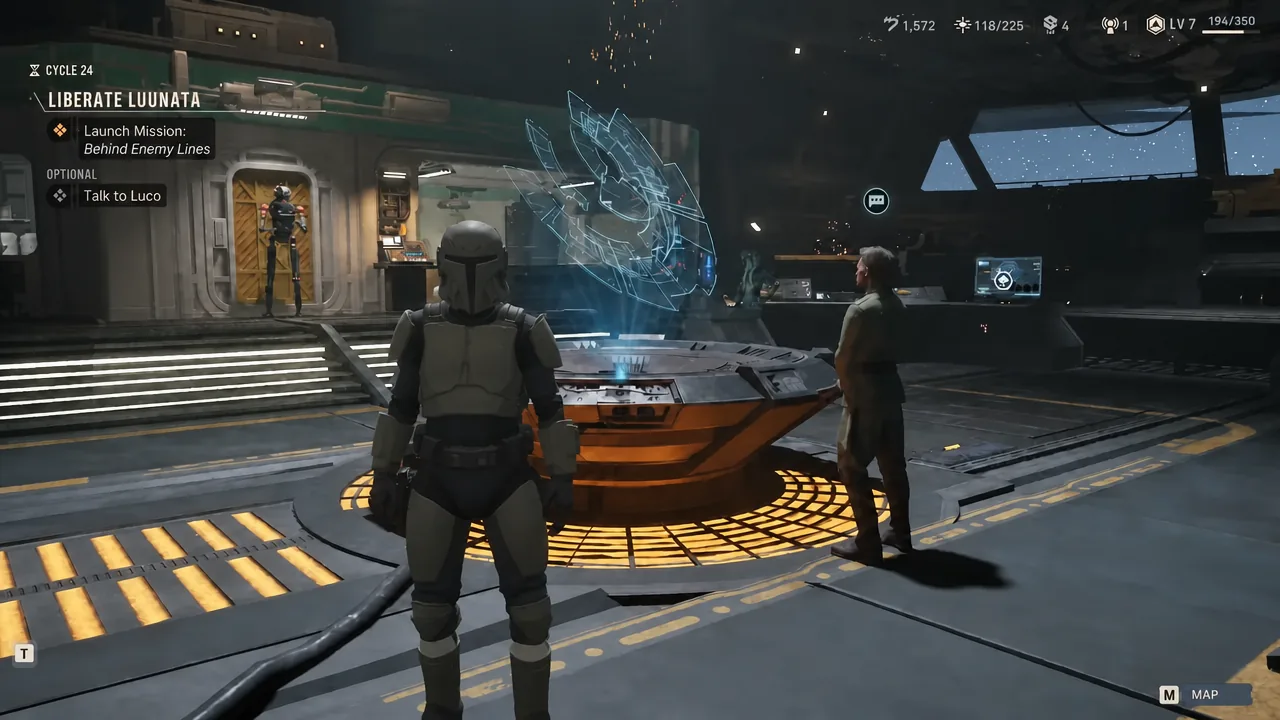
Star Wars Zero Company: How to Get a Secondary Specialization
The second class slot opens midway through the campaign, and here’s exactly how to fill it.
-
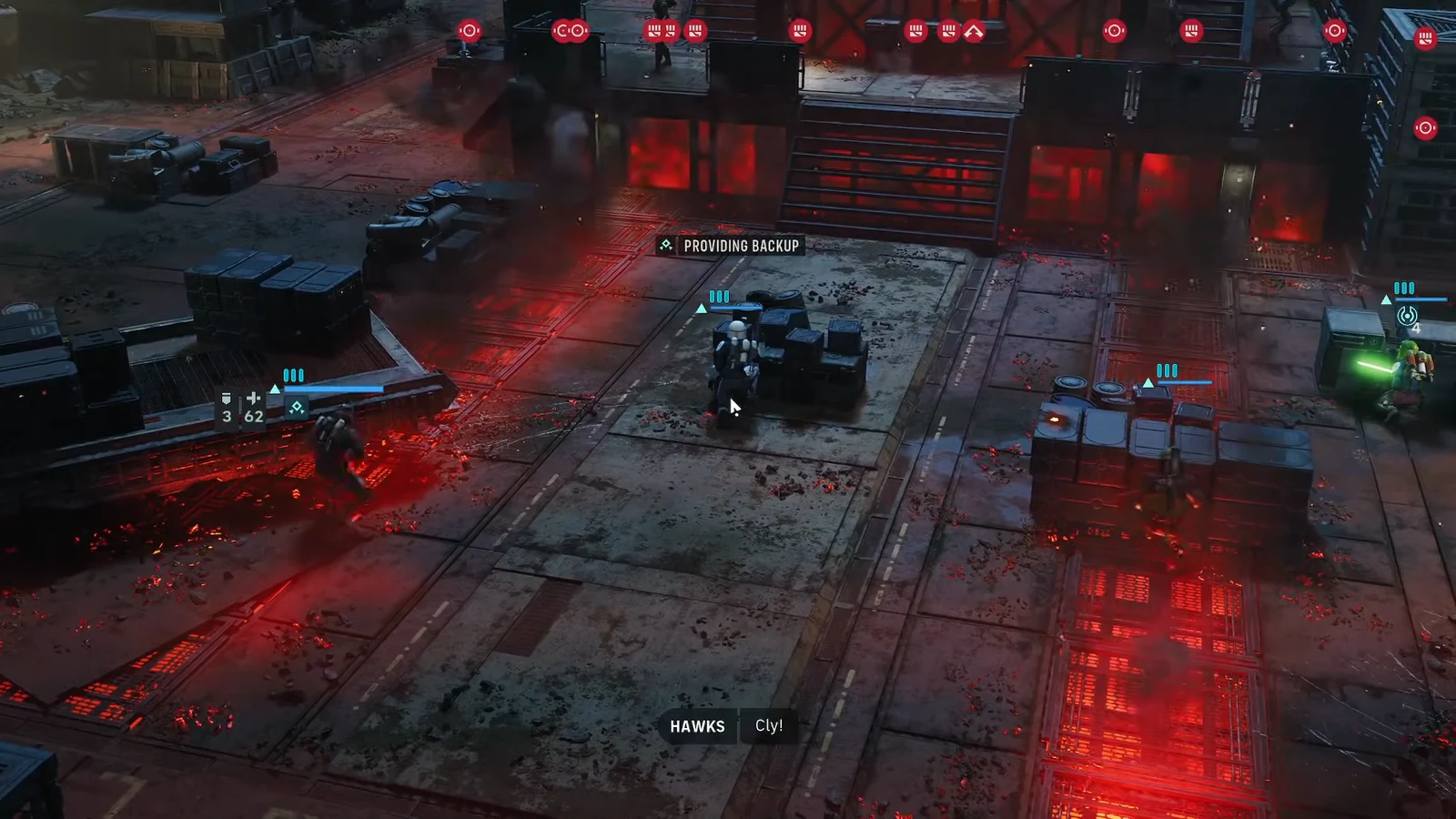
Star Wars Zero Company: How to Call the Lift in Retake Mordant Citadel
The exact console position, the reinforcement wave it triggers, and how to close out the mission at the turbolift.