
Instructional, step-by-step articles.
Content Type: How-To
-

How to Fish: How to Get the Boat Radar on The Rocks Island
Where to buy the dashboard-mounted radar, what it costs, and how to confirm it installed on your boat.
-

Fortnite Override: How to Get the Spyro Sidekick
The purple dragon joins Chapter 7 Season 4 as an Item Shop companion on August 28th, with extra unlockable styles.
-
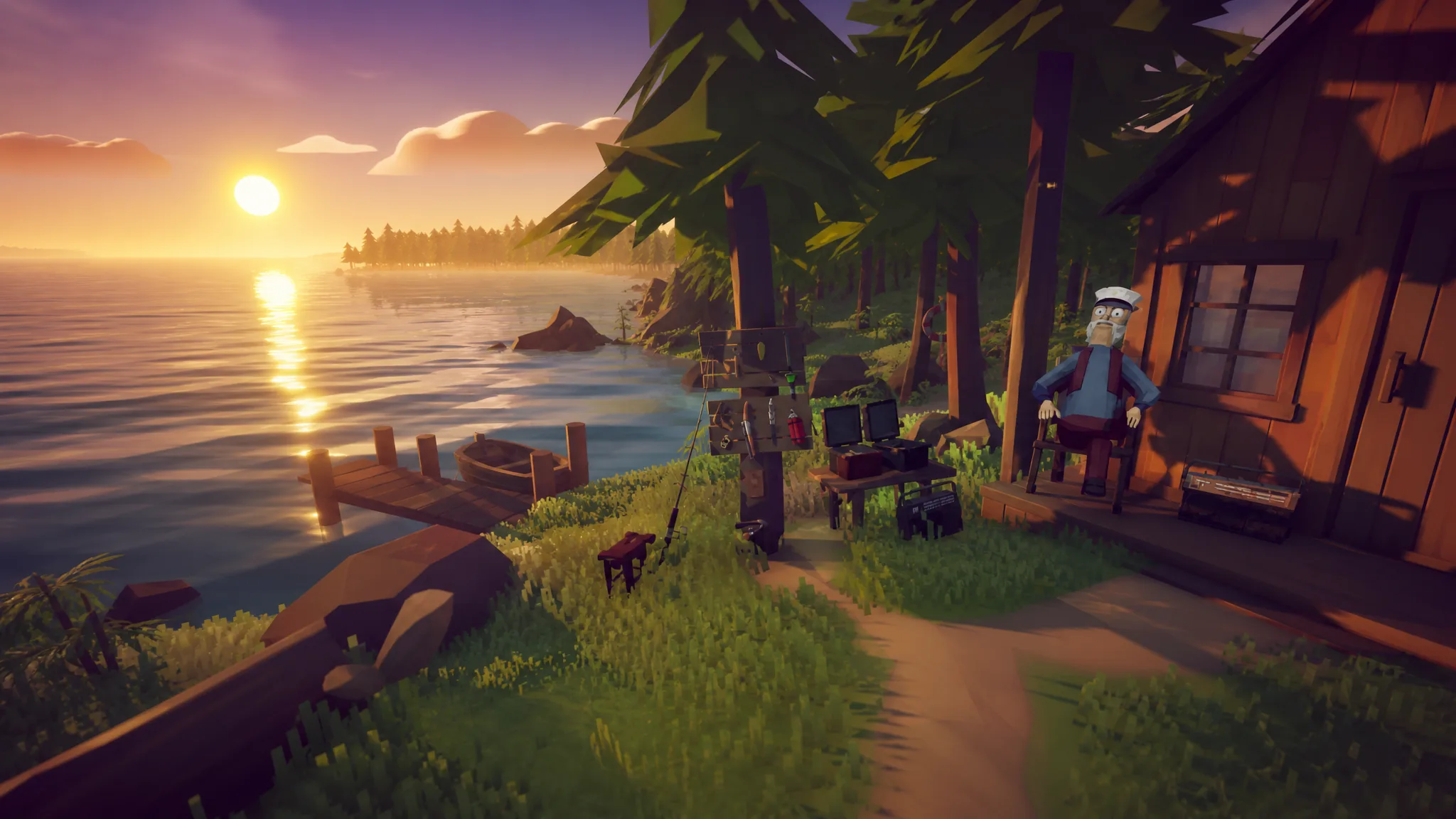
How to Fish: Every Purchasable Item and What It Does
A plain breakdown of every rod, lure, weapon, and upgrade you can buy, plus the odd bait each boss demands.
-

How to Get 3 Free Downloads for The Witcher 3: Wild Hunt Owners
Both expansions are free now, the GOG concert giveaway ends August 27, and the Remastered upgrade arrives September 29.
-

Grow a Chicken Fighter: How to Get the 404 x Cycle of Ash Fusion
Farm Cursed Eggs and Royal Eggs, then lock the skill during fusion to carry Cycle of Ash onto the 404 Chick.
-

Grow a Chicken Fighter: How to Get Blazing Eggs
Win the Hot Egg event by holding the orange egg when the three-minute timer ends, then hatch it for the game’s rarest chickens.
-

Grow a Chicken Fighter: How to Get Void Eggs
The Astro Chick route, every chicken that lays the egg, and the full hatch pool with drop odds.
-

Disney Dreamlight Valley: How to Vote in a Dreamy Contest in the Valleyverse
The Week 5 routine duty asks for a Dreamy Contest, and it points to DreamSnaps voting you can finish solo.
-
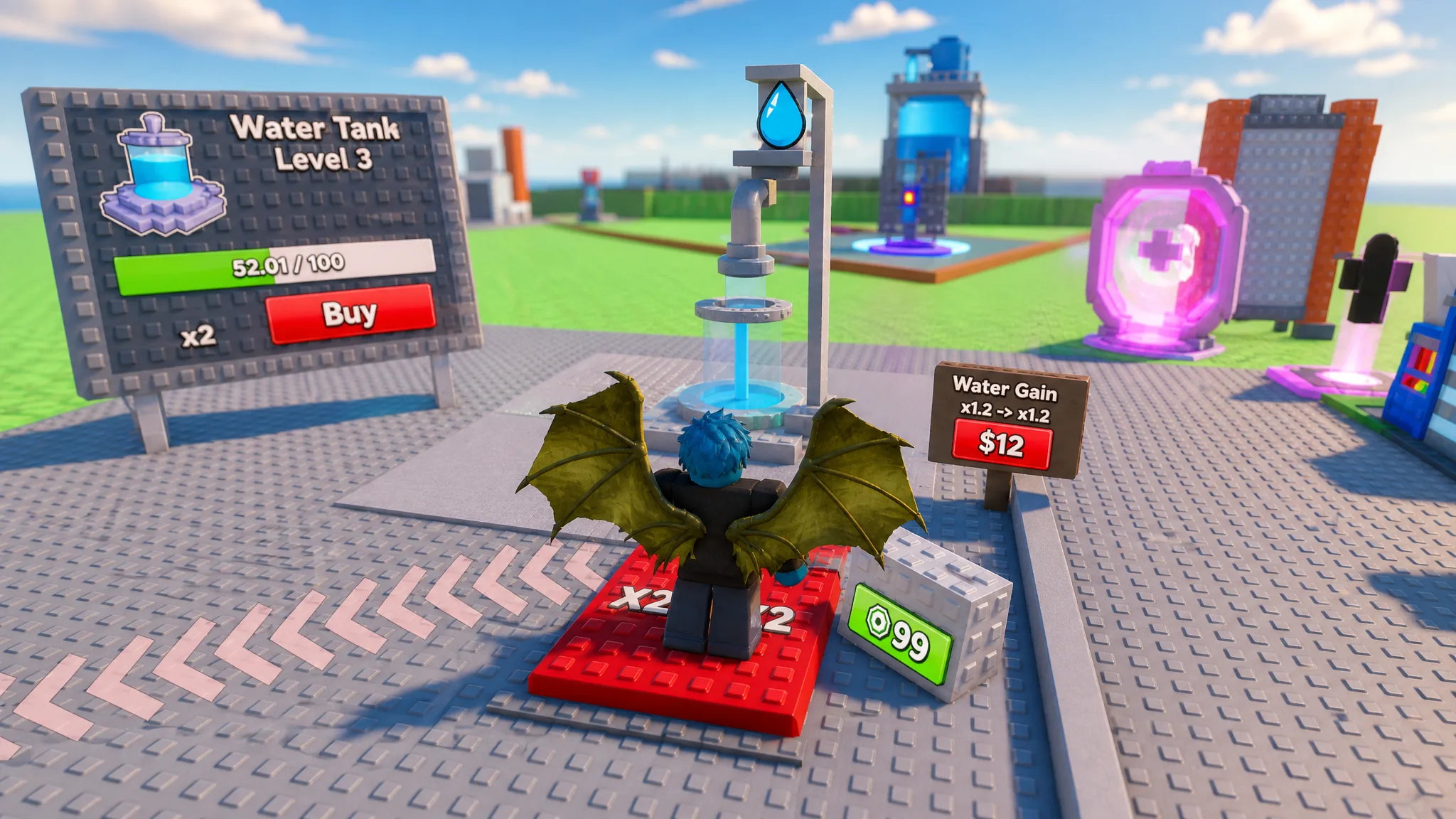
How to Play Fill Water Tanks in Roblox (Beginner Guide)
Fill the tank, sell water for cash, and upgrade capacity, pipes, and staff to raise your income.
-

How to Use the Sacrificial Heart in Path of Exile 2 for Passive Points
Sacrifice the heart at the Sacrificial Dais in Aggorat with the Sacrificial Dagger to claim four permanent skill points.