
Instructional, step-by-step articles.
Content Type: How-To
-
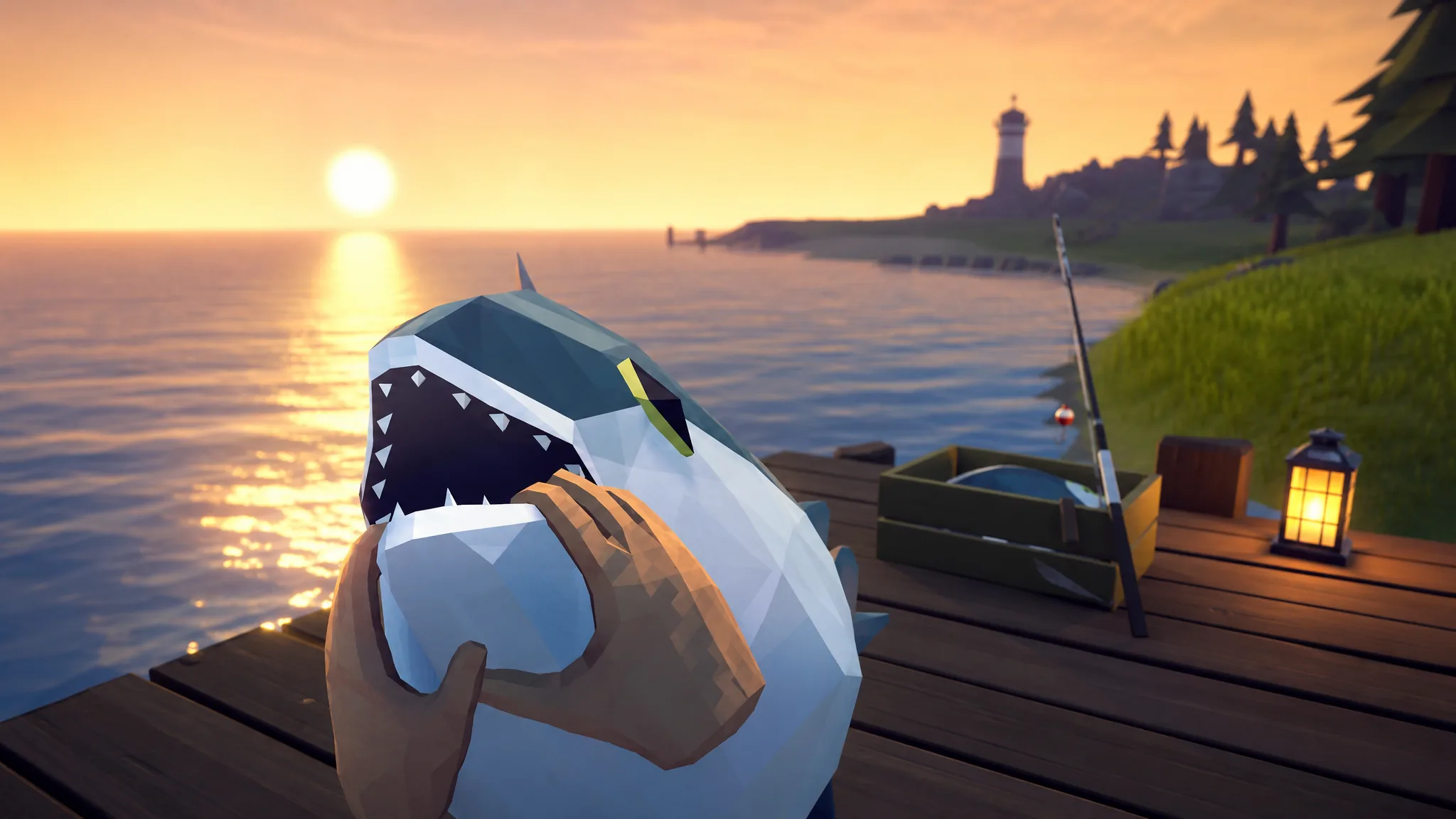
How to Beat the Tuna Miniboss in How to Fish
Buy the Professional Boss Lure on the fourth island, then bait the Tuna’s charges and shoot until its health bar empties.
-
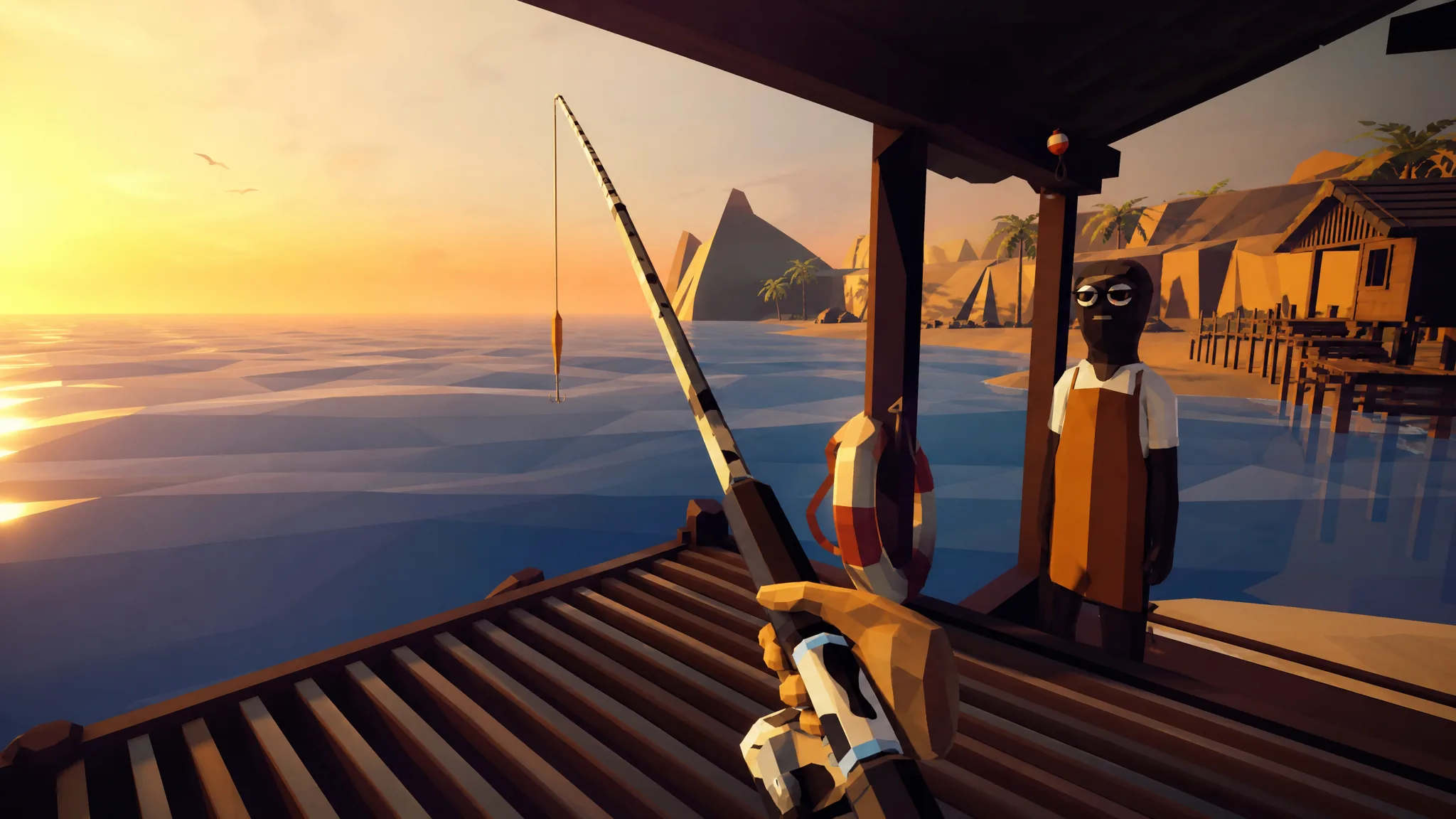
How to Fish: Catch the Blue Shark and Unlock the Grillmaster’s Grill
Everything you need to hook the Island 3 Blue Shark, beat it safely, and hand it in for grill access.
-
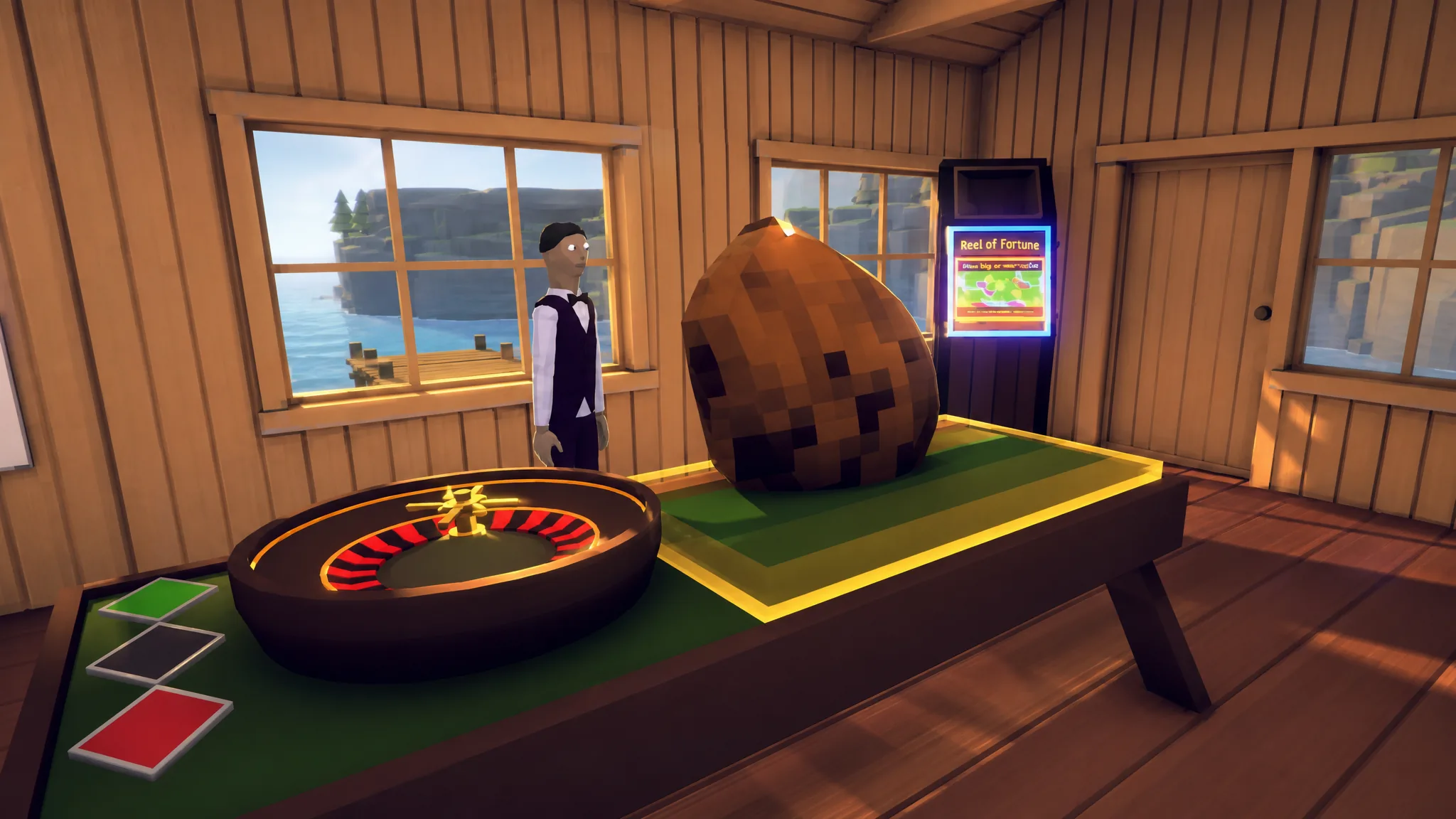
How to Fish Roulette Wheel: Placing Bets and the 35x Green Payout
Reach the Lucky Bait Casino, wager an item on the table, and land green for a 35x sellable payout.
-
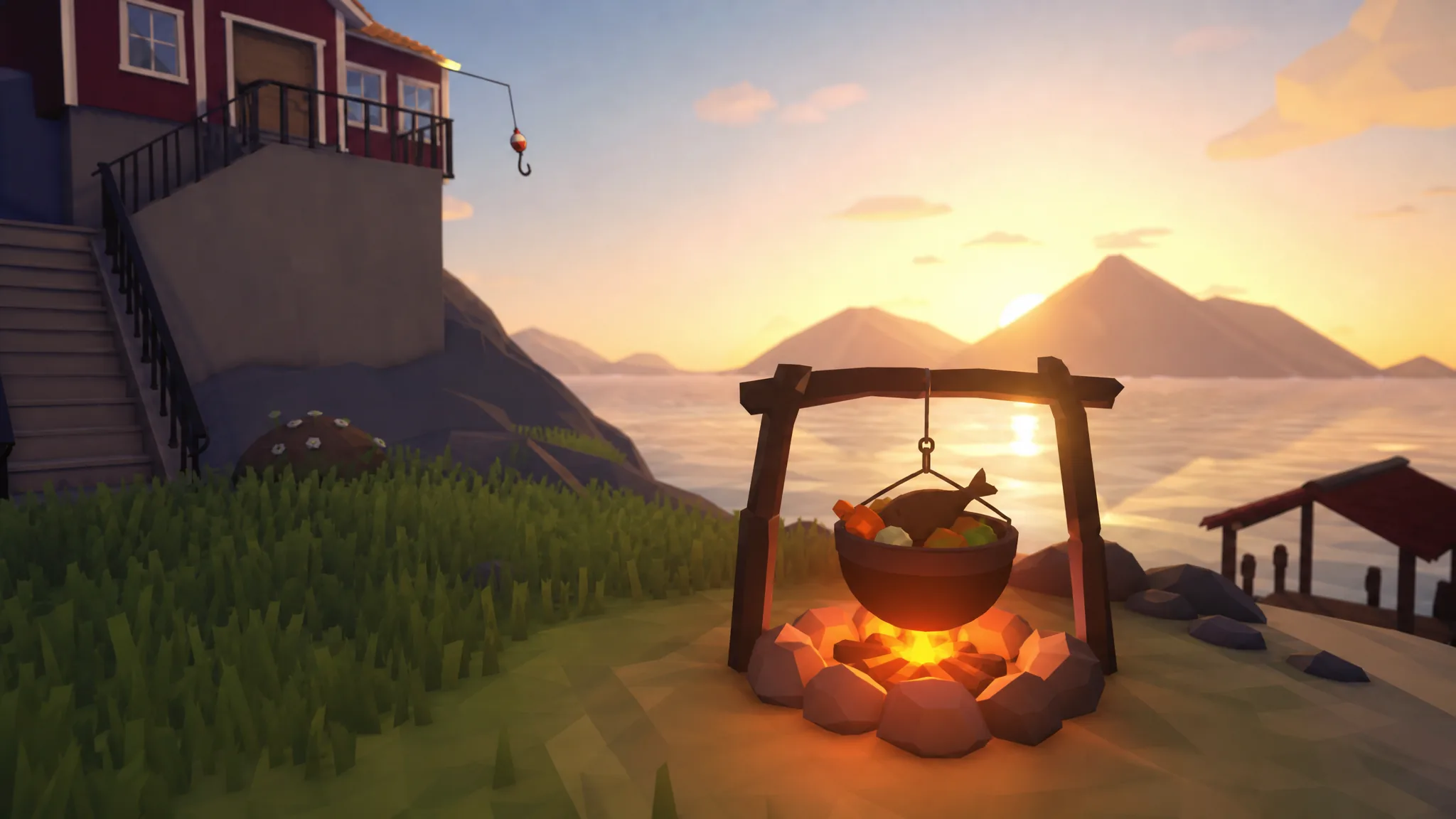
How to Fish: How to Cook Fish and Unlock the Grill
Unlock the grill on Island 3, cook any catch to a 1.5x value peak, and stockpile healing fish for boss fights.
-
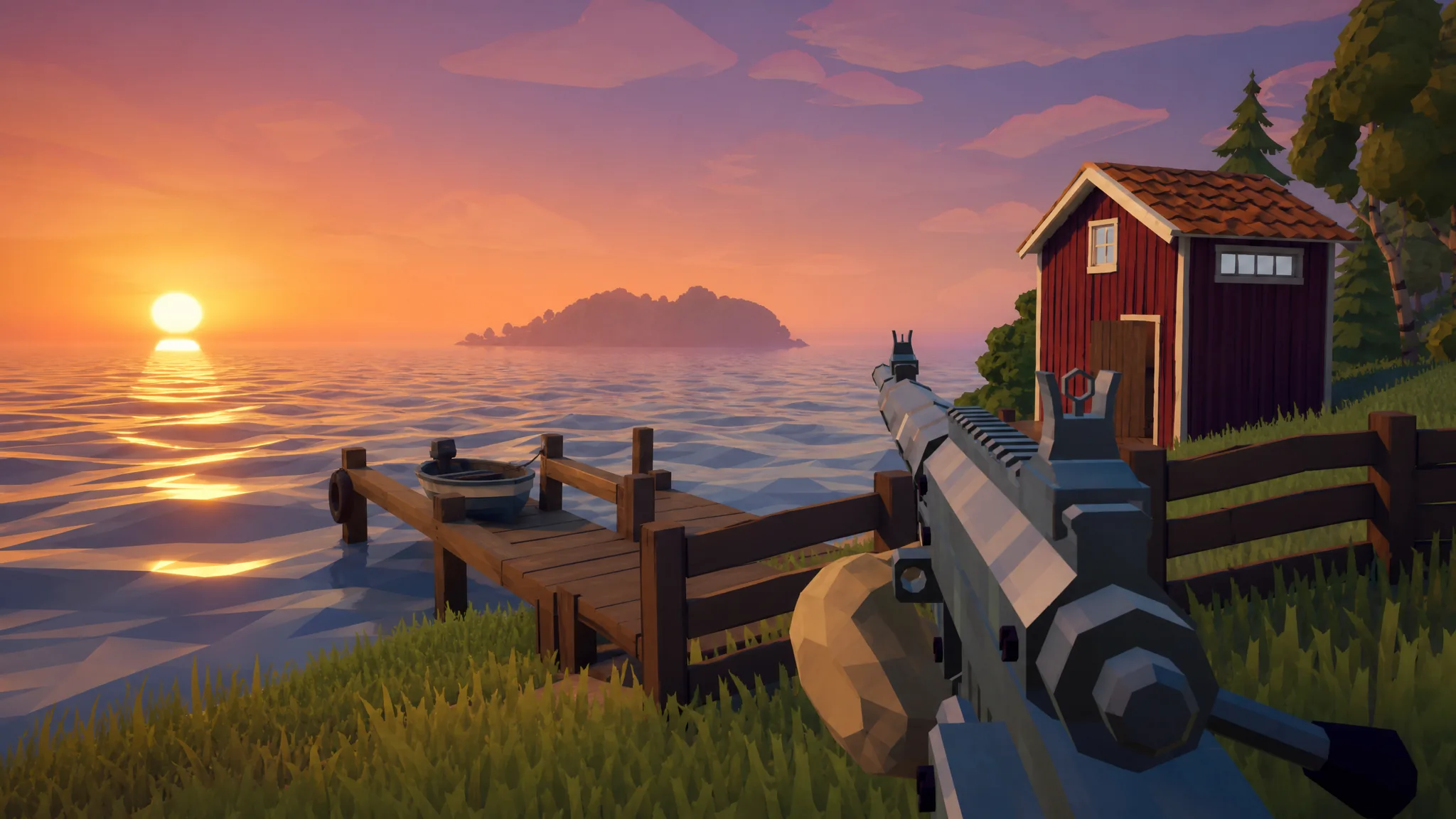
How to Fish: How to Get the Sniper Rifle on Lucky Bait Casino Island
The Sniper Rifle costs $3,800 from a red dockside shed on the fourth island and hits for 200 damage per shot.
-
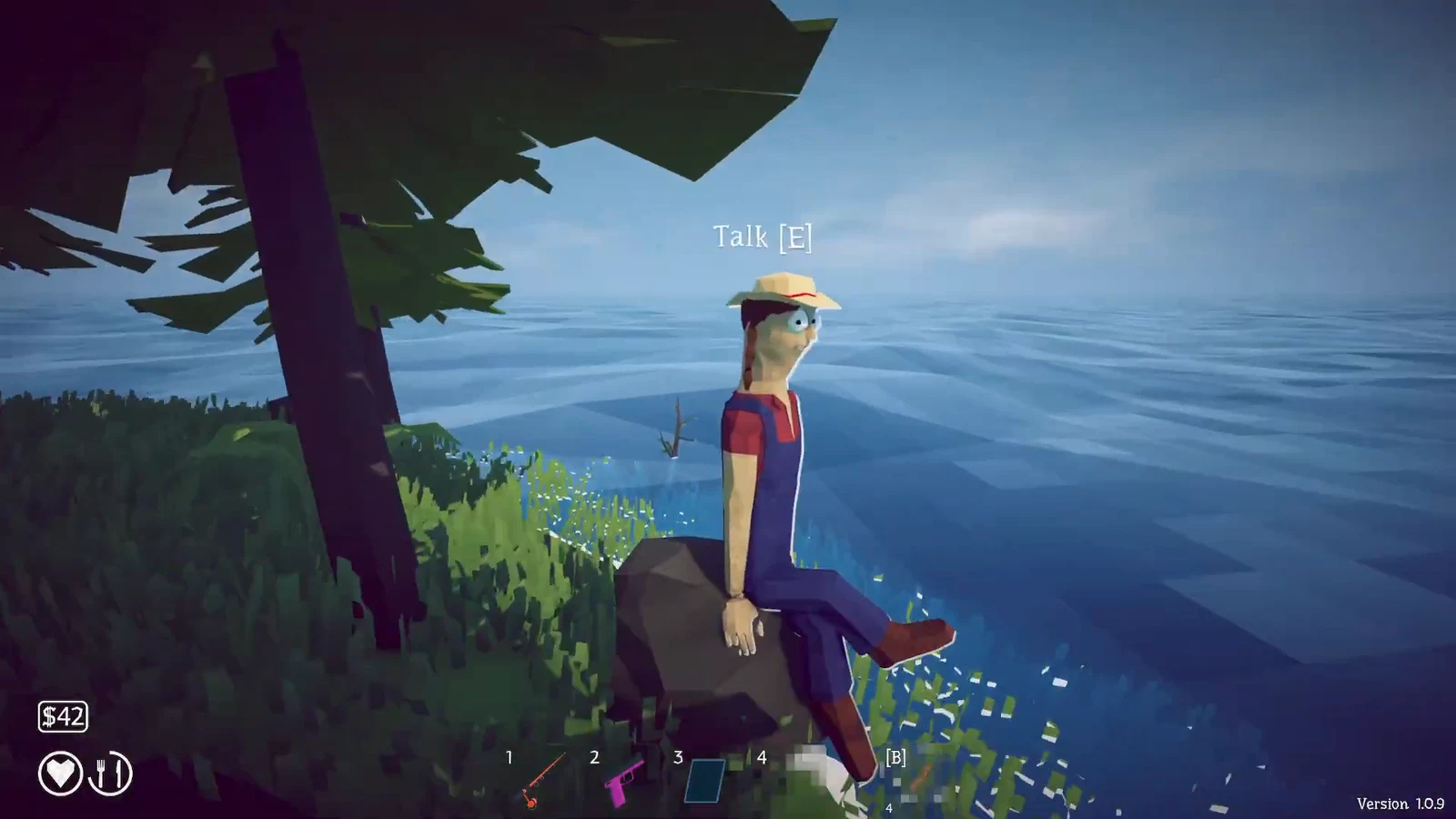
How to Fish: How to Get to the Third Island (Leech Quest)
Finish the leech hand-in, beat the Giant Piranha, and steer northeast to open the tropical island on your radar.
-
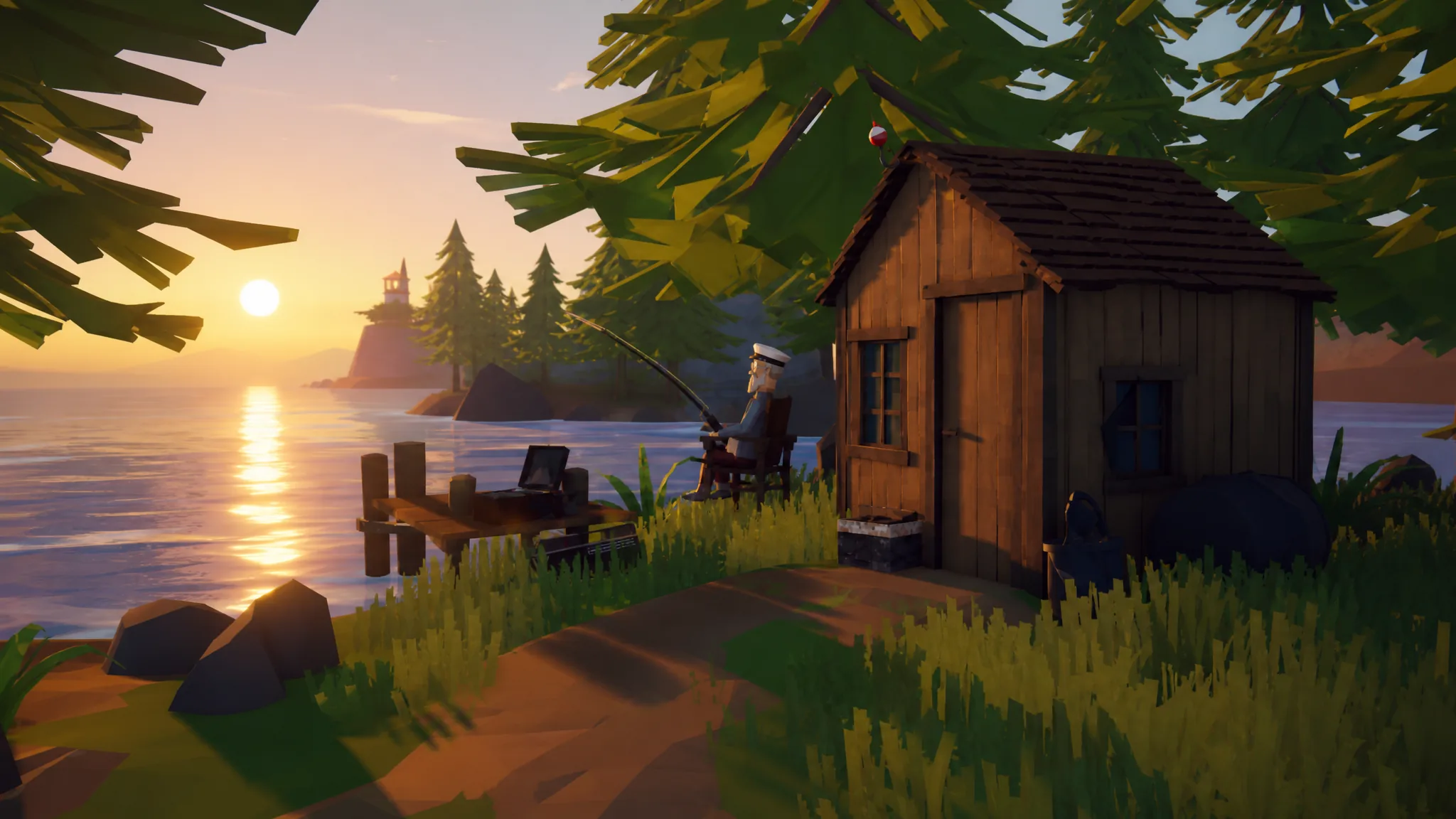
How to Fish: Switch Your Proximity Chat Microphone in the Audio Tab
Pick the right input device, set gain, and balance proxy chat volume without leaving the game.
-
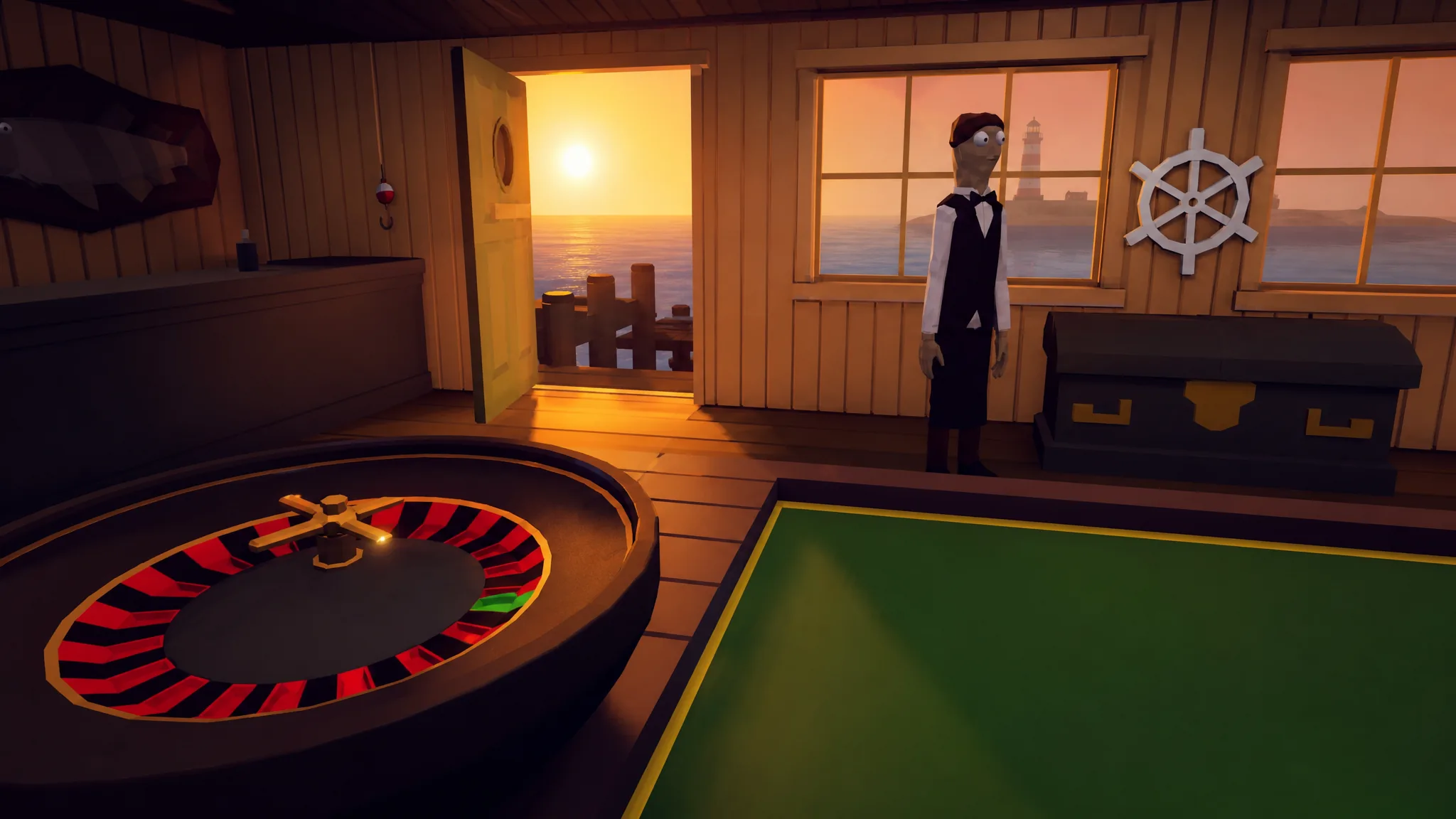
How to Fish: How to Get to the Fourth Island (Casino Island)
Beat the pufferfish boss, then sail north to unlock the Lucky Bait Casino.
-
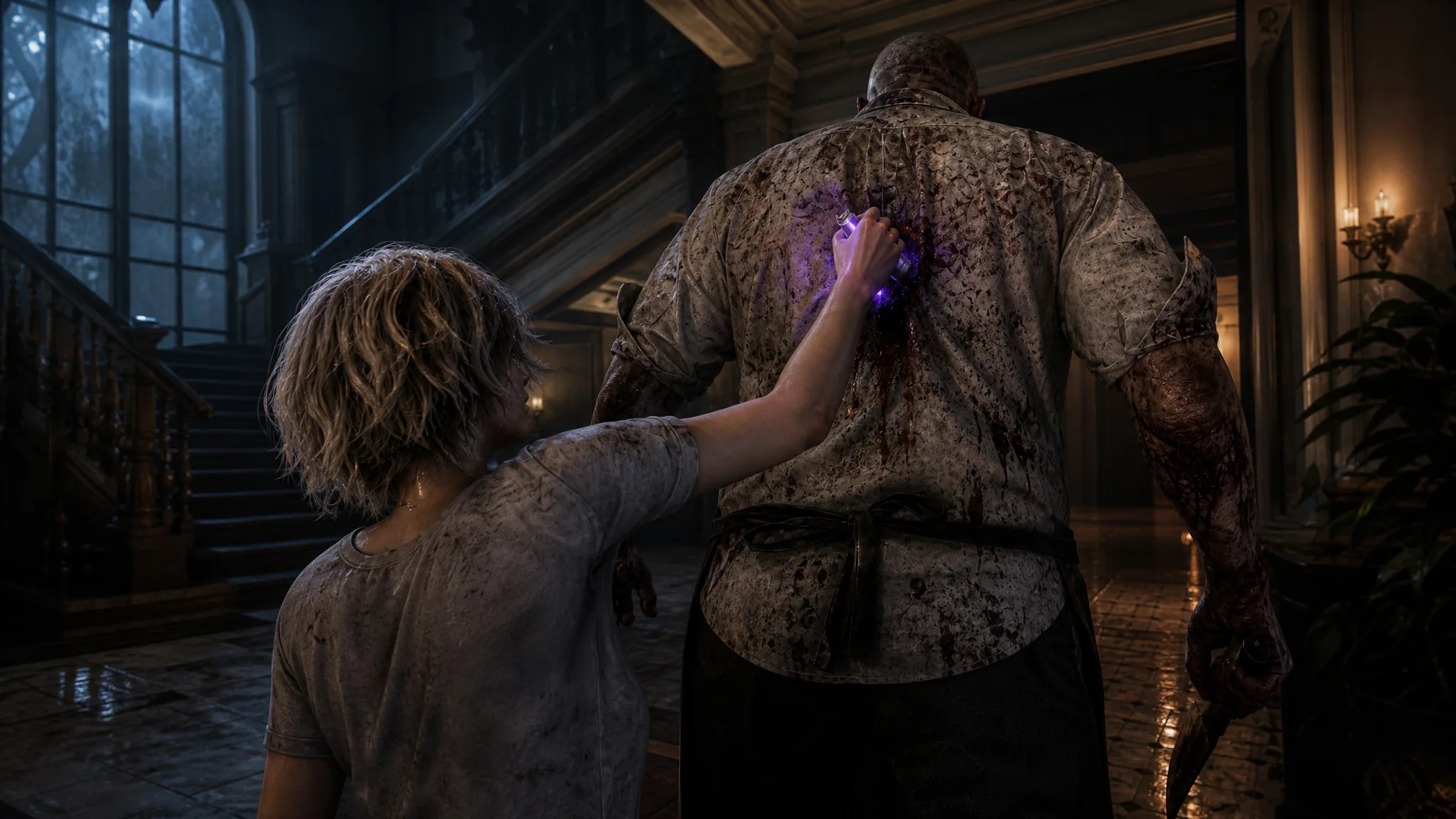
Resident Evil 9 Requiem: How to Use the Hemolytic Injector
Turn one Scrap and 60 Infected Blood into a silent, one-hit stealth kill for Grace Ashcroft.
-
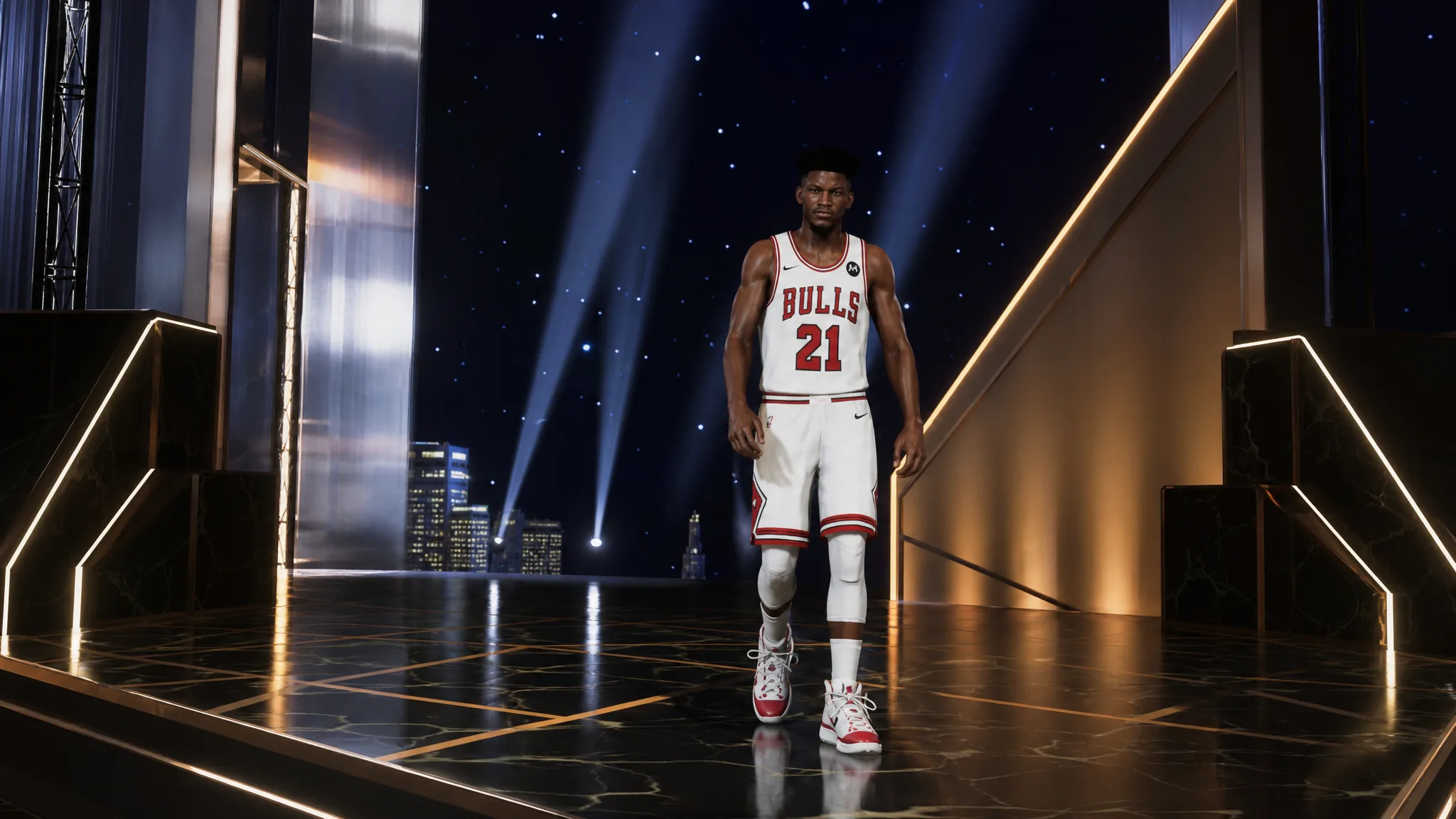
NBA 2K27 MyTeam: How to Evolve Cards and Claim Five Free Evolution Picks
Complete four Hone Your Skills challenges to grab five free Emerald cards, then upgrade them through the Evolution tab.