
Instructional, step-by-step articles.
Content Type: How-To
-
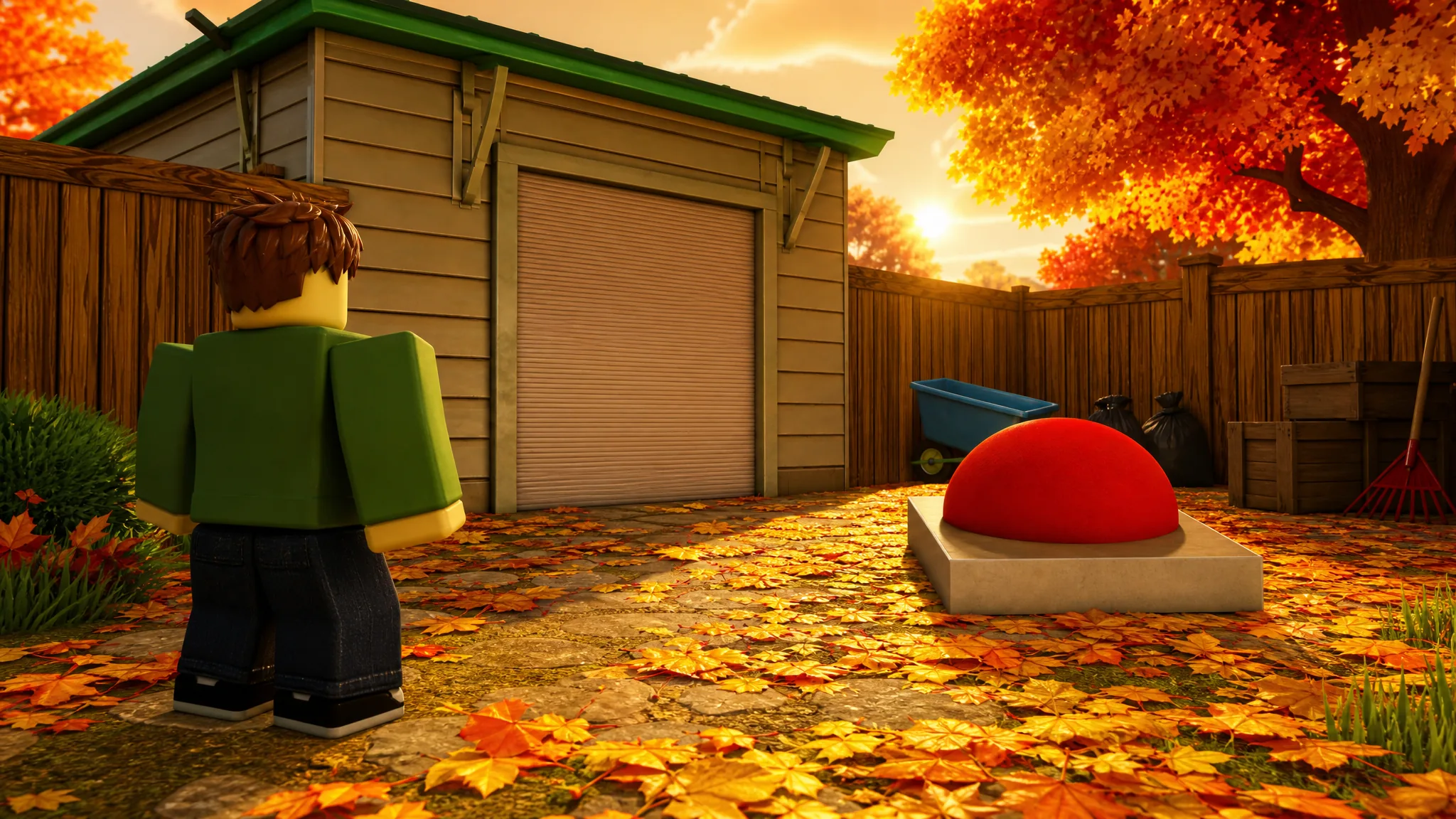
Clean all the leaves: Where the Garage Button Is and How to Open It
The red dome button that unlocks the locked garage sits on the shed counter, next to the green leaf bag.
-
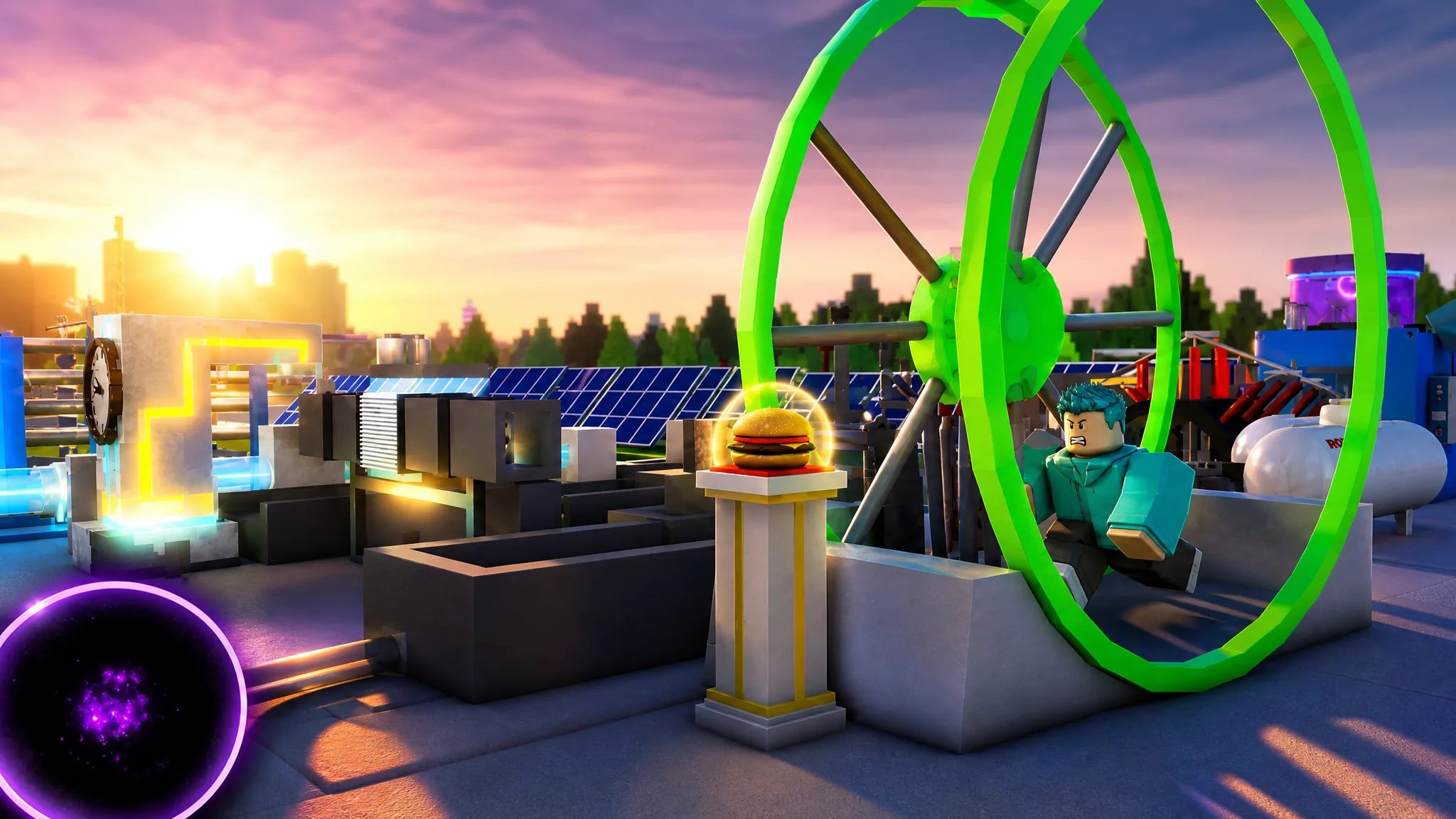
TBOD^2: How to Get Bits and Essence for Cash Boosts
The exact ways to earn Bits from the Merchant and Essence from rebirthing at the Obelisk, plus the boosts each one gives.
-
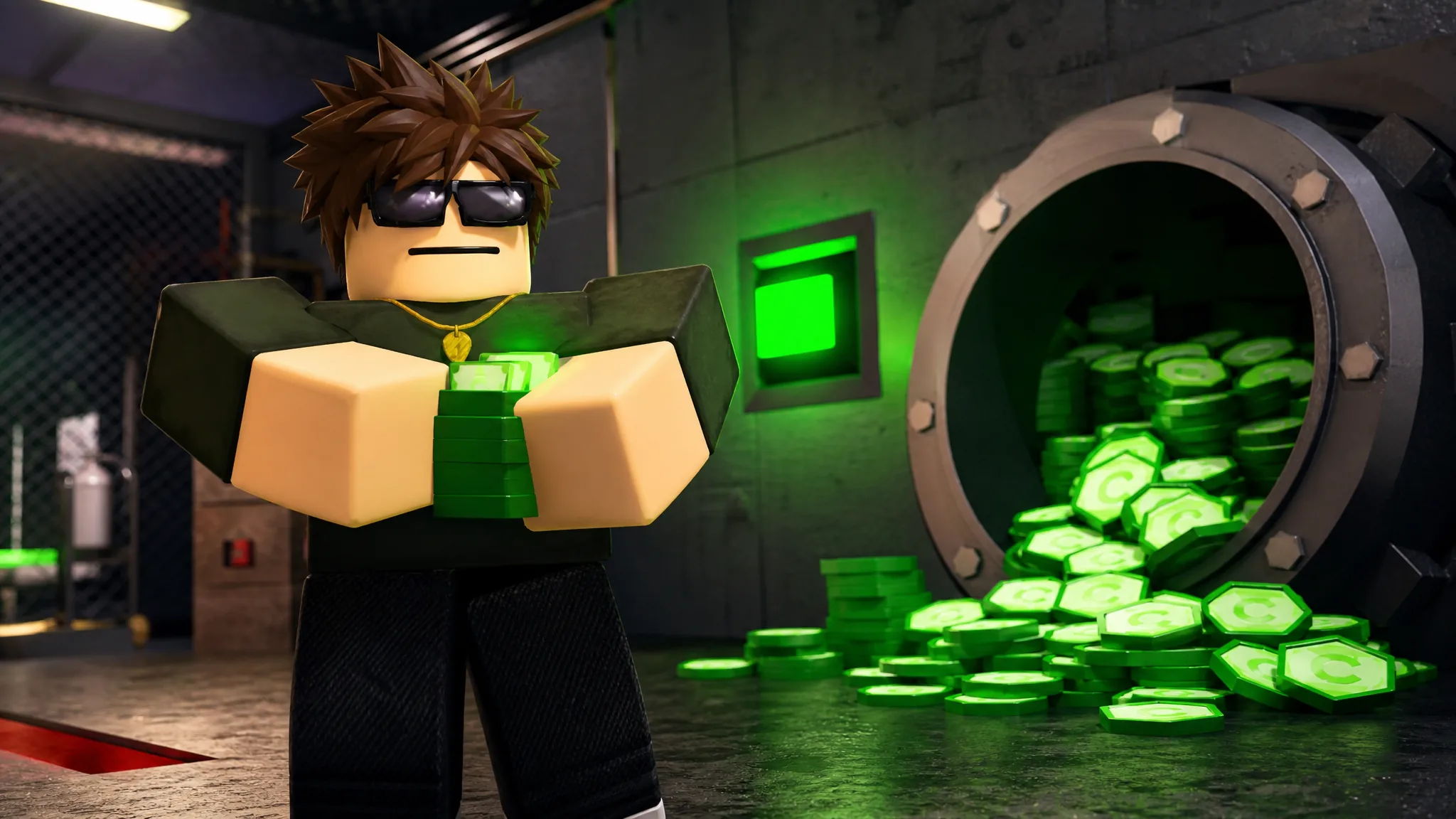
How to Get Credz Fast in RUNAWAYS (Best Method)
The escape payout formula, the four factors that stack it, and codes for instant Credz in the Roblox game.
-

How to Fish: How to Make Your Boat Fly (I’m the Bird Now Achievement)
Two reliable ways to send your boat airborne, plus how to save your spot after it lands far away.
-

Fisch: How to Unrestrict the Stellarwave Melody Rod
Complete the Final Convergence quest by catching a Sparkling Aurora Isonade, lighting five telescopes, and landing 12 cosmic-mutation fish.
-

Cheating During Testing (Roblox): How to Score 100% and Get Ultimate Cheater
Every safe timing window that lets you copy answers without getting caught by the teacher.
-

Rex Infernus: How to Complete the Mister Peeks Dance Off Easter Egg
Dig up the golden cassette, load it in Widow’s Wine, and nail the dance prompts for perks, tools, and a loot trophy.
-
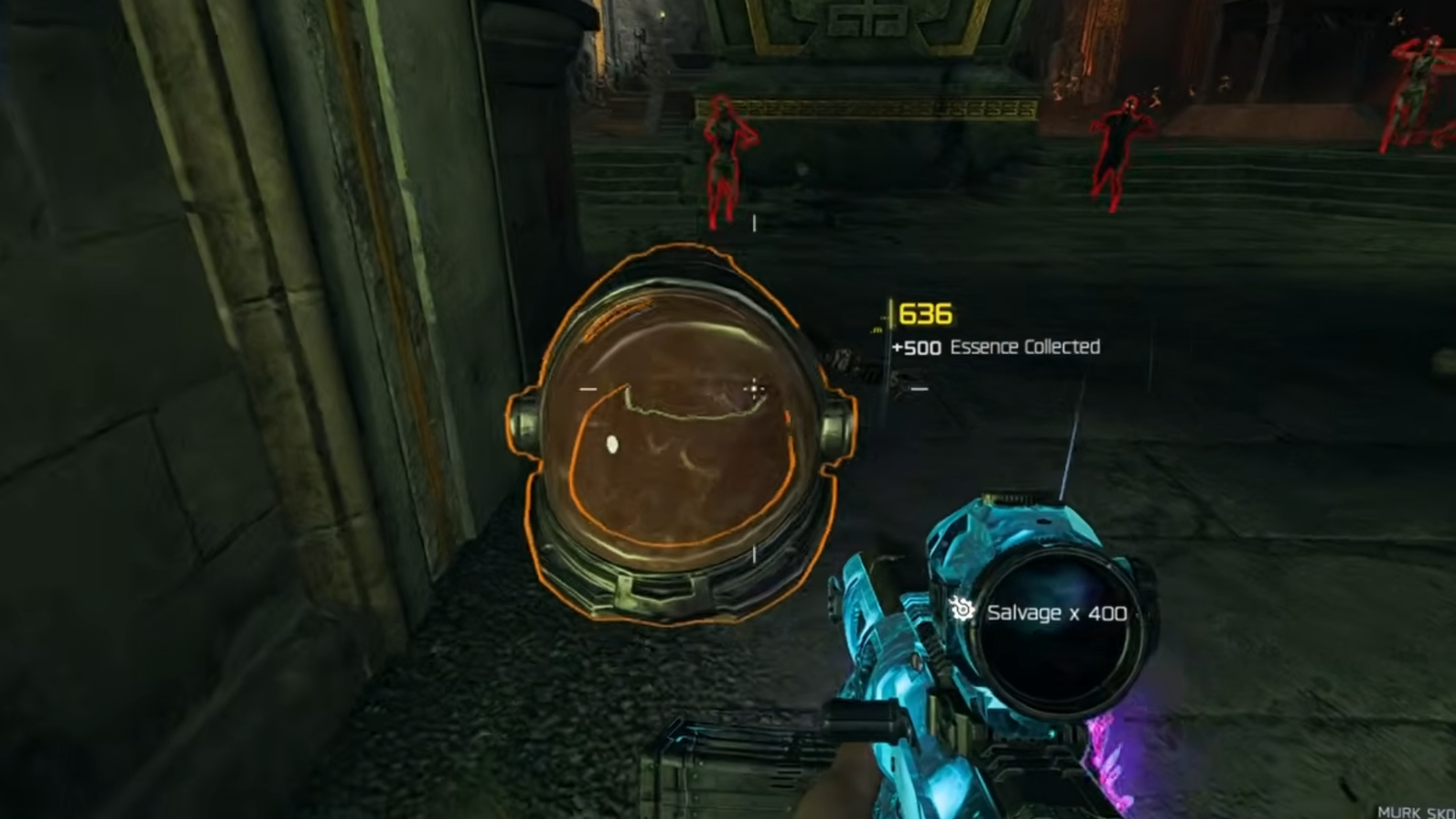
Rex Infernus: How to Get the Astronaut Mask (Grapple Race)
Assemble Mister Peeks, beat his grapple race twice under 60 seconds, and claim a mask that doubles your Void Claw time.
-
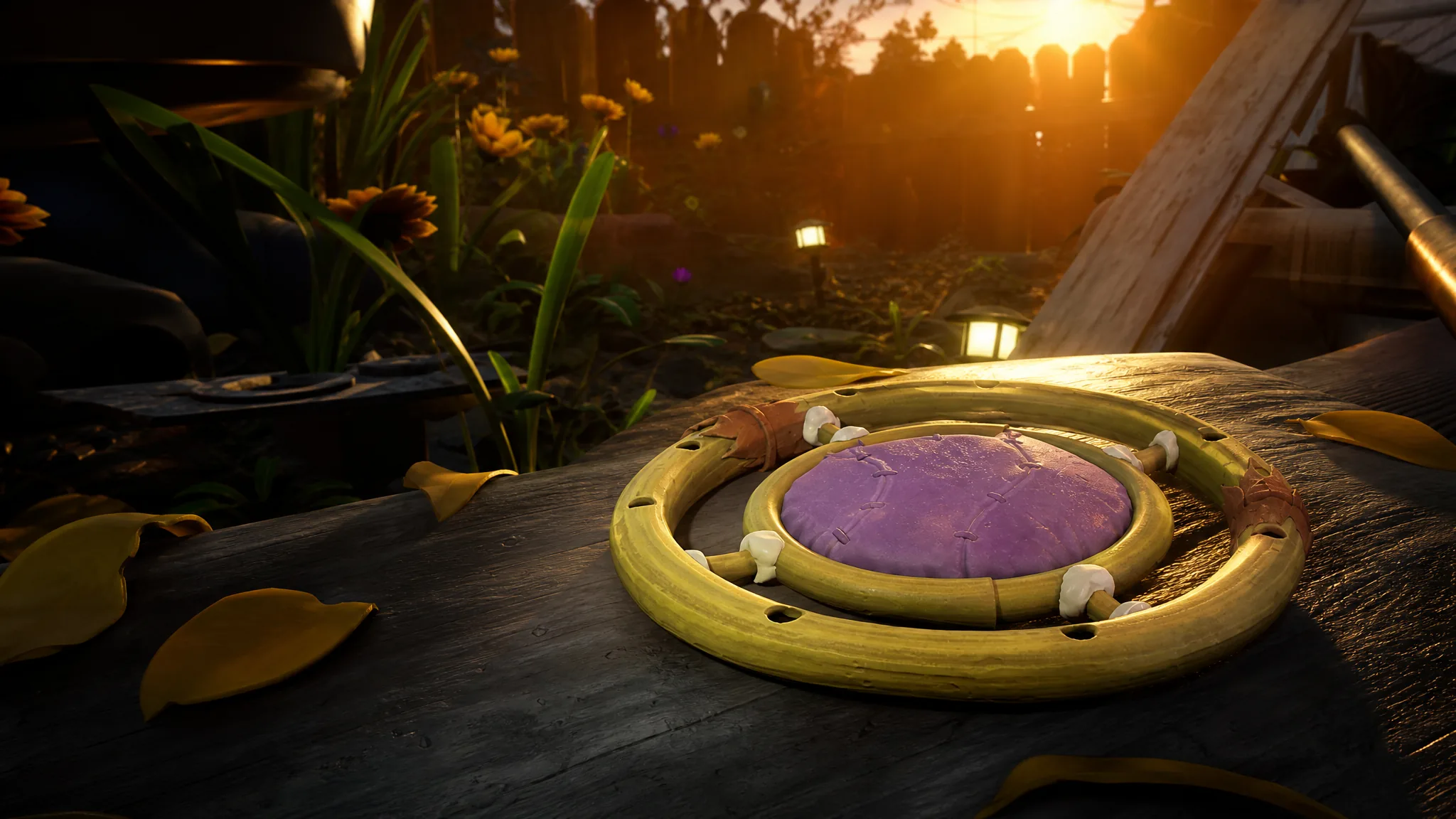
Grounded 2: How to Get the Bubble Diffuser in Into the Abyss
Analyze Horsetail Stem to unlock the recipe, then build the air station where your deep dives keep running out of oxygen.
-
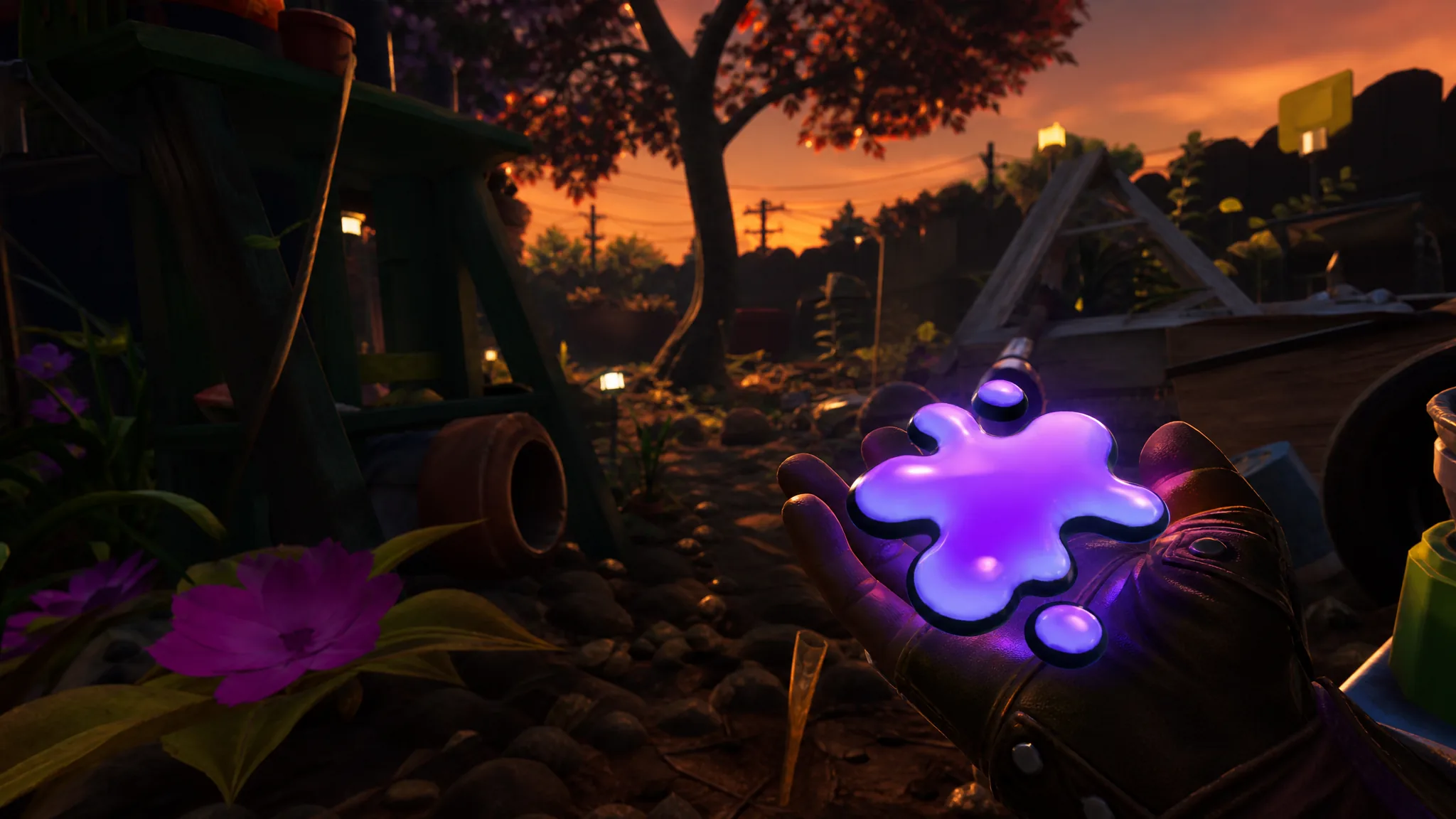
Grounded 2 Into the Abyss: How to Get Unstable Goo
Craft it in the Oven from Spicy Shard, Mint Shard, and Purple Jelly Chunk, or harvest it from O.R.C. Weevils.