
Instructional, step-by-step articles.
Content Type: How-To
-

House of The Locust Ending: How to Escape the Nest
Grab the Keycard, Key, and WireCutter, then open the green EXIT door to finish your run.
-

How to Fish: How to Summon and Beat the Bowhead Whale
Everything you need to bait, fight, and finish off the late-game Bowhead Whale on the volcano island.
-
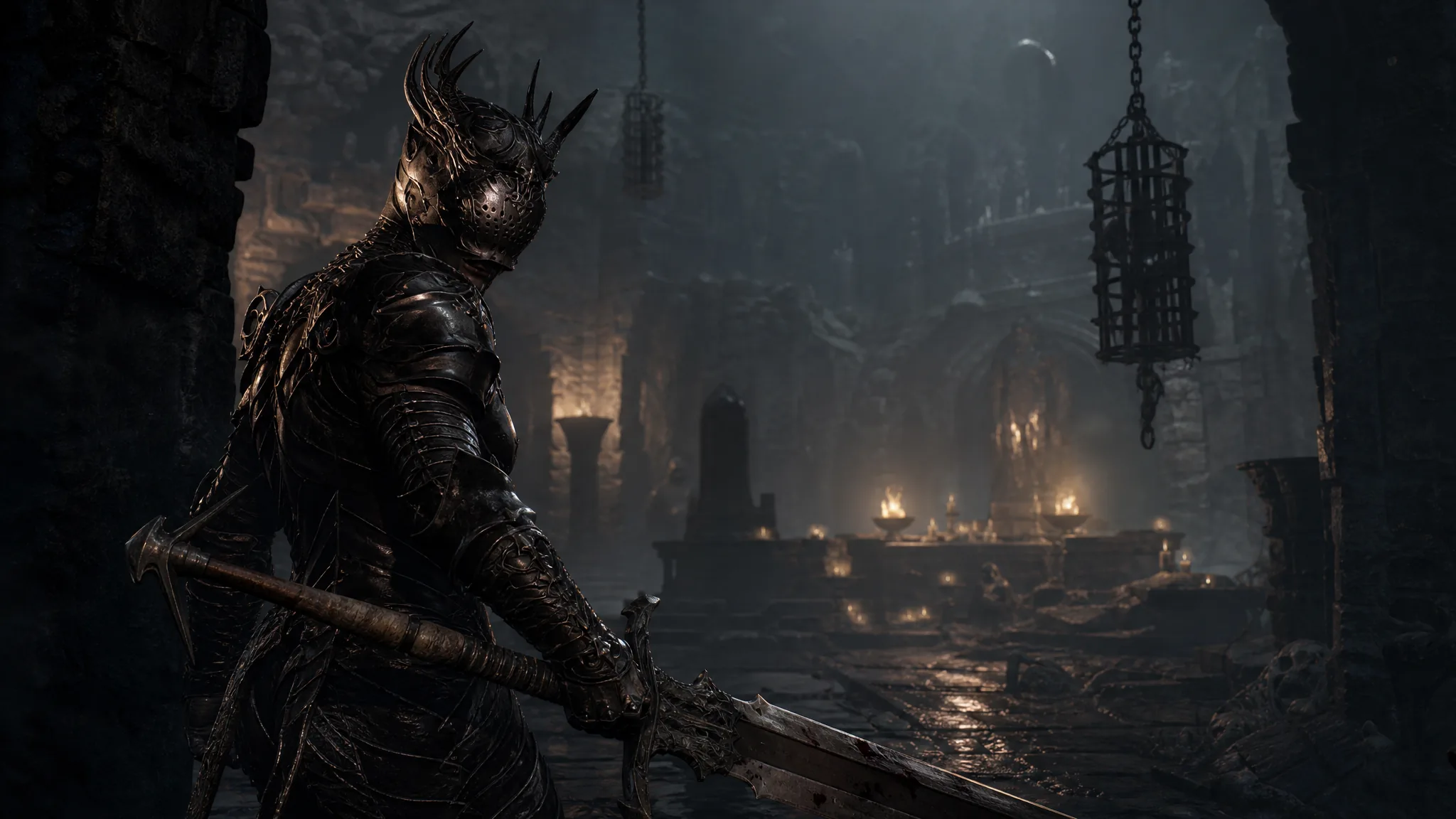
Mortal Shell 2: How to Free a Stuck Character Without Losing Gloom
Reload from the main menu to respawn at your last beacon and keep all your accumulated currency.
-
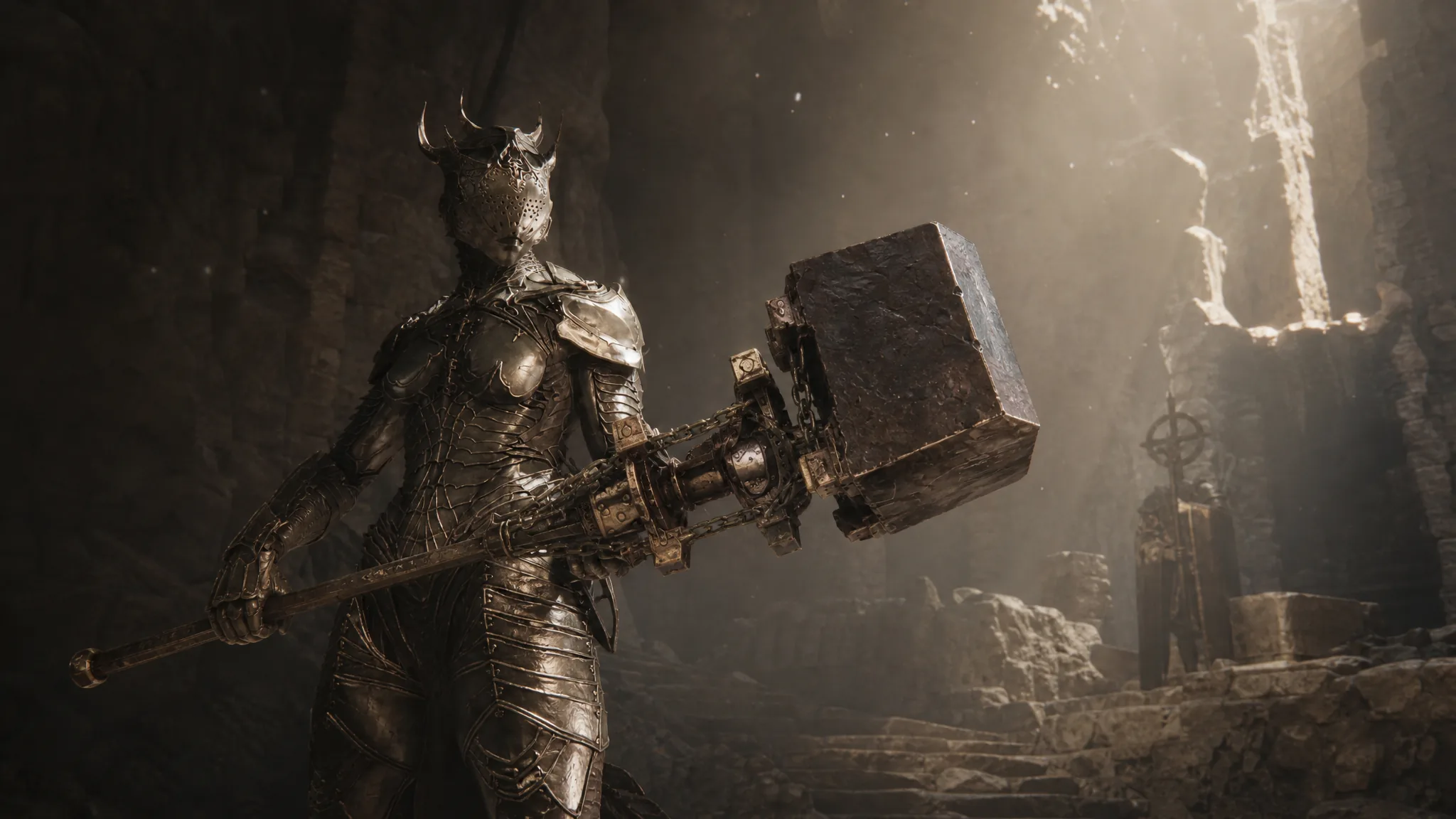
Mortal Shell 2: How to Get the Obsidian Hammer in the Obsidianite Mines
The exact route to the Obsidianite Mines and the boss you beat to claim the Obsidian Hammer in Mortal Shell 2.
-
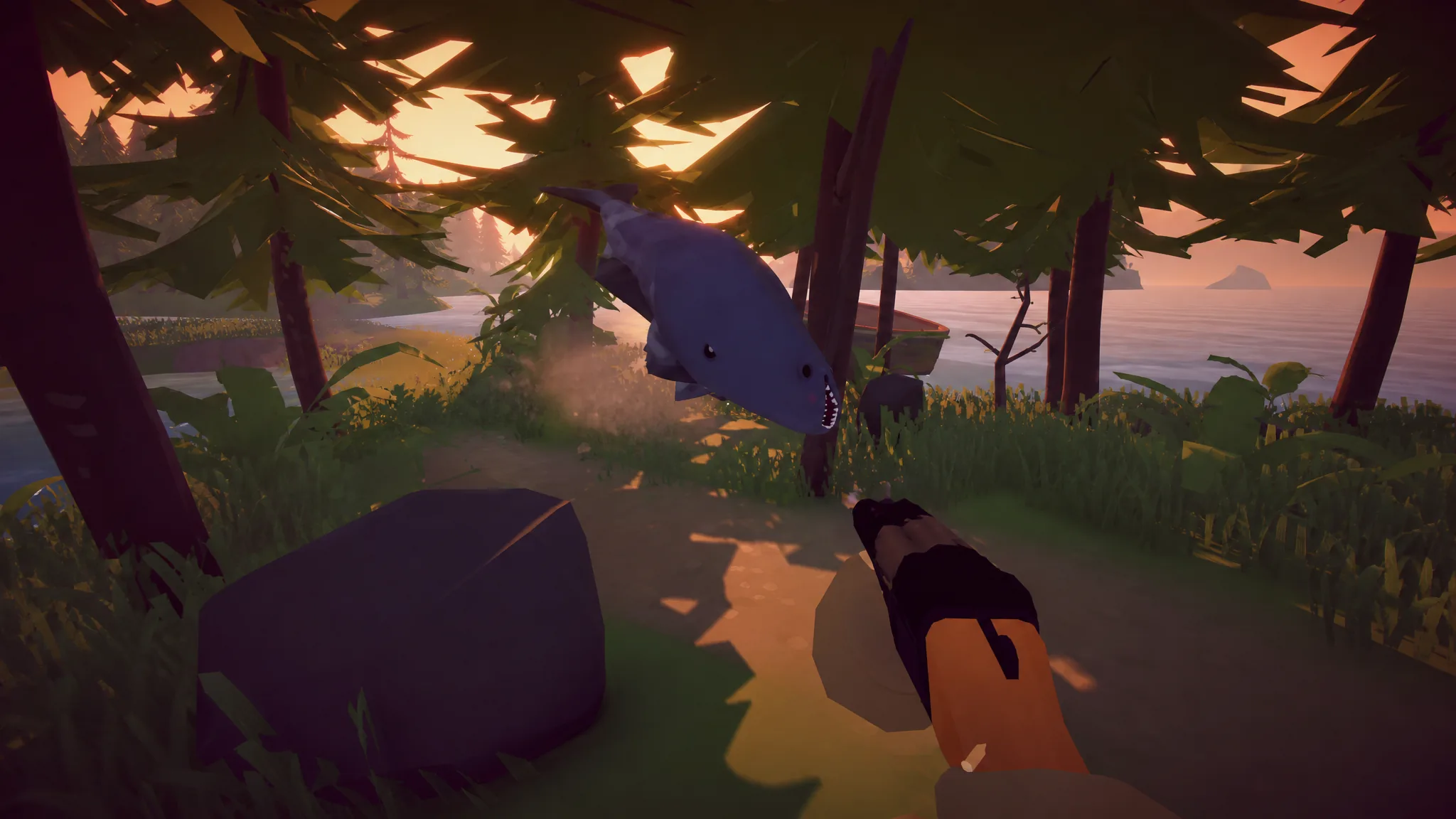
How to Fish: How to Beat the Giant Piranha and Unlock Island 3
Summon the boss with the Modified Leech, kite it with a shotgun, then hand back the skeleton to open the way to the third…
-
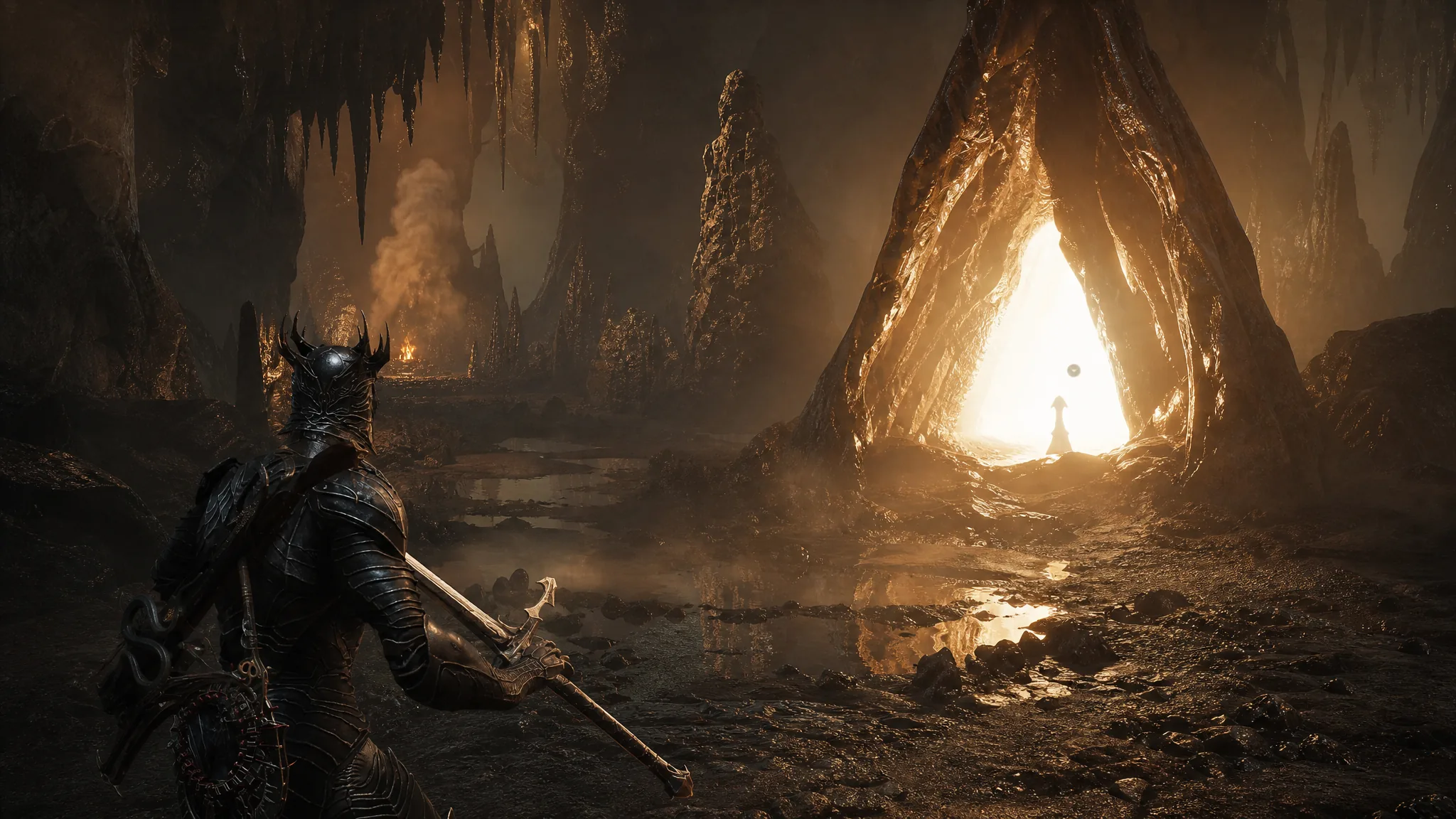
Mortal Shell 2: How to Cleanse the Gate of Mammon Beacon
Reach the beacon in western Mammon, clear the Burrowkin Dwelling, and beat the Infested Miner for the Wretchcaller’s Stone.
-

How to Get Celesthorn in Evomon (and Best Moveset)
Everything you need to hatch the Psychic-type Celesthorn from the Season 2 Pass and the moves worth running on it.
-

Steal a Brainrot: How to Get Orchidox from the Bee Lucky Block
Orchidox is a Secret Brainrot with a 0.1% drop chance and earns $155 million per second.
-

How to Fish Weapon Tier List and Best Island Loadouts
Every weapon ranked from S to C, plus the exact rod, bait, and gun to run on each island.
-
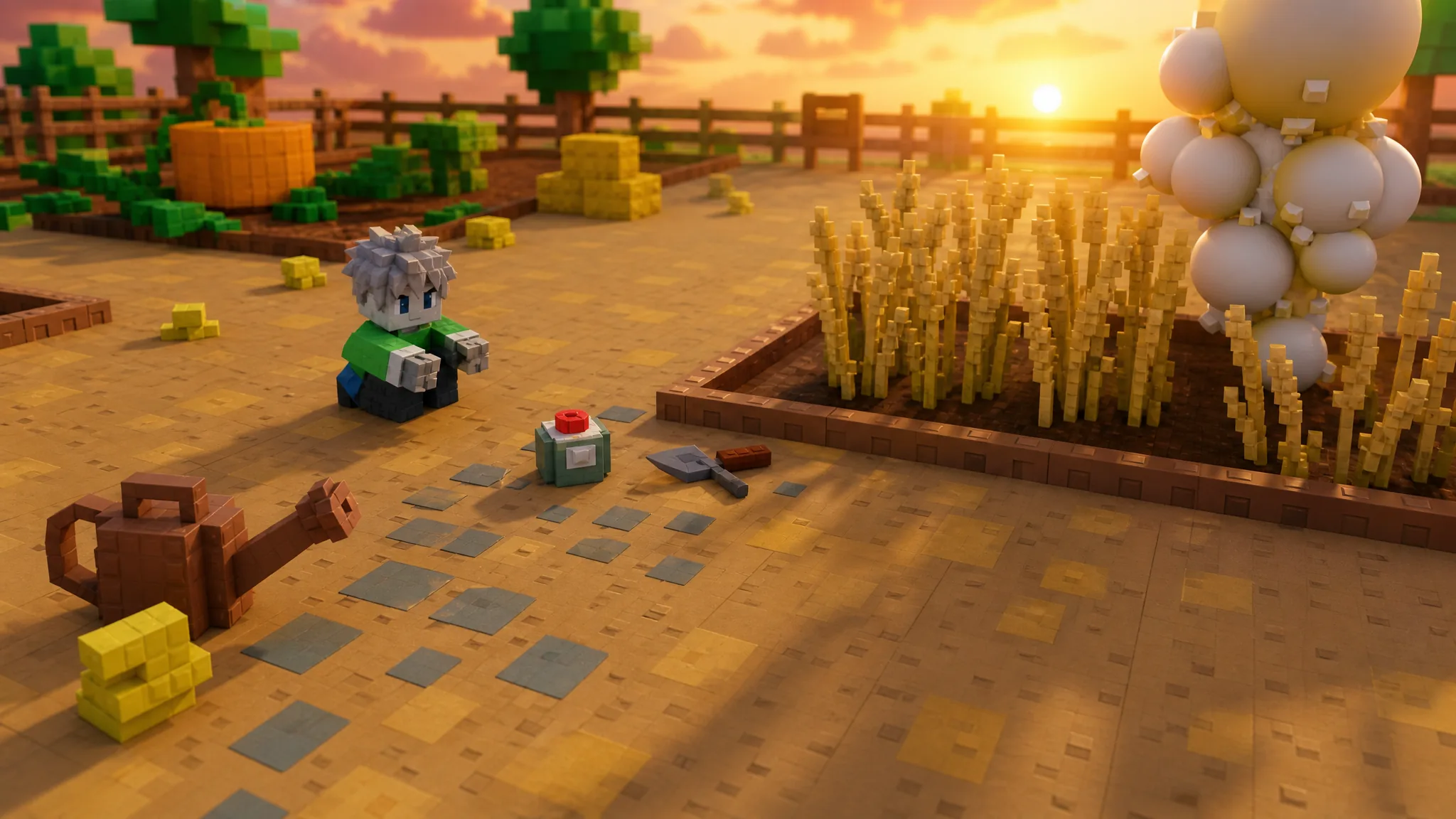
Grow a Garden 2 Wheat: How to Get It and Use It in the Baker Event
Where to buy Wheat, what it costs, and why the Baker Event turns this Common crop into a priority.