
Instructional, step-by-step articles.
Content Type: How-To
-
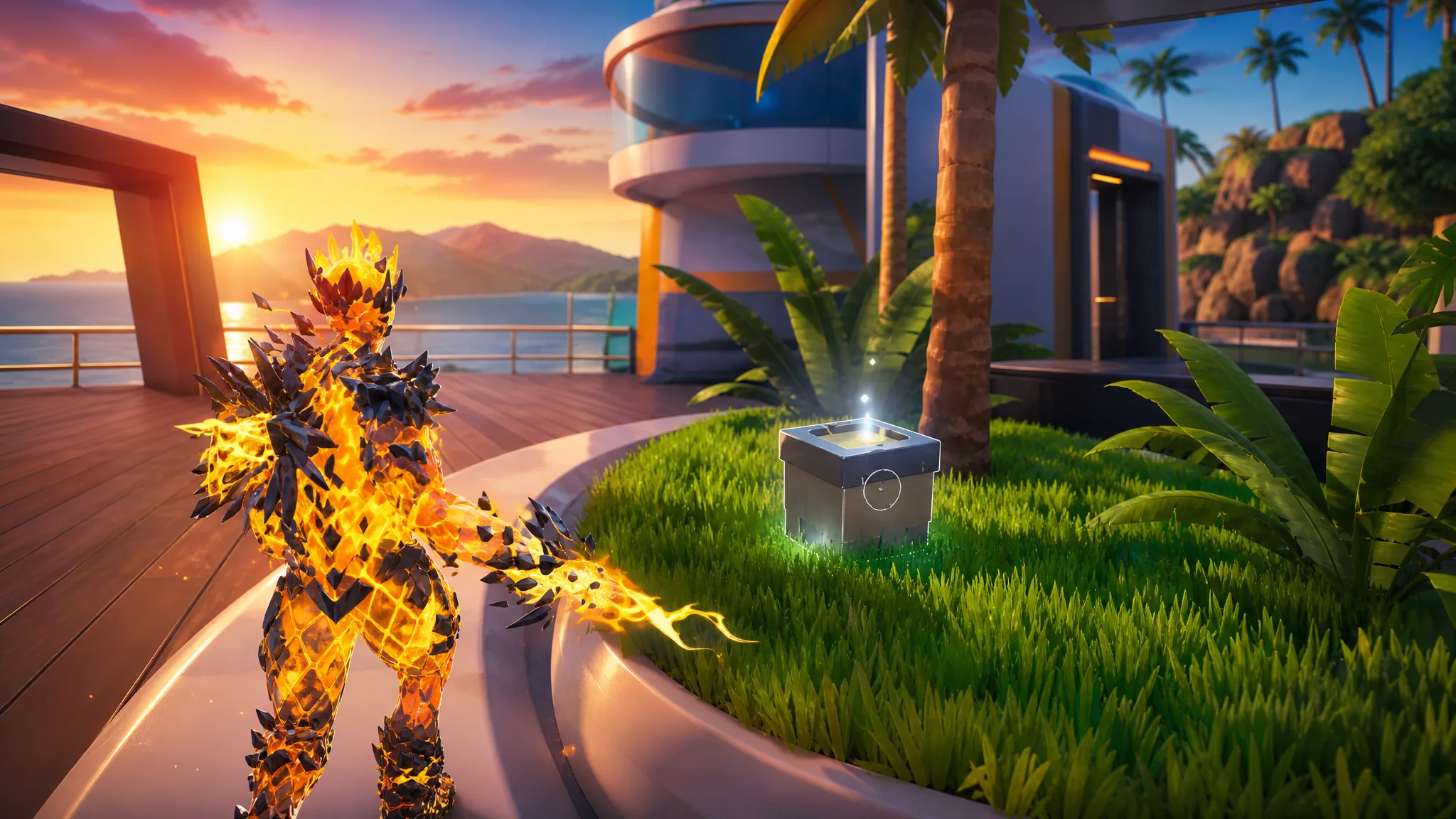
Fortnite: How to Collect Wrixel (Luxe’s) Parts at Cluster Coast
Grab all four Luxe parts scattered around Cluster Coast to unlock the Luxe style for the Wrixel Outfit.
-
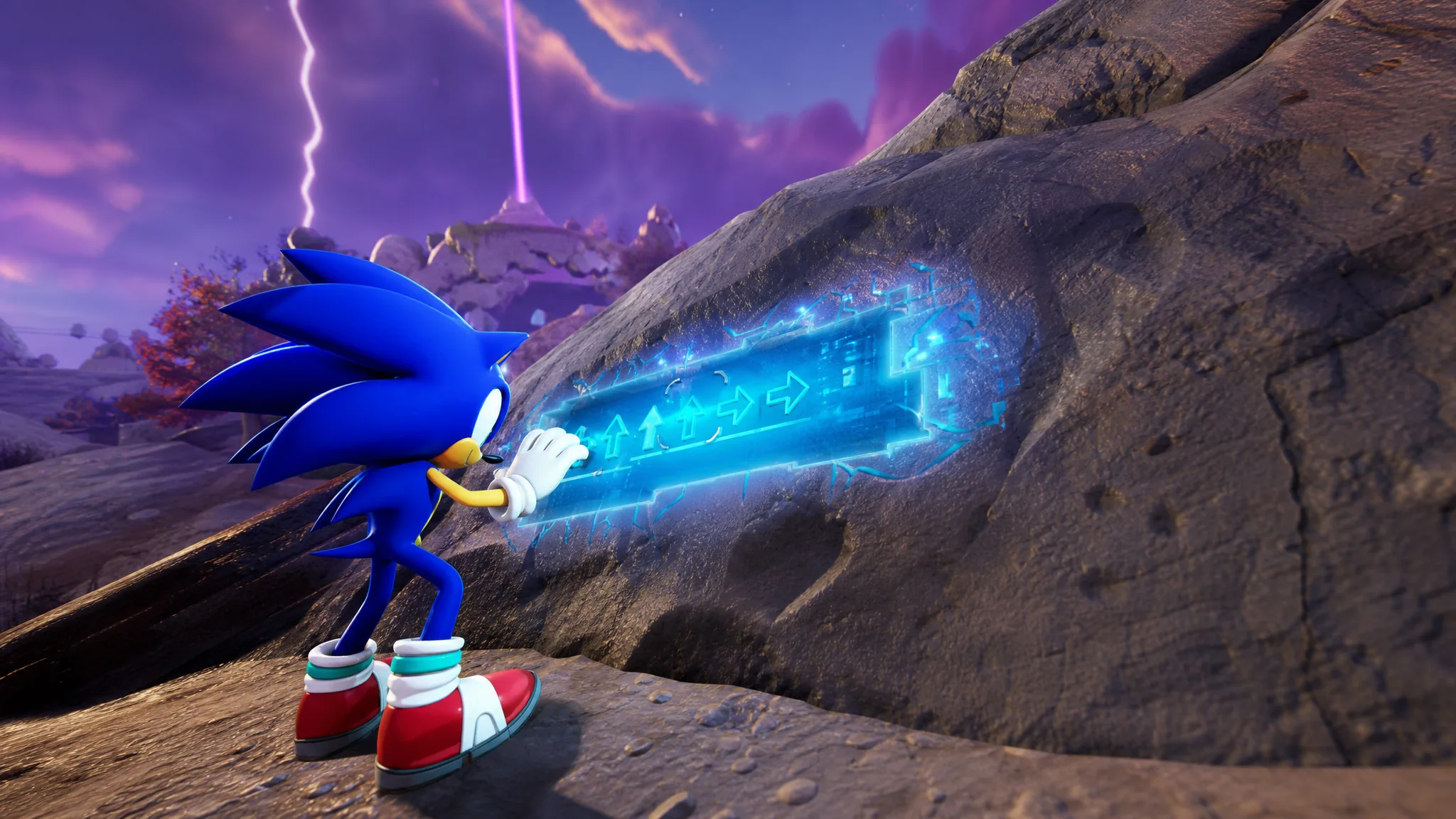
Fortnite Cheat Code Inputters: How to Find and Use Them for Sprites
Where the glowing panels appear, how to enter each directional code, and how rarity decides the Sprite you unlock.
-
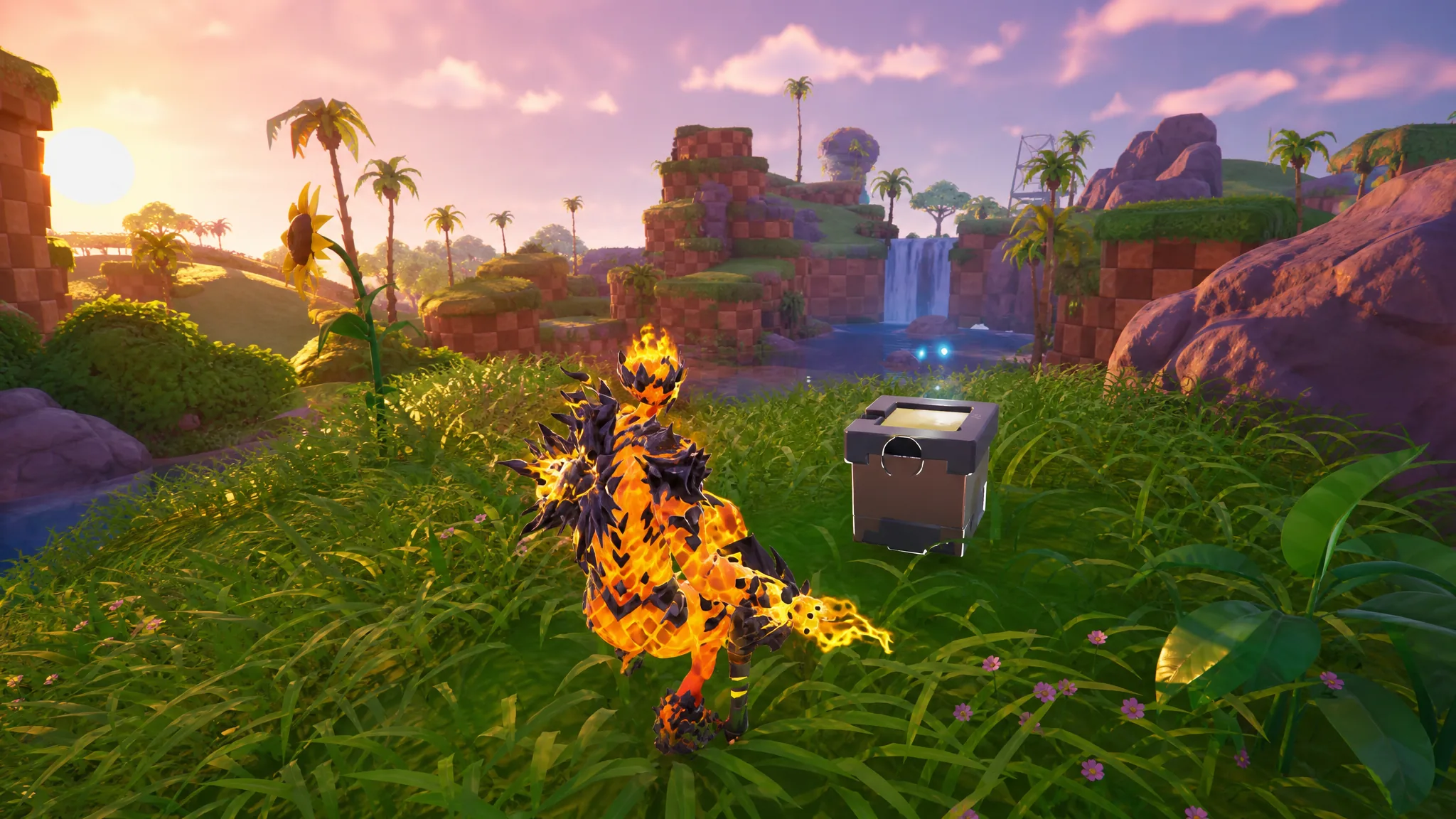
Fortnite: How to Collect Wrixel (Drift’s) Parts at Green Hill Zone
Grab all four Drift parts across Green Hill Zone to unlock the Drift style for the Wrixel outfit.
-
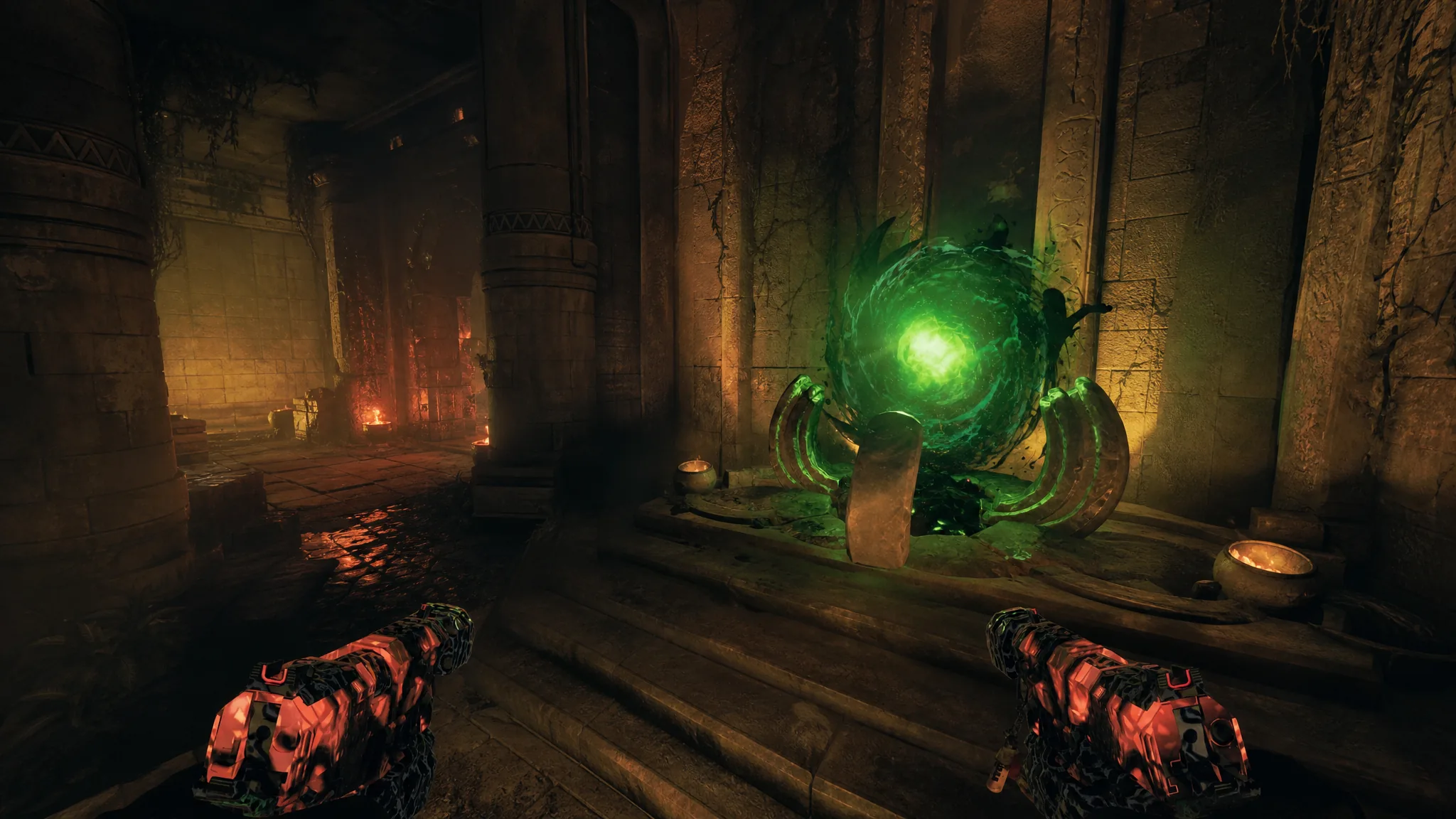
Rex Infernus: How to Use the Void Claw Grapple in BO7 Zombies
Grab the grapple after opening Pack-a-Punch, then use its 30-second window to cross the map and pull loot orbs.
-
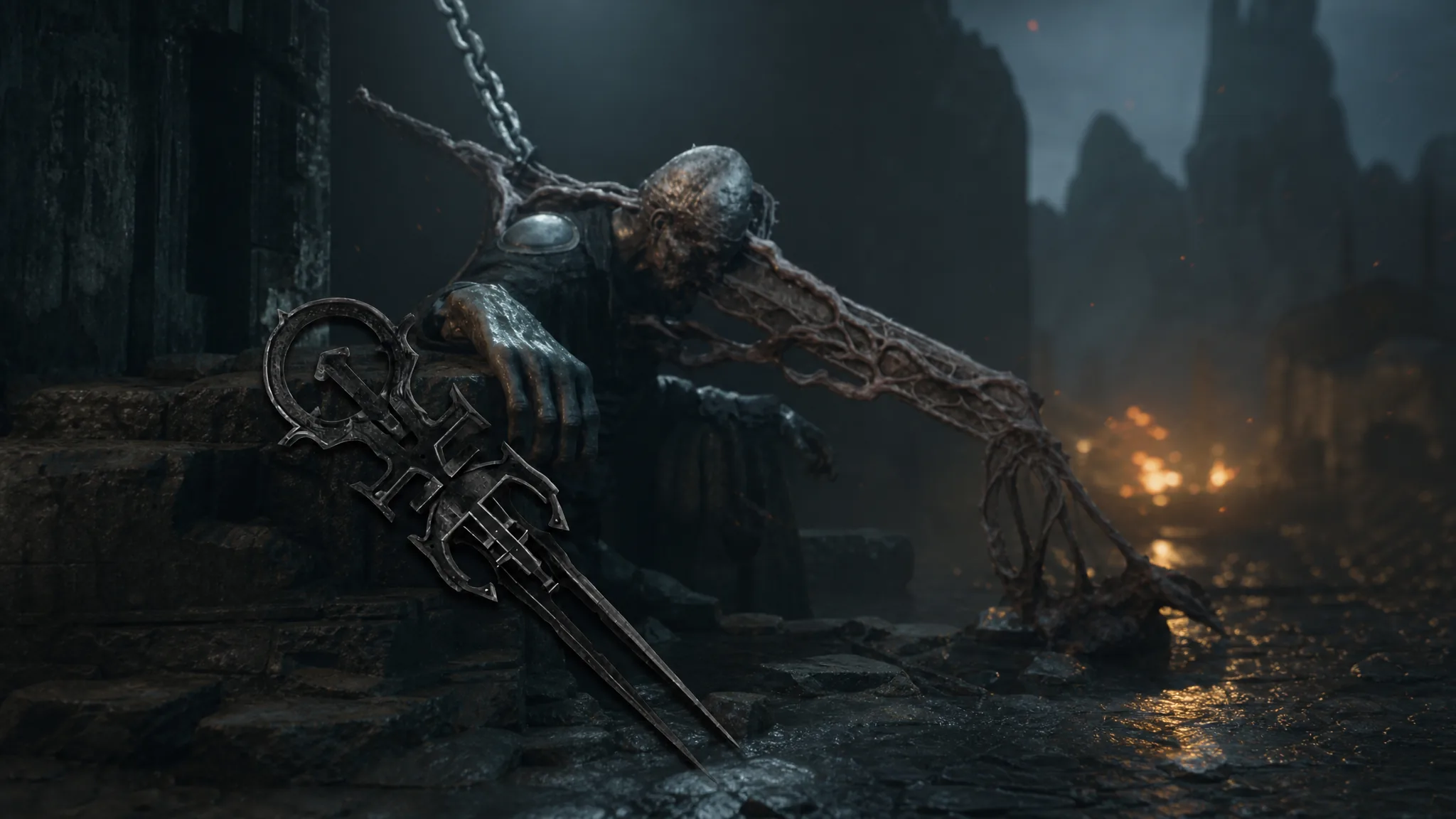
Mortal Shell 2: How to Get the Peter’s Perfect Parry Trophy
Parry the Nameless Captive’s exact seven-hit headspin with the Untarnished Seal to unlock one of the game’s rarest rewards.
-
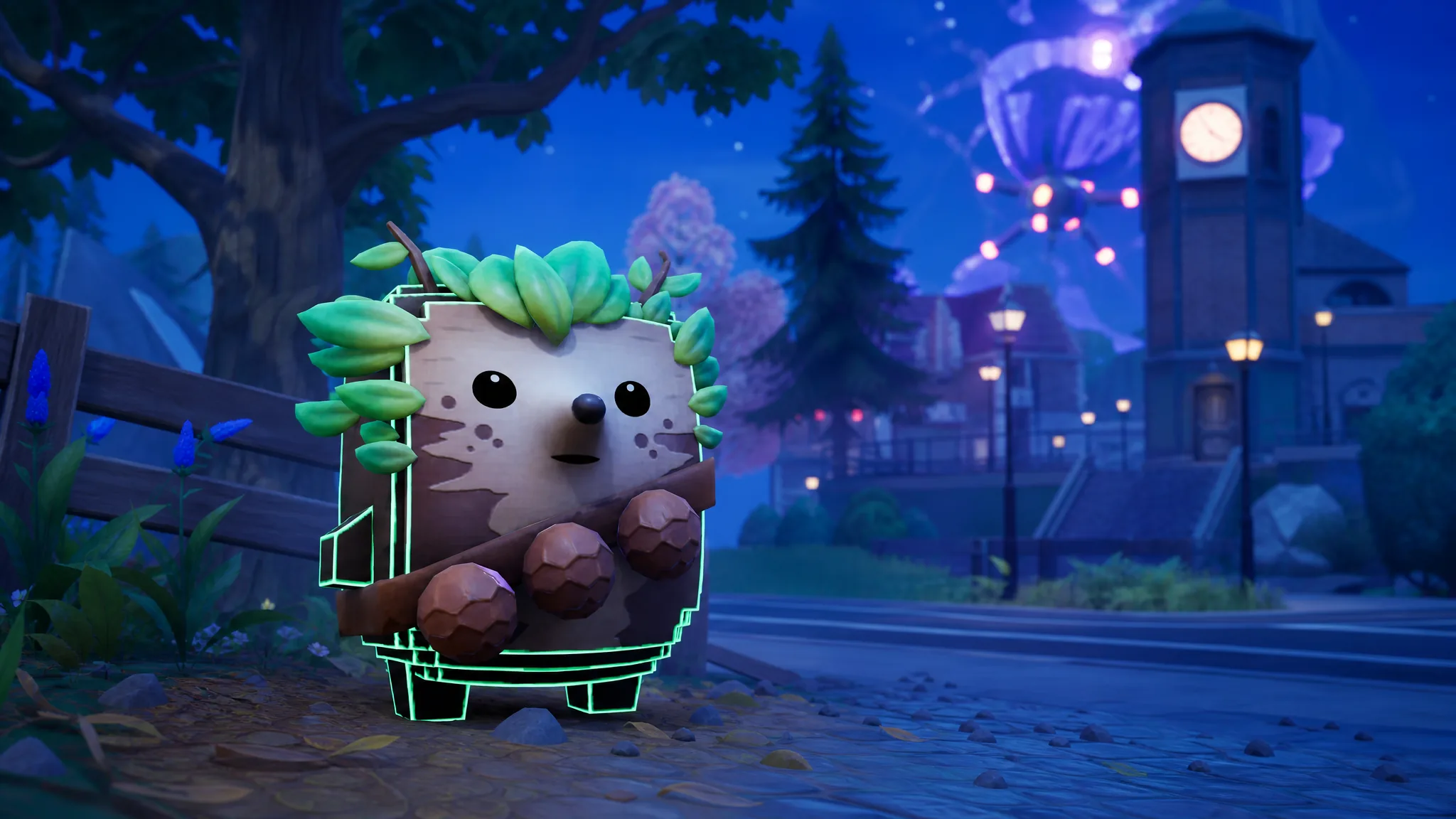
Fortnite: How to Get the Bush Sprite (Cheat Master Variant Included)
Every source that drops the Rare Bush Sprite, the exact steps for its Cheat Master variant, and what the pet does when equipped.
-
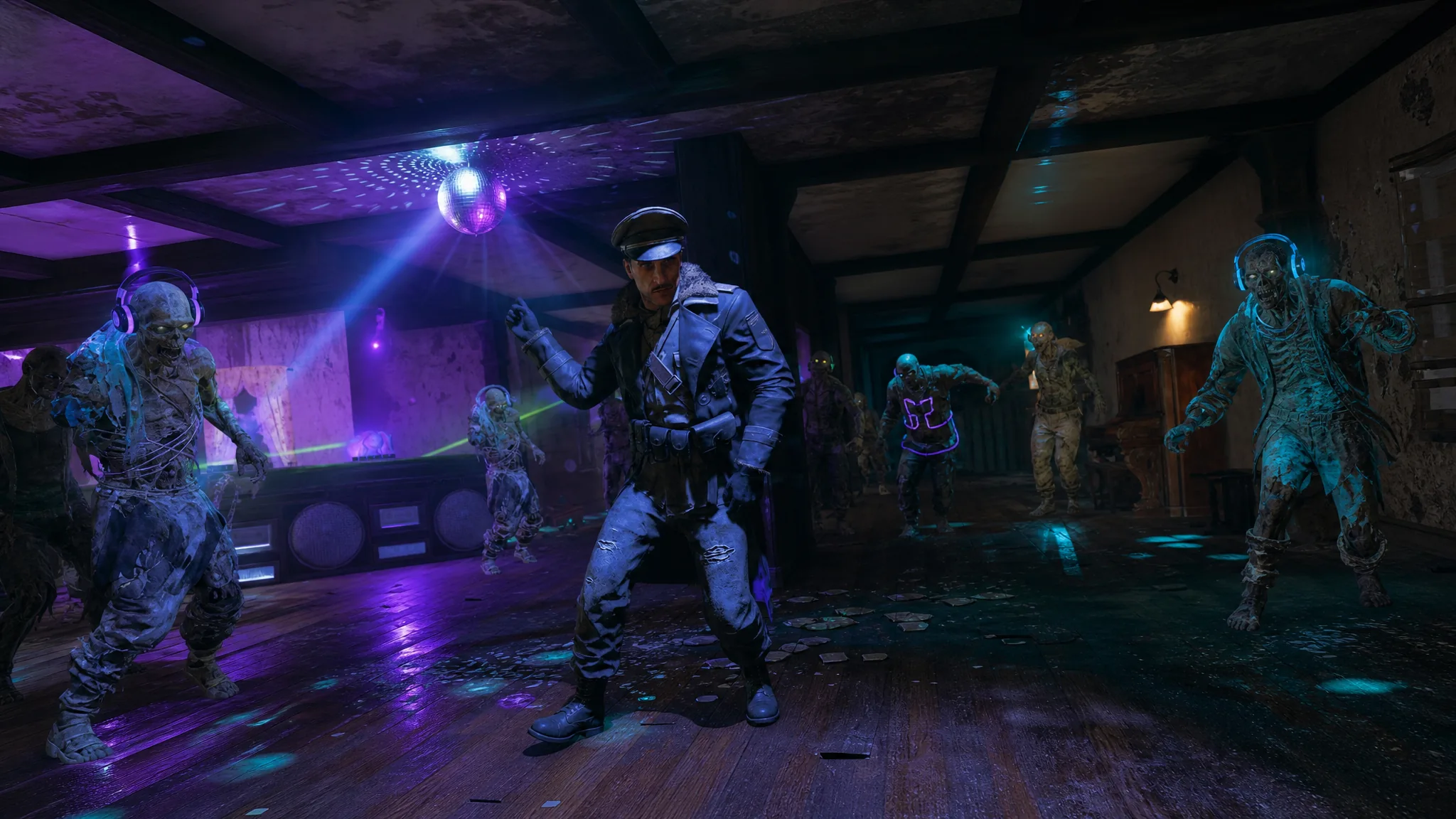
Black Ops 7 Zombies: How to Play Mister Peeks’ Dance Off in Rex Infernus
Trigger the hidden cassette minigame and claim the Survivor’s New Groove calling card on the final Zombies map.
-
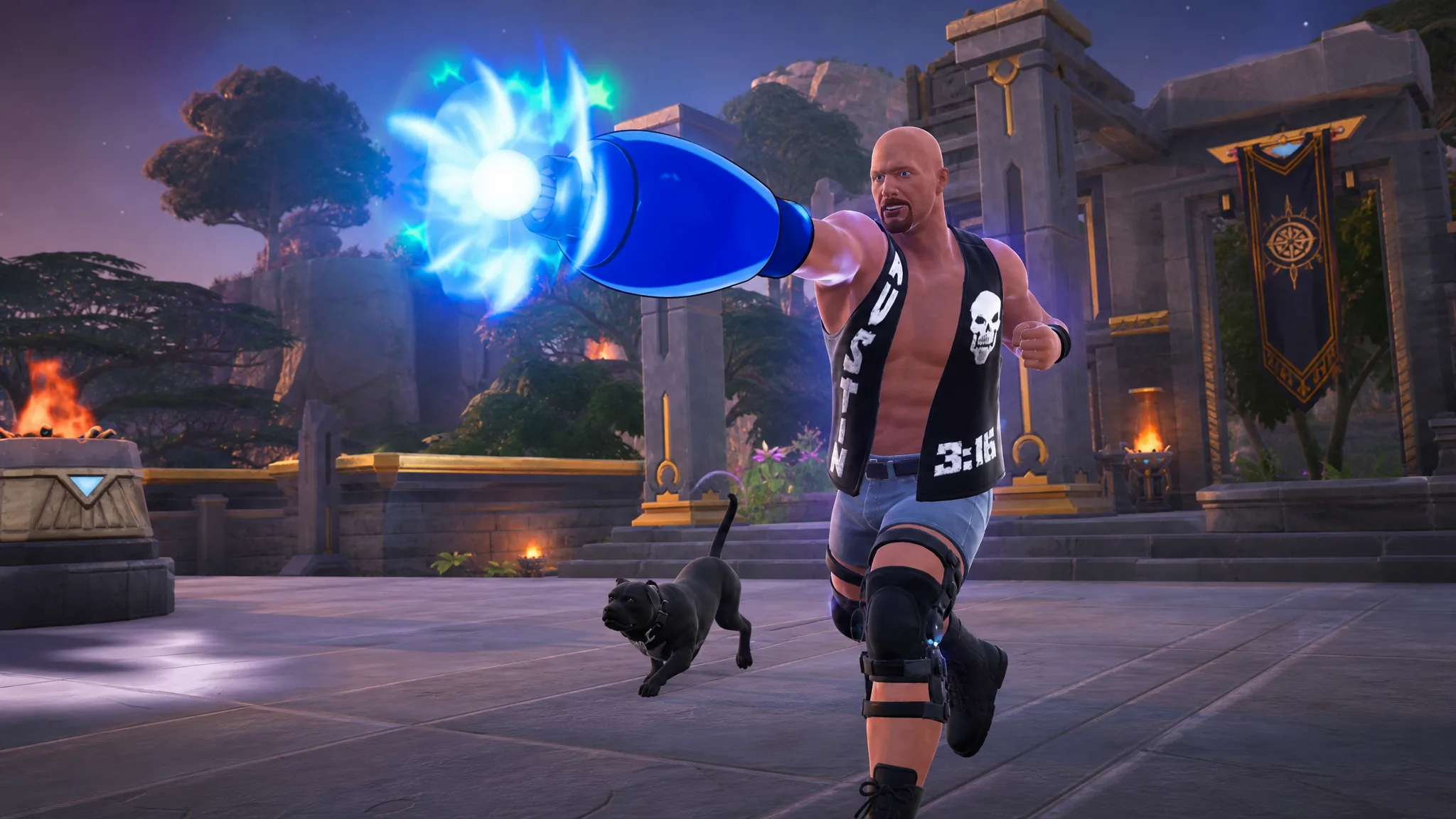
Fortnite: How to Get and Use the Mega Buster
Where the Mega Man arm cannon drops on the Override island, how its charge shot works, and why the 75-shot limit matters.
-

Maybe Tomorrow Ill Open the Door: How to Get All Badges (Roblox)
Every trigger action for all six badges in the slice-of-life room, from door spamming to clipping through a wall.
-
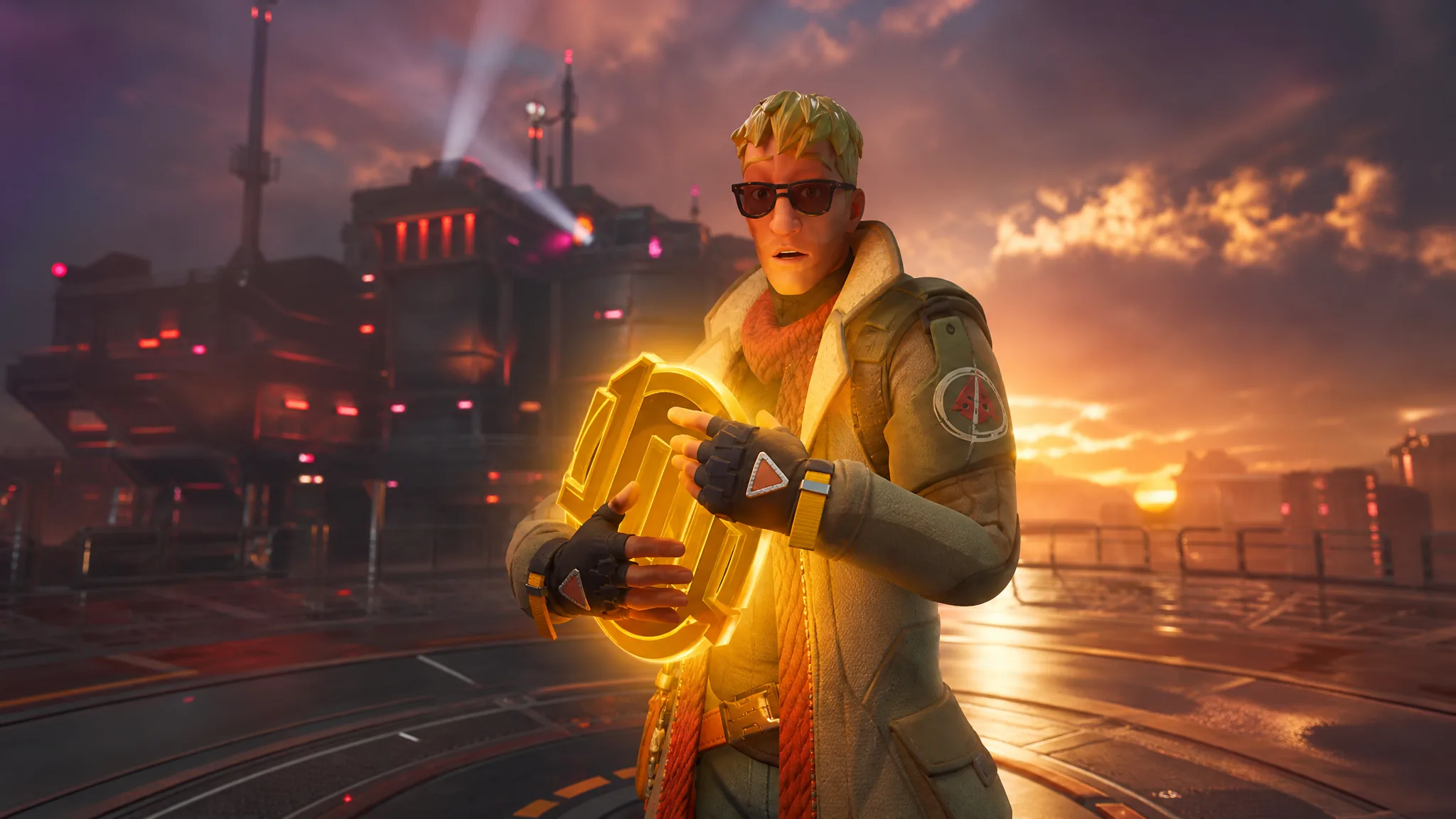
Fortnite: How to Get a 1-Up Token for an Extra Life
Every way to pick up the Chapter 7 Season 4 power-up that respawns you with your loadout intact.