
Instructional, step-by-step articles.
Content Type: How-To
-
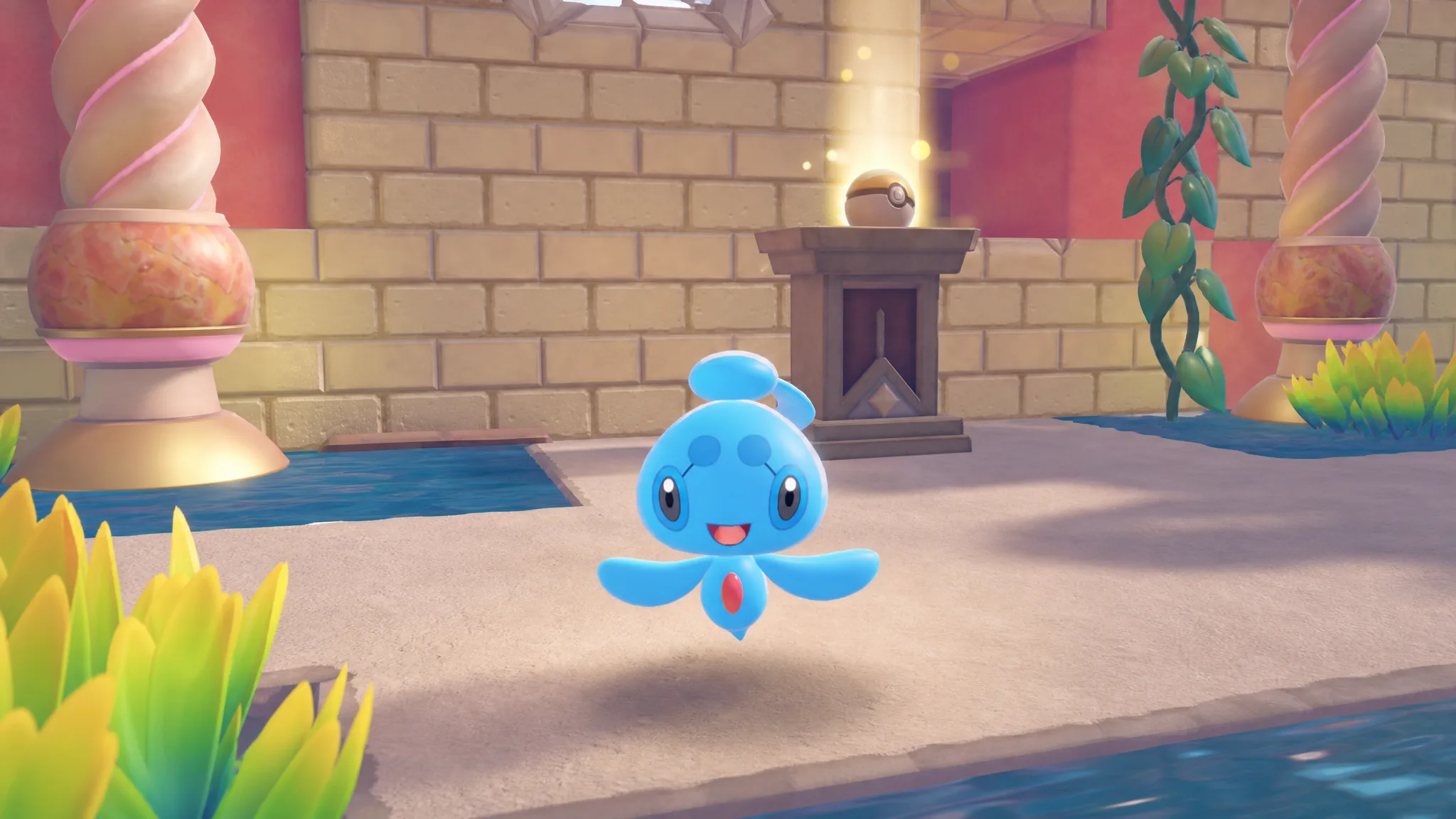
Pokémon Pokopia: How to Get Phione in Bubbly Basin
Phione hides on the Starmie Doll Dream Island, and it only shows up if the random roll goes your way.
-
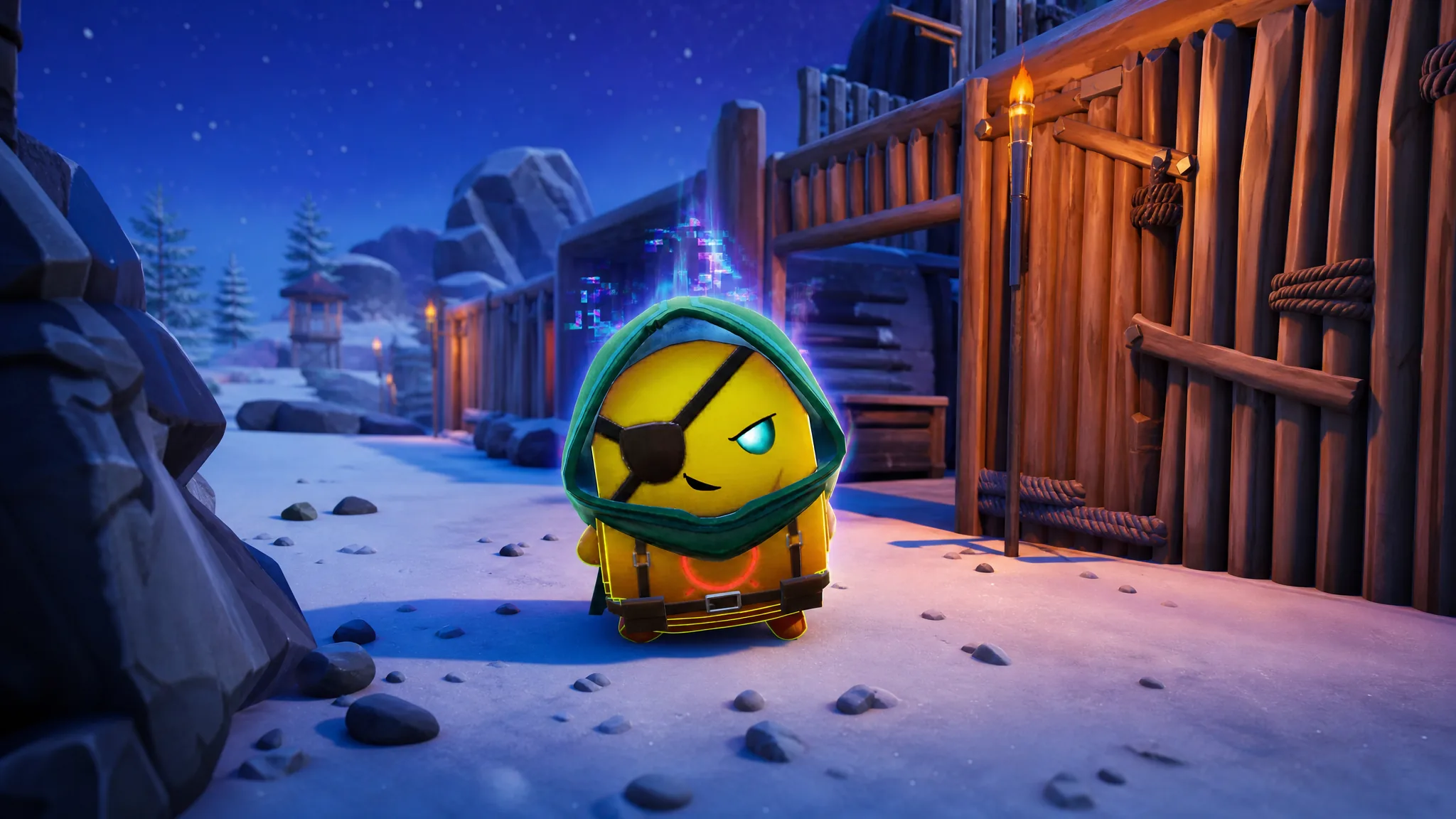
Fortnite: How to Get the Adventure Sprite and All Its Variants
Where the Adventure Sprite spawns, how to pull the Gold and Cheat Master versions, and what its level-up ability upgrades.
-
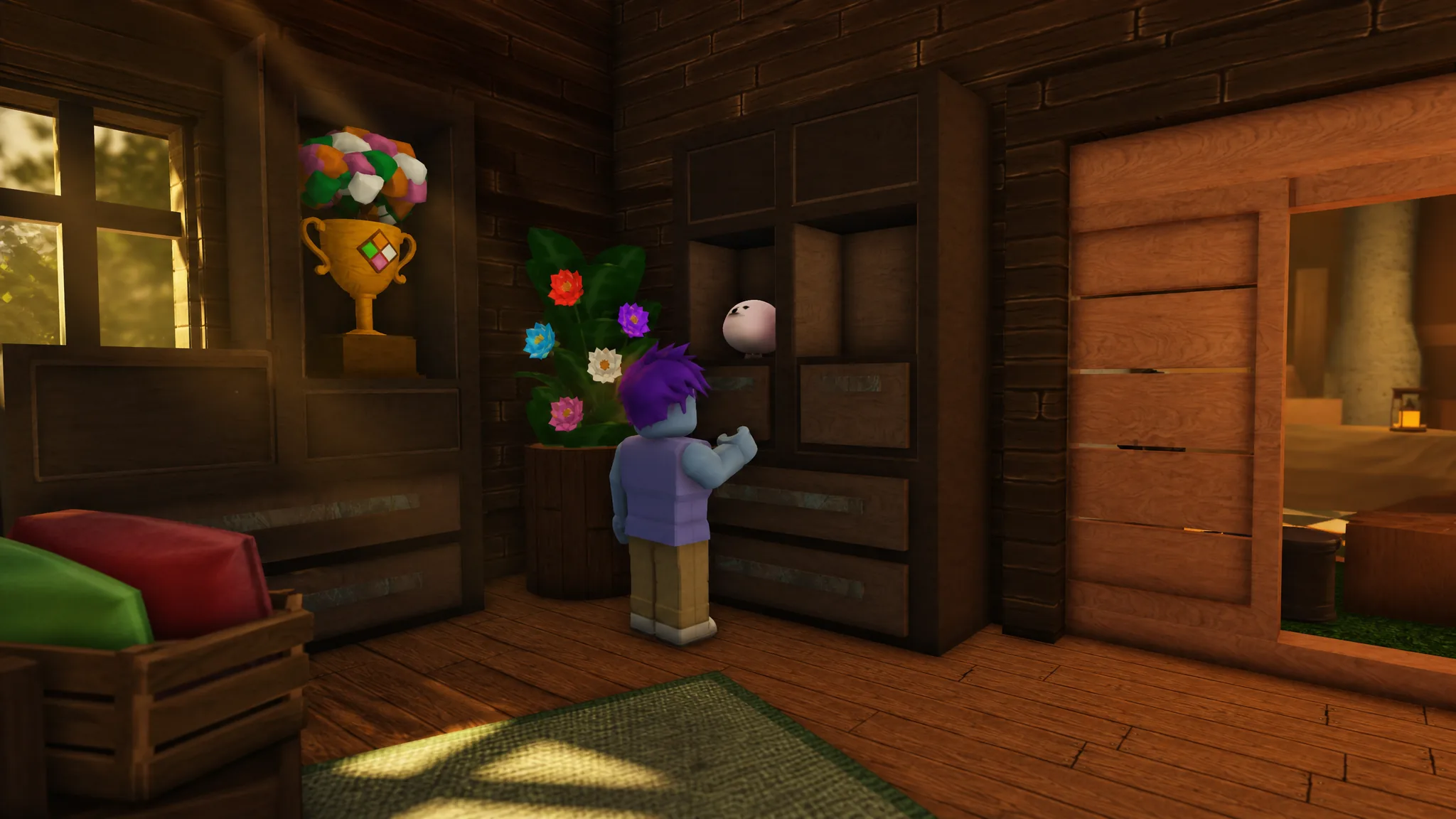
Slap Battles: How to Get the Sand Glove on Summer Island
Clear the John Surfboard mini-game across five seasonal days to earn the Estival Heatwaver Badge and the Sand Glove.
-
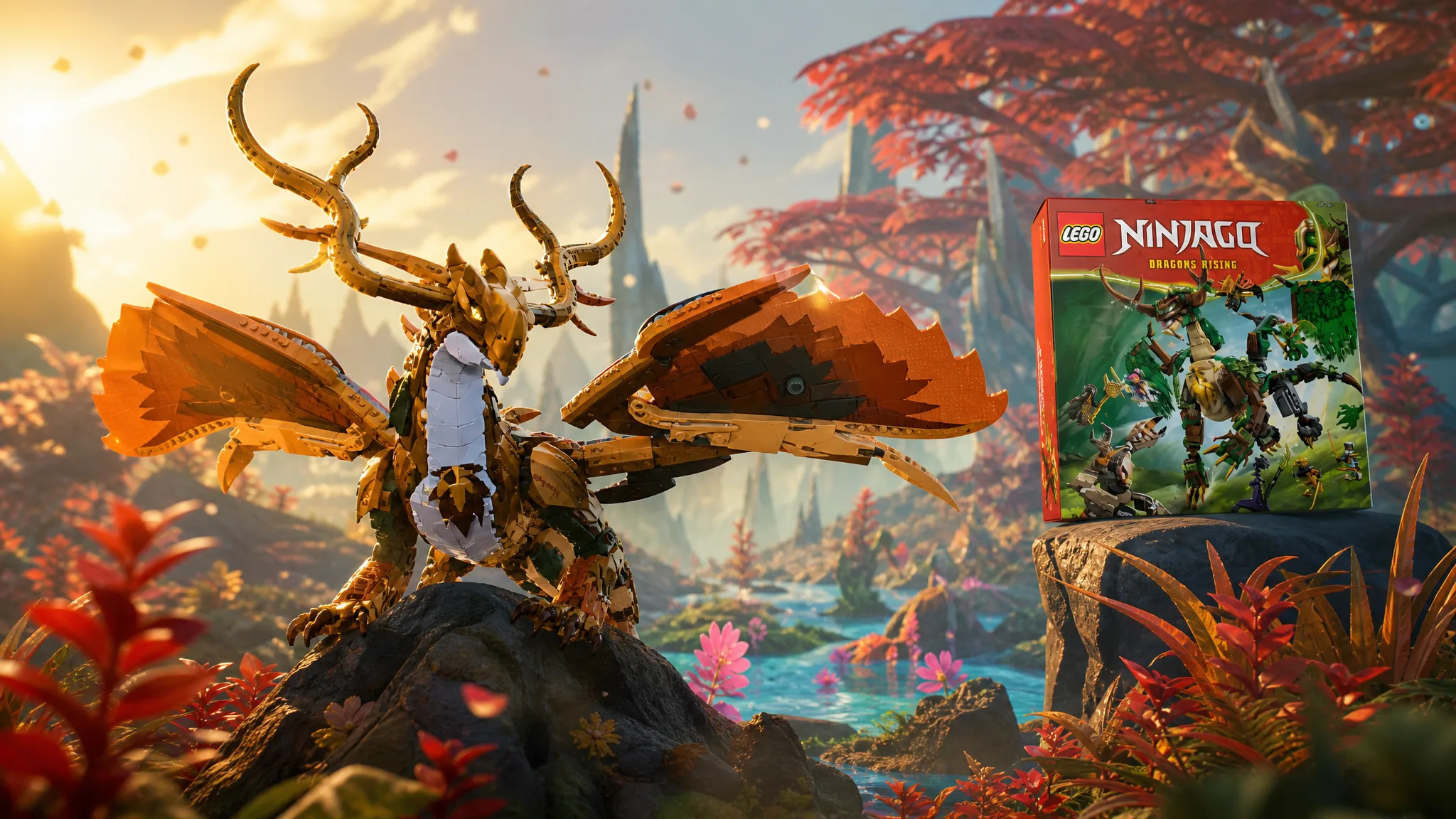
Creatures of Sonaria: How to Get the Arc Dragon of Life (2026 LEGO Ninjago Event)
Play the Arc Dragon of Life right away by farming Forest Restoration missions, with its permanent species unlock opening about three weeks into the…
-
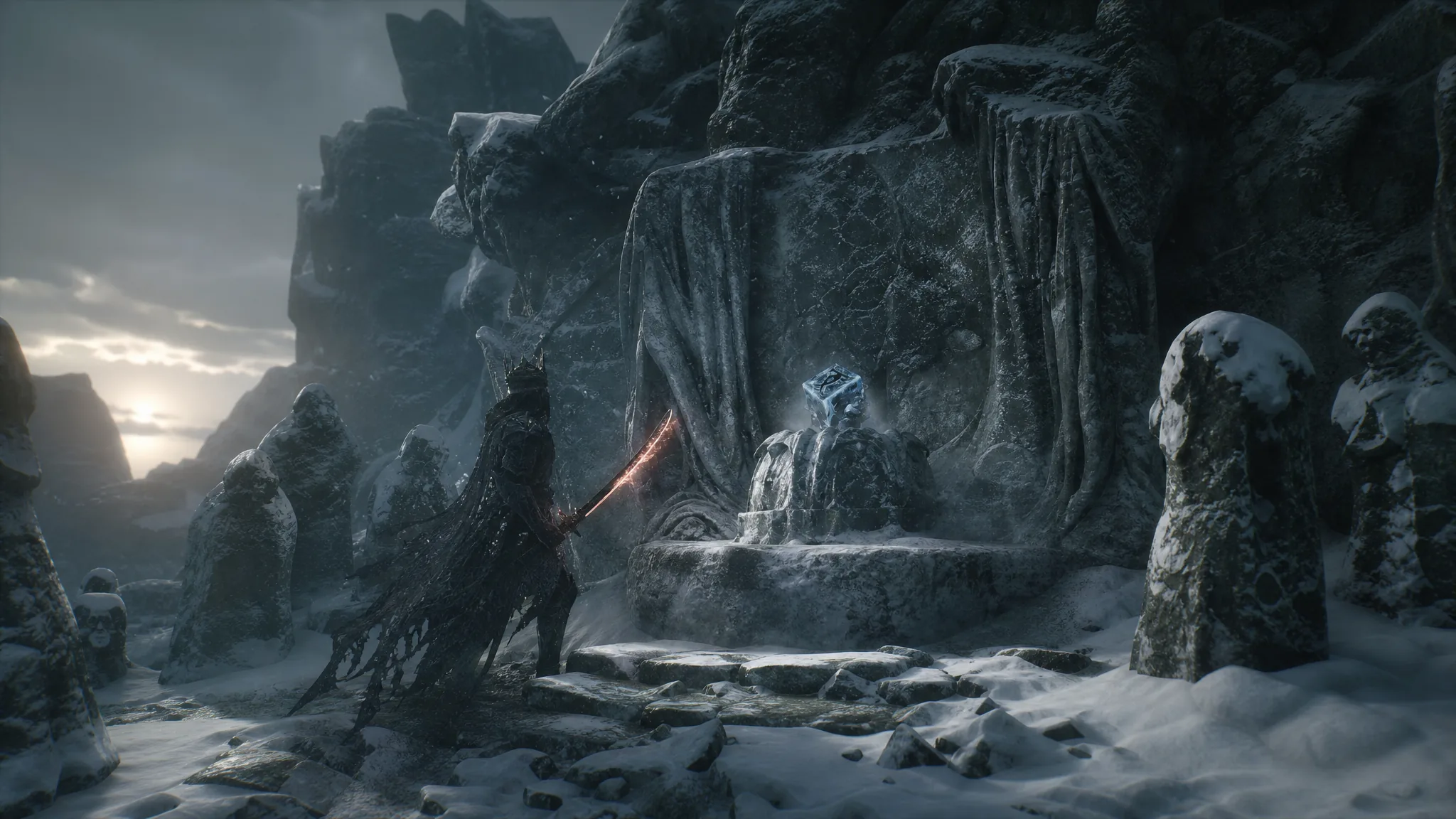
Mortal Shell 2: How to Get the Frostshard Stone in the Conqueror’s Hoard Beacon
Cleanse the beacon, cross the frozen bridge, and claim the Frost infusion for your Triarch Repeater sidearm.
-
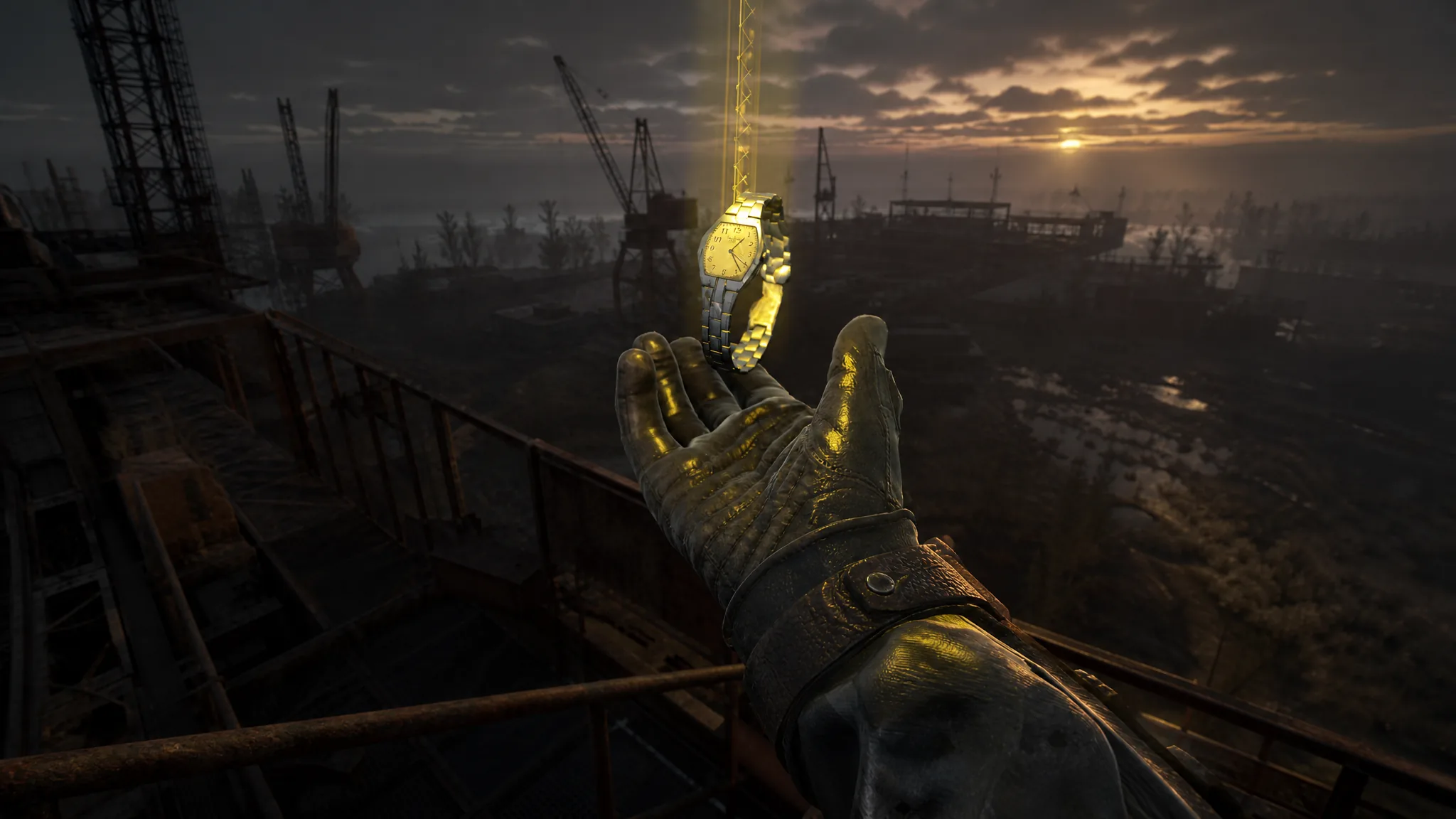
How to Get Every Unique Artifact in Stalker 2 Cost of Hope (The Forgotten)
Where to find the Heart of a Shadow Chimera, Water Drop, Flare Time, and Flare Light across the CNPP and Iron Forest.
-
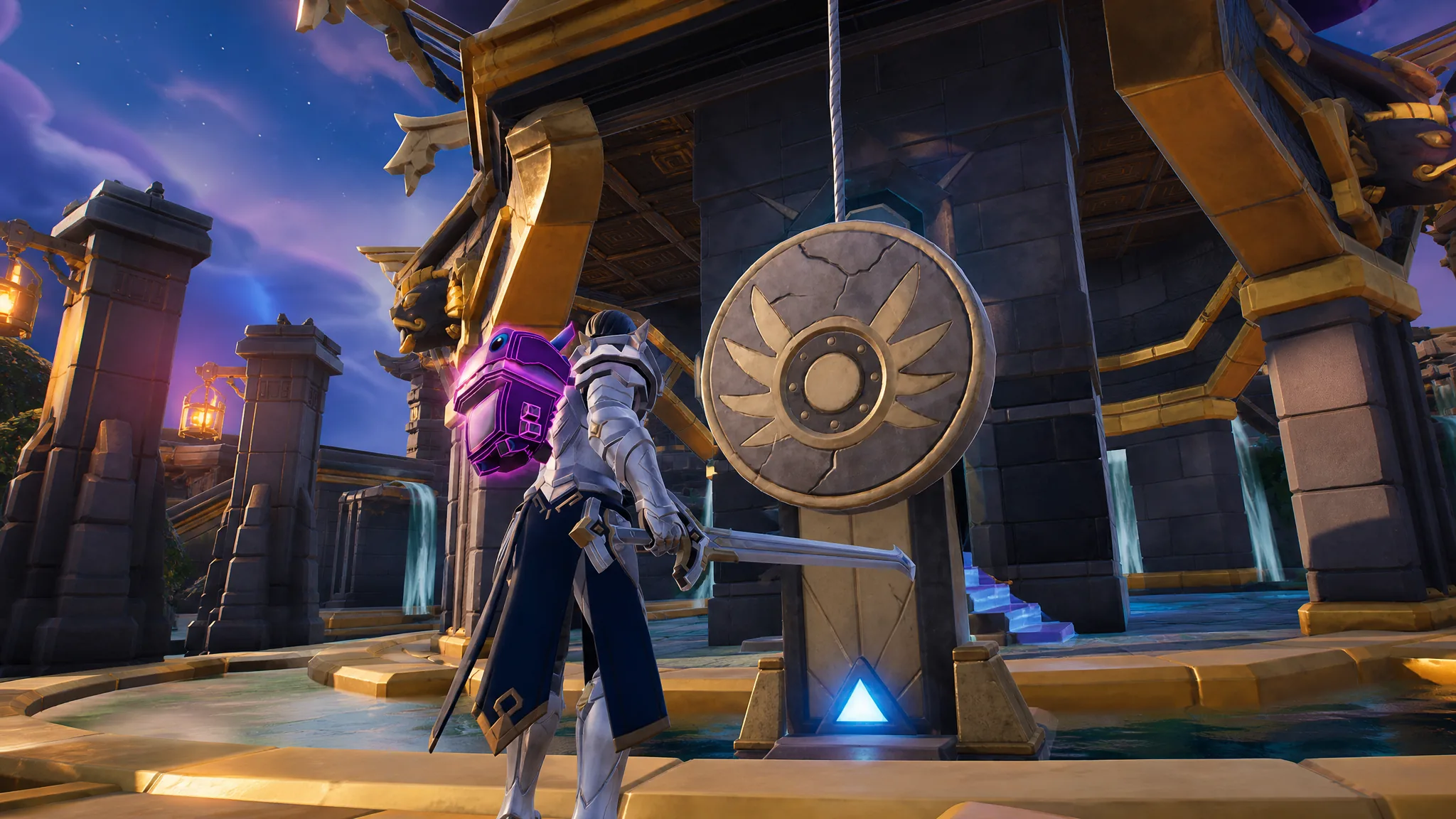
Fortnite Stone Sanctum Vault: How to Open the Secret Chamber
Break two stone pillars for Temple Vault Keys, feed the courtyard dials, and drain the pool to reach the loot below.
-
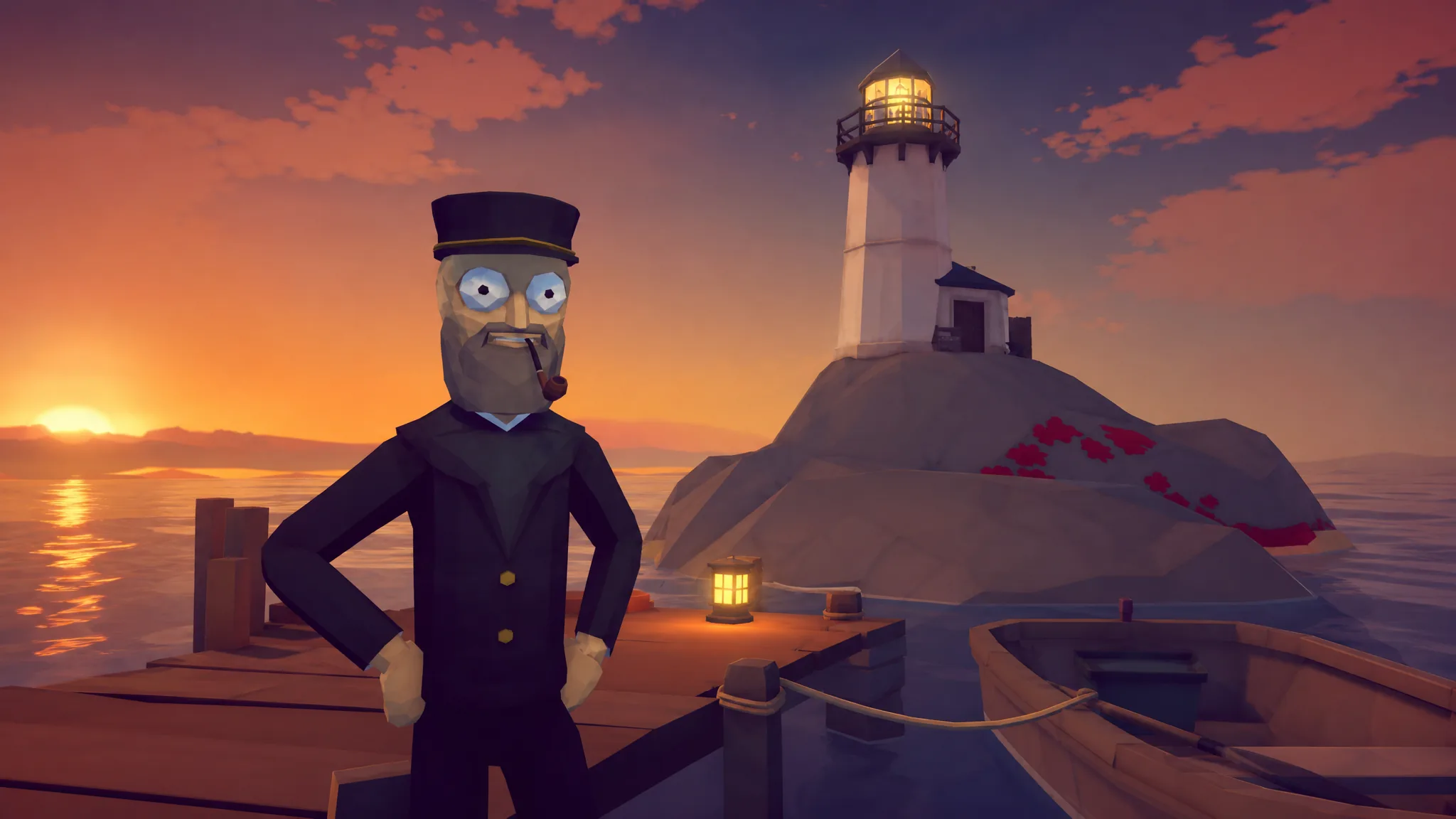
How to Fish: How to Get All 28 Achievements
Every unlock condition in Dazed Games’ co-op fishing shooter, from first kill to the fists-only final boss.
-
Terraria: How to Get the Guide to Old World Parkour
Everything needed to craft the post-Moon Lord toggle that restores pre-1.4.5.0 jump and dash movement.
-
Tiny Universe Roleplay: How to Get the Aircraft Baby Badge and Morph (Roblox)
Fly to the sky island, feed yourself to the giant shark head, and unlock the shark morph with its five abilities.