
Instructional, step-by-step articles.
Content Type: How-To
-

The Sinking City 2: How to Reach the Library Annex in Part One
Sail the flooded streets, gather the electrical fuses, solve the gate puzzle, and get Calvin through to the Annex.
-
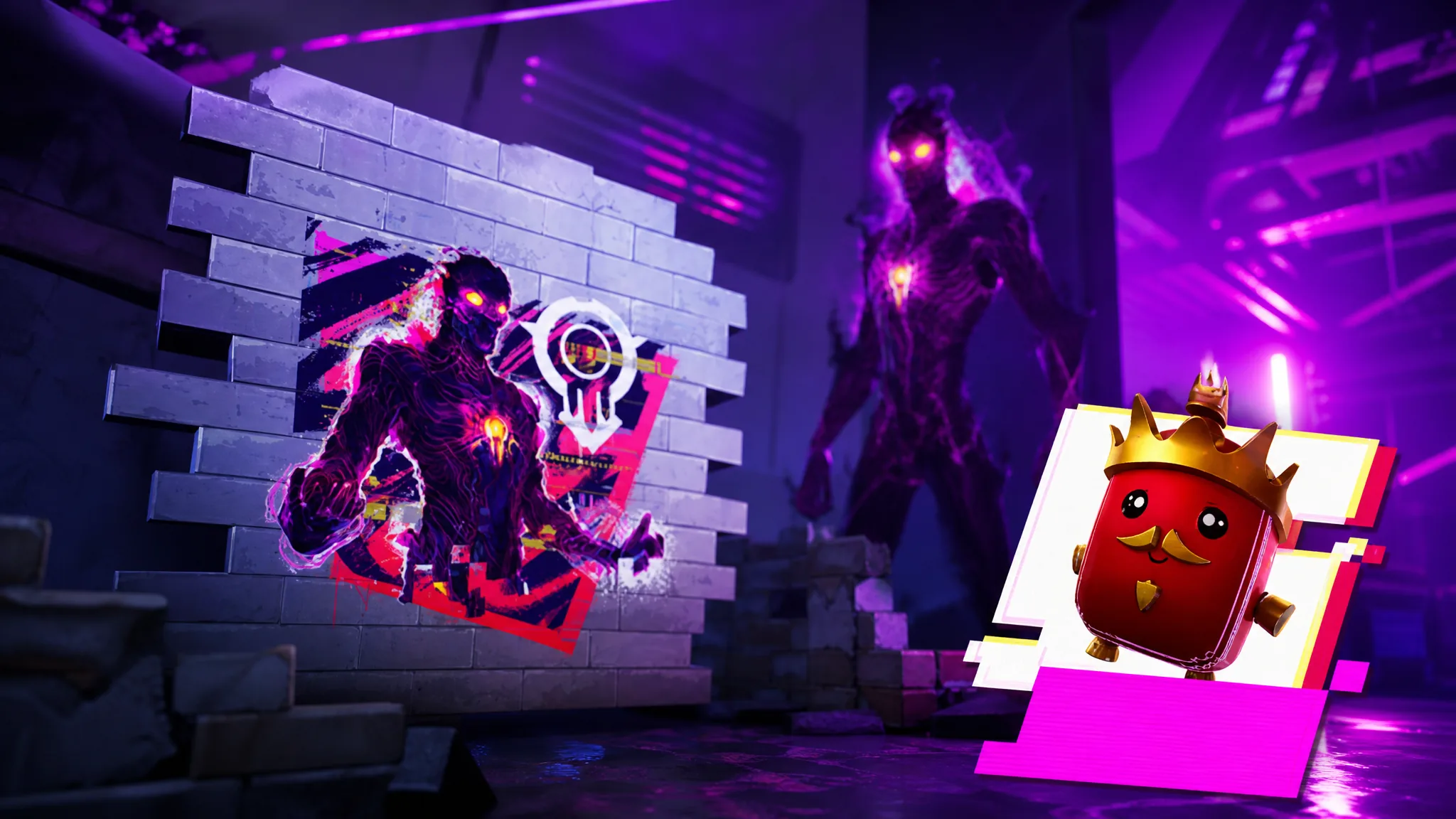
How to Unlock Fortnite’s The Shapeless Man Spray and Good Game Emoticon
Link your accounts, collect sprites through the Twitch overlay, and claim both rewards before the campaign closes on September 3rd.
-
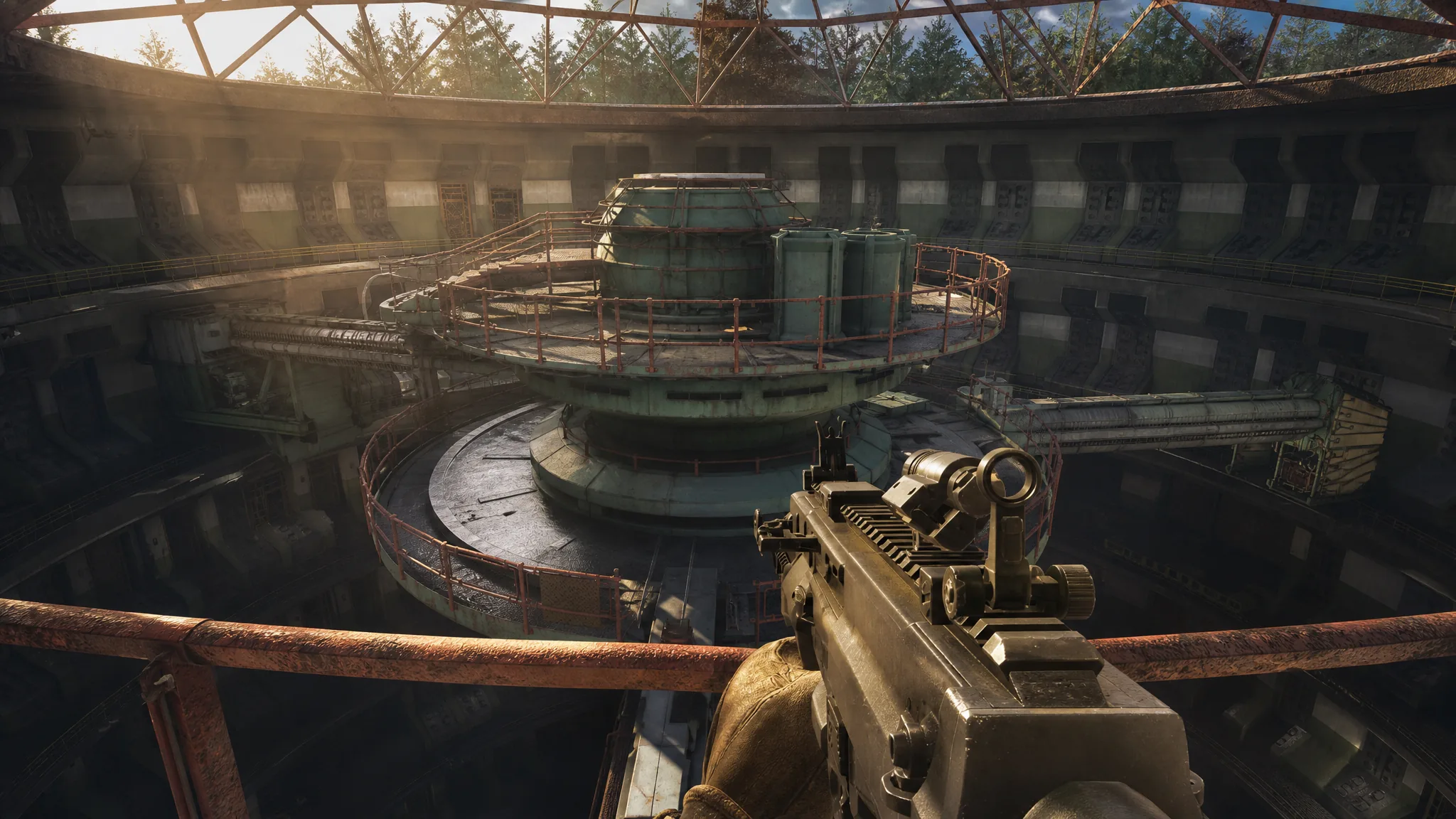
Moving in the Shadows: How to Activate the Centrifuge and Reach the Archives
Bypass the flooded facility, align the three bridge segments, and drop into the archive path in Stalker 2: Cost of Hope.
-
The Sinking City 2: How to Get All 23 Achievements and Trophies
Every unlock condition in the list, including the New Game Plus run required for the final two.
-
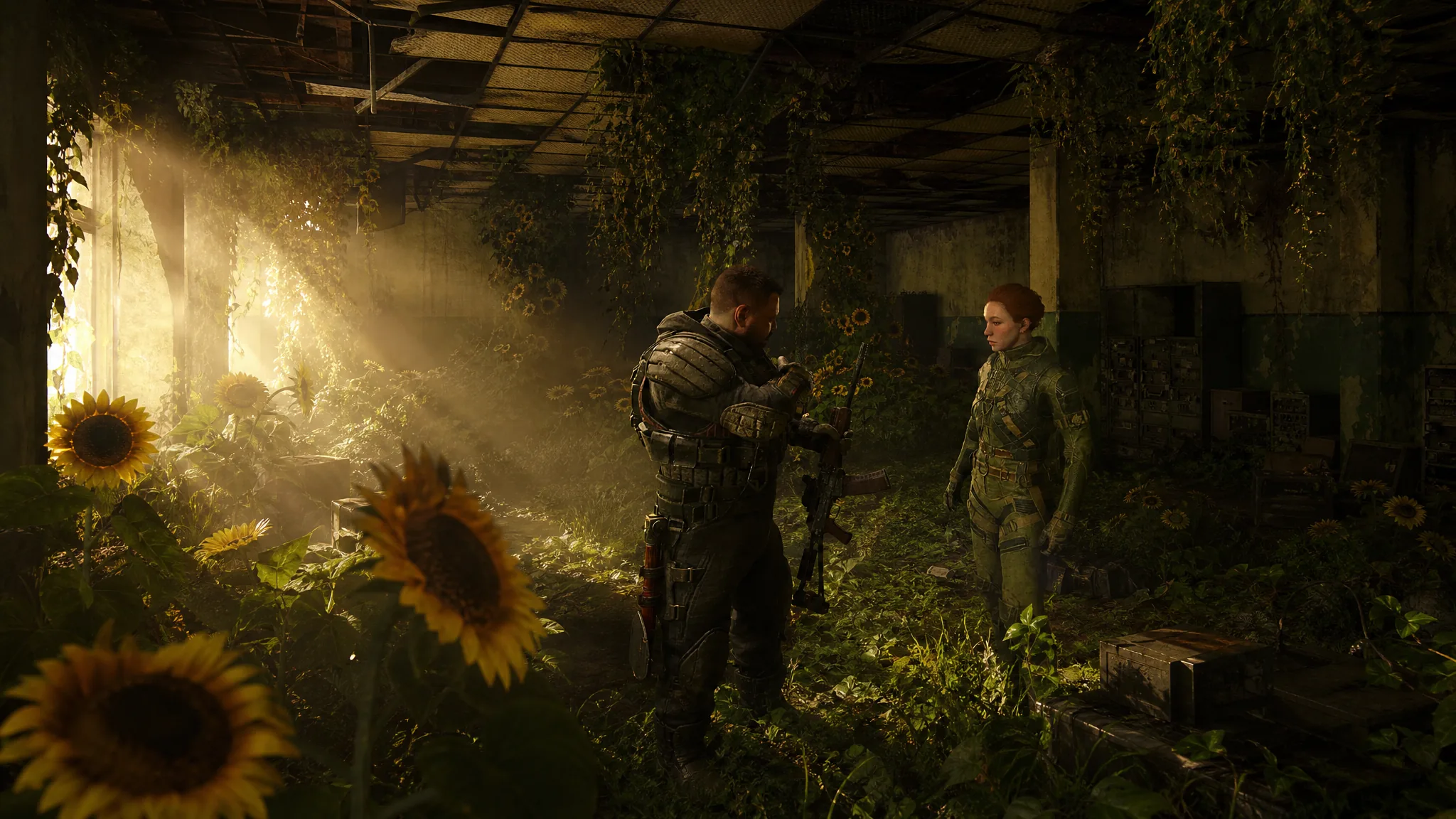
Stalker 2 Cost of Hope: How to Get the Duty and Freedom Endings
One standoff during Destructive Power of the Mind decides which of the expansion’s two endings you see.
-
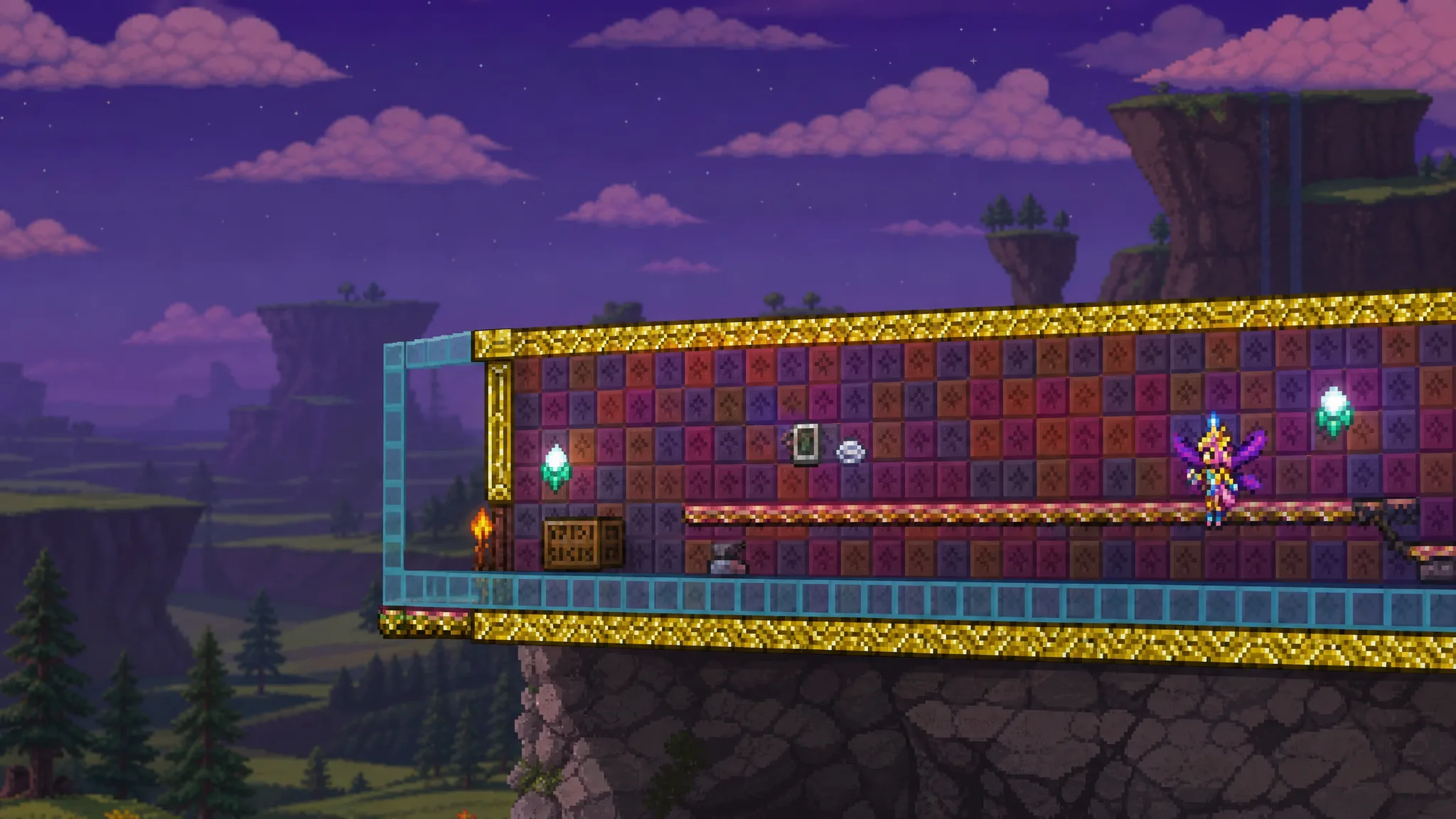
Terraria: How to Get and Use the Kinship Peach
The Crystal Ball recipe, the three Hardmode ingredients, and the exact way to feed one to a summoned Pal.
-
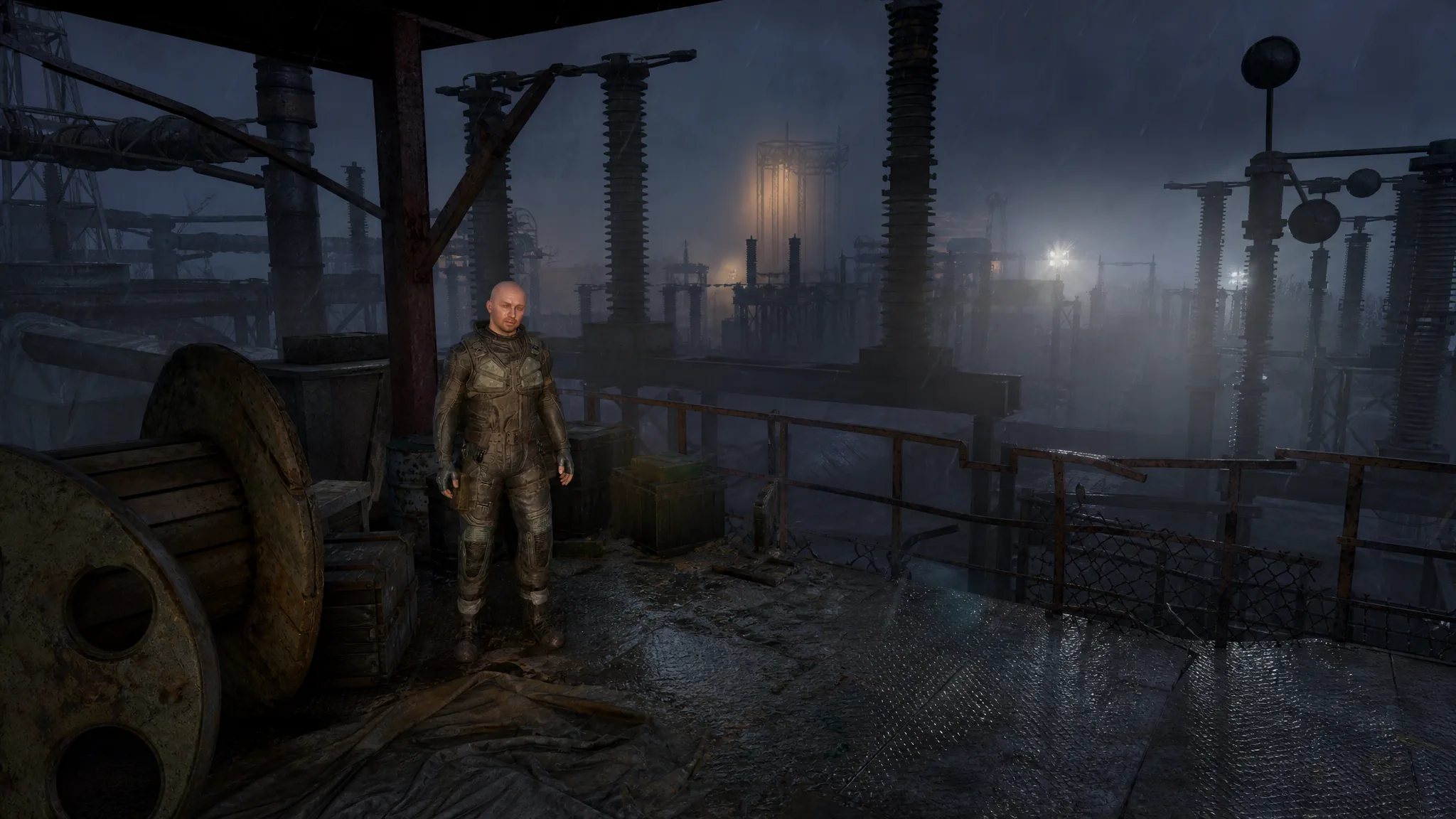
Stalker 2: Cost of Hope – How to Get to the Repeater (Unexpected Alliance)
The exact climbing route up the tower, the anomalies that block it, and how to finish the objective after the repeater fails.
-

Fortnite: How to Open the Temple Vault at Stone Sanctum
Two keys hidden in rooftop pillars drain the water beneath the central statue and open the chamber below.
-

Fortnite Override: Bass Boost XP Glitch Guide
Buy the Bass Boost through Loot Hacks, then break structures to bank tens of thousands of XP per shot.
-

Fortnite Sonic Rings: How to Get Overshield in Green Hill Zone
Every ring you grab in Green Hill Zone adds +1 Overshield, and it works in Build mode too.