
Instructional, step-by-step articles.
Content Type: How-To
-

Soul’s Remnant: How to Level Up Fast
Party bonuses, monster research, 2x EXP coupons, and Darkness Crystal blessings all stack on the same kills.
-
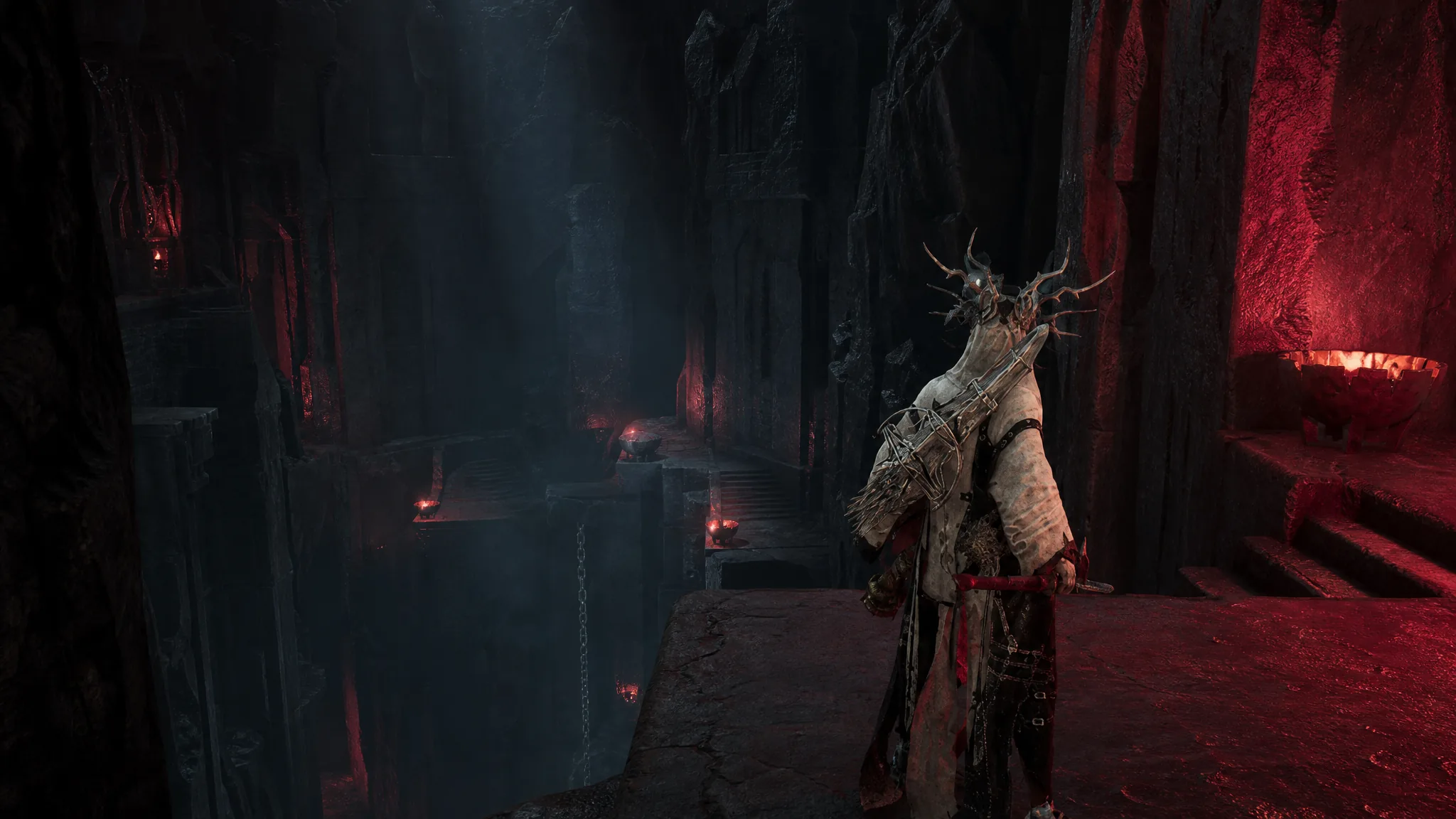
Mortal Shell 2: How to Reach the Obsidian Vault Beacon in the Unfound Path
Follow the run from the Brothers Court beacon, clear the Obsidian Vault segment, and revive the Genessa the Wayward shell.
-
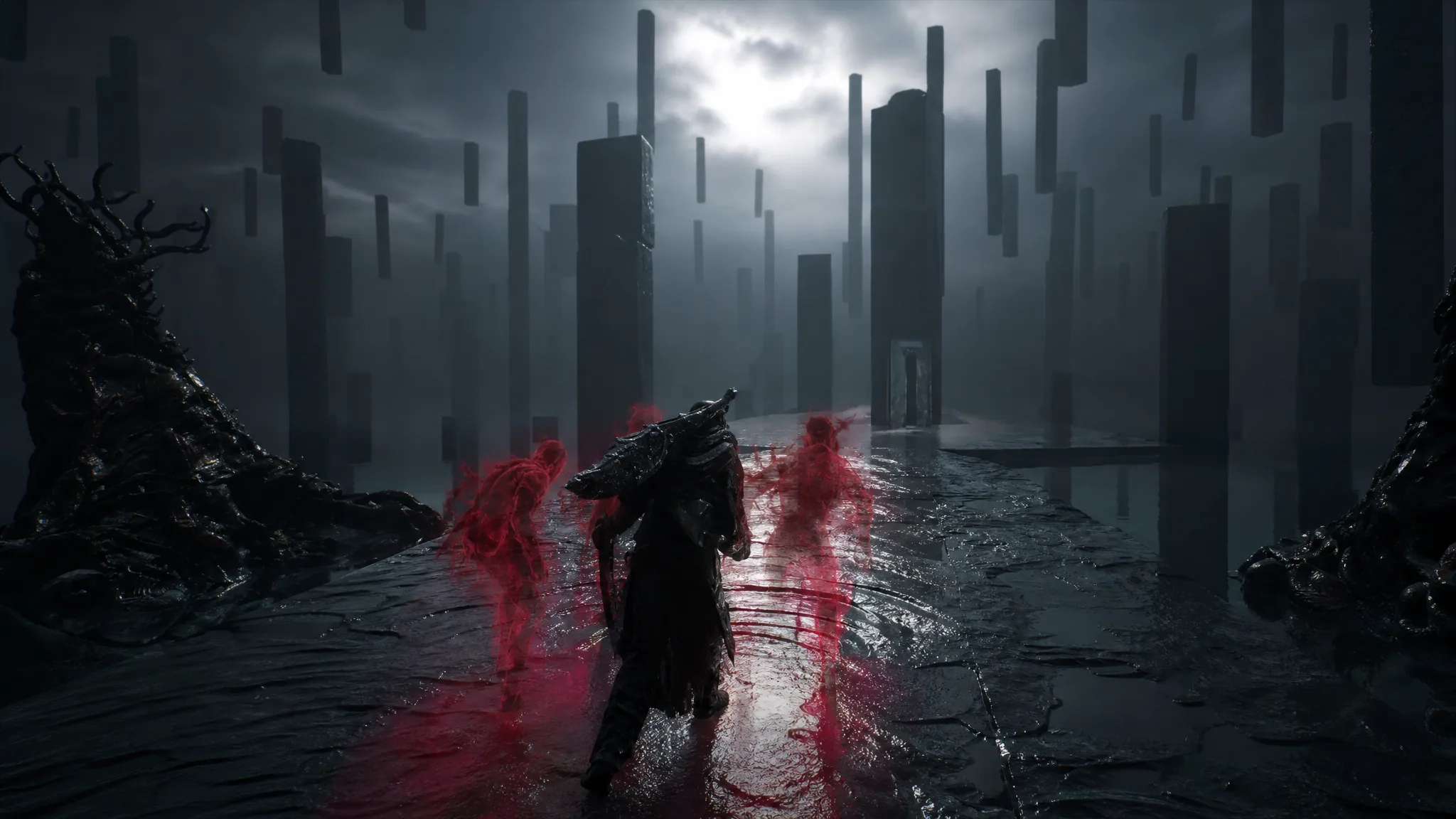
Mortal Shell 2: How to Cleanse the Obsidian Vault Beacon (Temple of Obscenity)
Clear the Temple of Obscenity, cross the abyss with the glide mechanic, and revive Genessa the Wayward.
-
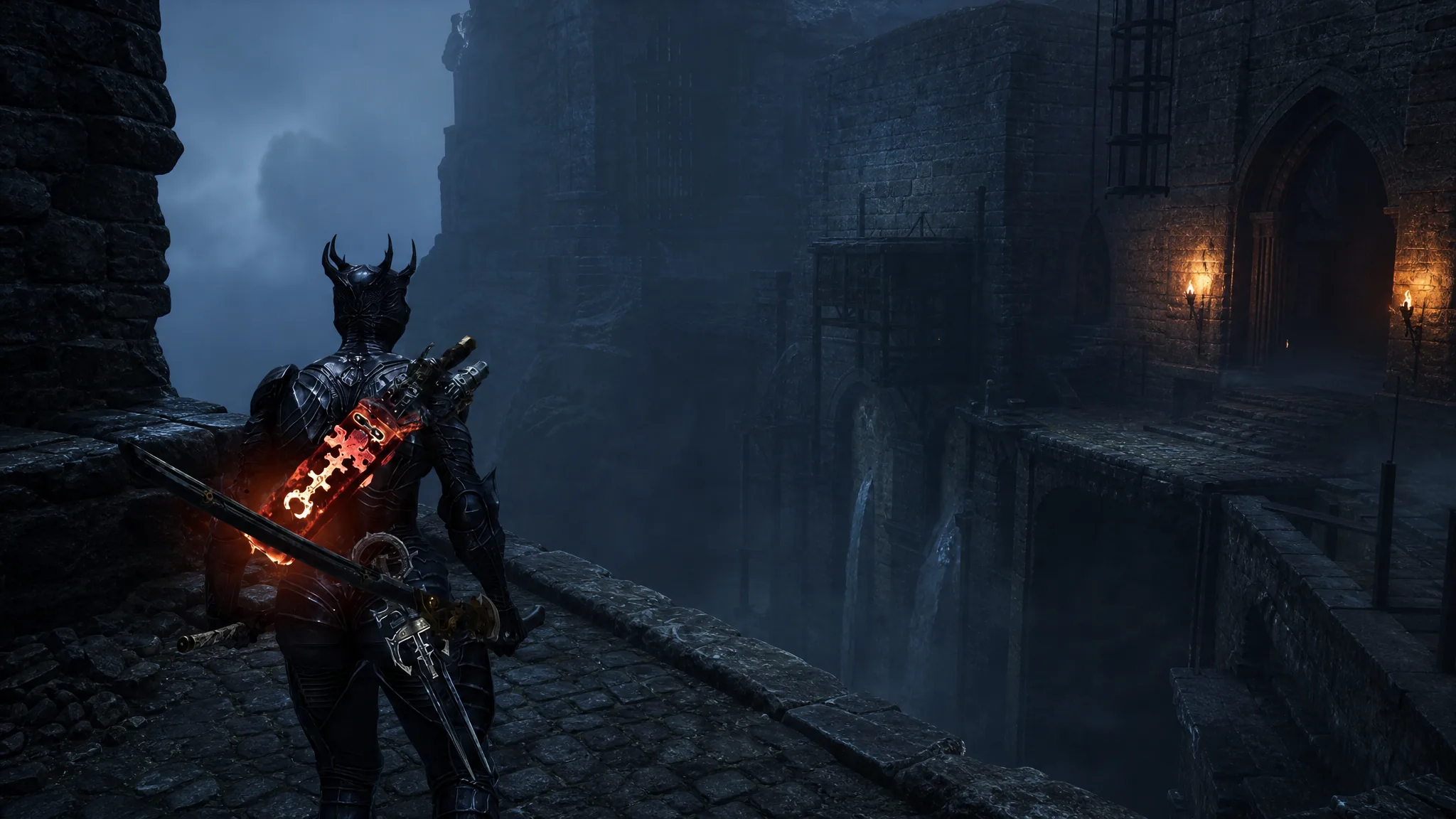
Mortal Shell 2: How to Clear the Thieves Retreat Dungeon
Cross the invisible bridge, survive the lightning ghosts, and grab the Revered Gland and Ventrium totem inside.
-
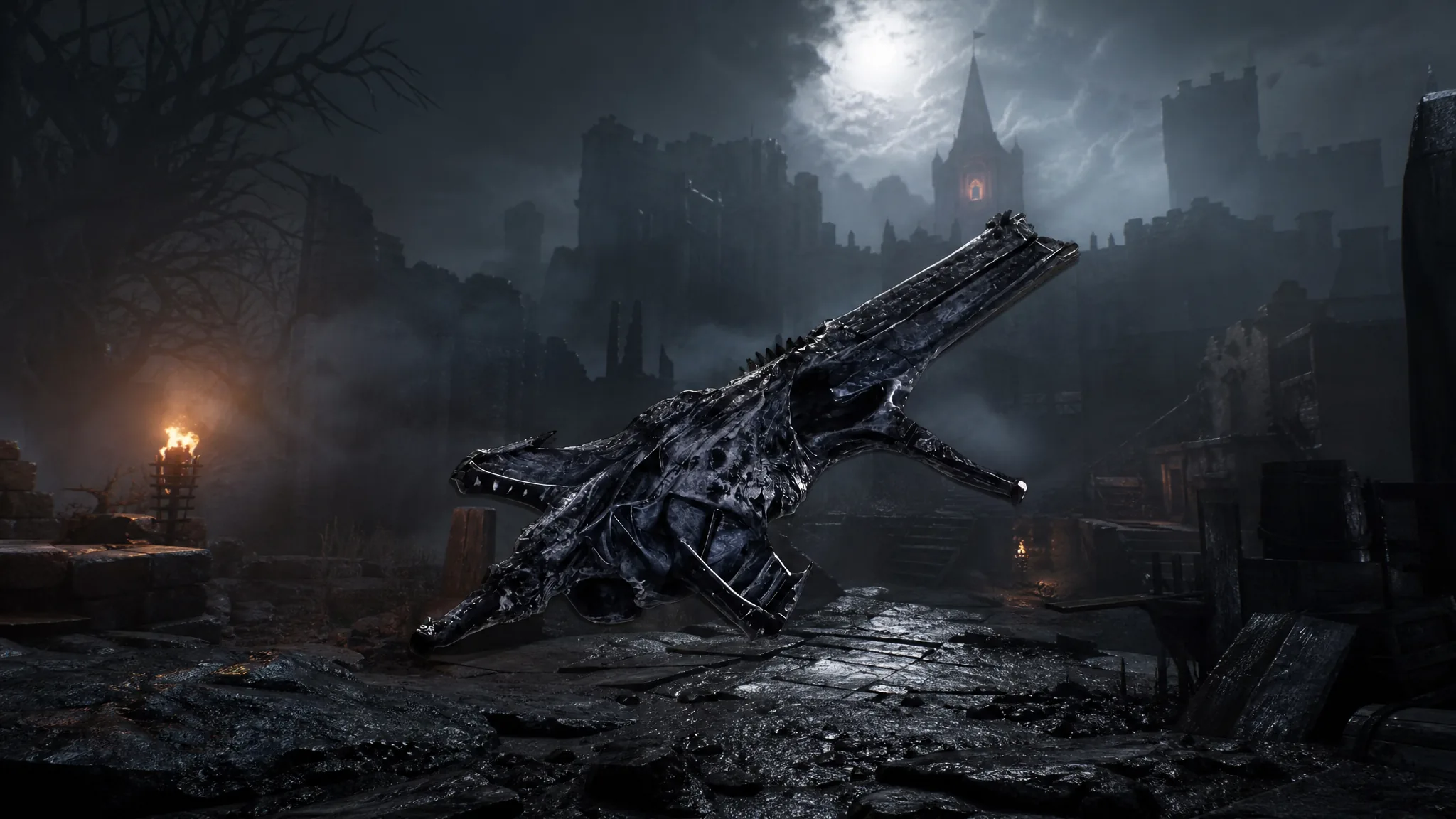
Mortal Shell 2: How to Get the Triarch Repeater in Blackwell Cavern
The full route to the automatic sidearm, its Resolve firing rule, and the Tarstones that make it hit hardest.
-
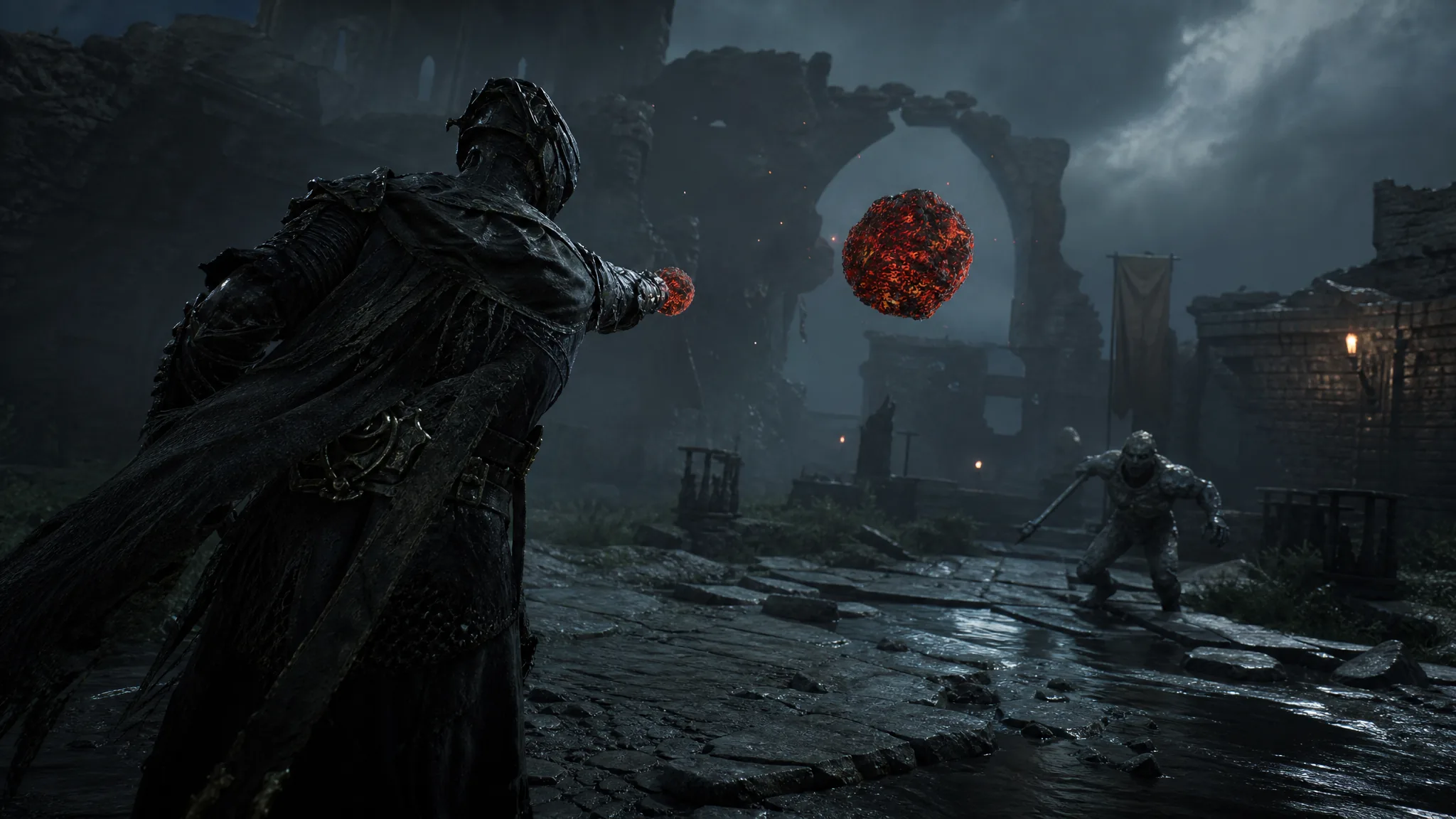
Mortal Shell 2: How to Get and Use the Makeshift Projectile
Find the siege ammo in Mammon, fire the catapult, and open the hidden Alchemist’s Workshop dungeon.
-
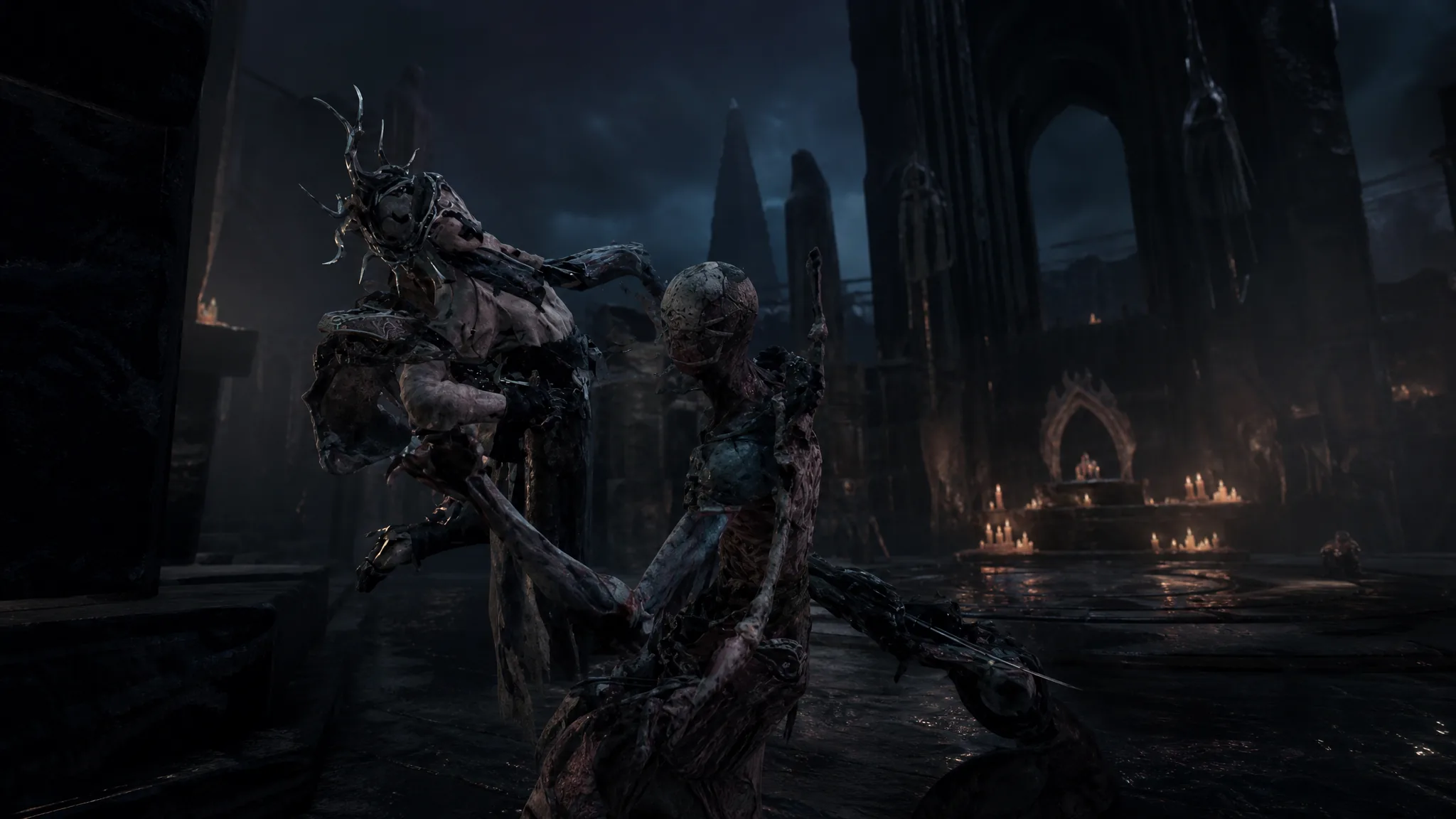
Mortal Shell 2: How to Cleanse the Brether’s Court Beacon in the Unfound Path
Reach the beacon, clear the temple, grab the Pestilential Scripture, and revitalize the crystal to claim your Ova.
-
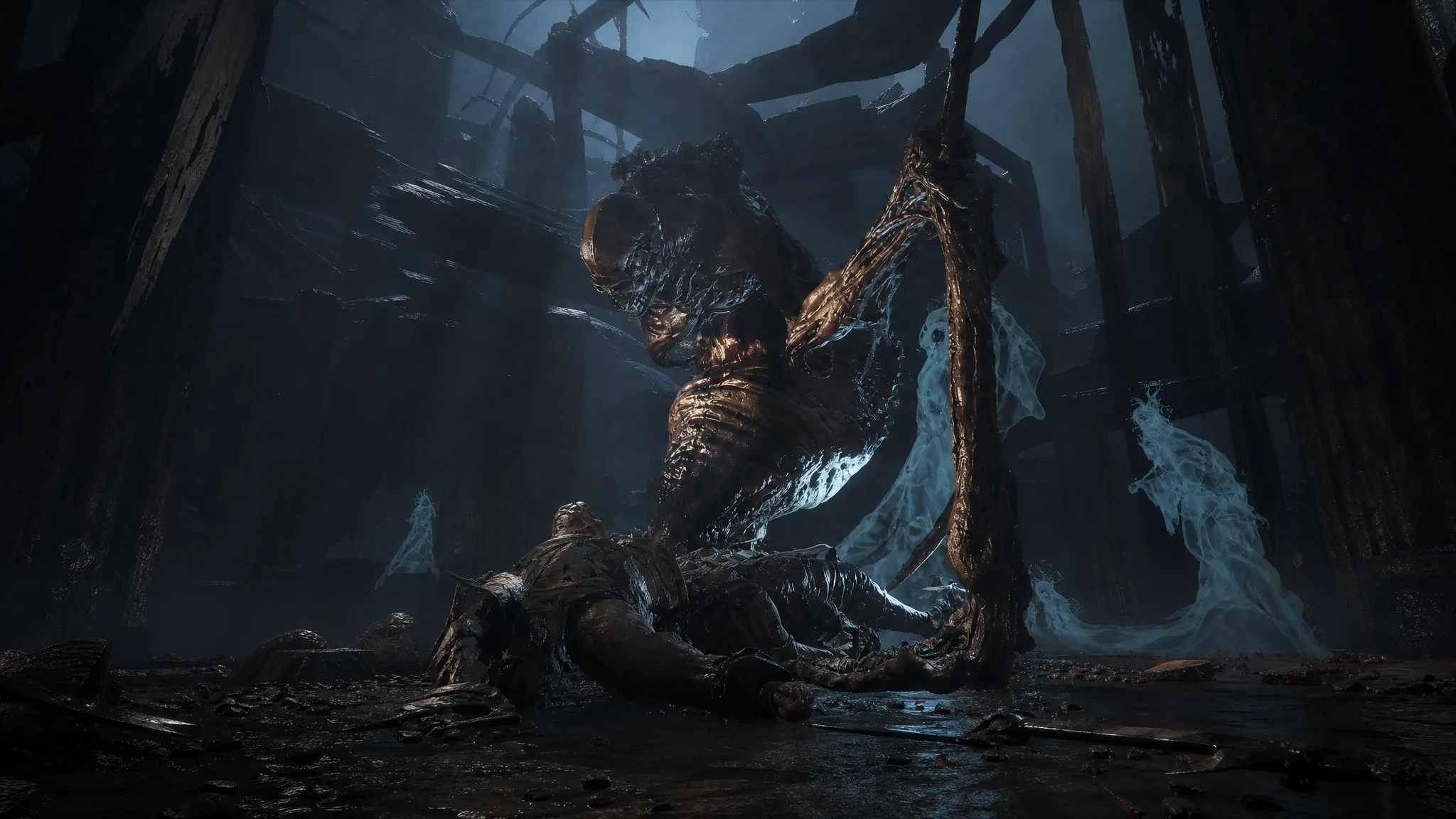
Mortal Shell 2: How to Complete The Unfound Path Final Dungeon
Clear the three tendril-guarding bosses across its segments to open the center platform and reach Zmey the Unbidden.
-
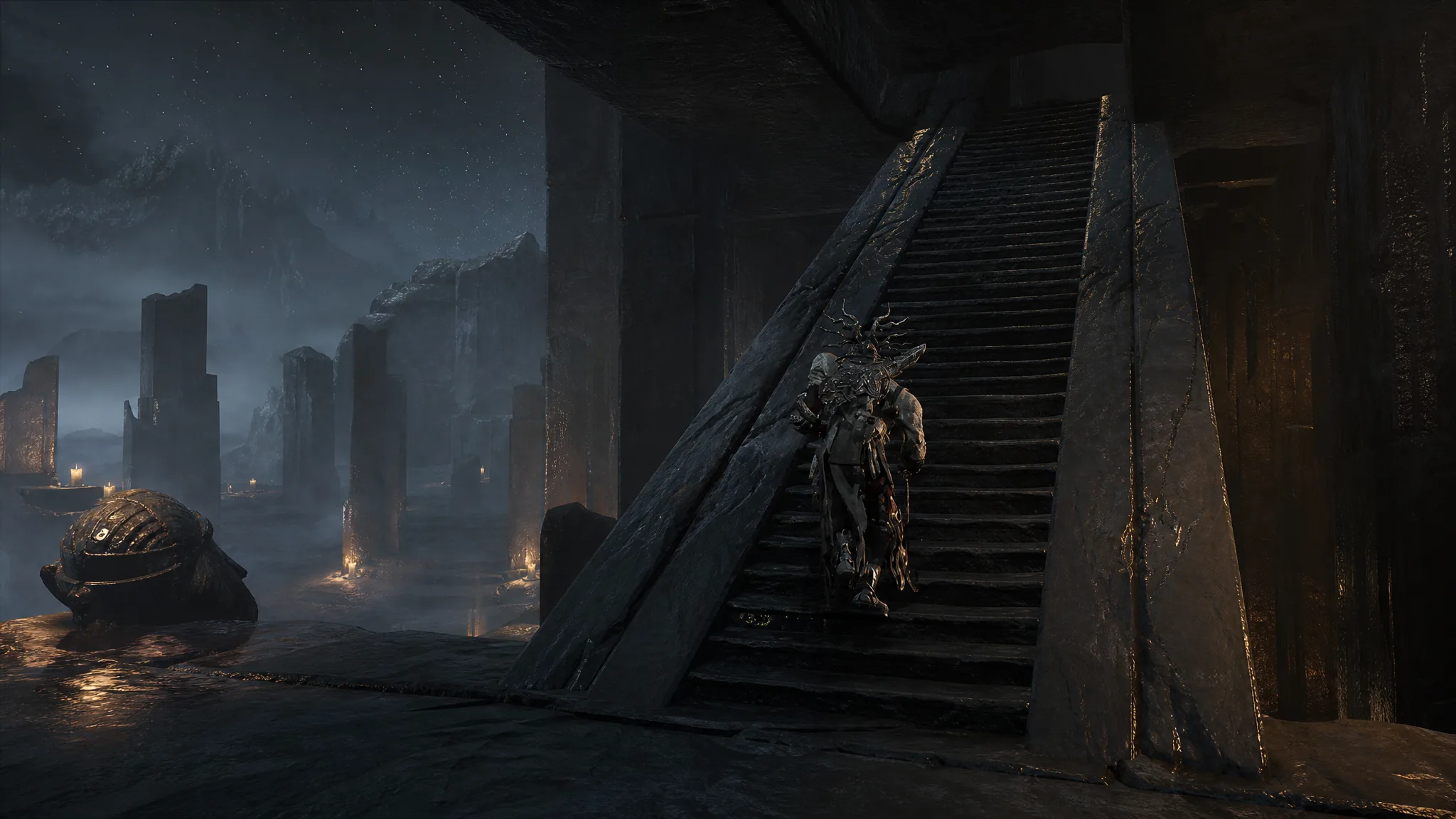
Mortal Shell 2: How to Clear the Faithful’s Shelter Beacon in the Unfound Path
What you need to reach the beacon, how to beat the two-phase Malborn Offspring, and how cleansing it opens the way to Zmey.
-
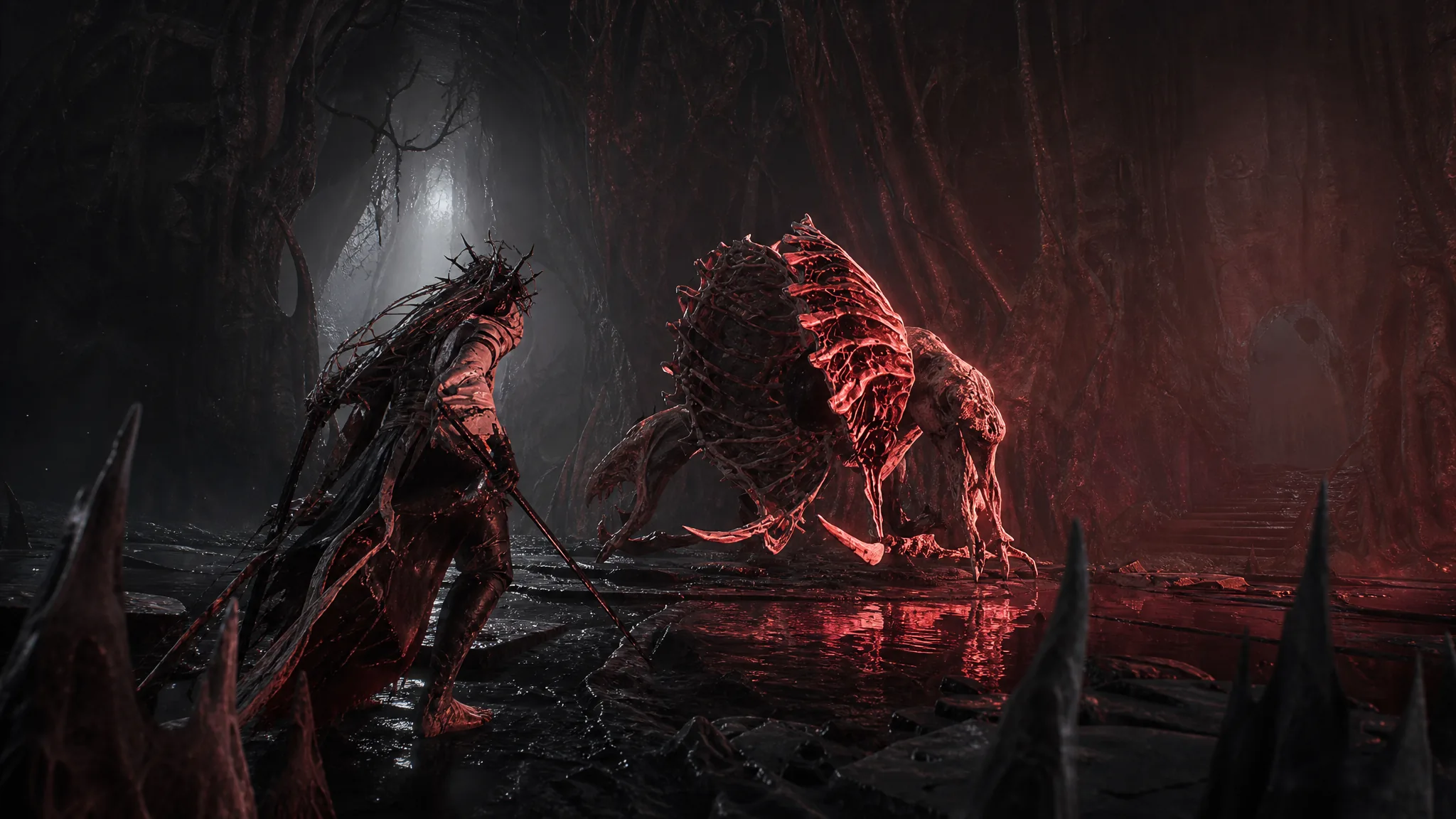
Mortal Shell 2: How to Cleanse the Chamber of the Forsaken Beacon
Sever the pod, clear the red phantoms, and revitalize the crystal to finish this Unfound Path beacon.