
Instructional, step-by-step articles.
Content Type: How-To
-
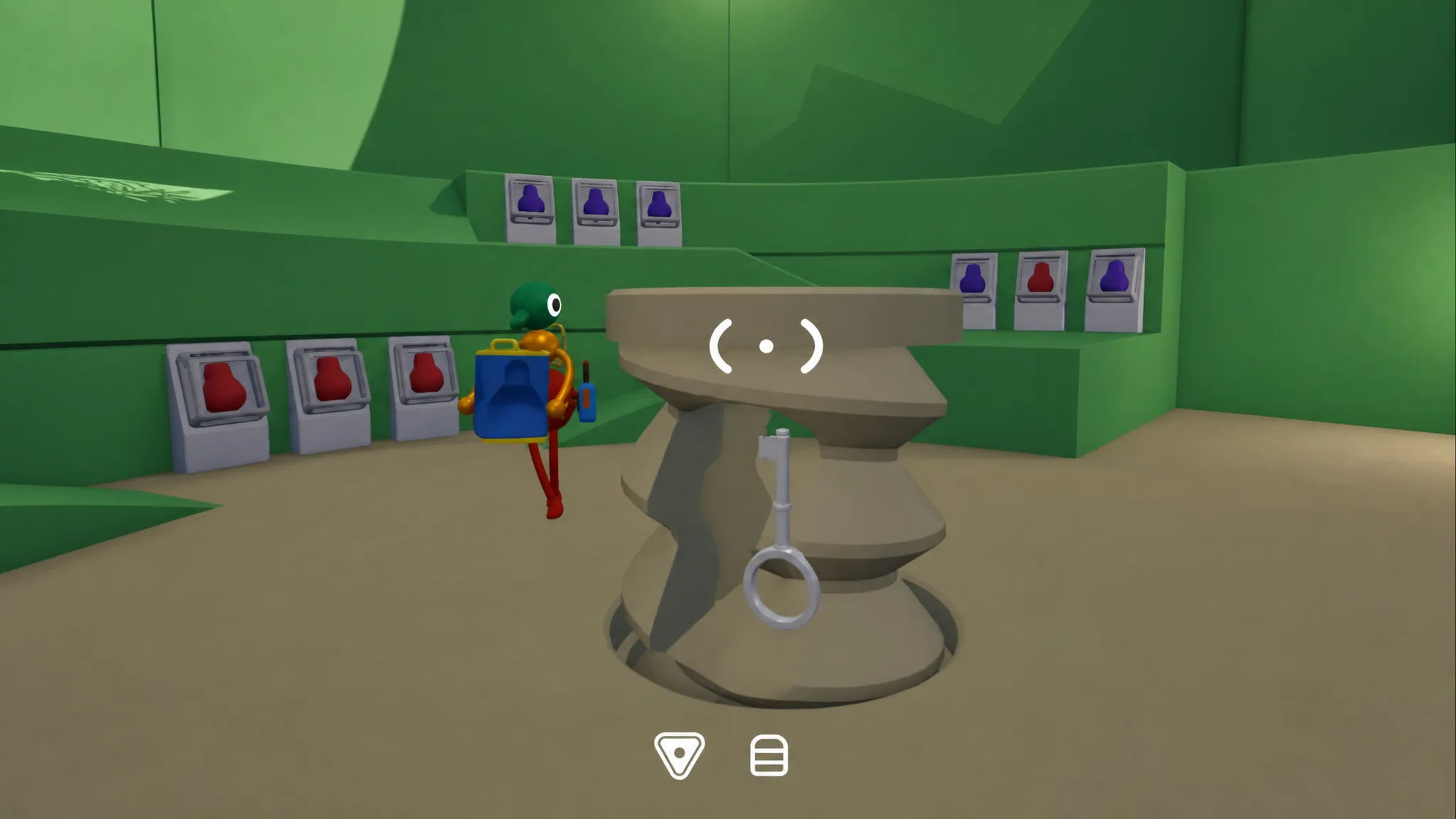
How to Unlock the Full Ending and Big Game Trophy in Big Walk
The true ending sits behind 100% puzzle completion, including seven purple puzzles that appear after the first credits roll.
-
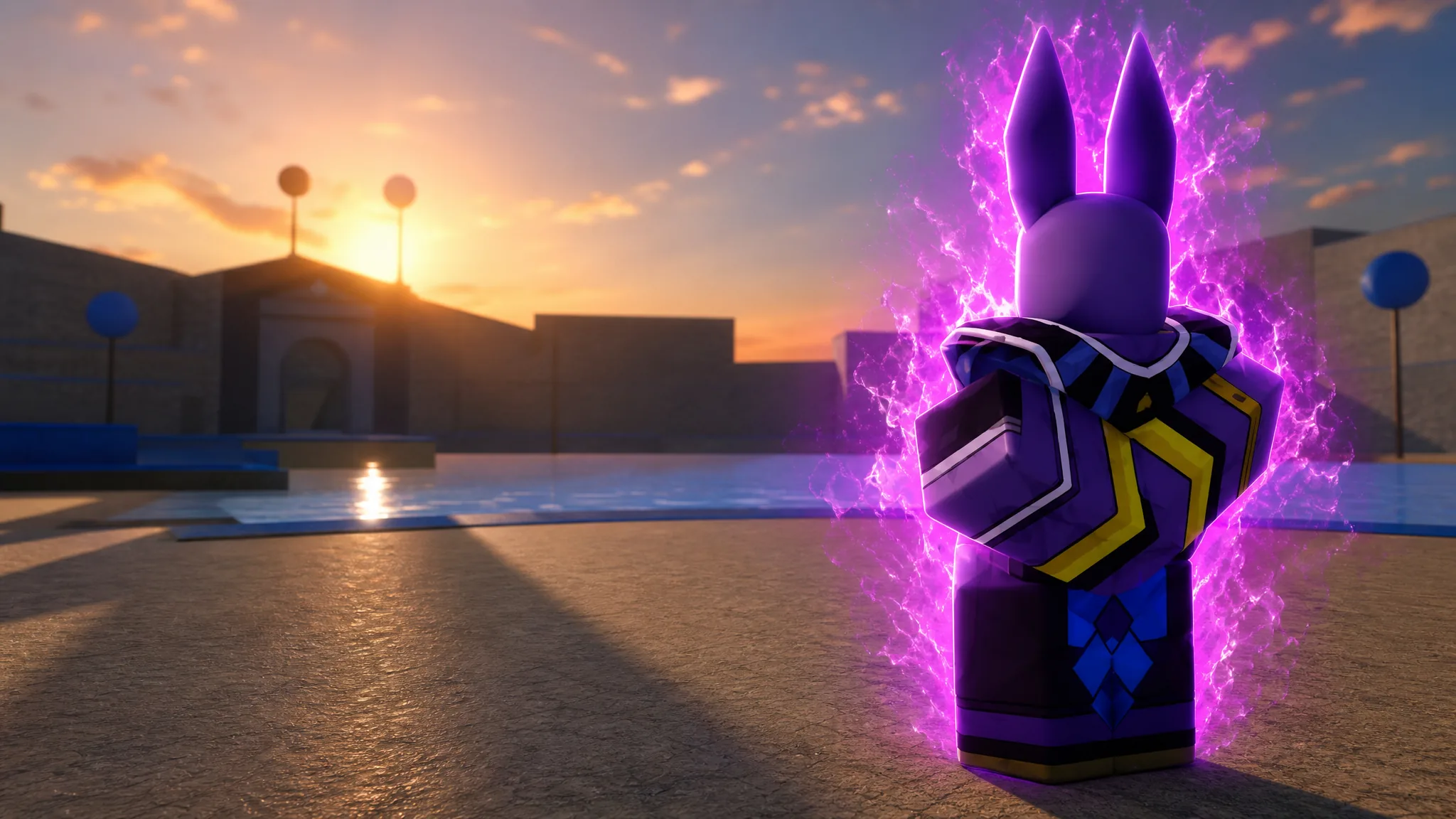
Rogue Piece: How to Get the Beerus Fighting Style and God of Destruction Race
The exact requirements to summon Beerus on Namek Island, unlock his moveset, and roll the God of Destruction race.
-
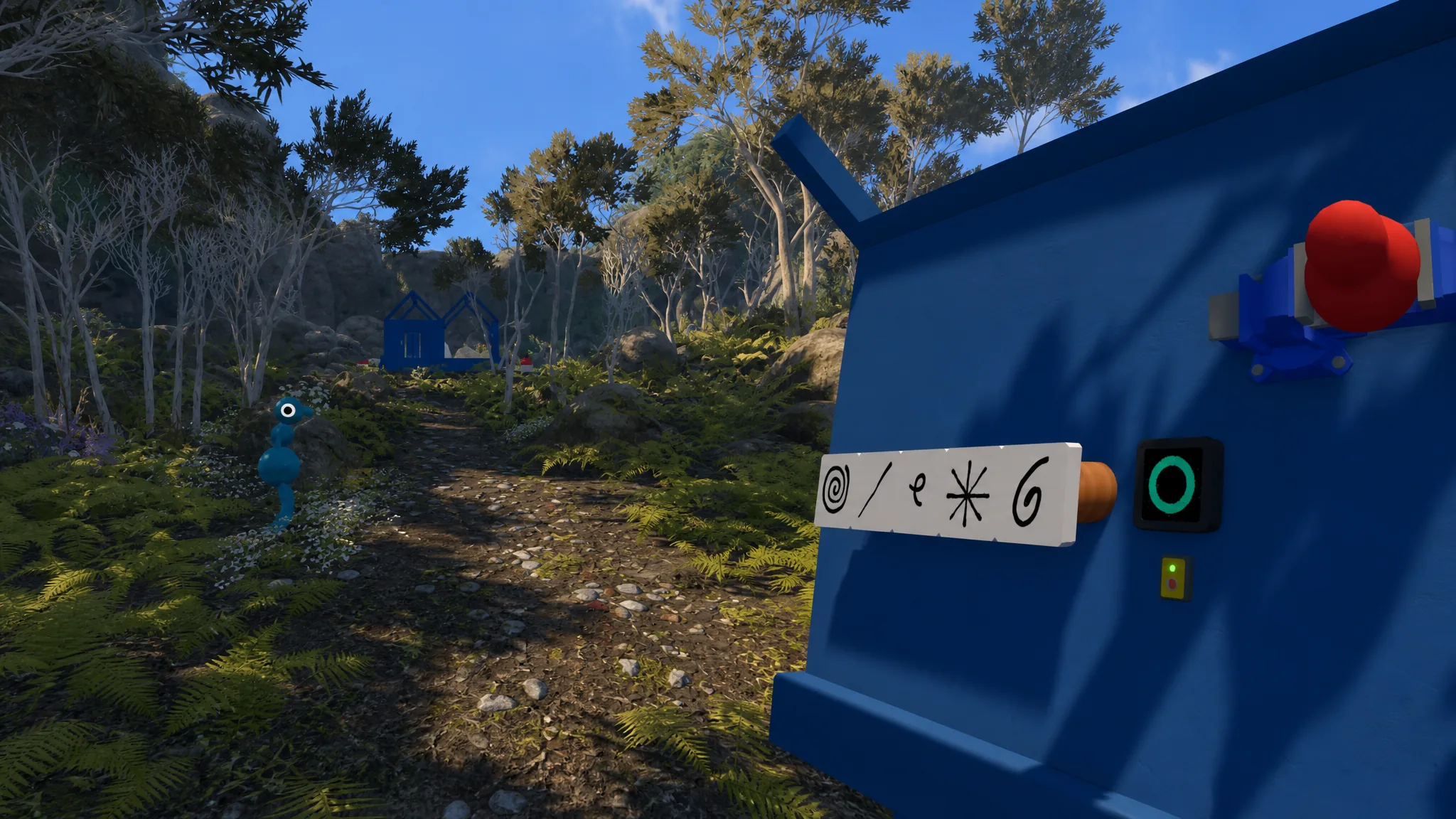
Big Walk: How to Get the Key and Open the Red Bridge
Solve all four intro-area gourd puzzles, forge the key at the altars, and clear the first drawbridge blocking the map.
-
Project Zomboid: How to Set Up a Private Co-op Server
Host a listen server, lock it down with a password or whitelist, invite friends, and make everyone spawn in the same spot.
-
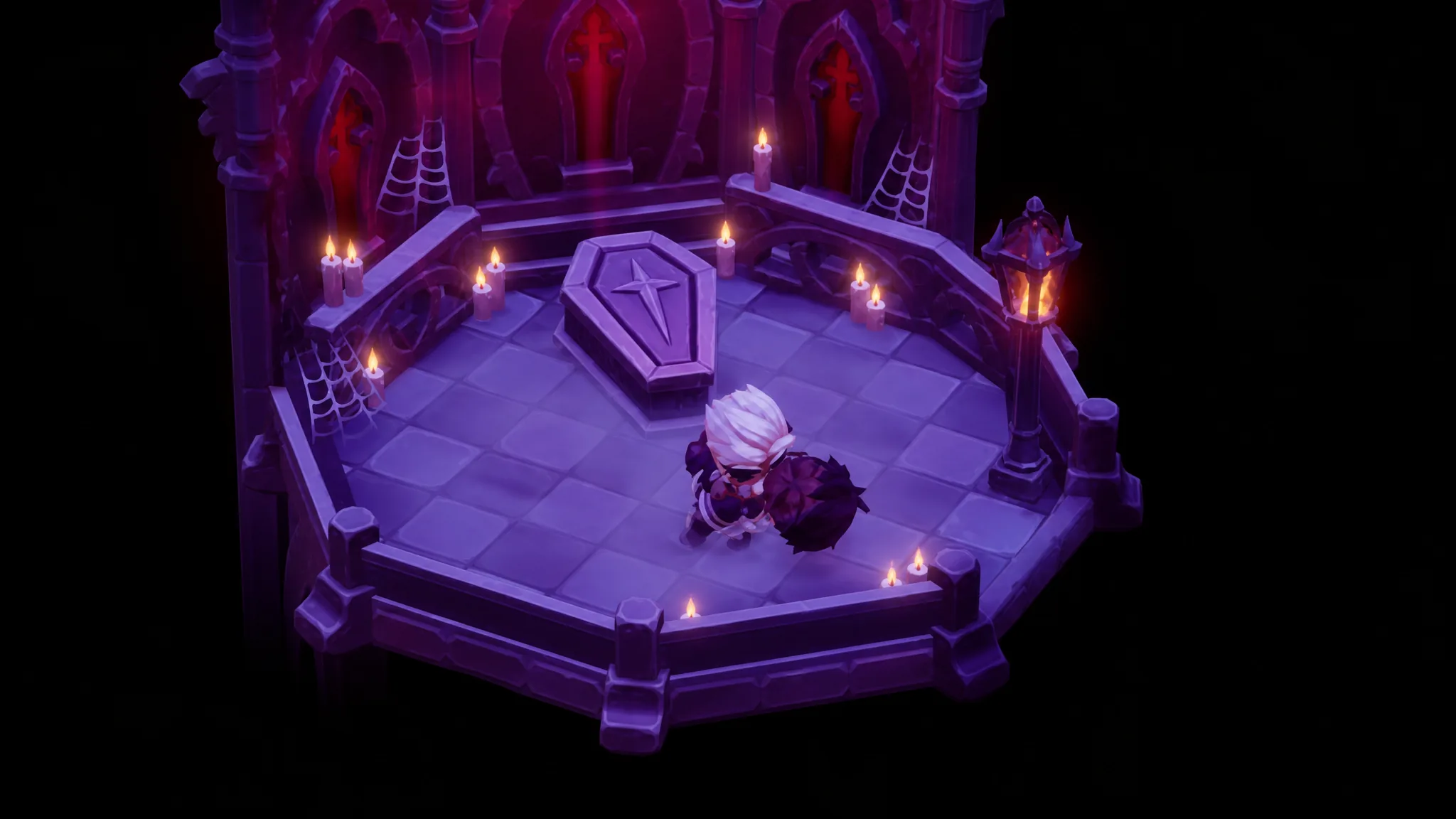
Moonlight Peaks: How to Romance and Marry Aras
Everything that raises Aras’s hearts, from his favorite soups to the vampire transformation that seals the marriage.
-
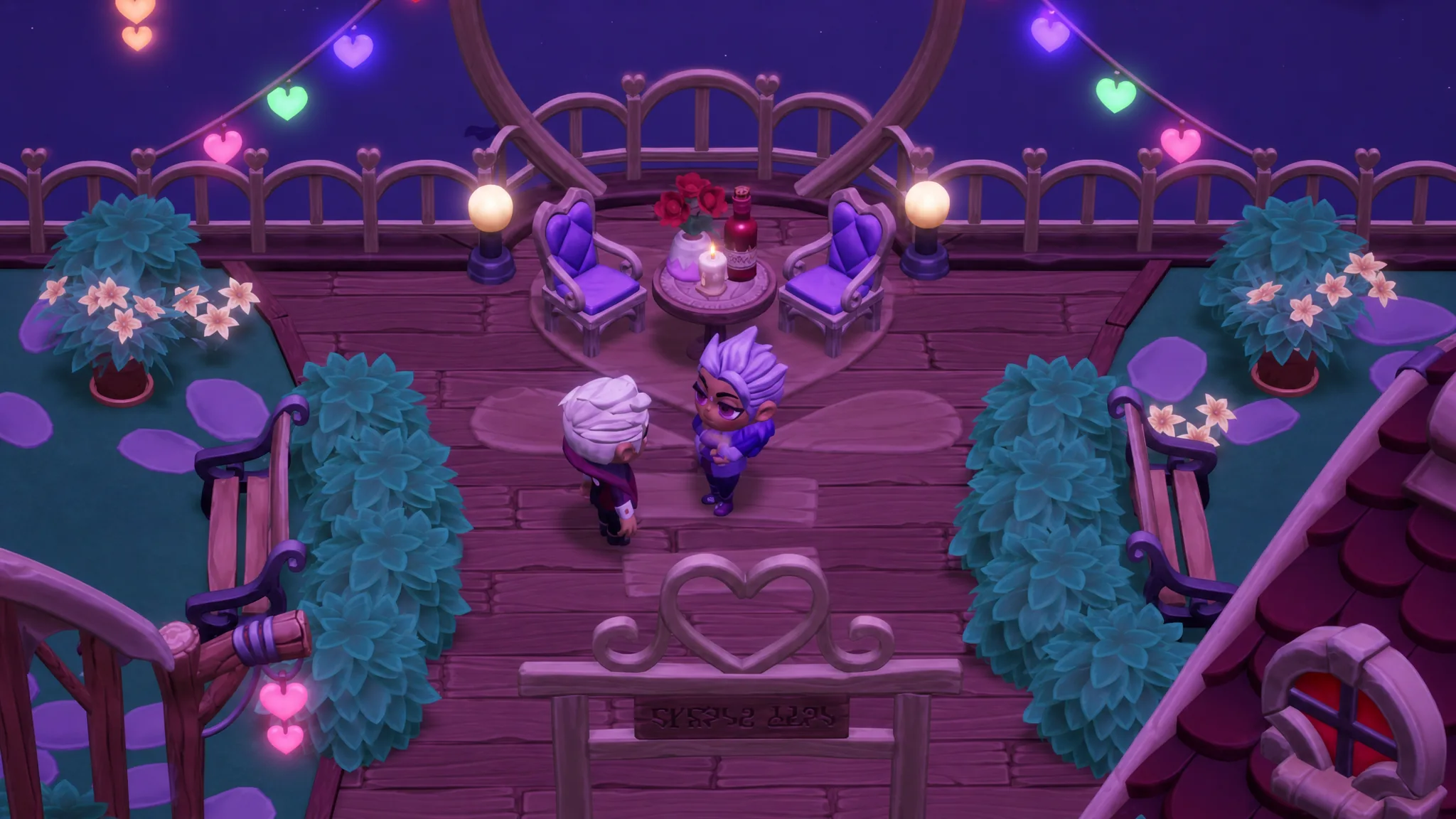
How to Romance Noel in Moonlight Peaks (Gifts and Heart Events)
Every relationship milestone, his best gifts, and the choices that shape each heart event.
-
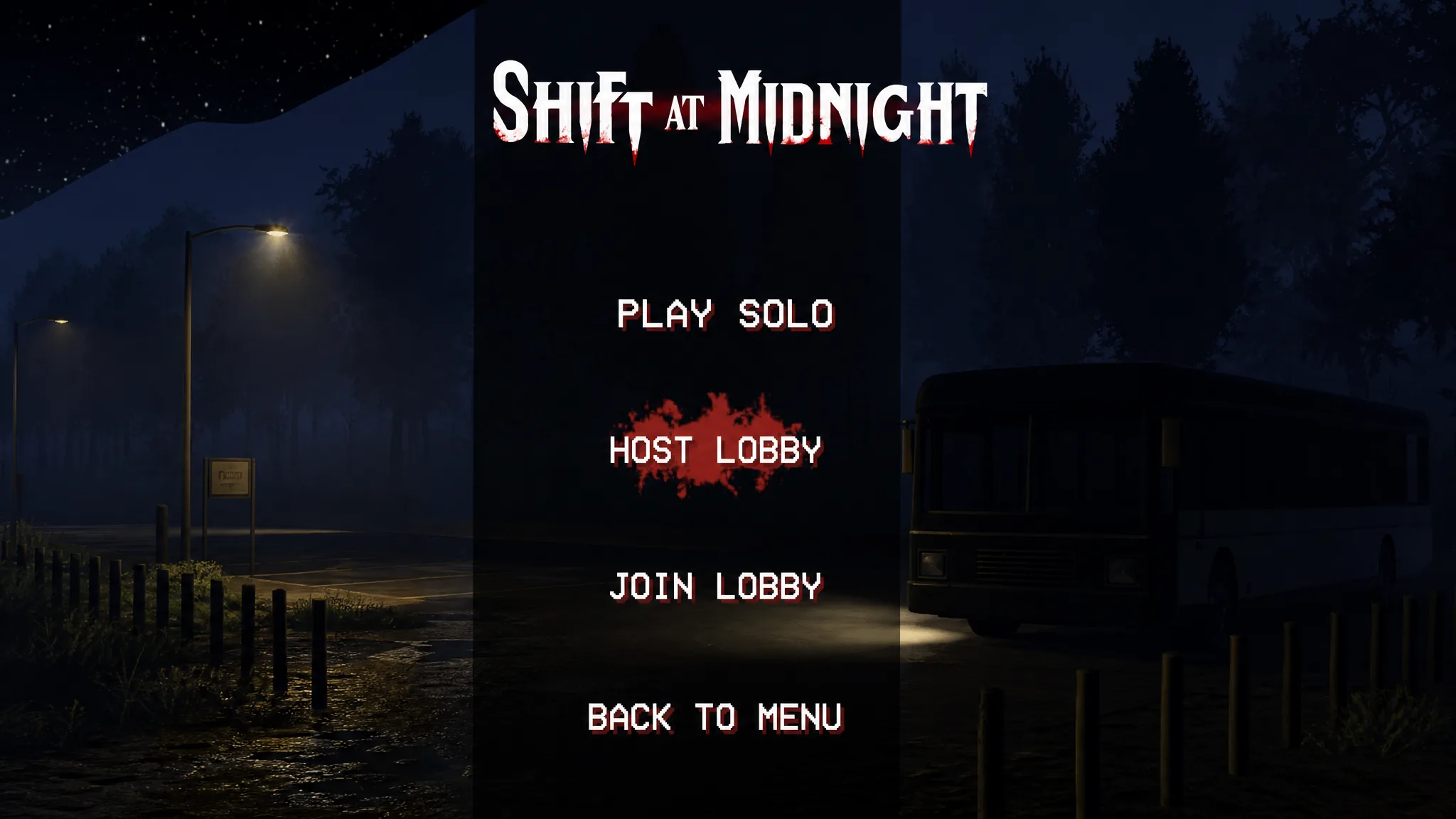
Shift At Midnight: How to Get Bigger Player Lobbies
Push past the six-player cap with a host-only mod, plus the safe player count before the game starts breaking.
-
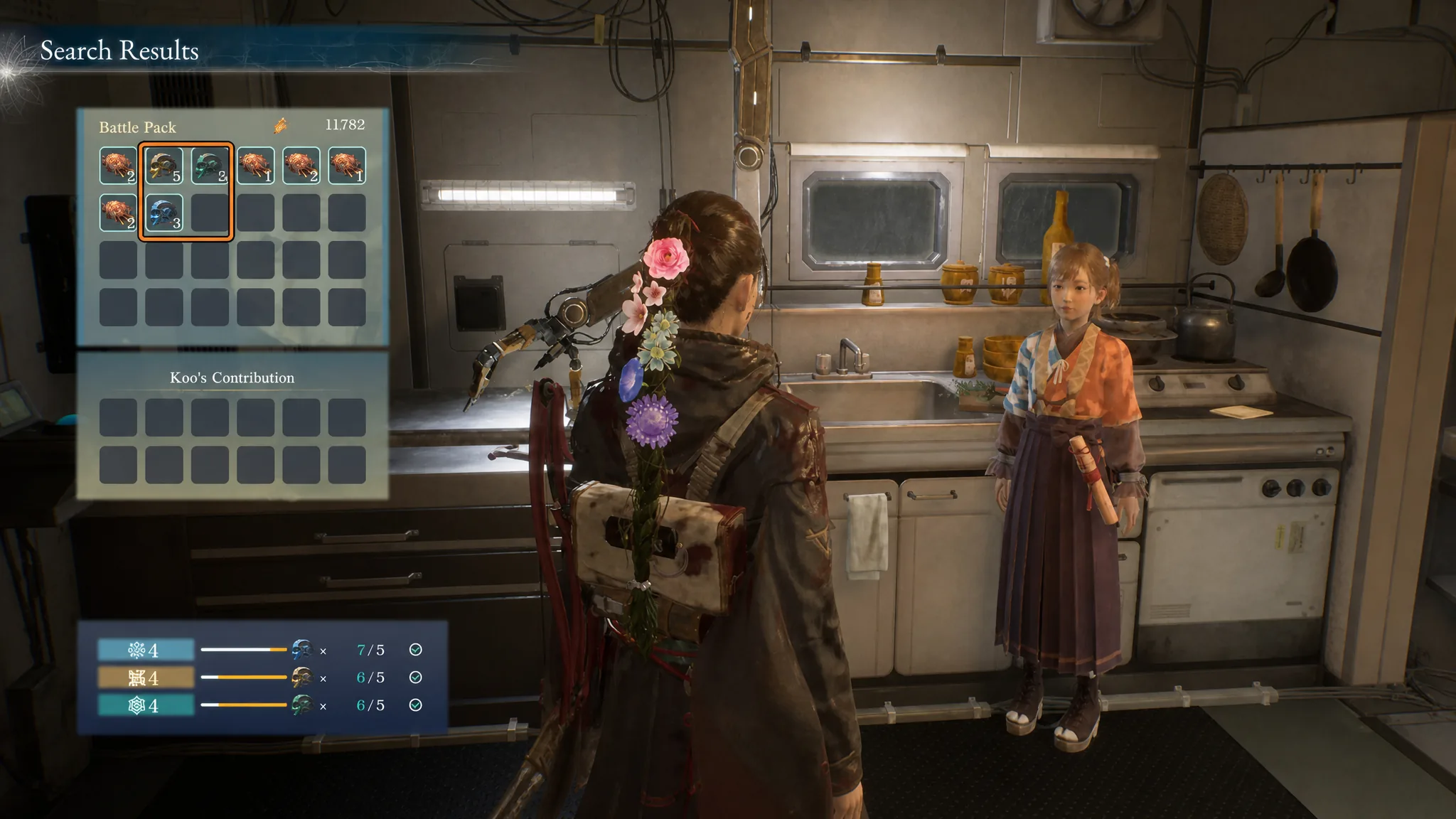
Beast of Reincarnation: How to Level Up Bauera Capability with Memory Chips
Collect Power, Calculations, and Knowledge Memory Chips to raise each Bauera ability and clear the “Lack Capability to Perform Action” block.
-
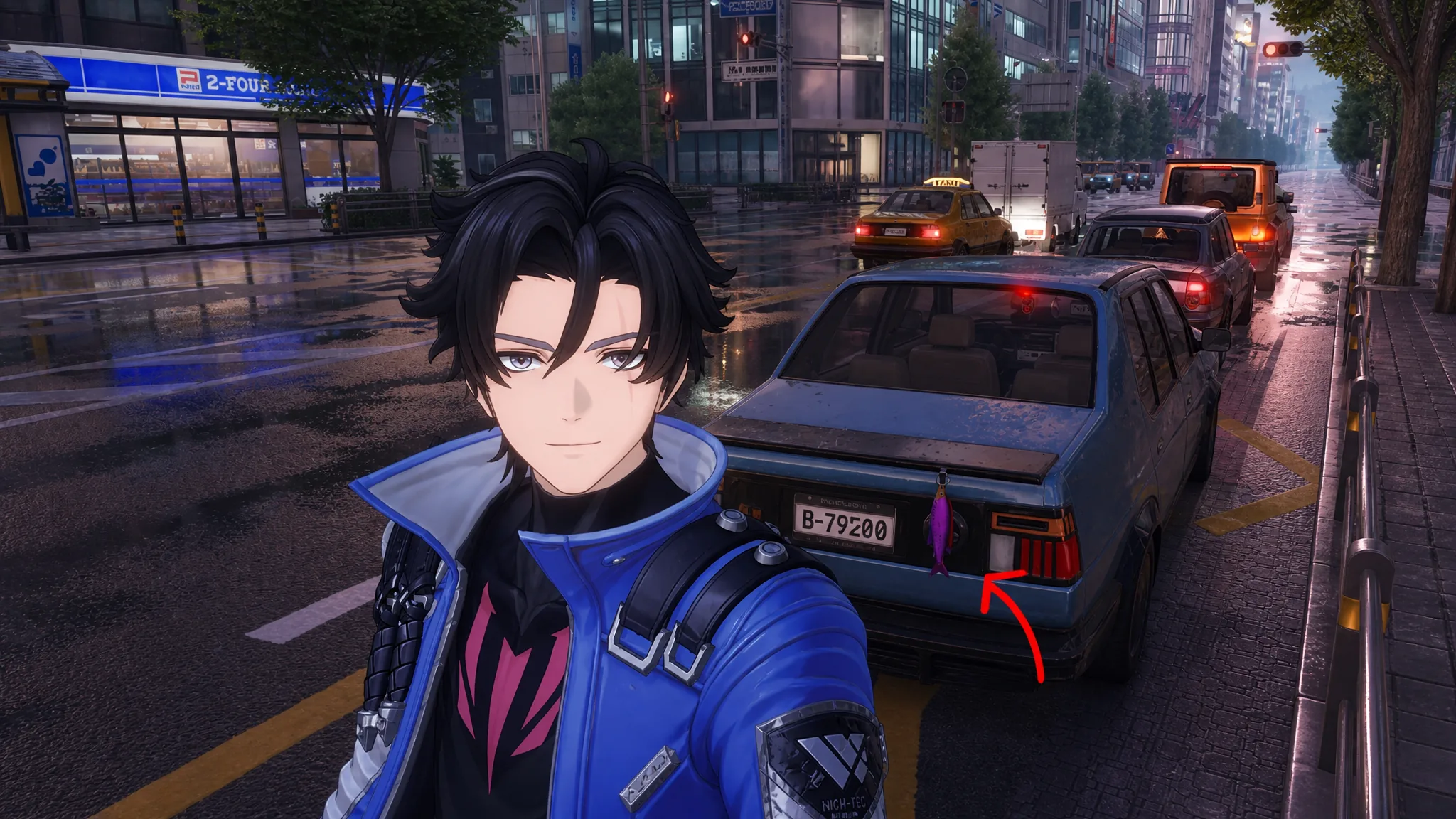
NTE: How to Hang a Fish on Your Car as a Rear Ornament
Fit a Rear Tow Hook, lock a purple or golden catch in your Fish Hold, and mount it from the garage.
-
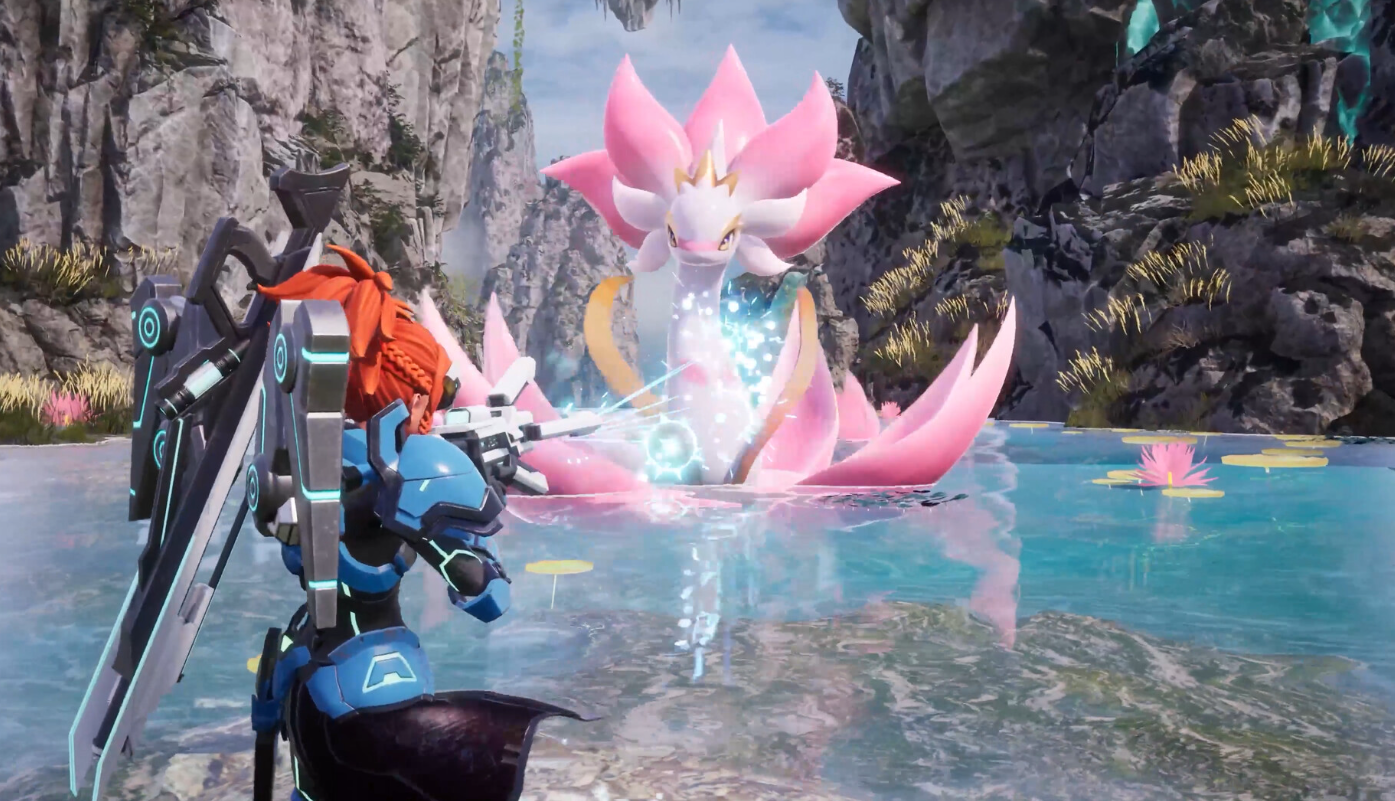
Palworld: How to One-Shot Hard Mode Zoe & Grizzbolt with Necromus P
Layer Burn, Poison, and Orserk B stacks, then a single Twin Spears from Necromus P clears all 464,000 HP.