
Instructional, step-by-step articles.
Content Type: How-To
-
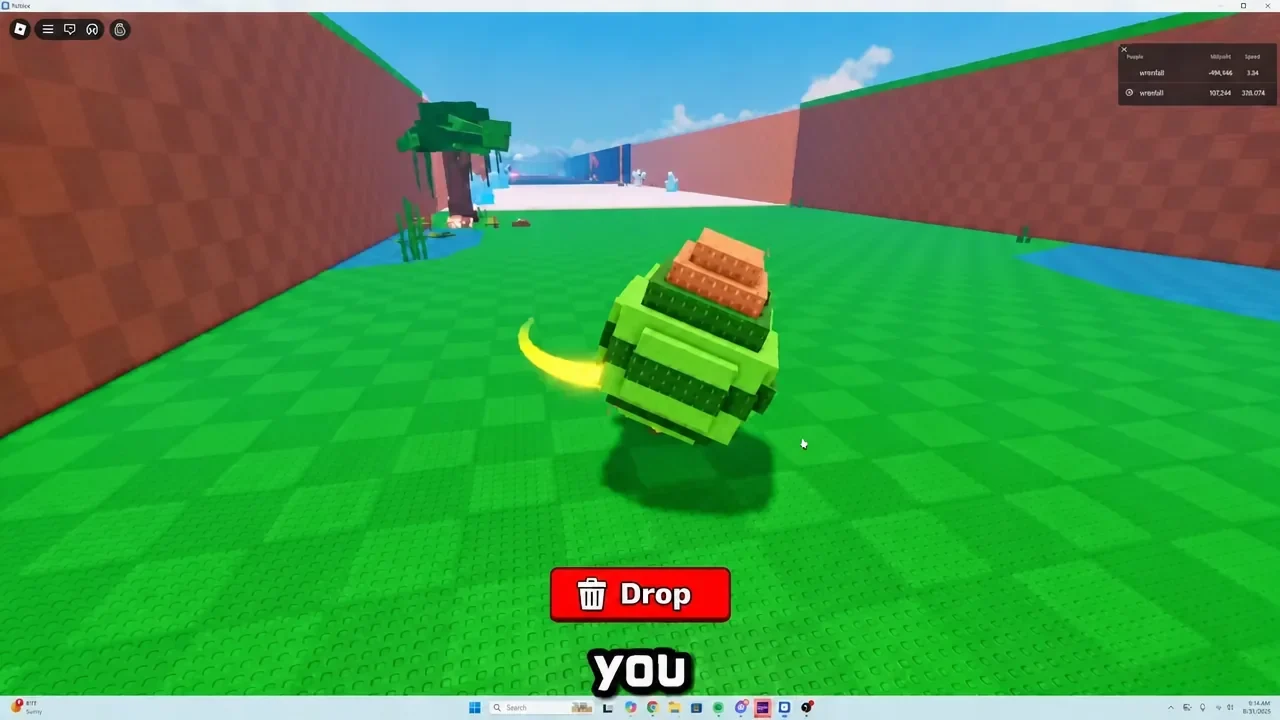
Steal An Egg: How the Wi-Fi Disconnect Glitch Steals Locked-Zone Eggs
The exact timing behind the offline-reconnect trick that pulls Volcano and Abyss Ocean eggs at low speed.
-
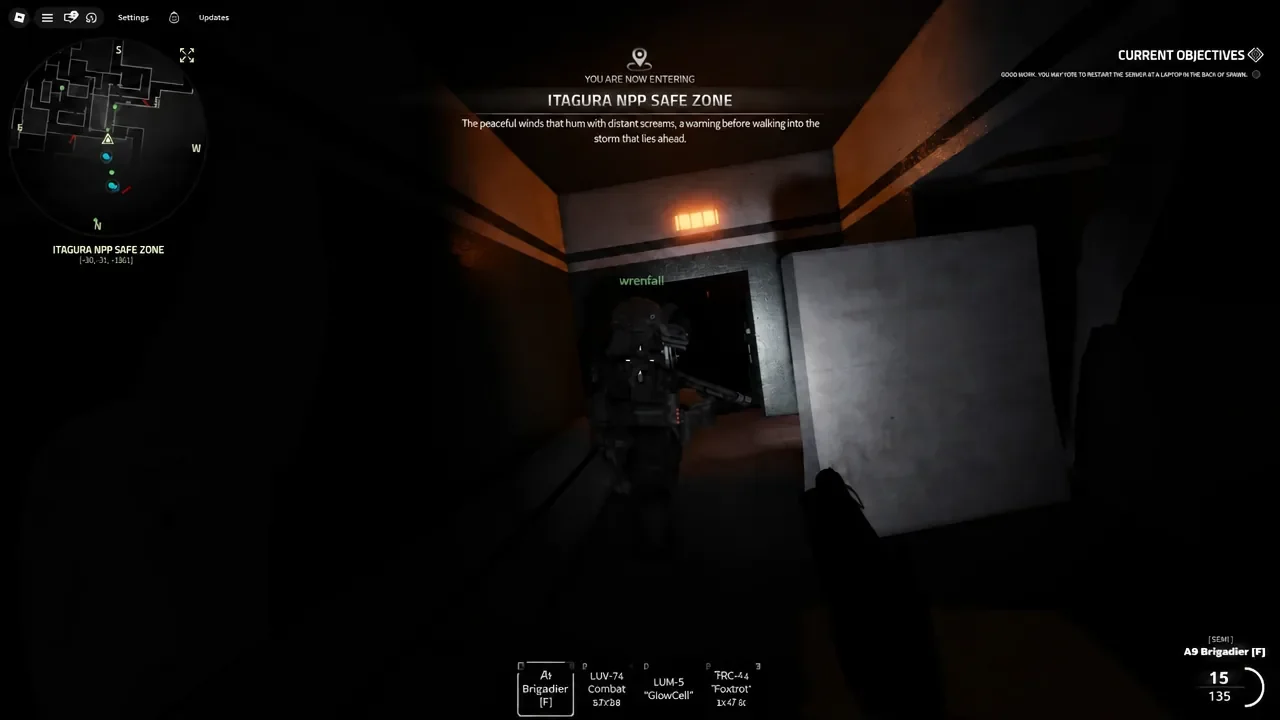
Roblox Examination: How to Get the Wolf in Sheep’s Head Badge
Kill a Deceiver near Reactor 4 from a safe distance to unlock this one-star badge in Examination.
-
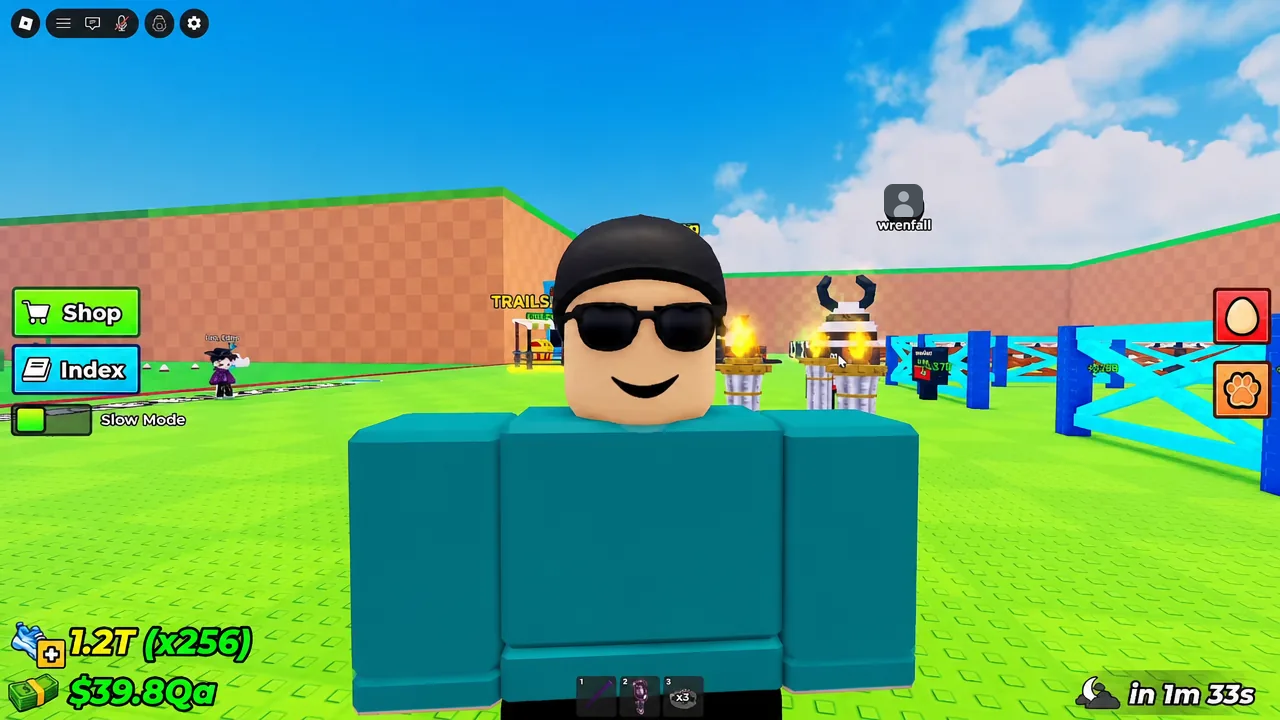
Steal An Egg: How to Get Huge Eggs by Server Hopping
Egg weights are rolled per server, so hopping lets you claim a far heavier version of the same egg.
-
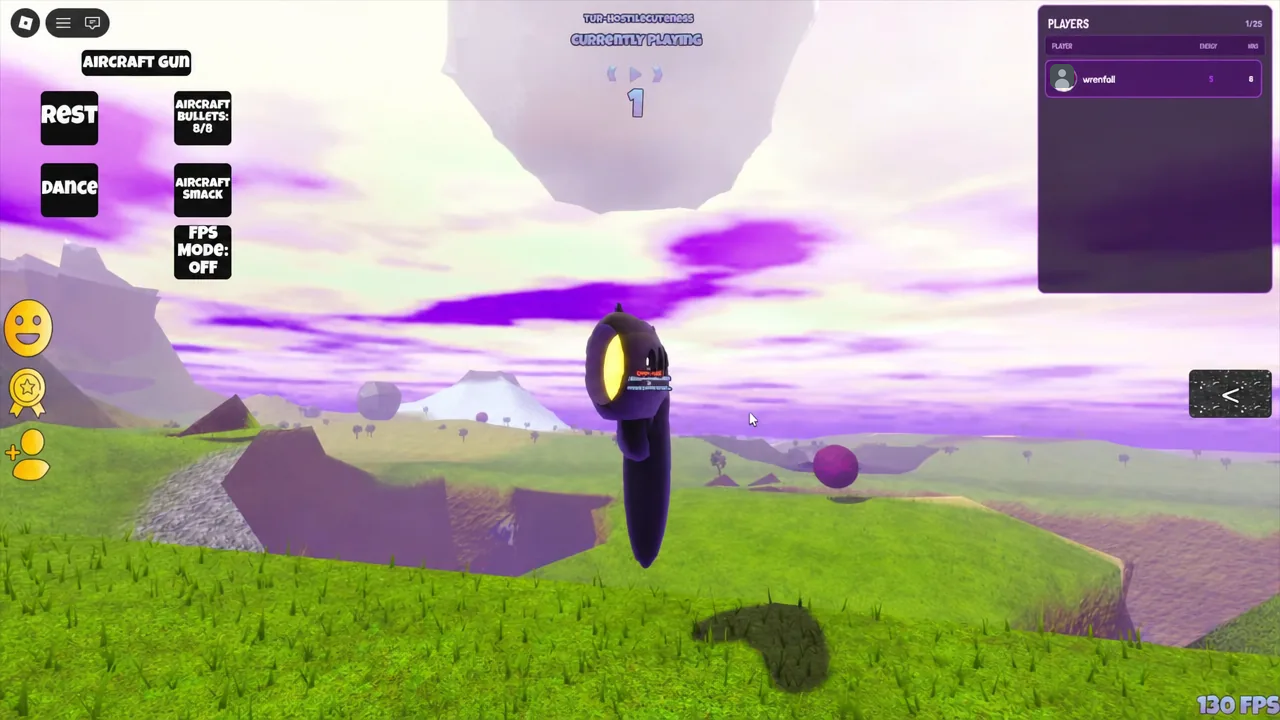
Tiny Universe Roleplay: How to Get the AirCraftGun Badge and Morph
The exact cave location, the fastest travel morph, and every ability the AirCraft Gun unlocks once the badge pops.
-

ARC Raiders Weekly Trials: How to Get 3 Stars on the New Challenges
Point values, map locations, and exact methods for clearing all five current weekly Trials fast.
-
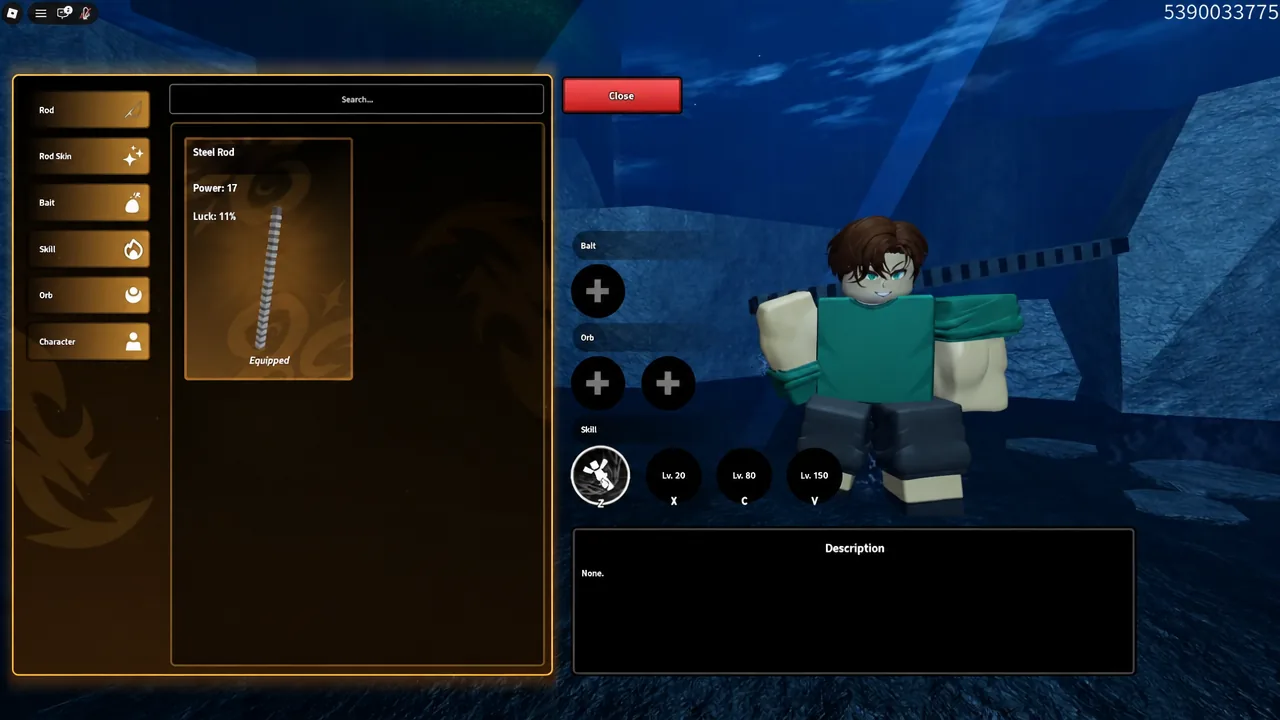
Roblox Heavyweight Fishing: How to Get All Skills (Best Skills)
Where to buy skills, how the Taiji and Egoless banners and their pity system work, and which picks earn a slot.
-
How to Get Devil Fruits Fast in Grand Blue
Every reliable source of Fruit Chests in Grand Blue, from Calvin’s one-time quest to codes, Celestial Coins, and world bosses.
-
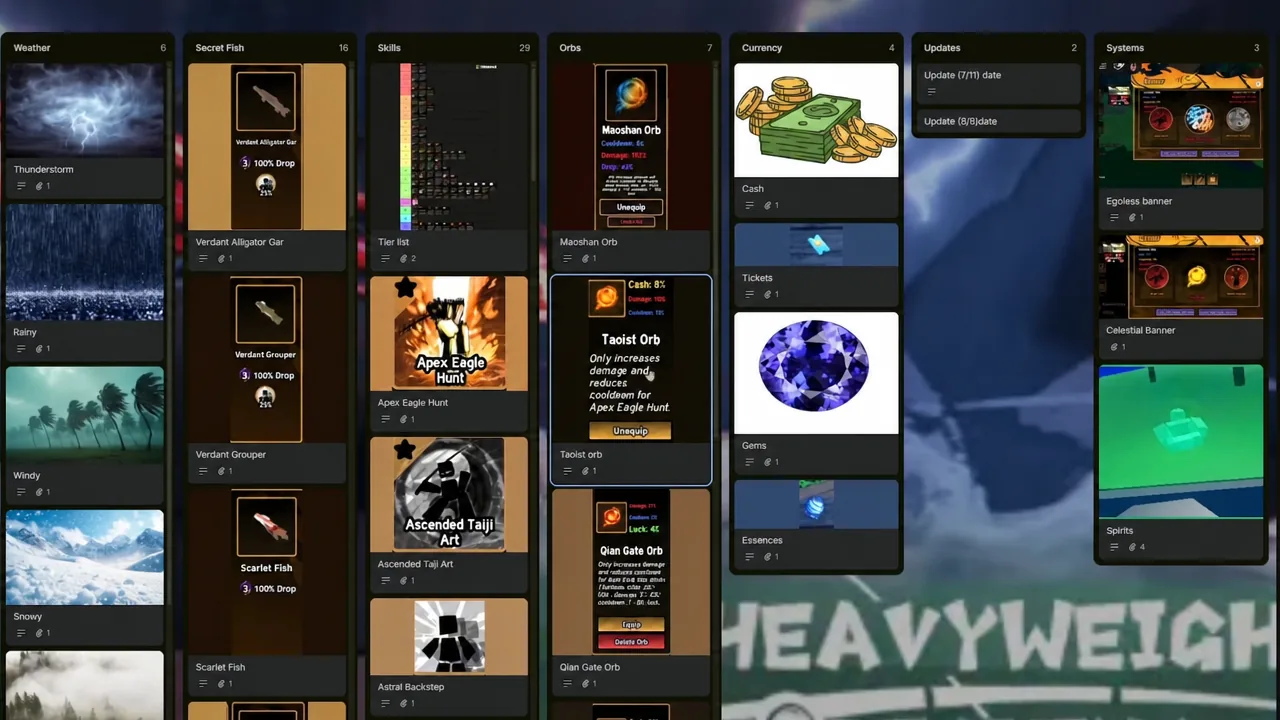
Roblox Heavyweight Fishing: How to Get All Orbs
Every orb’s source, drop rate, and skill pairing, plus the cash and level gates that block them.
-
Grand Blue: How to Get Fruit Fast on Roblox
Four reliable ways to land a Cursed Fruit early, from the wizard quest and hourly tree spawns to chests and codes.
-
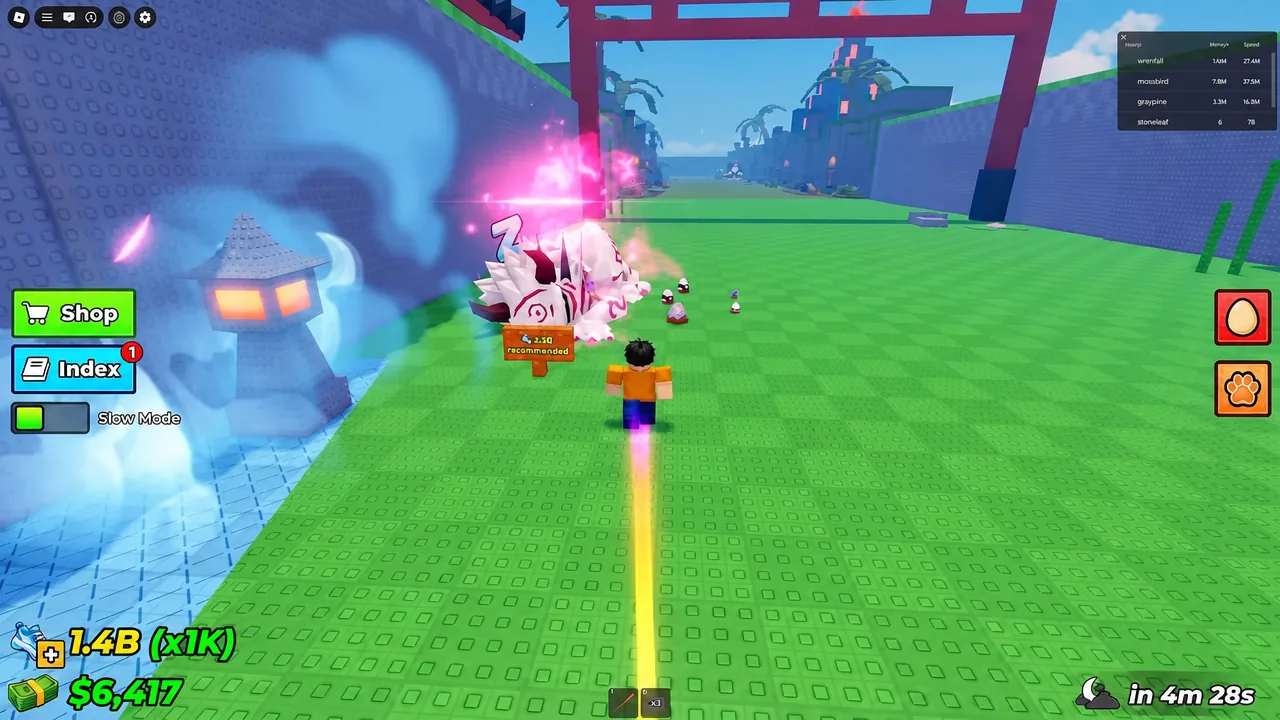
Steal an Egg: How to Get Max Speed Fast on a New Account
The exact treadmill, multiplier, and trail order that takes a fresh save from 10 speed to over a billion.