
Instructional, step-by-step articles.
Content Type: How-To
-
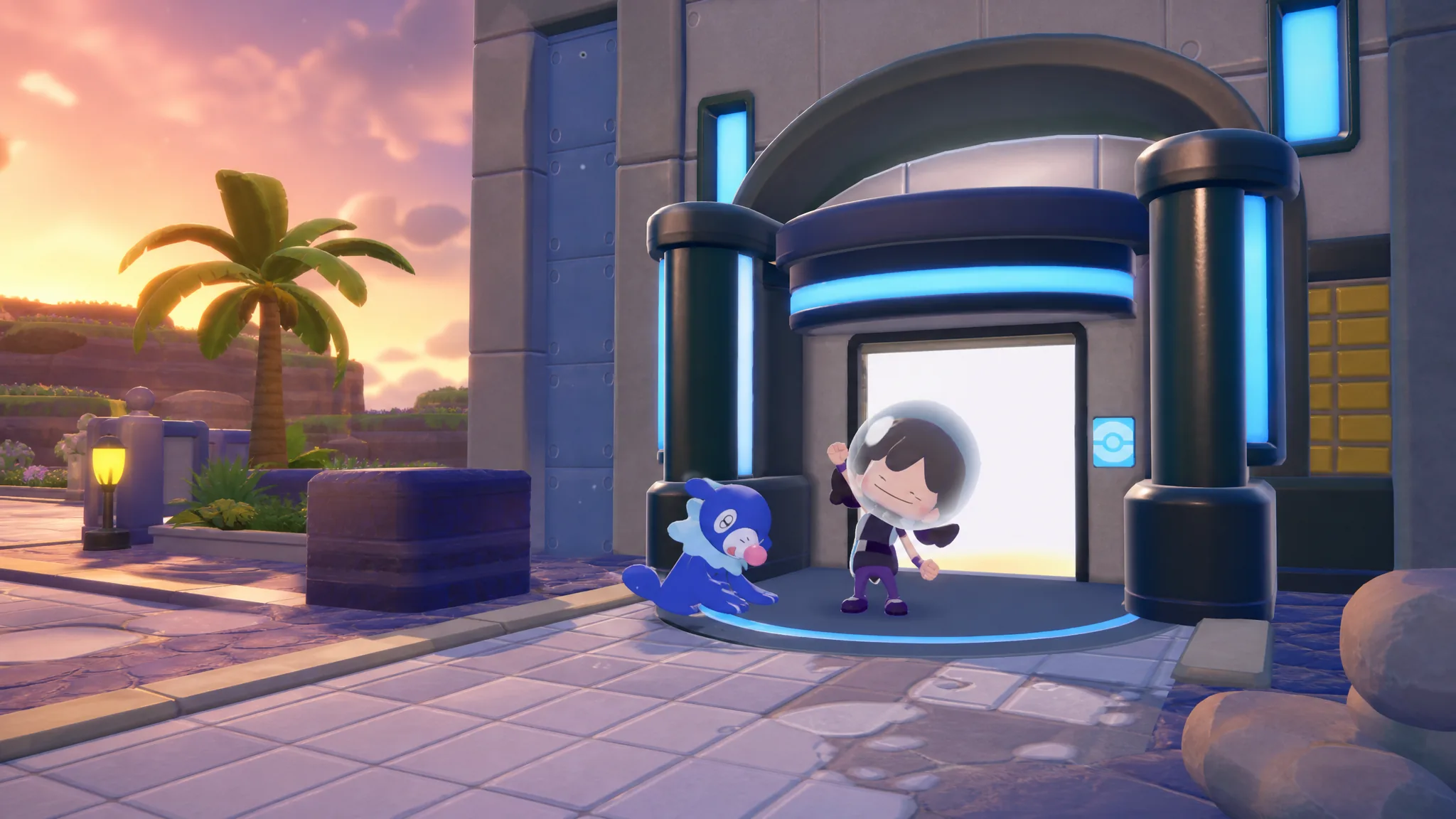
Pokémon Pokopia: How to Start the Bubbly Basin DLC
Everything you need to unlock the underwater town, from the environment level requirement to finding the hidden gate.
-
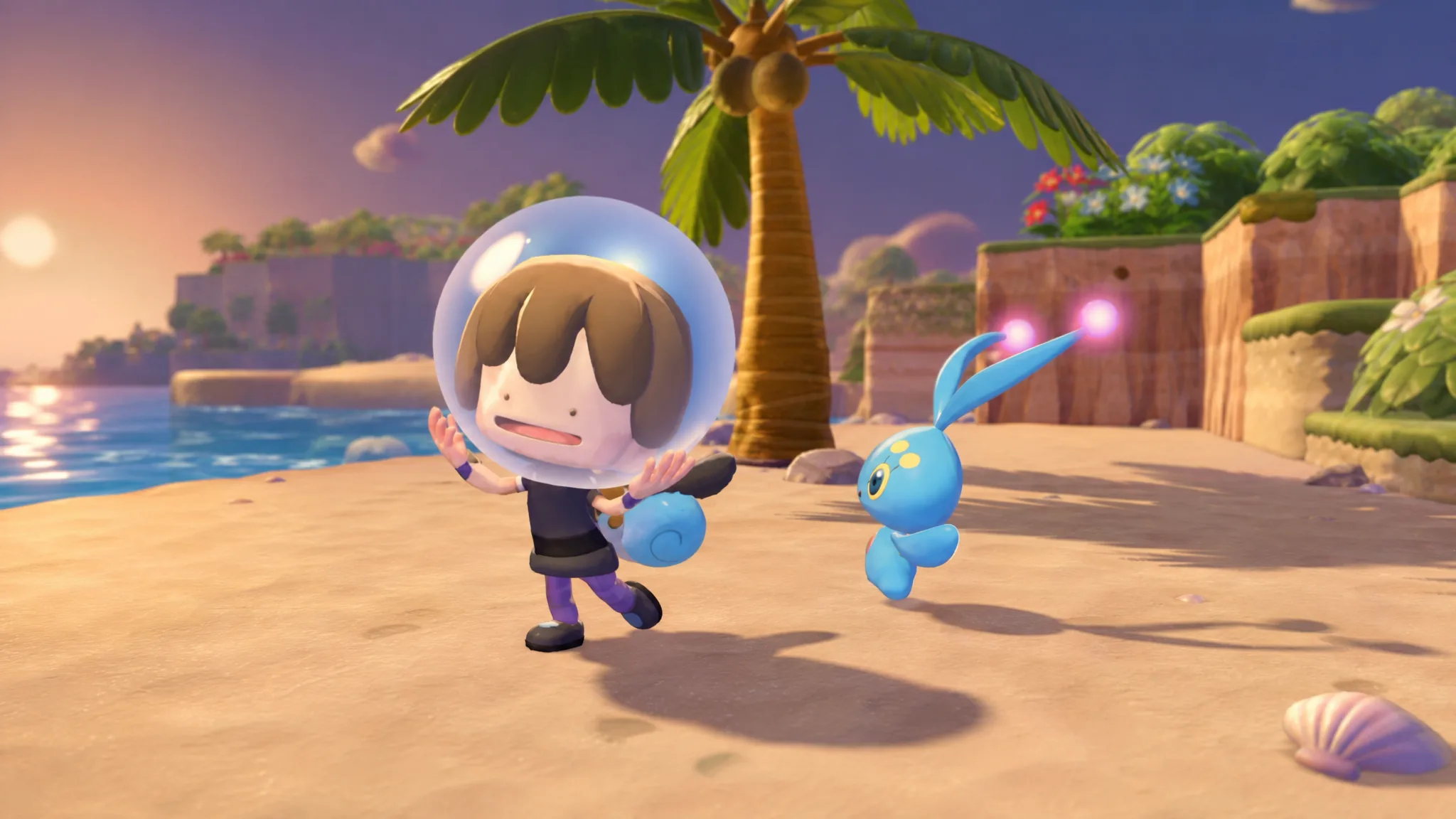
Pokémon Pokopia: How to Get Dive and Explore Underwater
Everything Ditto needs to unlock the underwater move, from the Bleak Beach requirements to Manaphy’s Seaweed request.
-

Practical Basketball: How to Dunk on PC
Every dunk input, the positioning each one needs, and why your attempt keeps turning into a layup.
-
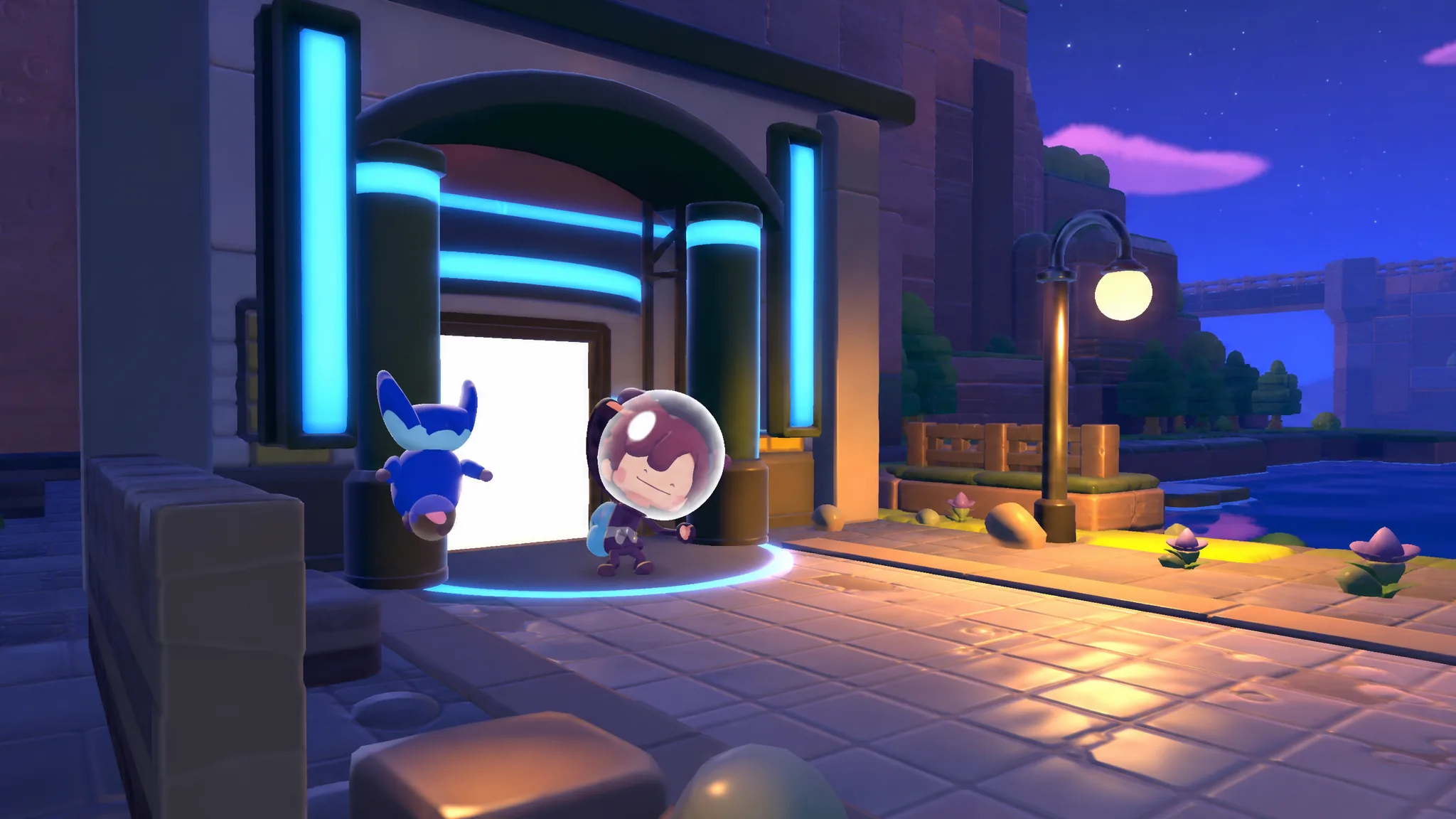
Pokémon Pokopia: How to Get to Bubbly Basin
Meet the requirements, learn Dive from Manaphy, and open the underwater gate to reach the new DLC town.
-
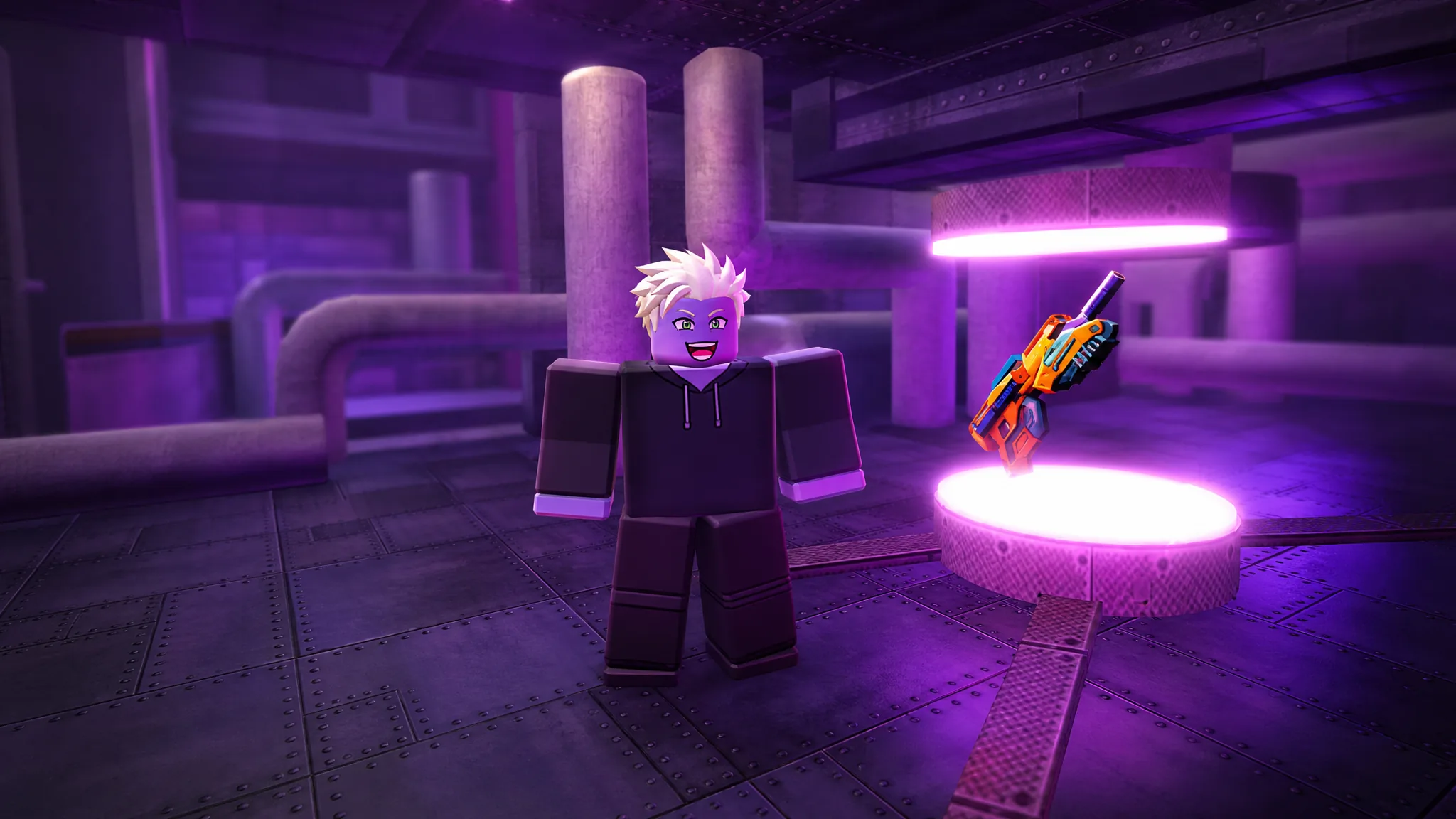
Blood Zone: How to Get the Hex Spitter and The Experiment Badge
Press all five hidden Lab buttons, then break the canister within one minute to claim the weapon.
-
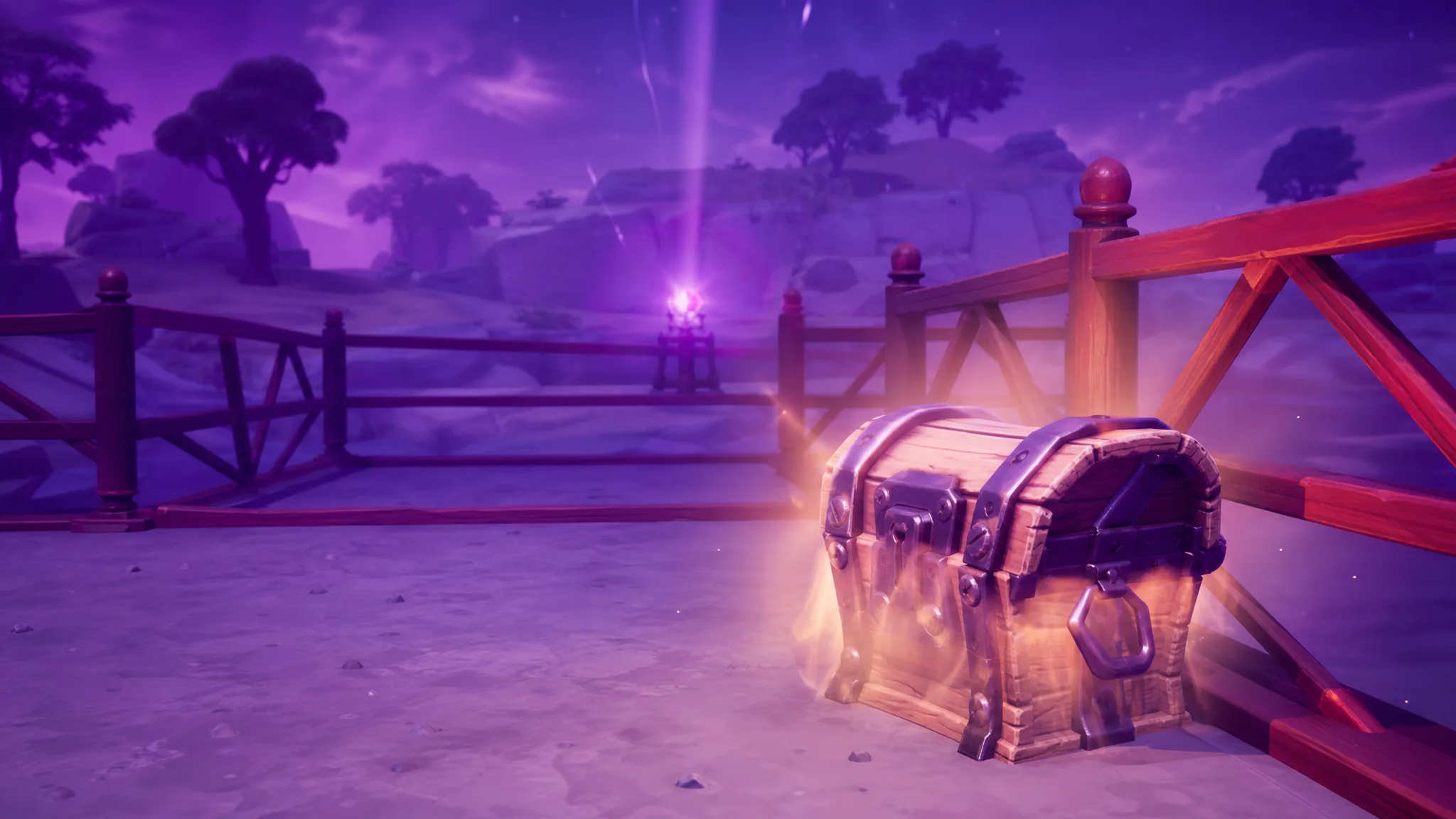
Fortnite Sprite Hunt Rift Anomaly: How to Get Guaranteed Special Sprites
The random rift event buries marked chests that always drop a Special Sprite, and here is how to work it in Chapter 7 Season…
-
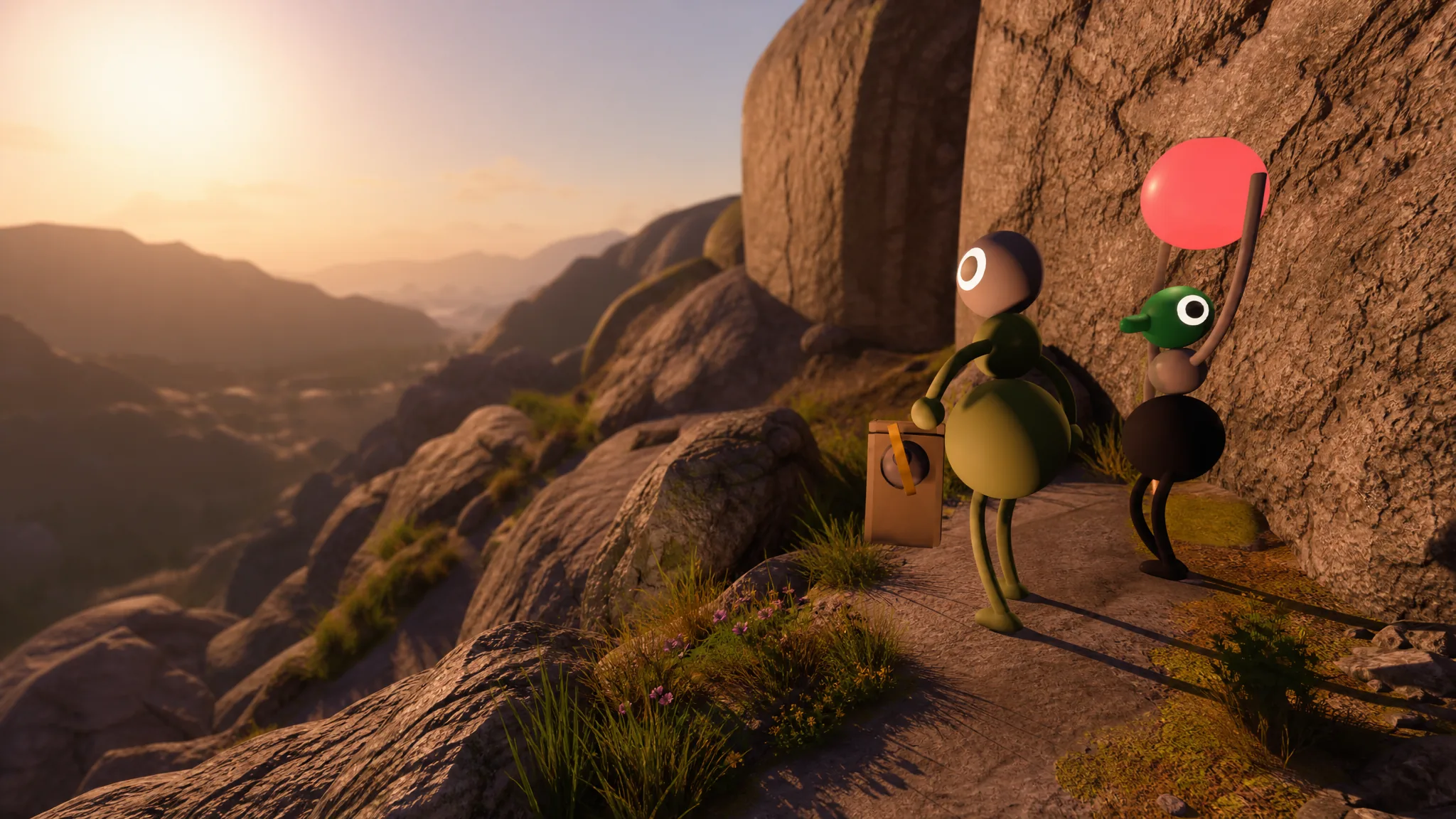
Big Walk: How to Get the Map
Clear the starting area, solve the Red Tower, and cut the key to open the map room and its portable map.
-

Moonlight Peaks: How to Meet and Romance Kim
Where to find the Hosu mermaid, her gift and birthday preferences, and how her romance route unlocks.
-
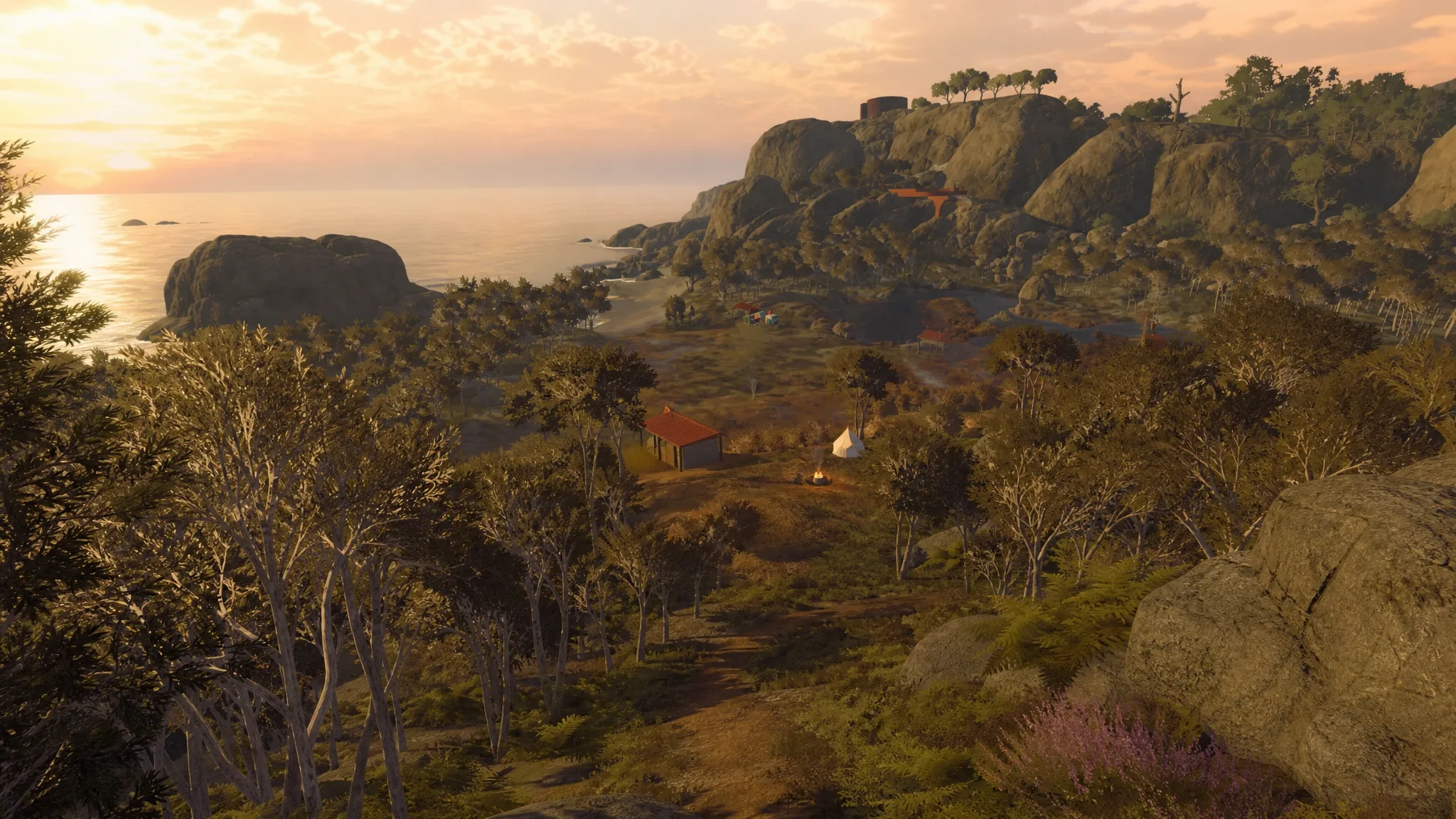
Big Walk: How to Get the True Ending
The second ending only unlocks after every puzzle is cleared, including the seven purple ones that appear once the first ending plays.
-
Unbox ASMR: How to Make Money Fast with the Best Layout
The tight-row layout, worker placement, and conveyor upgrades that turn crate openings into steady cash in the Roblox tycoon.