
Instructional, step-by-step articles.
Content Type: How-To
-

Anime Vanguards King’s Crown Familiar: How to Get It and What It Does
Farm 200 Copycat Tokens to unlock the Vanguard Familiar built for Saber (Black Tyrant).
-

Anime Vanguards: How to Get the Disguising Mask Vanguard Familiar
Where to farm the Smith John Unit Trial drop and exactly what its three passives do for Lord of Shadows.
-

Anime Vanguards: How to Get the Mimic Chest Vanguard Familiar
The Mimic Chest drops from Floor 50 of the Friran Rerun Alternate Worldline and revives Friran (Teacher) with three fixed passives.
-
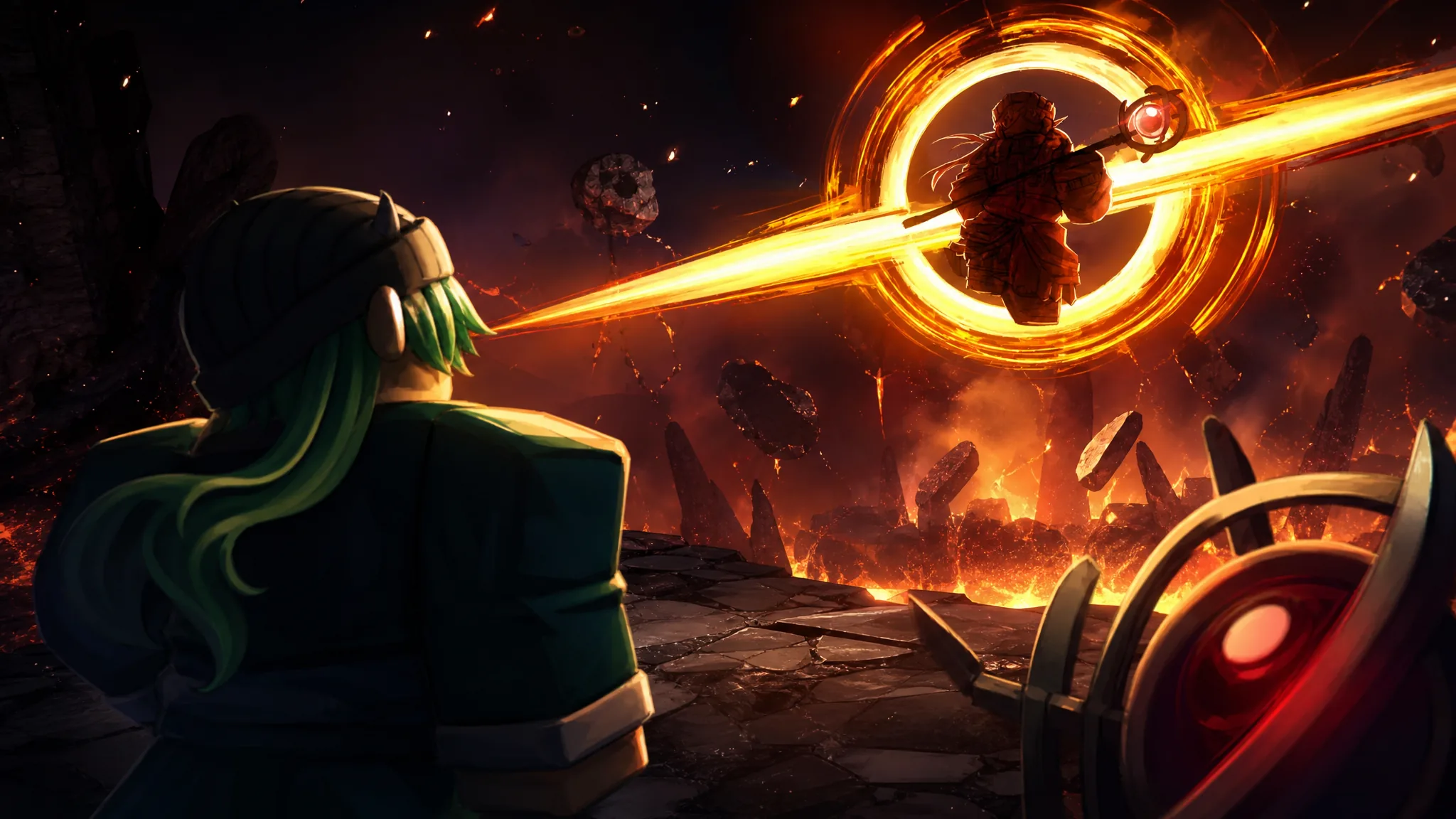
Anime Expeditions: How to Get the Memory Pendant for Cursed Immortal
The Villain Update’s Secret equipment drops from Crow Hideout Act 2 and reshapes Cursed Immortal (Black Sun)’s passive.
-
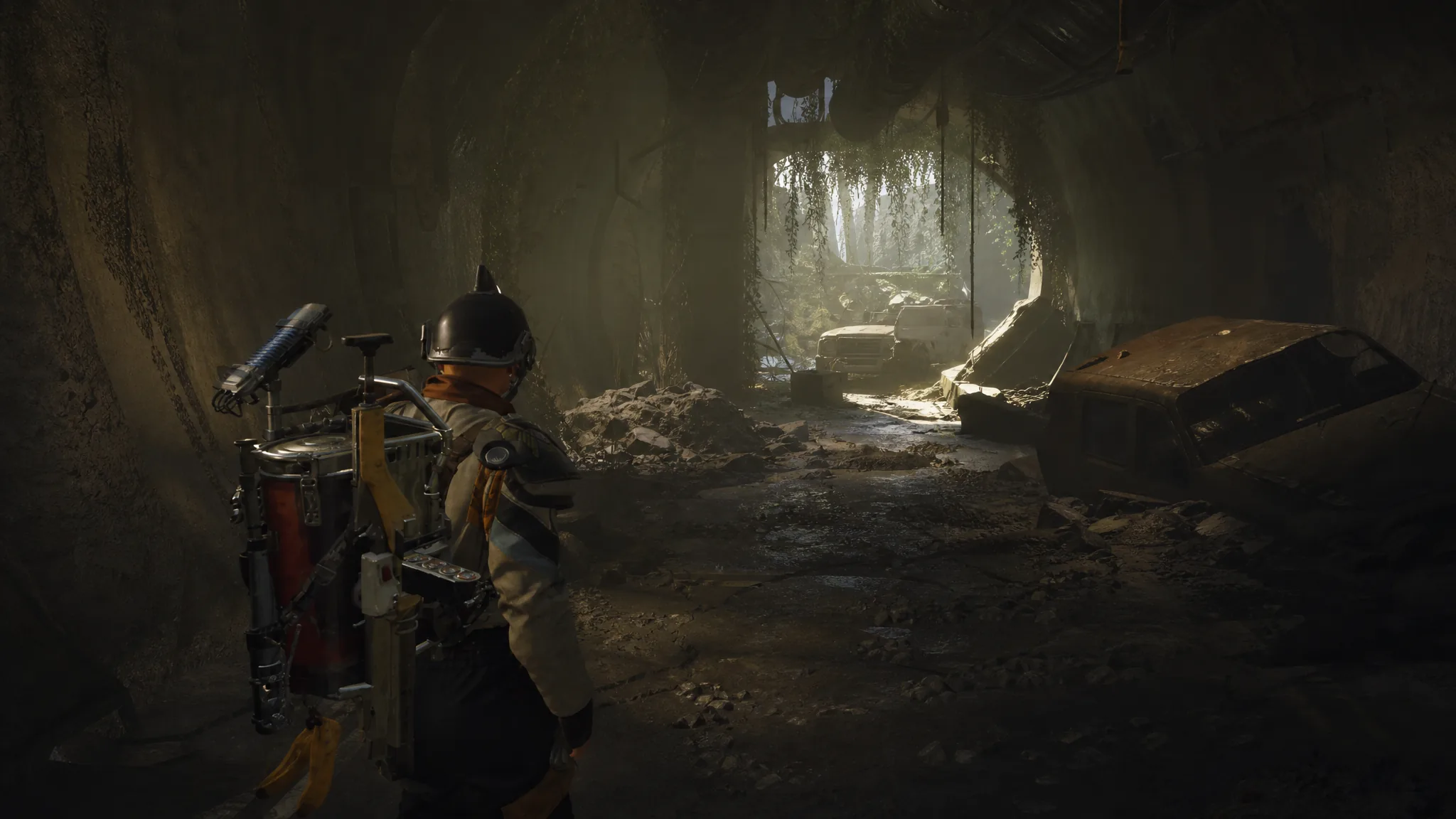
ARC Raiders: How to Three-Star Open Containers in Traffic Tunnels
Everything you need to loot The Blue Gate tunnels fast, hit the score threshold, and extract with your progress intact.
-

ARC Raiders Search Raider Caches: How to Earn Three Stars in Season 5 Trials
Open five Raider Caches at 800 points each on Dam Battlegrounds to clear the 4,000-point three-star threshold.
-

ARC Raiders Season 5 Trials: How to Get Three Stars in Damage ARC Using Blaze Grenade
Burn a lone Leaper on Dam Battlegrounds or Spaceport to clear 4,000 points before the trial resets on August 3.
-

ARC Raiders: How to Three-Star the Receive Damage from Pops Trial
Sustain 267 points of health damage from Pops on Buried City to bank all three stars before the weekly reset.
-
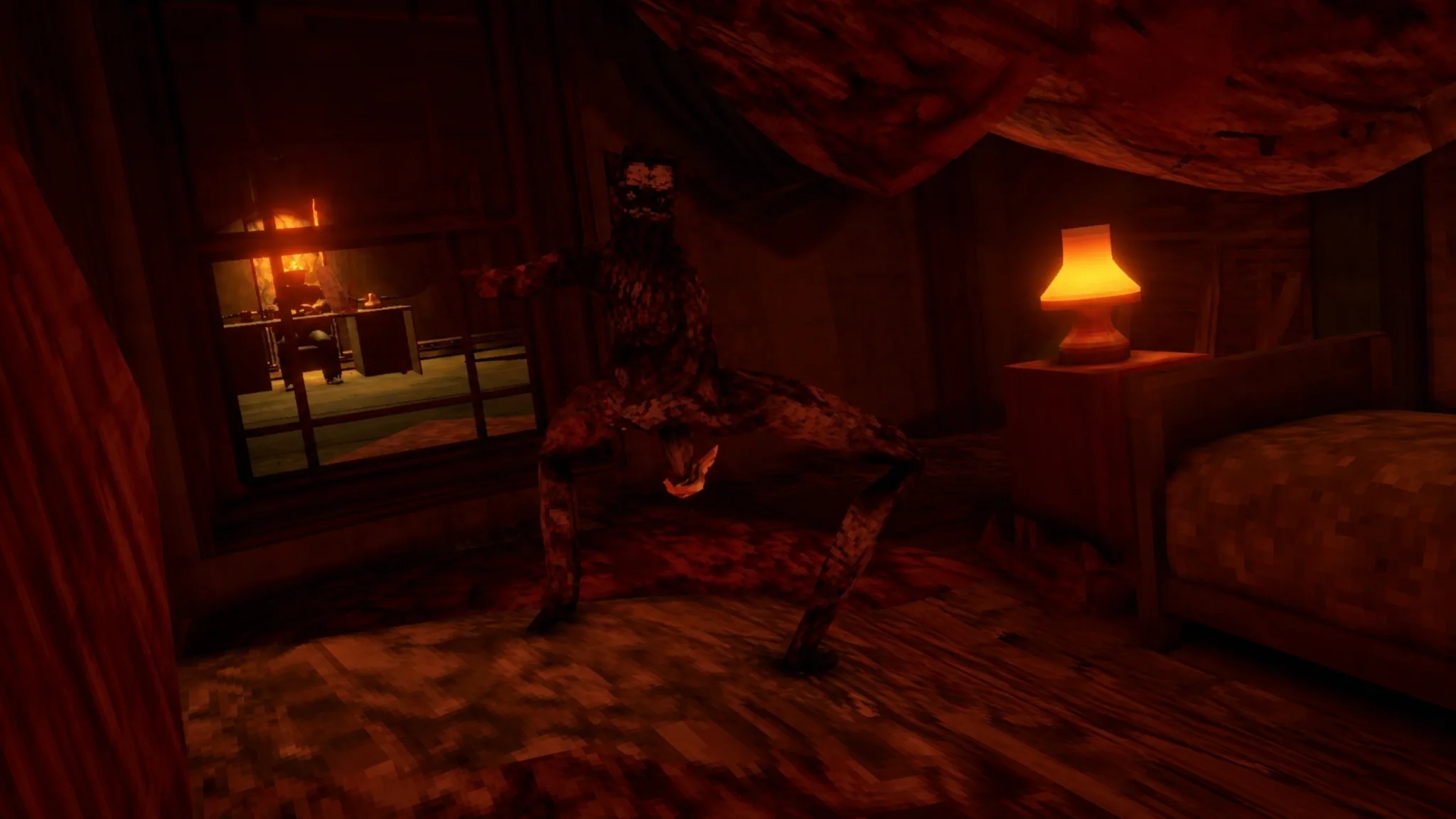
Shift At Midnight: How to Get the True Ending (Save Clyde and Your Pet)
Keep Sheriff Clyde alive, skip the call after Night 12, and finish Shift 13 with at least $250 in personal funds.
-
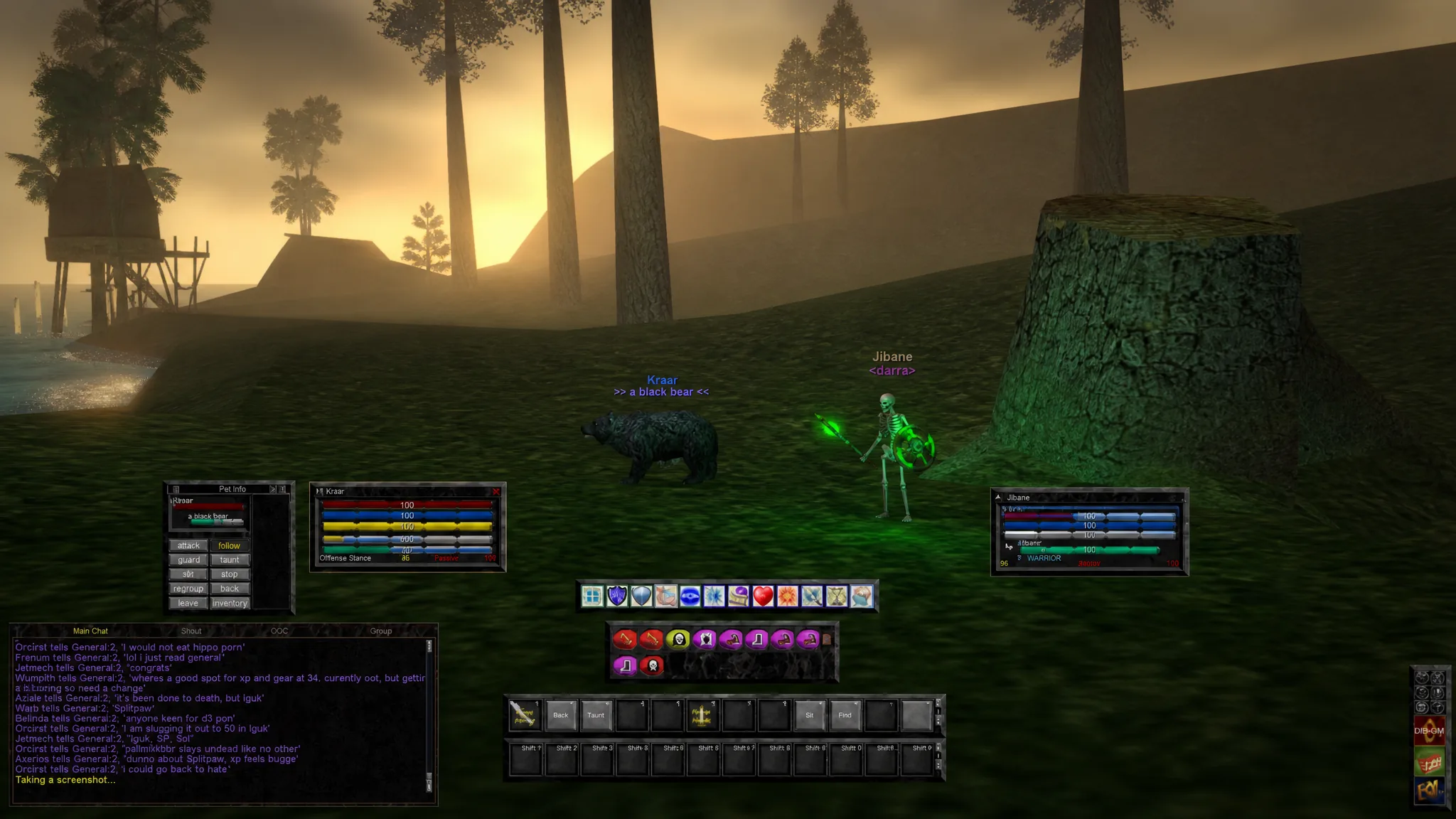
EverQuest Legends: How to Set Up a Cleaner, More Modern UI
Reshape the 1999-style interface into something closer to World of Warcraft or Final Fantasy XIV with a few key settings.