
Instructional, step-by-step articles.
Content Type: How-To
-
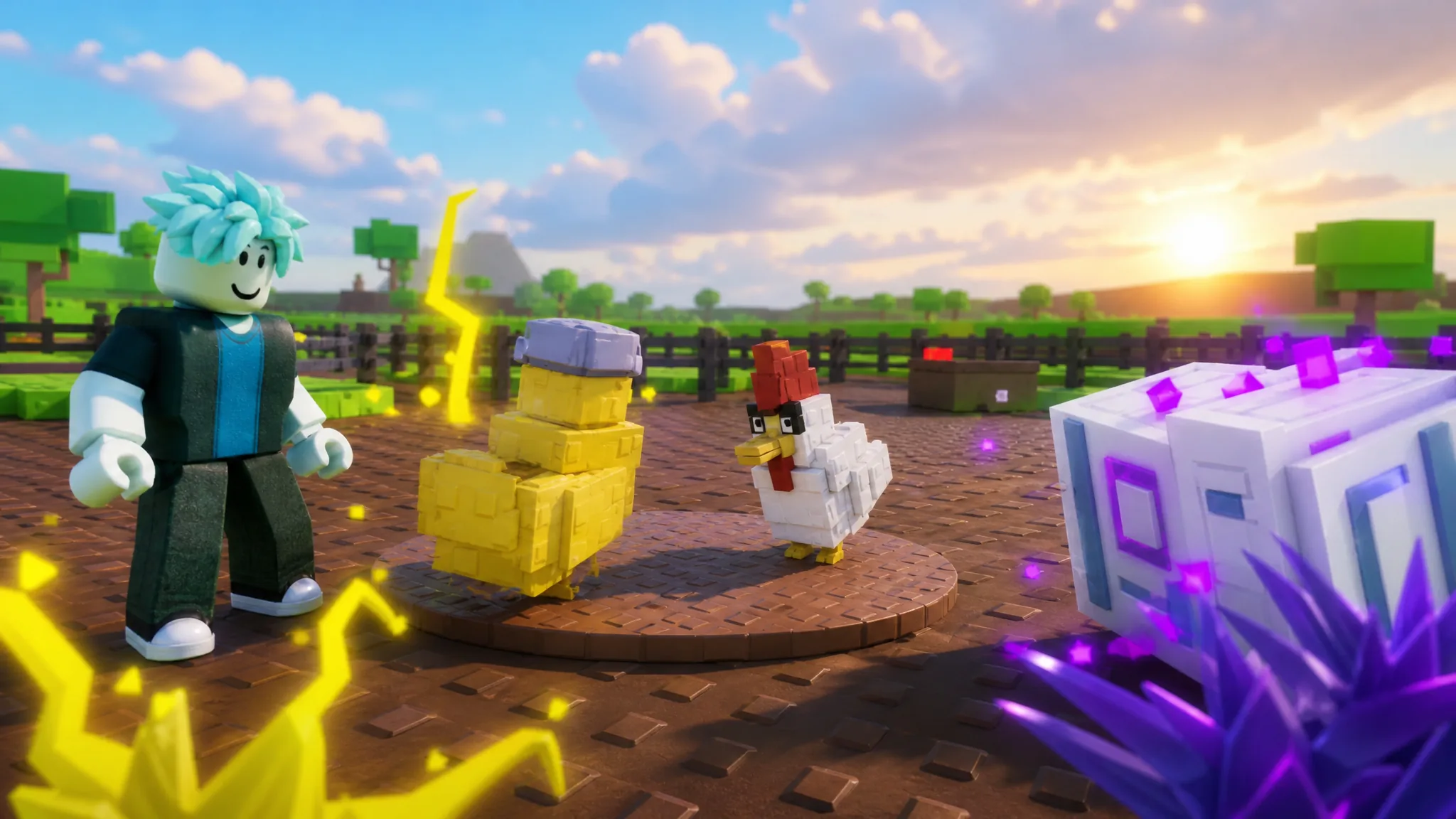
Grow a Chicken Fighter: How to Get the Reaper x Voodoo Fusion
Everything the Reaper Rooster and Doll Hen combo needs, from Haunt Egg farming to locking Voodoo before you confirm the merge.
-
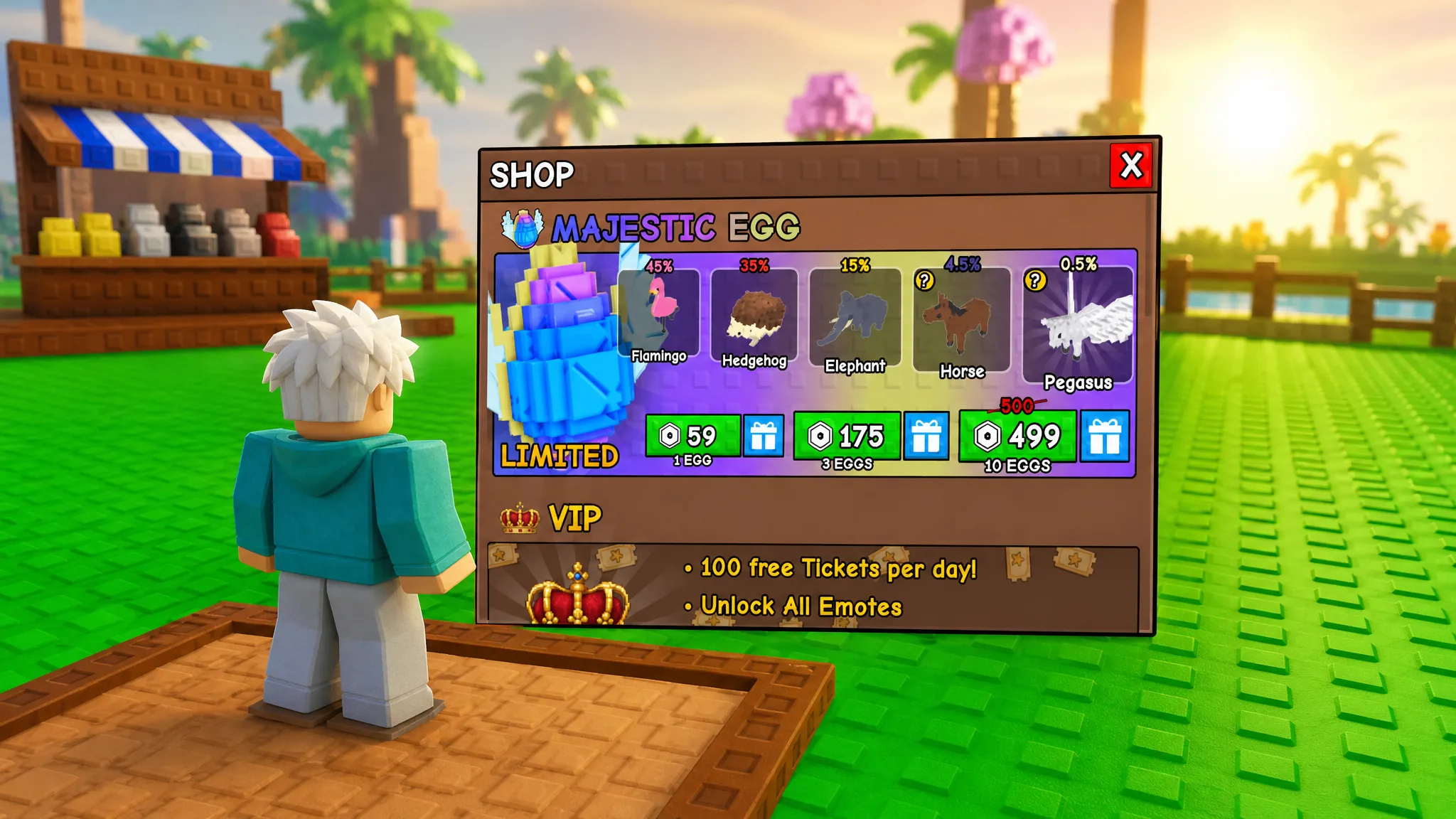
Greedy Growers: How to Get the Majestic Egg
The Limited-rarity egg is the only source of Pegasus, and there are two ways to earn it without spending Robux.
-
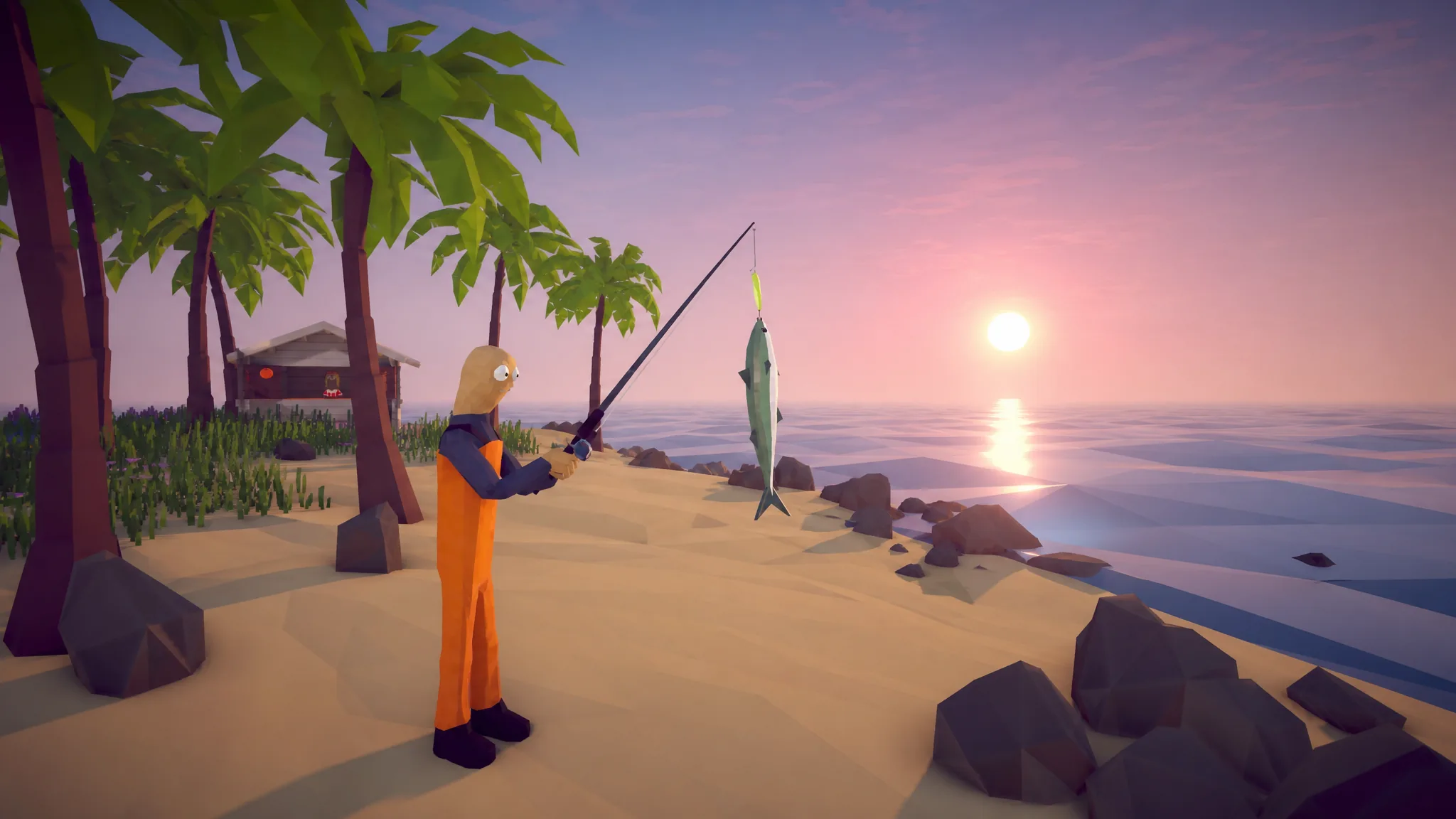
How to Fish: Full Island and Boss Progression Walkthrough
Follow the exact NPC-to-boss route from the Lighthouse to the final fight, and know when to stop spending money.
-

Fortnite: How to Get the Sonic Power Sneakers (Epic and Mythic)
Where the Epic version drops, how to force the Mythic from Dr. Eggman, and what every ability does.
-

Fortnite: How to Get and Use the God Mode Llama
The Chapter 7 Season 4 power-up grants short invincibility, and it only drops from one Gizmo.
-

The Sinking City 2: How to Open Ma Fishface’s Shop Door
Find Freddie’s Urn behind the Cold Storage painting and bring it back to the barrier to break the ward.
-

How to Get the Dr. Eggman Skin in Fortnite (Free and Item Shop)
Unlock the Sonic villain outfit for free with a Sonic Racing: CrossWorlds purchase or buy it outright with V-Bucks.
-

How to Fish: Finishing the Who Stole My Beer Quest
Buy the right lure, arm yourself with a knife, and take down the Spider Crab for the Lighthouse Keeper.
-
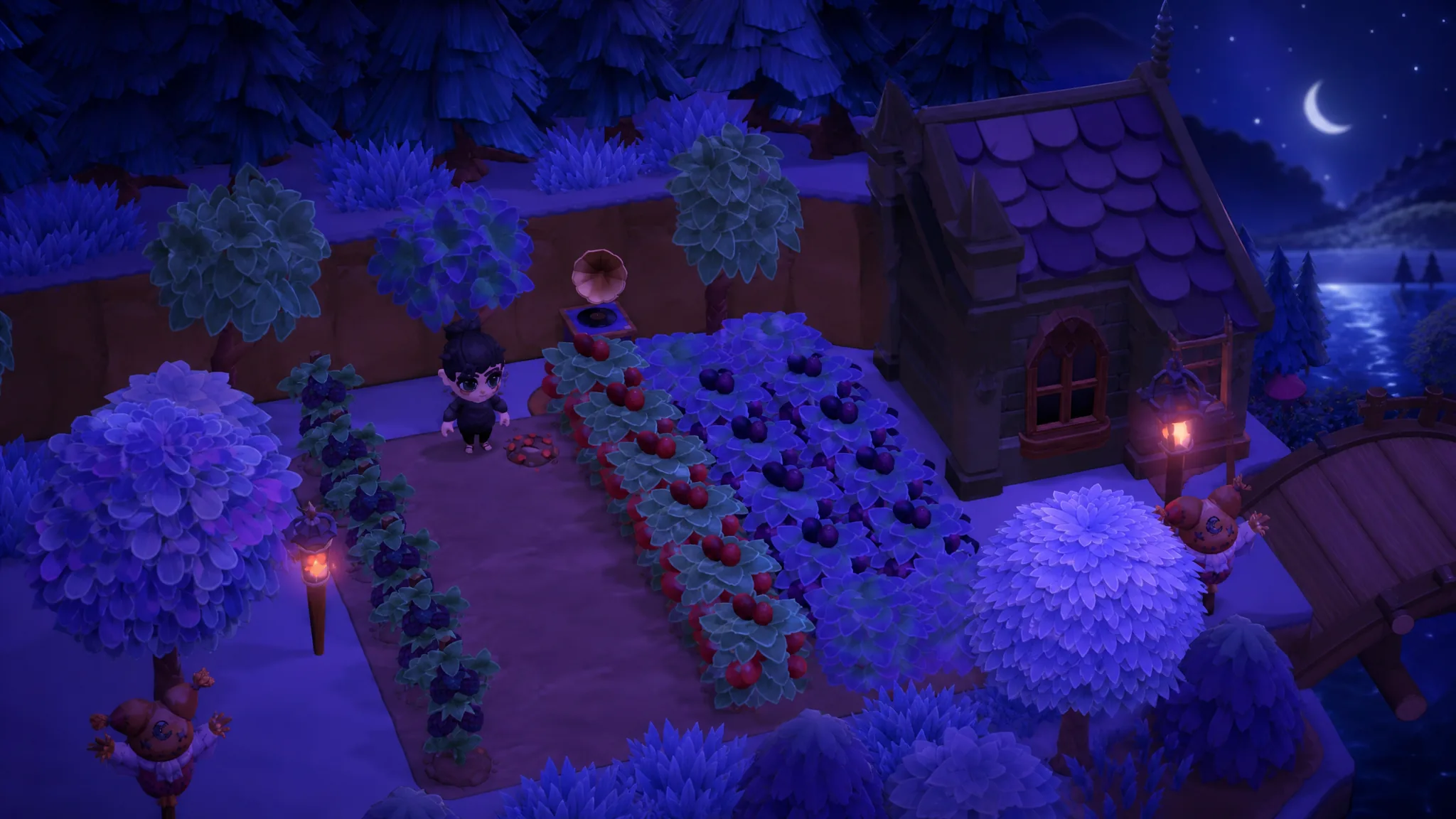
Moonlight Peaks: How to Get the Gramophone from The Broken Lamp
Patch 1.2.3 lets you buy the red Gramophone outright, so growing a Muse Tree no longer waits on a lucky shop roll.
-

Pokémon Pokopia: How to Get Phione in Bubbly Basin
Phione hides on the Starmie Doll Dream Island, and it only shows up if the random roll goes your way.