
Instructional, step-by-step articles.
Content Type: How-To
-
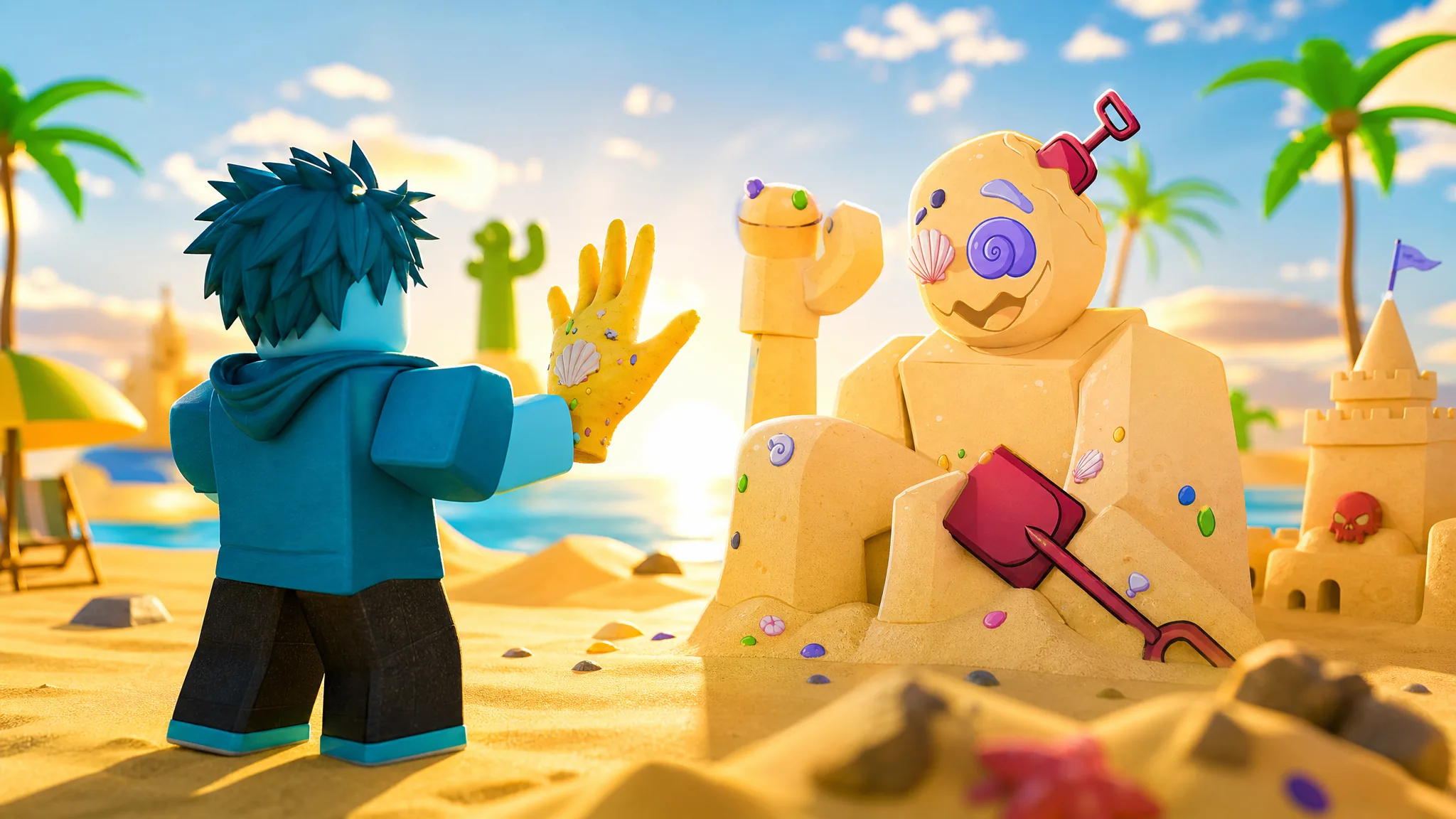
Slap Battles: How to Get the Sand Glove and Estival Heatwaver Badge
Complete the Four Seasons minigame to unlock the Beach Day ability, then grab the new Sandcastle code for free slaps.
-
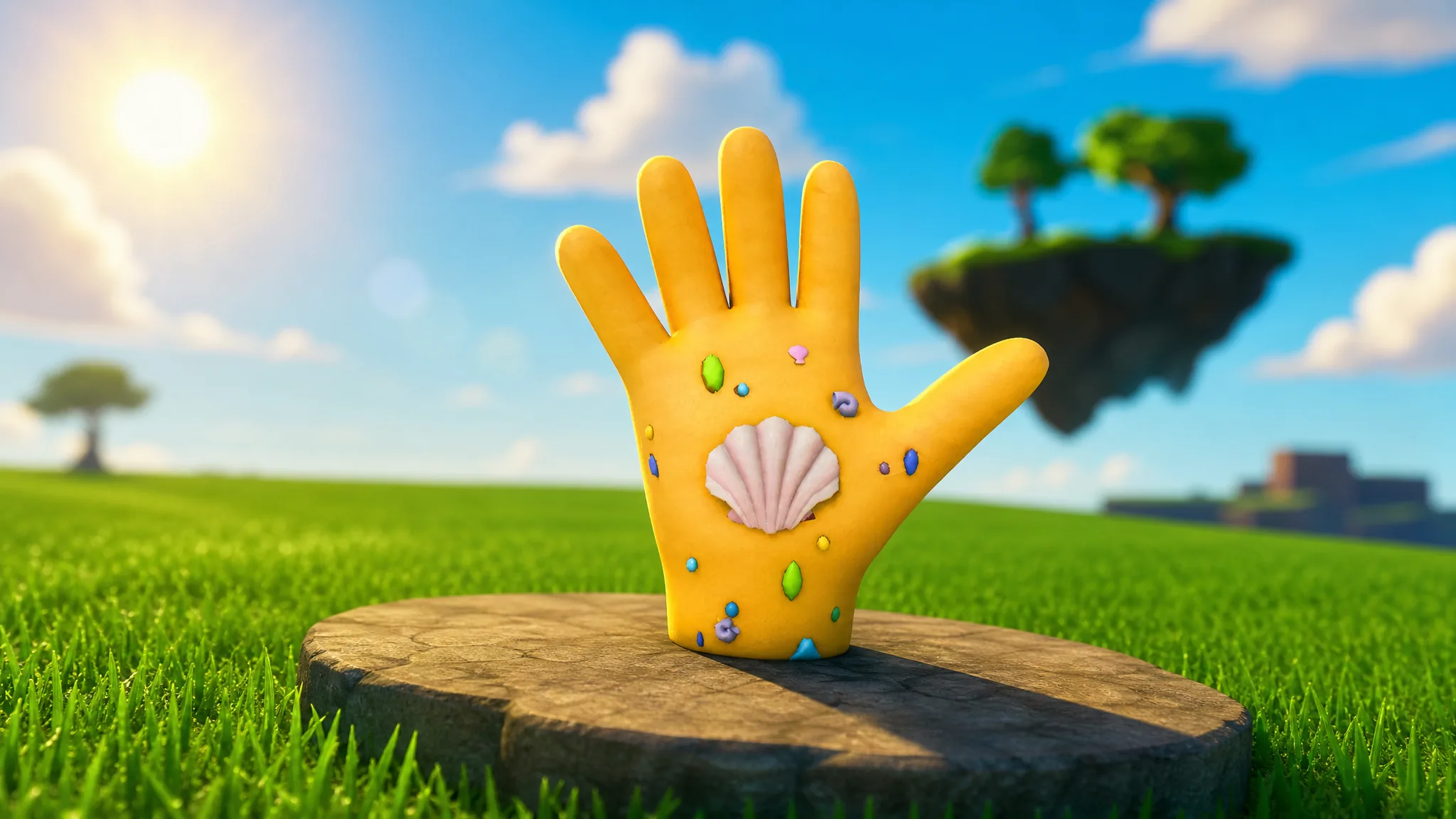
Slap Battles: How to Get the Sand Glove and Estival Heatweaver Badge
Everything known about the Sand Glove’s stats, its badge requirement, and how to equip it in Slap Battles.
-
Rock Fruit: How to Get the Super Chicken Spec
Every material, farming spot, and the exact craft you need to unlock Super Chicken on Farming Island.
-
Rock Fruit: How to Get Muay Thai V2
The full material list, farming spots, and NPC location you need to upgrade the melee style.
-

Fortnite: How to Turn Into a Tetris Block With Lobby Hack Codes
The admin panel codes that briefly morph your character into a Tetris shape, and exactly how to enter them.
-
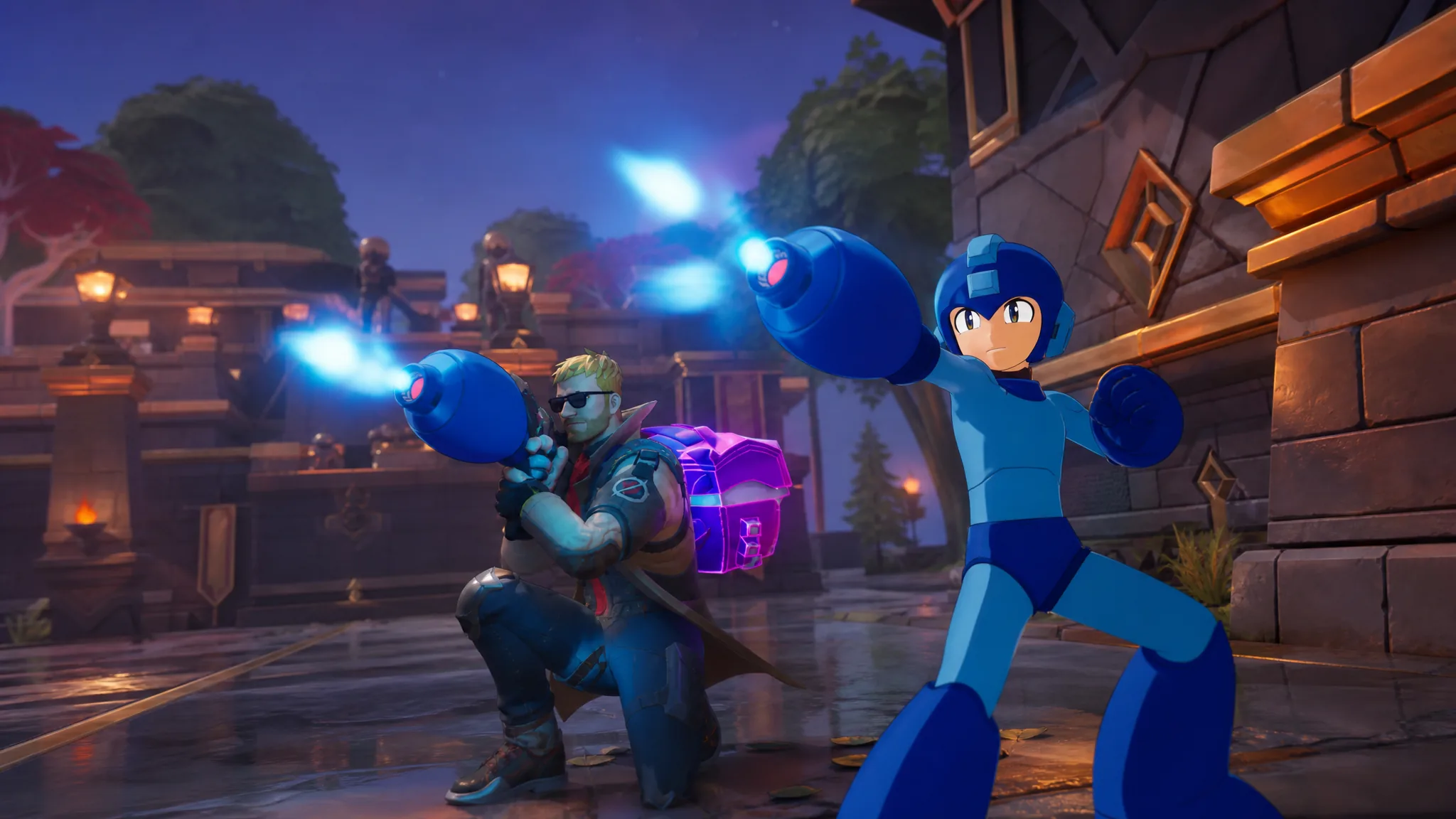
Fortnite Mega Buster: How to Get and Use Mega Man’s Arm Cannon
Where the Rare arm cannon drops, how each firing mode works, and why its 75-shot ammo pool never comes back.
-
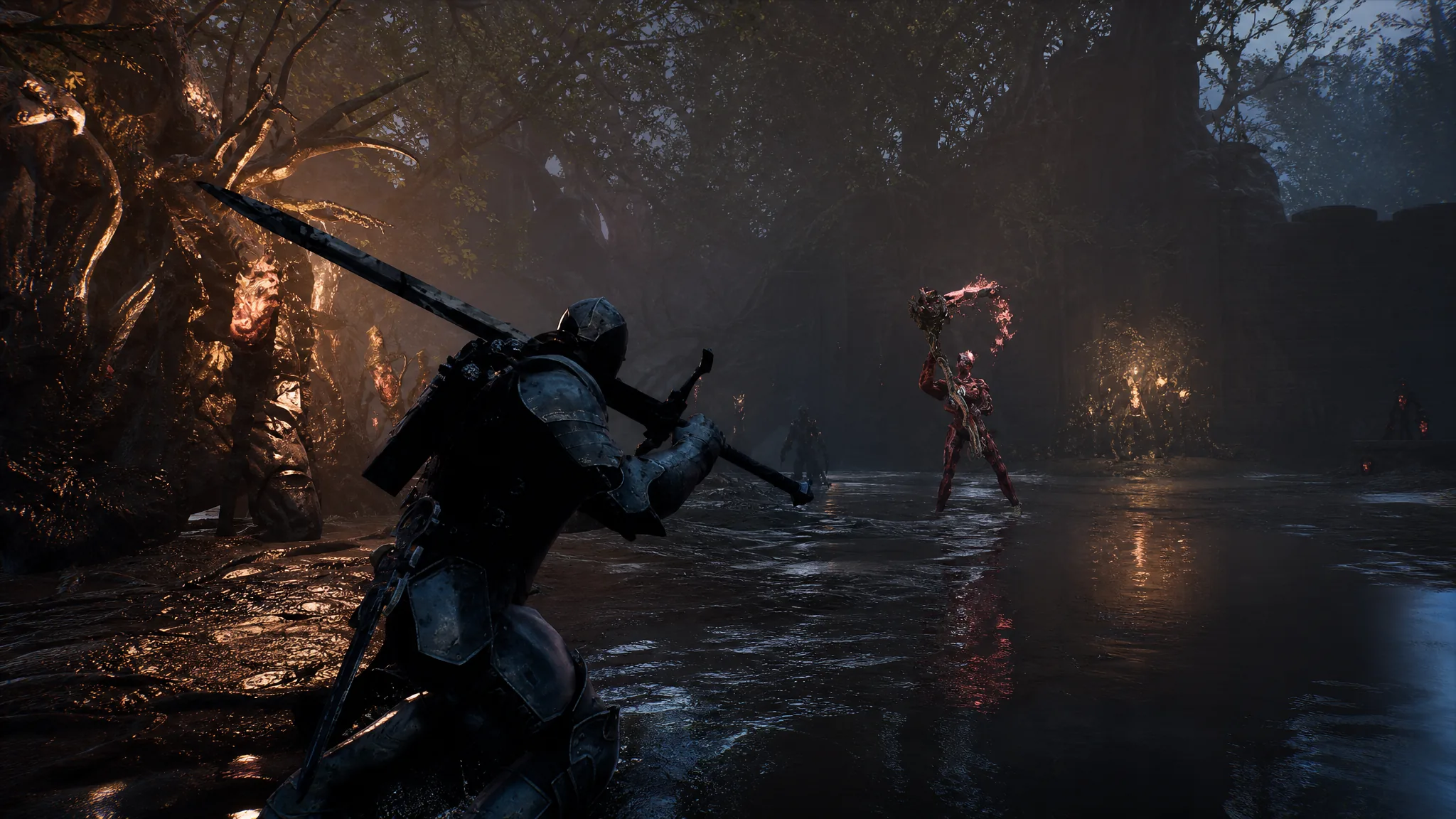
Mortal Shell 2: How to Refill Your Healing Flask at Beacons
Resting at a Beacon fully tops up the Mether’s Pulse, though it also revives every defeated enemy in the area.
-

Mortal Shell 2: How to Leave the Marrow Keep and Reach Outskirts of Mammon
Siphon three Ovum, speak with Milos, ride the lift, and cleanse the portal to fast travel out of the hub.
-
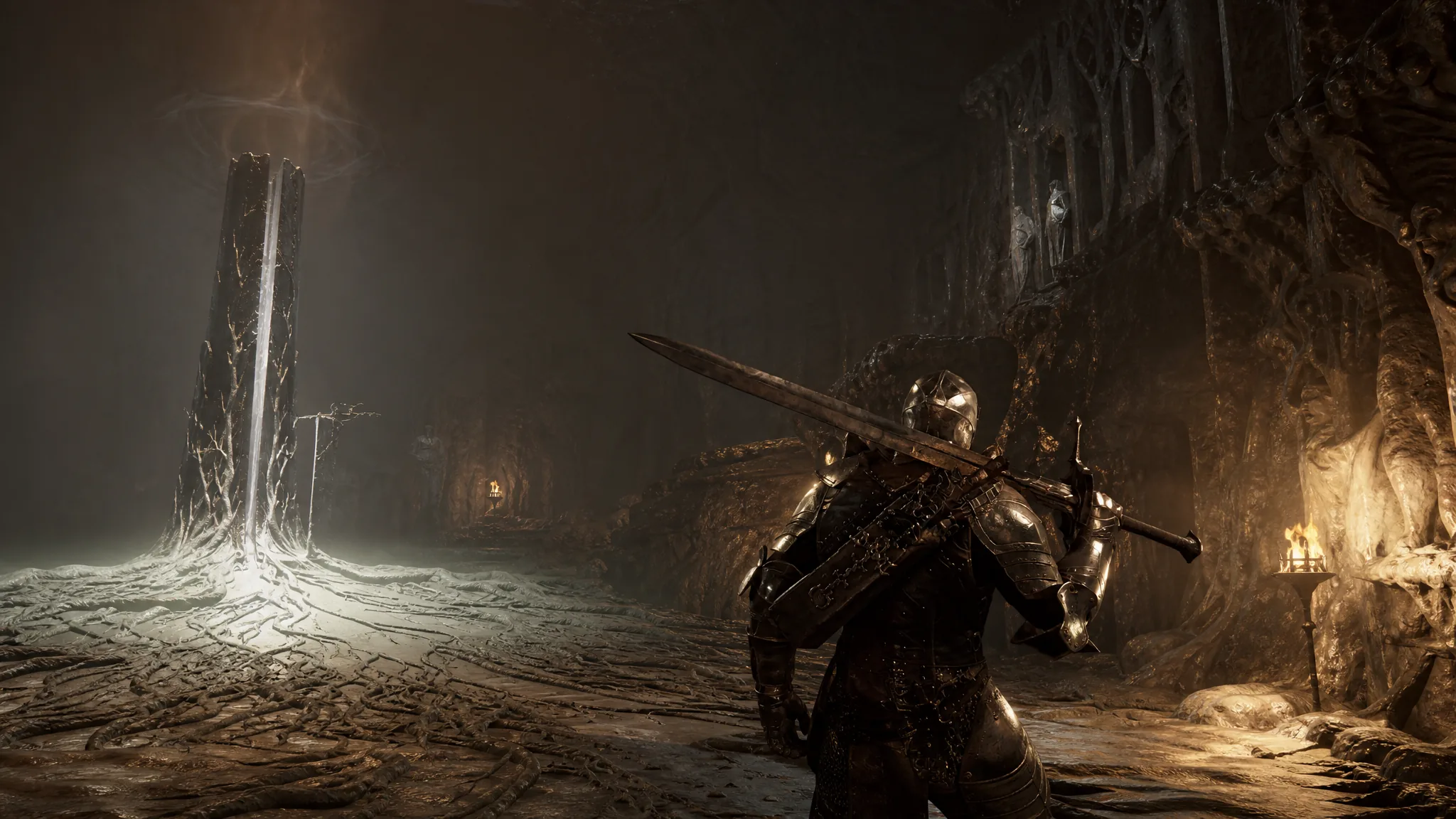
Mortal Shell 2: How to Level Up the Harbinger With Gloom
Where leveling unlocks, how to spend Gloom at a Beacon, and the fastest ways to farm it early.
-
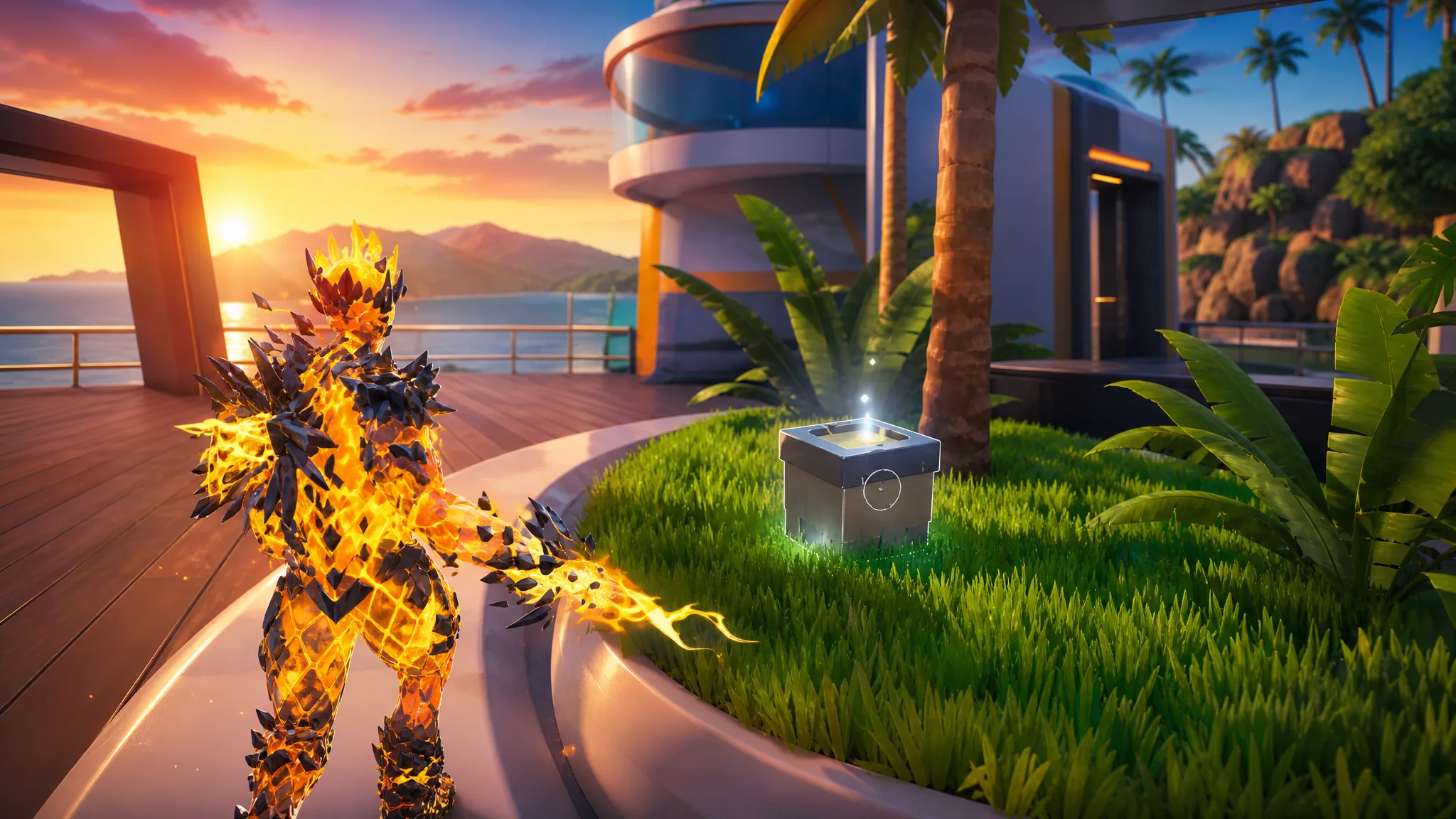
Fortnite: How to Collect Wrixel (Luxe’s) Parts at Cluster Coast
Grab all four Luxe parts scattered around Cluster Coast to unlock the Luxe style for the Wrixel Outfit.