
Instructional, step-by-step articles.
Content Type: How-To
-

Flip A Boat: How to Flip Boats Fast for Quick Profit (Roblox)
The tight buy, tow, repair, and sell loop that finishes a boat in one session without draining your cash.
-
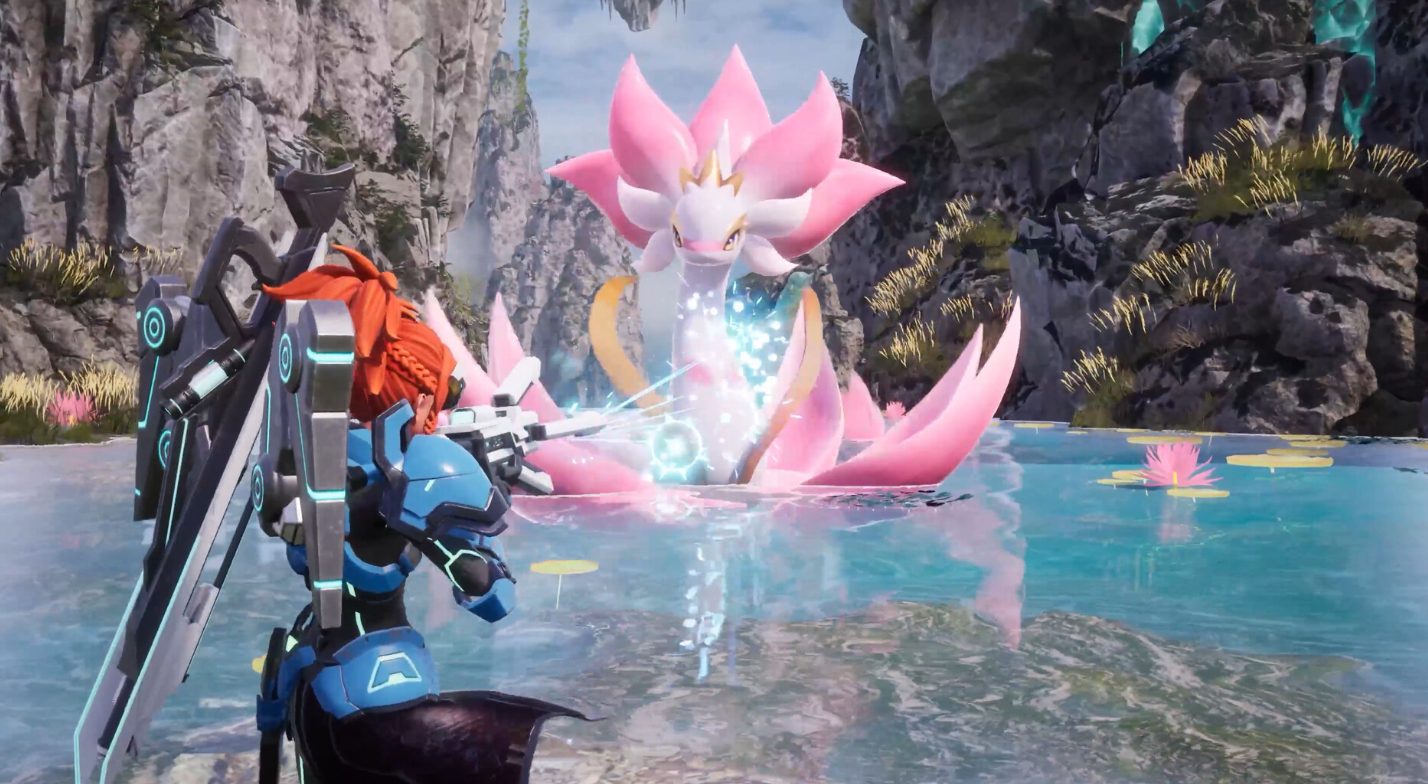
Palworld: How to Get the Dogen Emblem and What It Does
The crafting materials, workbenches, and exact Attack boost this Epic 1.0 accessory gives you and your active Pal.
-

Fortnite Sprite Locator Gizmo Buff: What Changed and How to Claim Free Ones
The hotfix makes the Sprite Locator spawn rare variants far more often, and Epic is handing three free Locators to affected players.
-

Phasmophobia: How to Identify the Deildegast Ghost
The three evidence types, base speed, and the item-throwing trick that slows this ghost down.
-
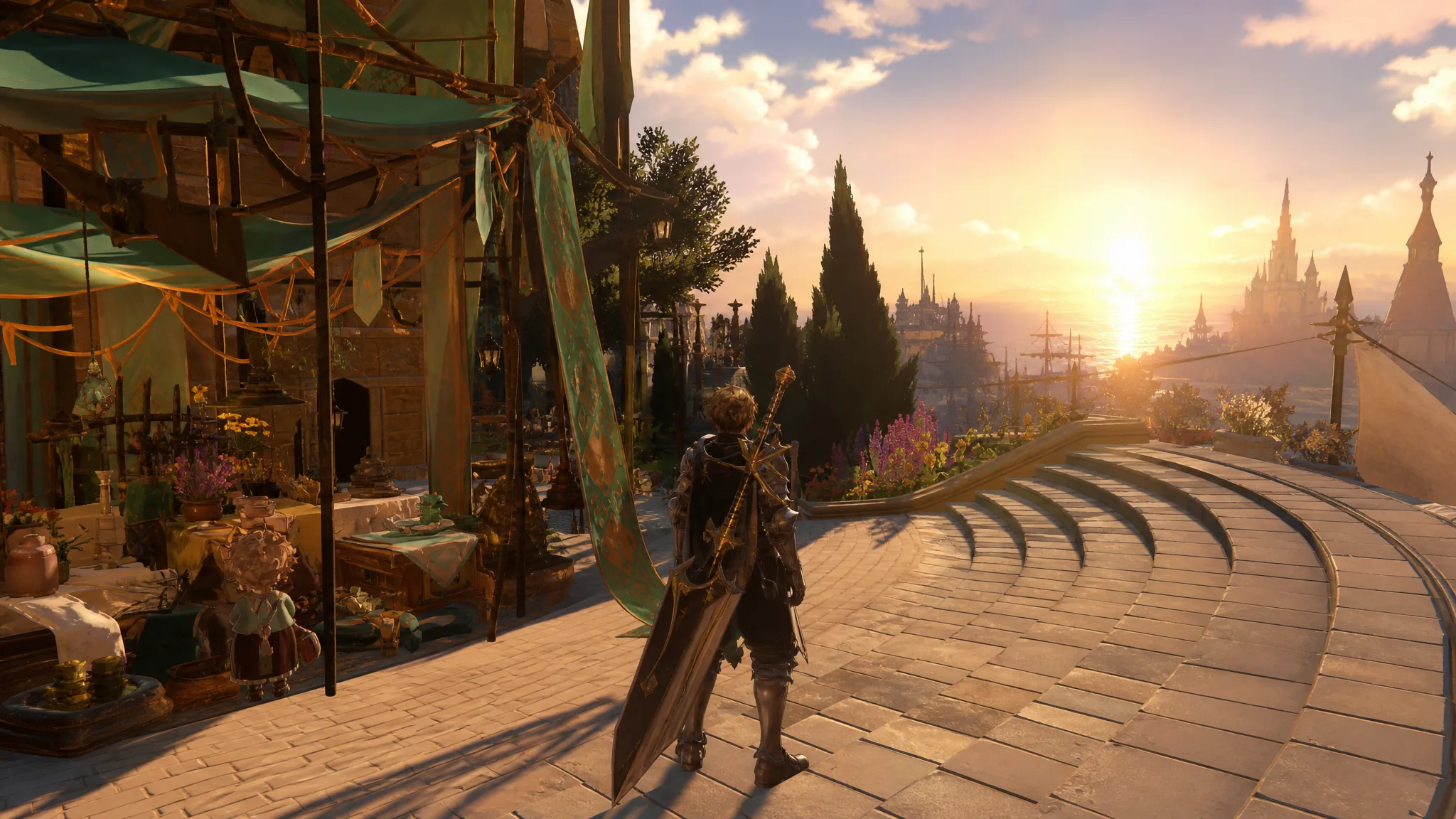
How to Unlock and Use Weapon Transcendence in GBFR (Endless Ragnarok)
Everything you need to raise a weapon past its cap seven times, plus where to farm the materials and swap traits.
-
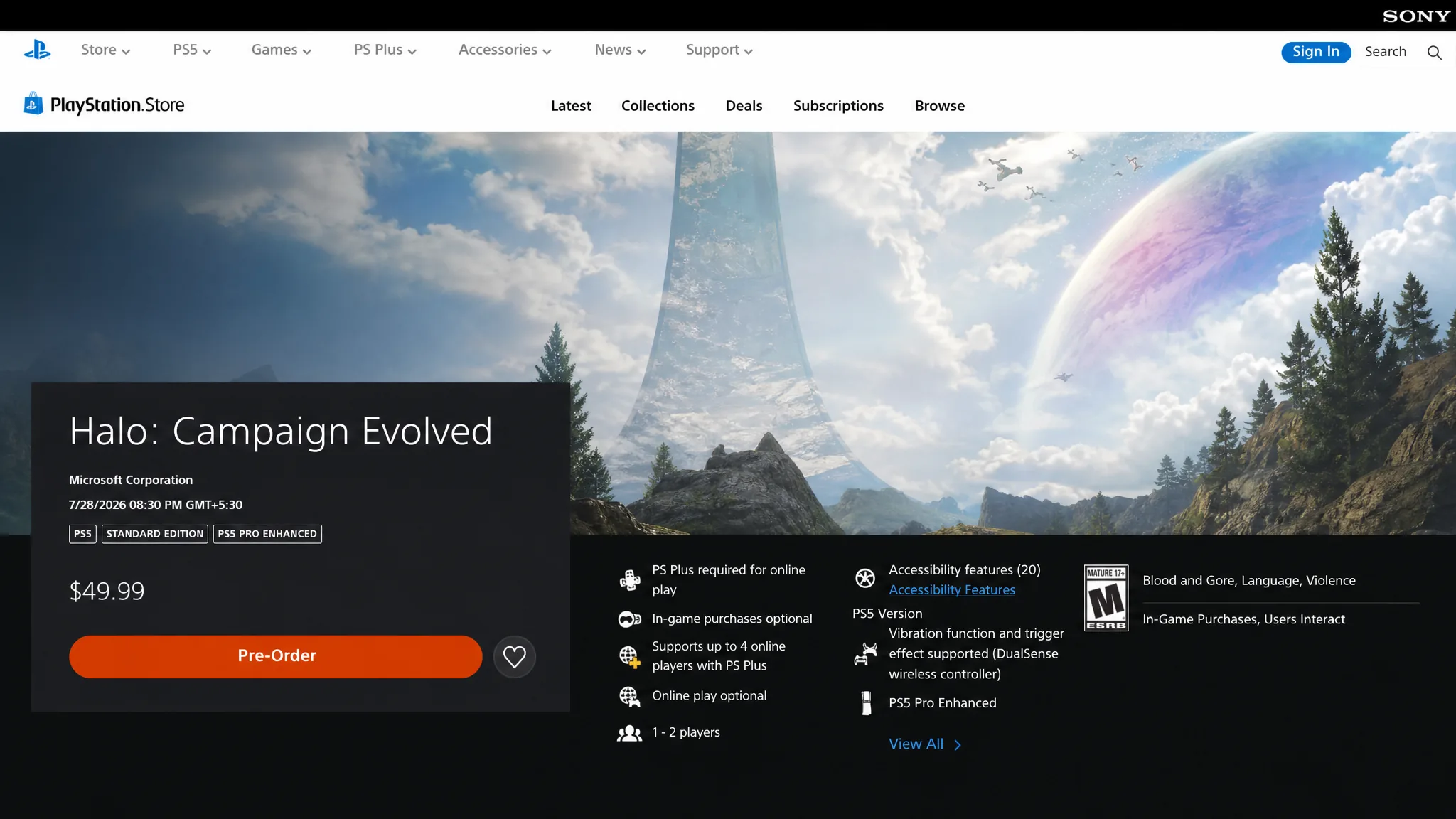
How to Preload Halo: Campaign Evolved on PS5, Xbox, and PC
Everything you need to reserve space and start the download early, with expected timing and per-platform steps.
-
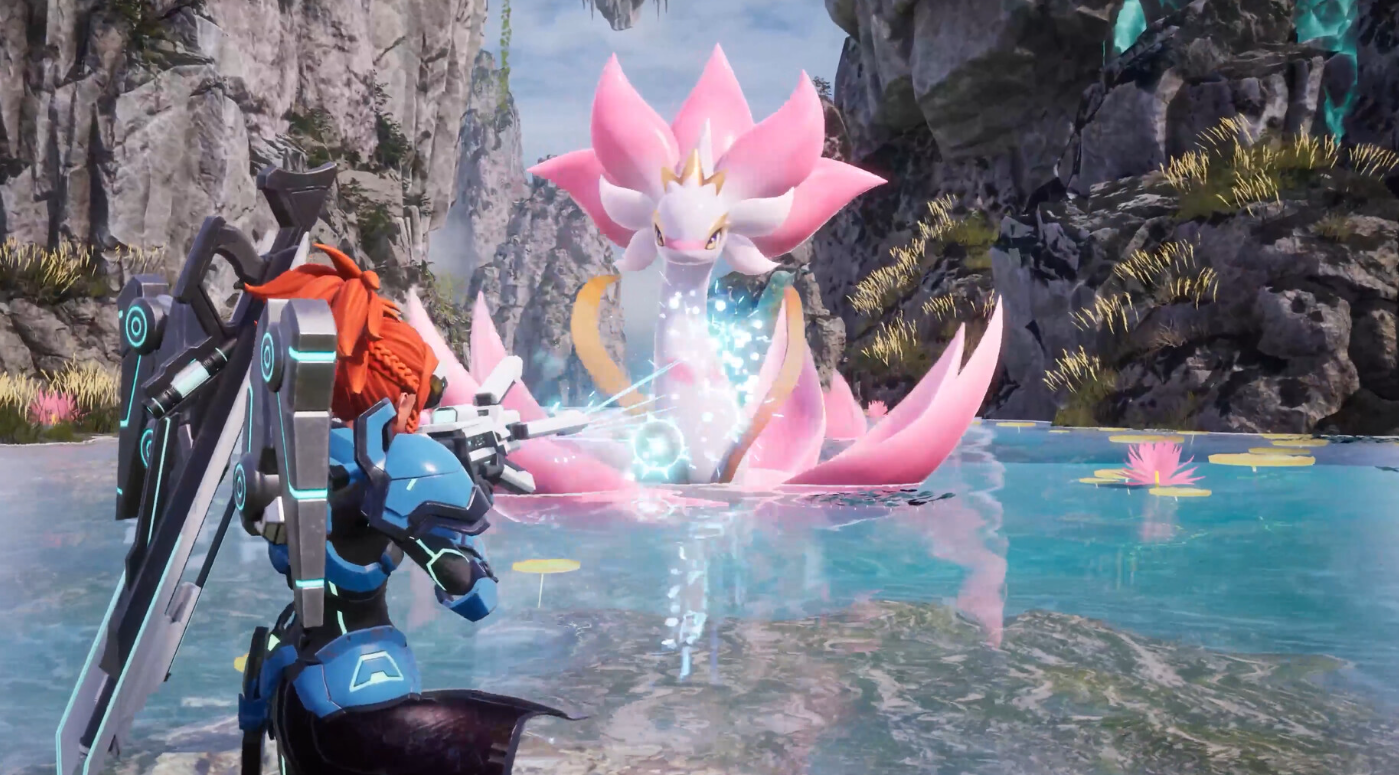
How to Stack Farms and Save Base Space in Palworld 1.0
Use a Japanese Floor Cushion as a flat base to build up to three farms in one footprint.
-
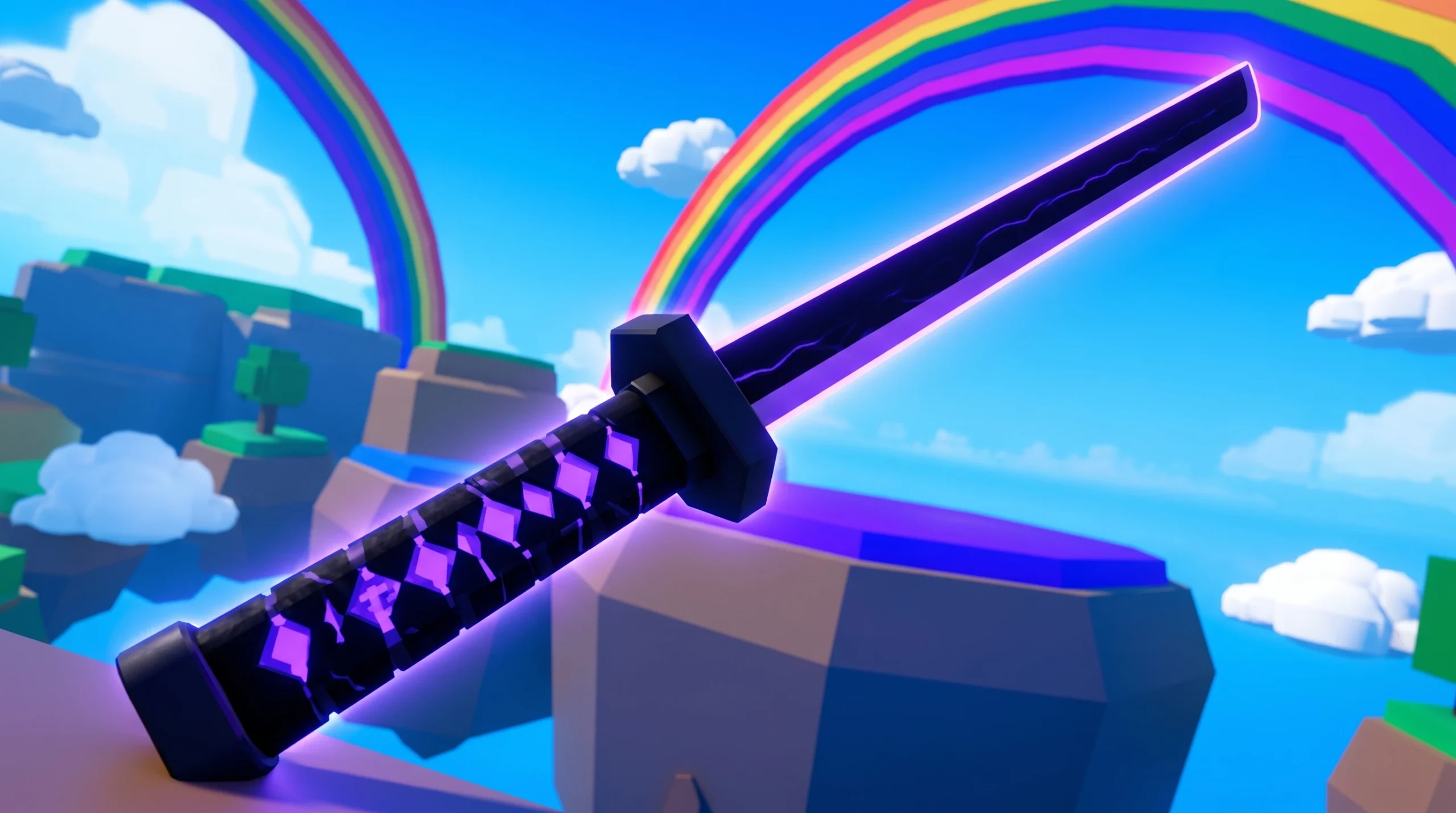
Rock Fruit (Roblox): How to Get Jimina
Use the Random Chance chest, Diamonds, and Lucky Drop boosts to chase rare pulls in Rock Fruit.
-
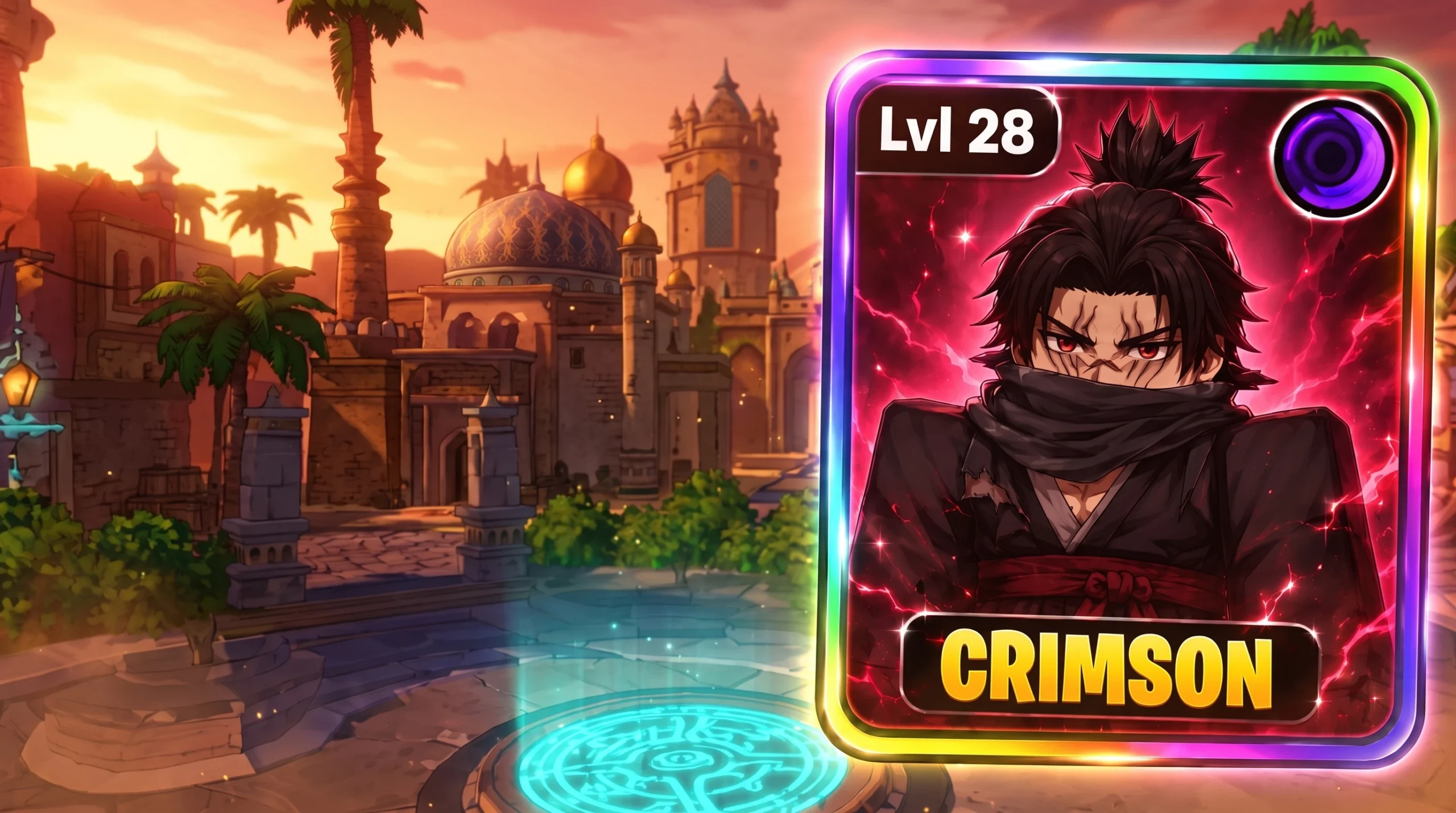
How to Get Crimson in Anime Expeditions (Season 1 Battlepass)
Crimson is a limited Exclusive unit locked behind Season 1 Battlepass progression, and here is exactly what unlocks it.
-
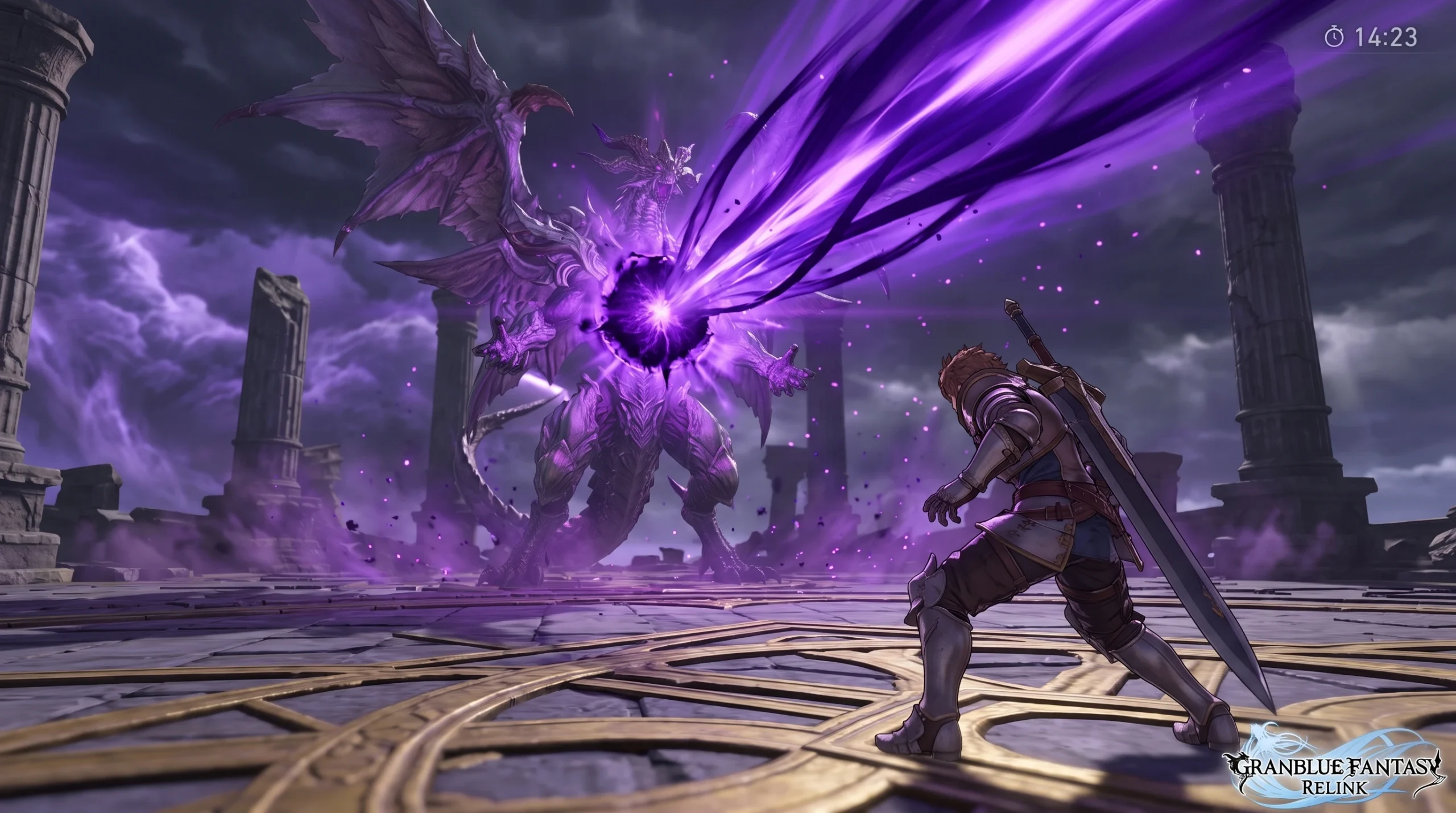
How to Beat Bahamut Versa Advent in Granblue Fantasy: Relink (Endless Ragnarok)
A breakdown of the Lvl 300 Advent boss’s attack phases, break windows, and a Siegfried setup built to survive them.