
Instructional, step-by-step articles.
Content Type: How-To
-

How to Get La Summer Grande in Steal a Brainrot (Summer Update Part 2)
The requirements, the Limited Quantity Truck, and the 21 brainrots you need for the Summer Base Skin.
-

How to Get Kijo Style in Volleyball Legends (Update 75)
The limited Secret spiker returns for one week, and Lucky Spins are the fastest way to land it.
-

How to Get and Level Up Pets in Wizard Alchemy (Roblox)
Hatch Pet Eggs, equip stat buffs, and farm the Raging Waves Arena for the Legendary Magic Egg.
-
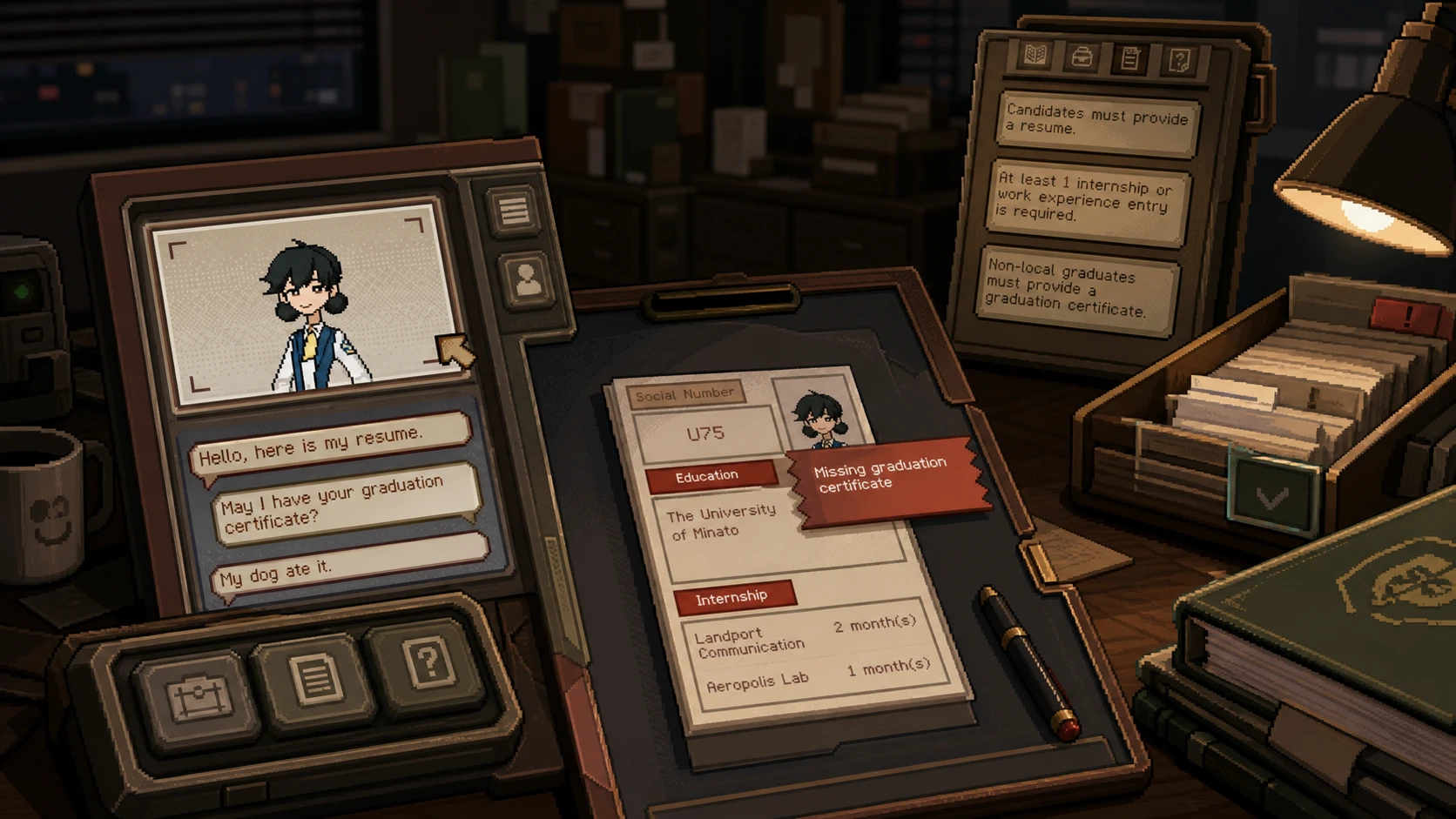
Thank You For Your Application: How to Generate the Correct Thanks Letter
Match the failed job requirement to the candidate’s document value to avoid the financial penalty for rejecting without one.
-

How to Win Arm Wrestling in Crimson Desert (Where Rumors Gather)
Push the red bar right with steady tapping, and nail every quick-time prompt to clear the tavern matches.
-
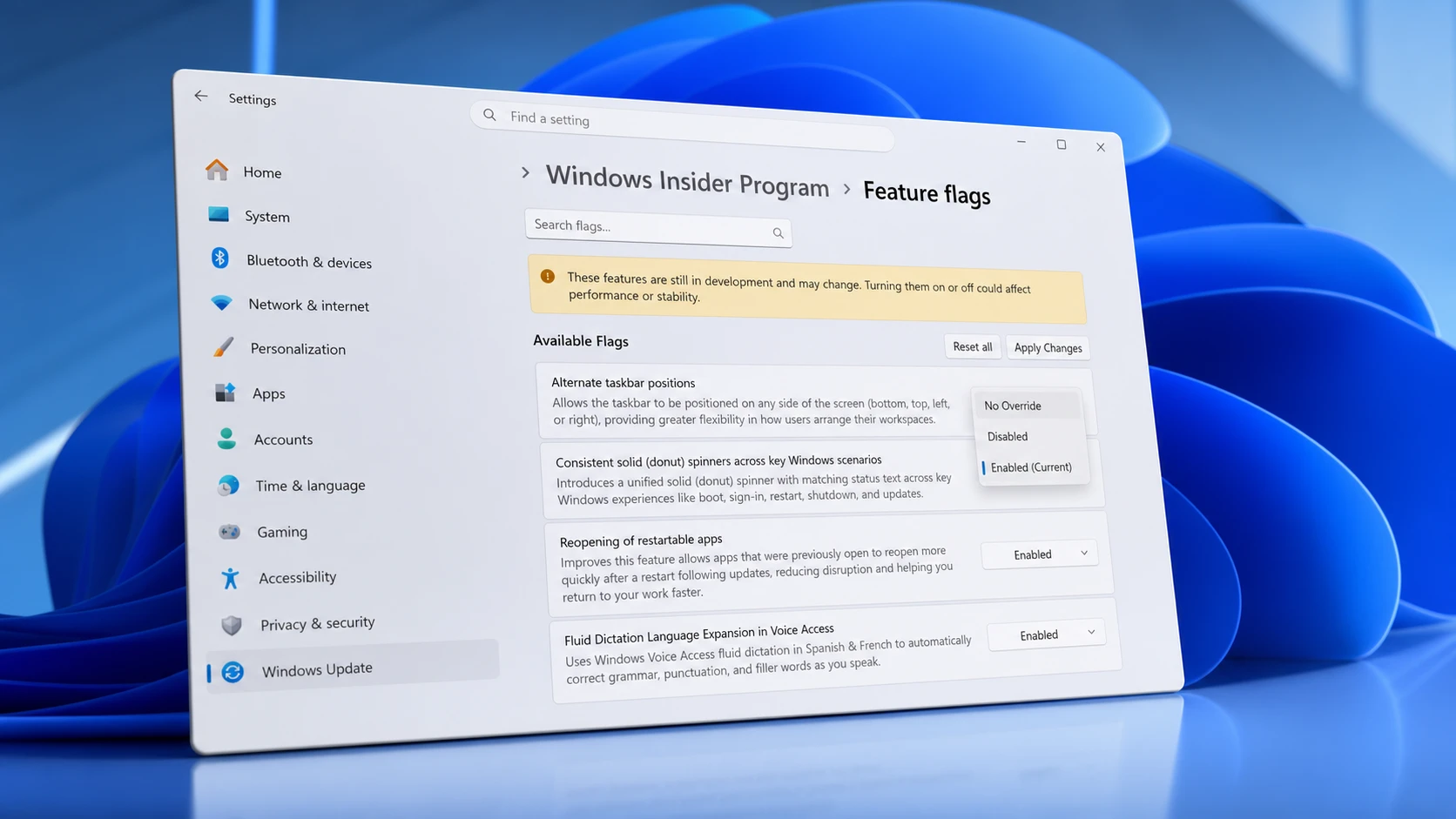
Windows 11 Experimental channel feature flags and how to enable them
The full set of toggleable preview features in recent Insider builds, plus the exact way to switch them on or off.
-
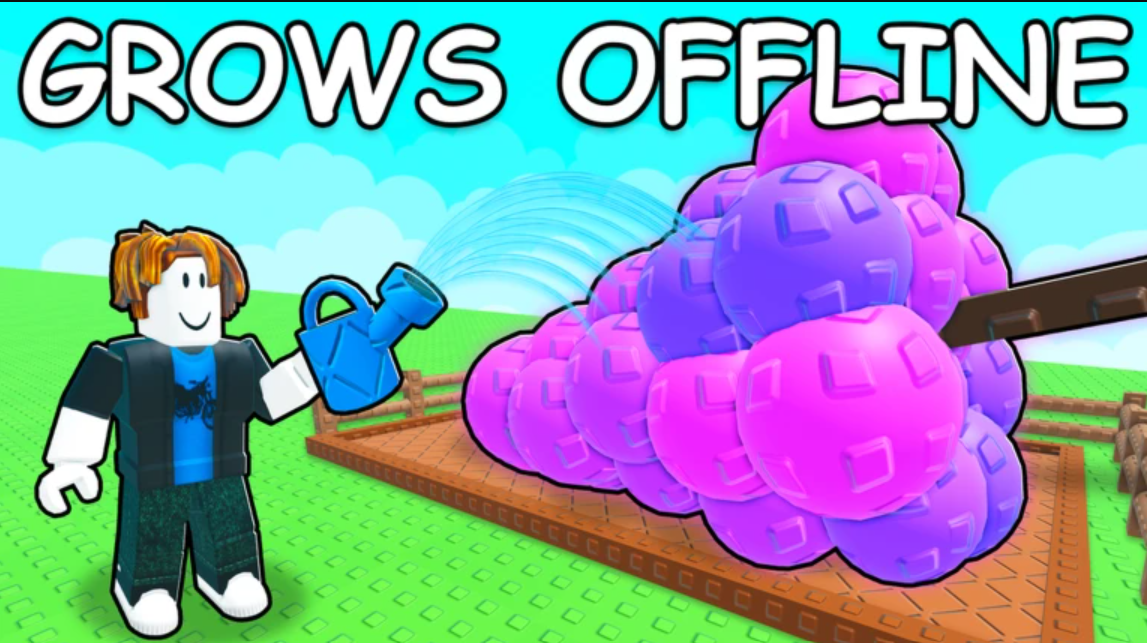
Ice Serpent in Grow a Garden 2: How to Get the Super Pet
The frost-breathing Super pet only comes from guild leaderboard rewards, and your harvest timing decides whether it counts.
-
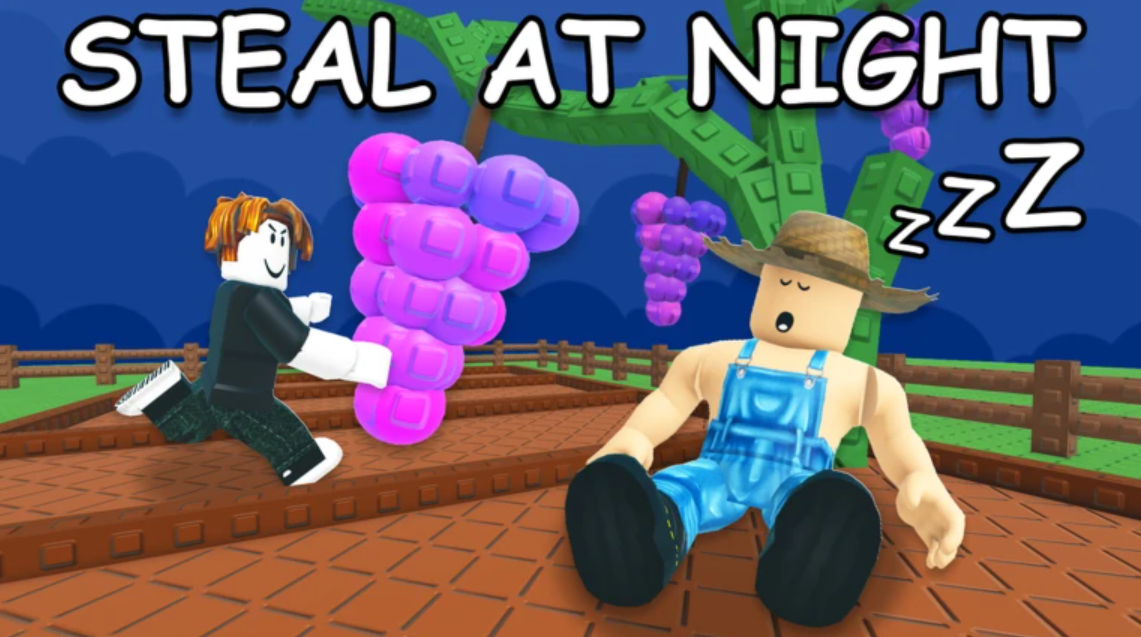
Aurora Mutation in Grow a Garden: How to Trigger It
The Aurora Borealis weather event is the only way to roll this high-value crop mutation in Grow a Garden.
-
Robin in Grow a Garden 2: What the Legendary Pet Does and How to Get It
The Robin eats ripe fruit and sometimes drops seeds, with a 75,000 Sheckle map price and an egg path.
-
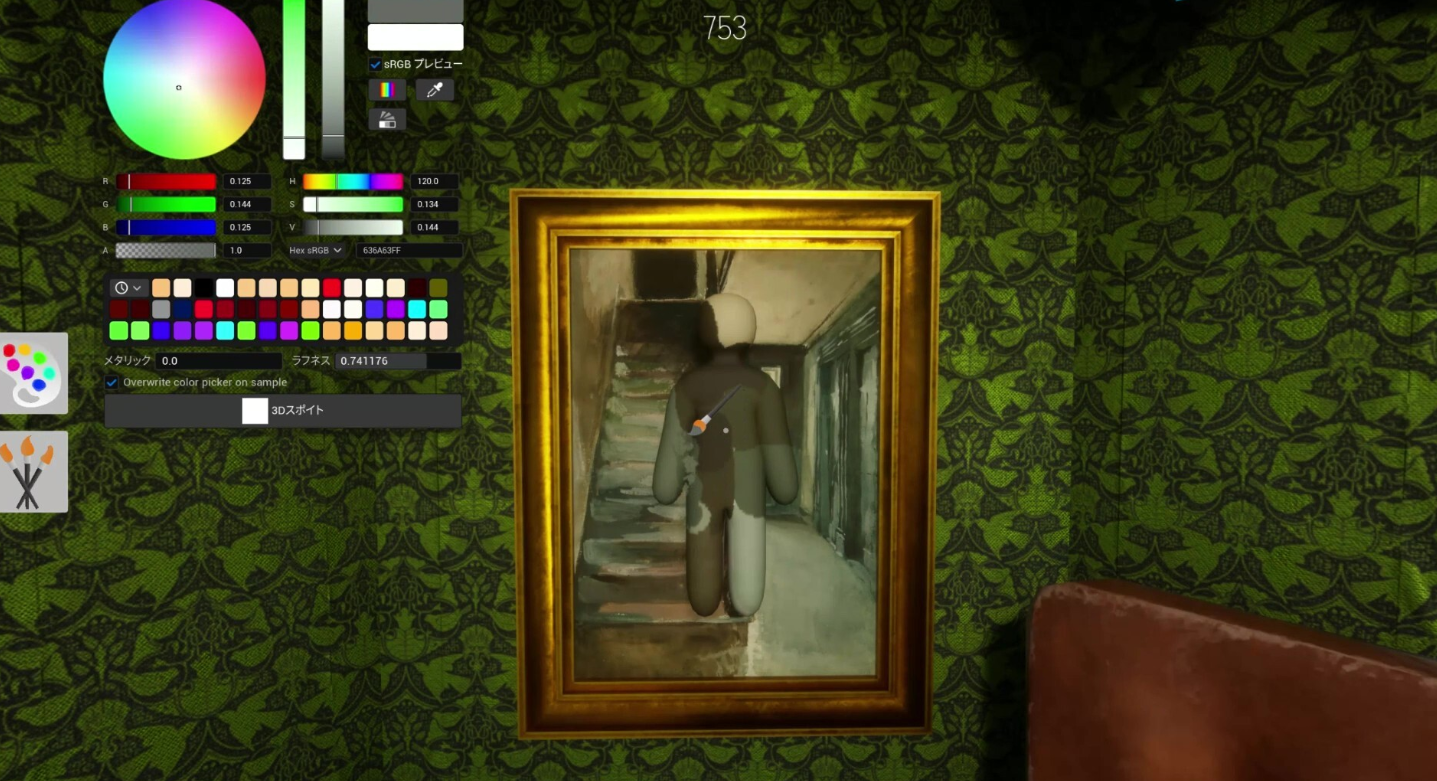
How to Move and Run in MECCHA CHAMELEON (PC Controls)
The keys that handle movement and camera, plus why you stop moving once you lock a pose.