Instructional, step-by-step articles.
Content Type: How-To
-
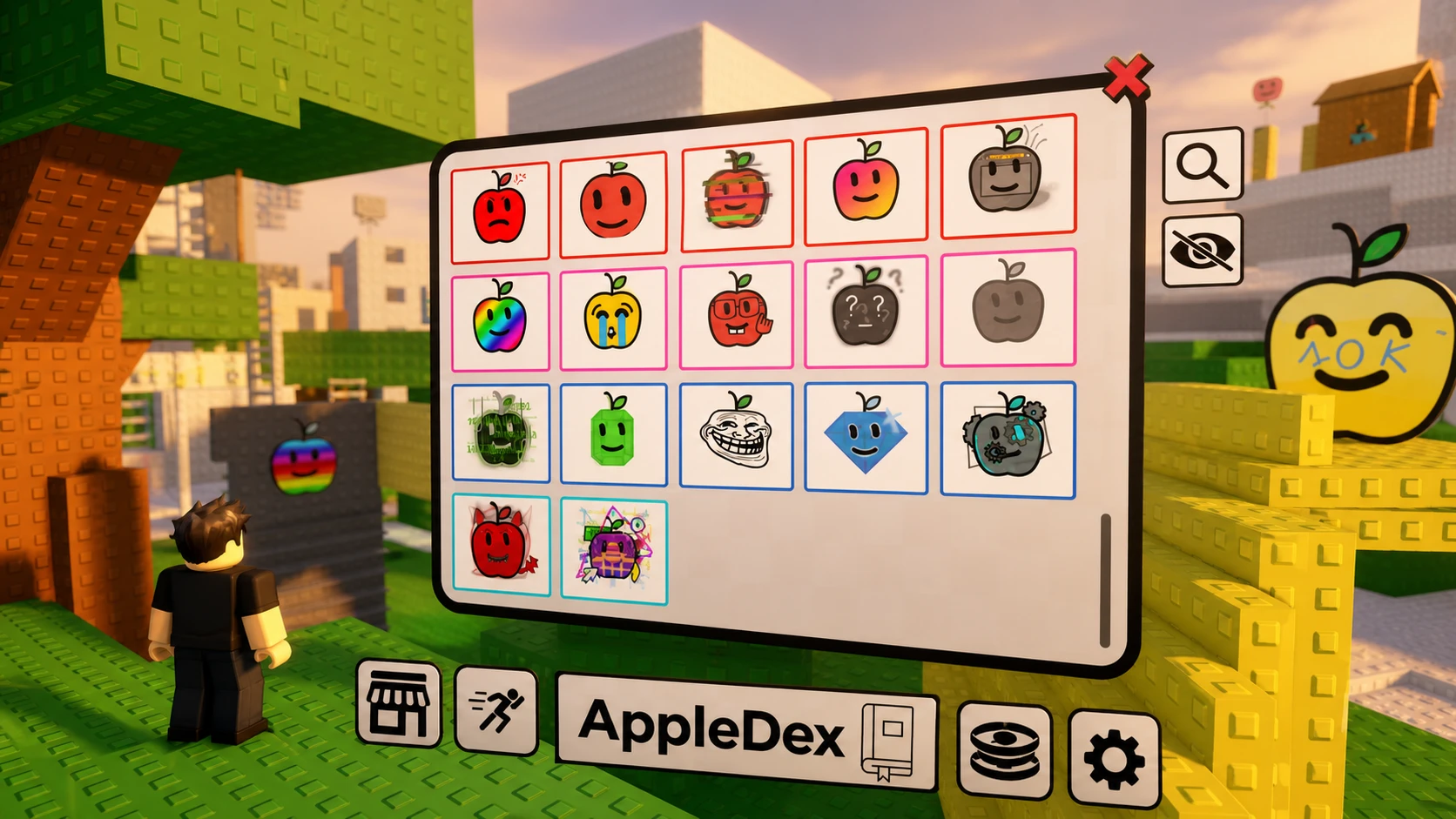
Find the Apples Roblox: All 77 Apples and the Latest Update (June 2026)
The newest update adds seven apples, a Retro Apple, faster hints, and reworked shop pricing.
-
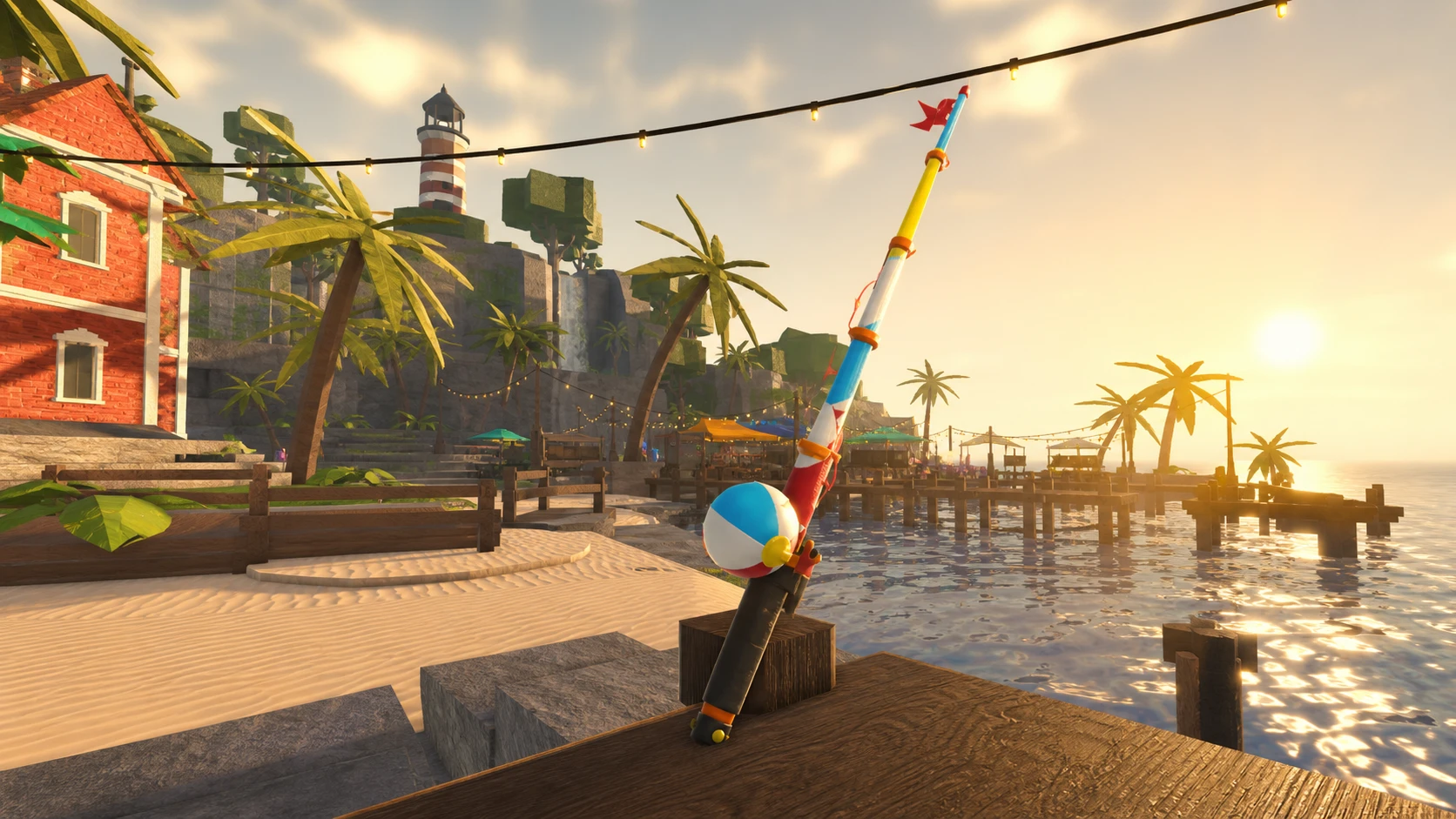
How to Get Fischfest Rods in Fisch (2026)
The exact costs, stats, and steps for the Paper Fan, Popsicle, and Tidal Wave rods at the summer beach plaza.
-
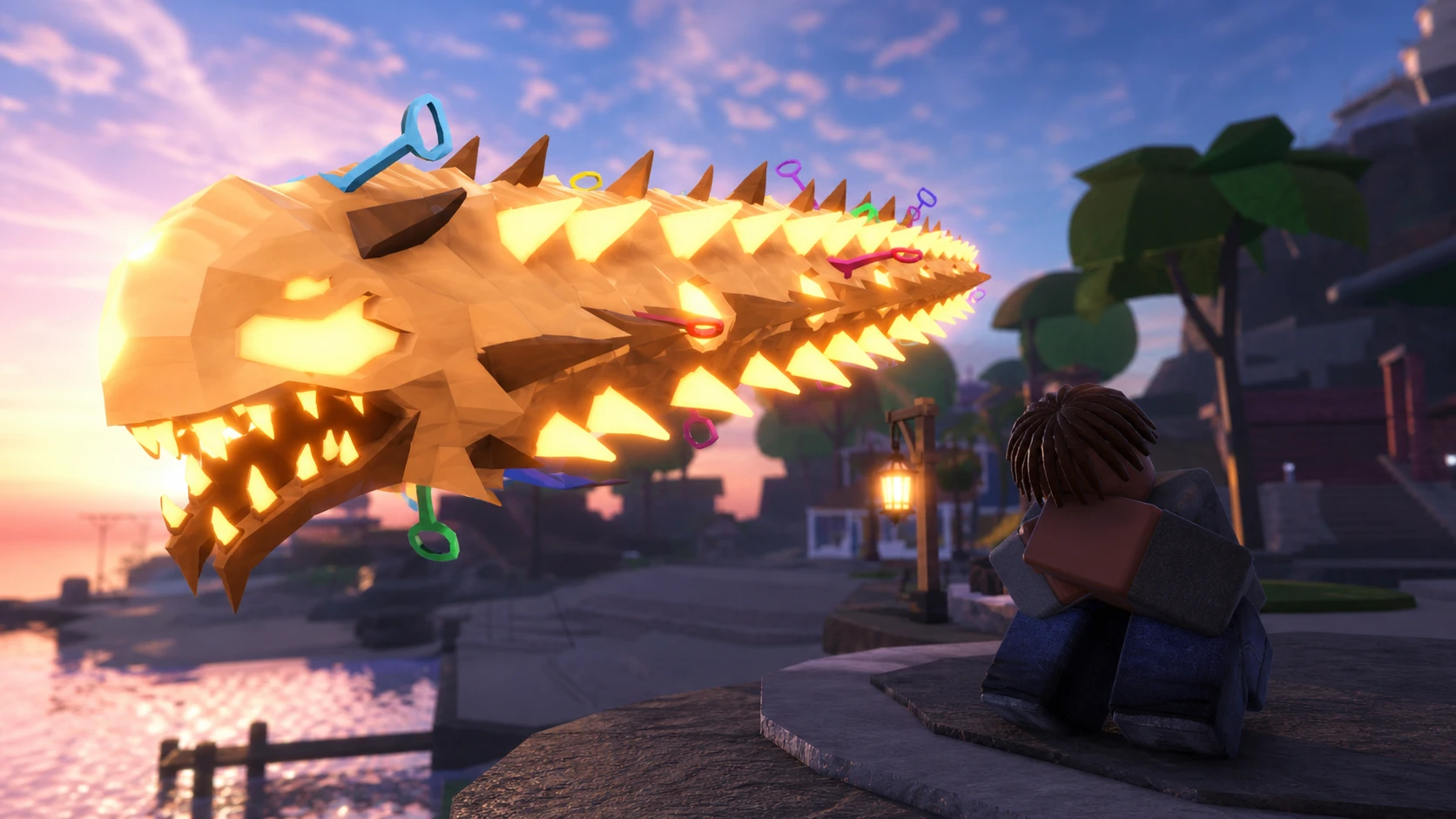
How to Catch the Sandslasher in Fisch Fischfest (2026)
The exact bait, weather, and time window you need to land Fischfest’s most valuable beach catch.
-
How to Get the Scavenger Enchant in Fisch (Keeper’s Altar)
The exact steps, relic sources, and roll odds for landing Scavenger on your rod.
-
Meccha Chameleon Stuck on “Signing In” – How to Fix the Login Hang
The exact network, time, and file checks that clear the endless Signing In spinner in Meccha Chameleon.
-
How to Roll the 0.1% Superior Trait in Anime Squadron (Roblox)
What the Superior trait does, its exact drop rate, and how to reroll and lock it on a unit like Guts.
-
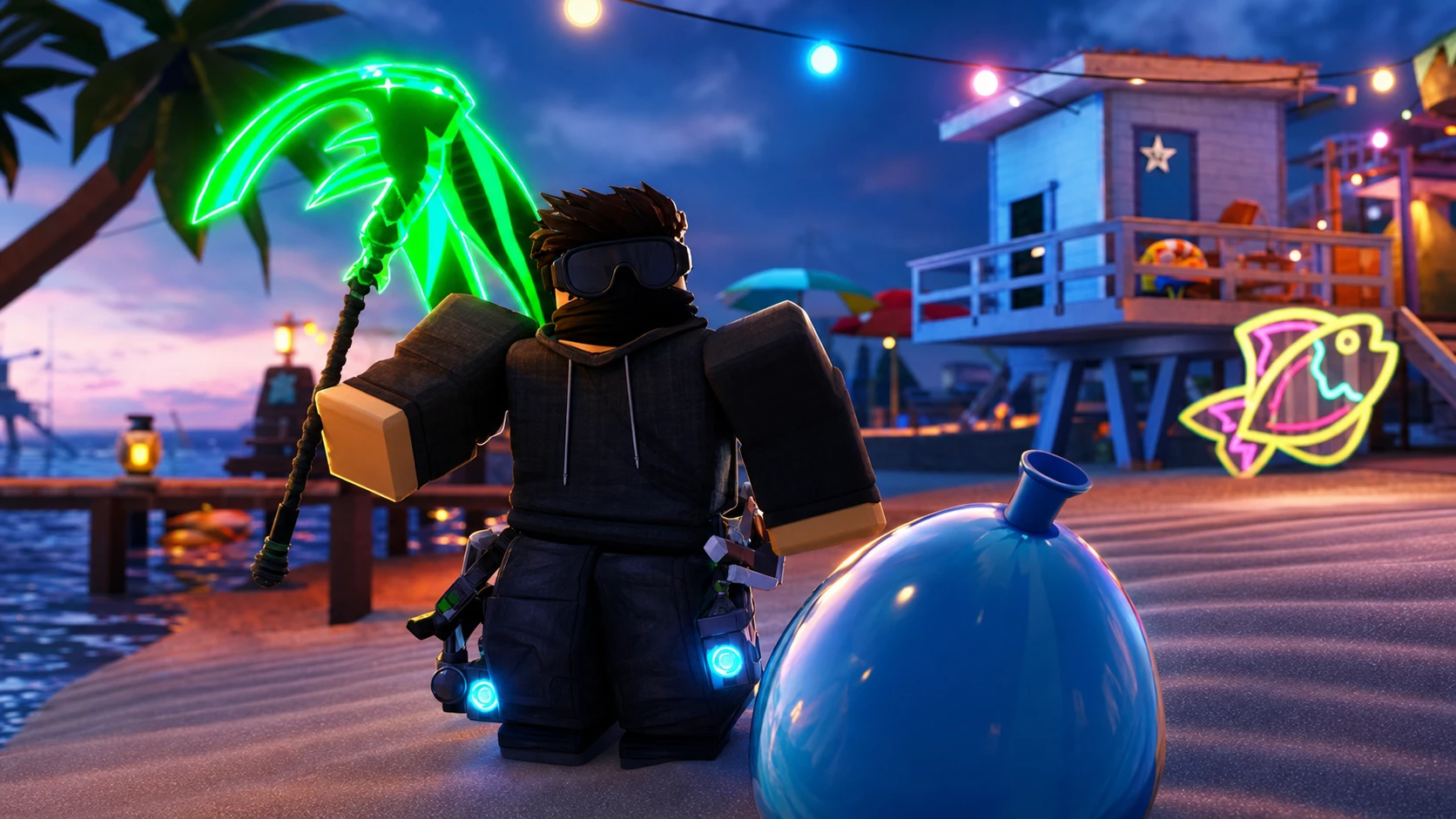
How to Get Water Balloons in Fisch During FischFest
Where Water Balloons spawn, how to collect them fast, and how to confirm event quest progress.
-
How to Unlock Disaster Plants in Kaizen (Hanami Cursed Technique)
The exact materials, raid difficulty, and clan you need to add Hanami’s plant-based kit to your loadout.
-
Gears of War: E-Day Active Reload Position: How to Move the Bar Back to the Top Right
The Active Reload bar now sits in the center by default, but a settings option restores the classic top-right placement.