
Instructional, step-by-step articles.
Content Type: How-To
-
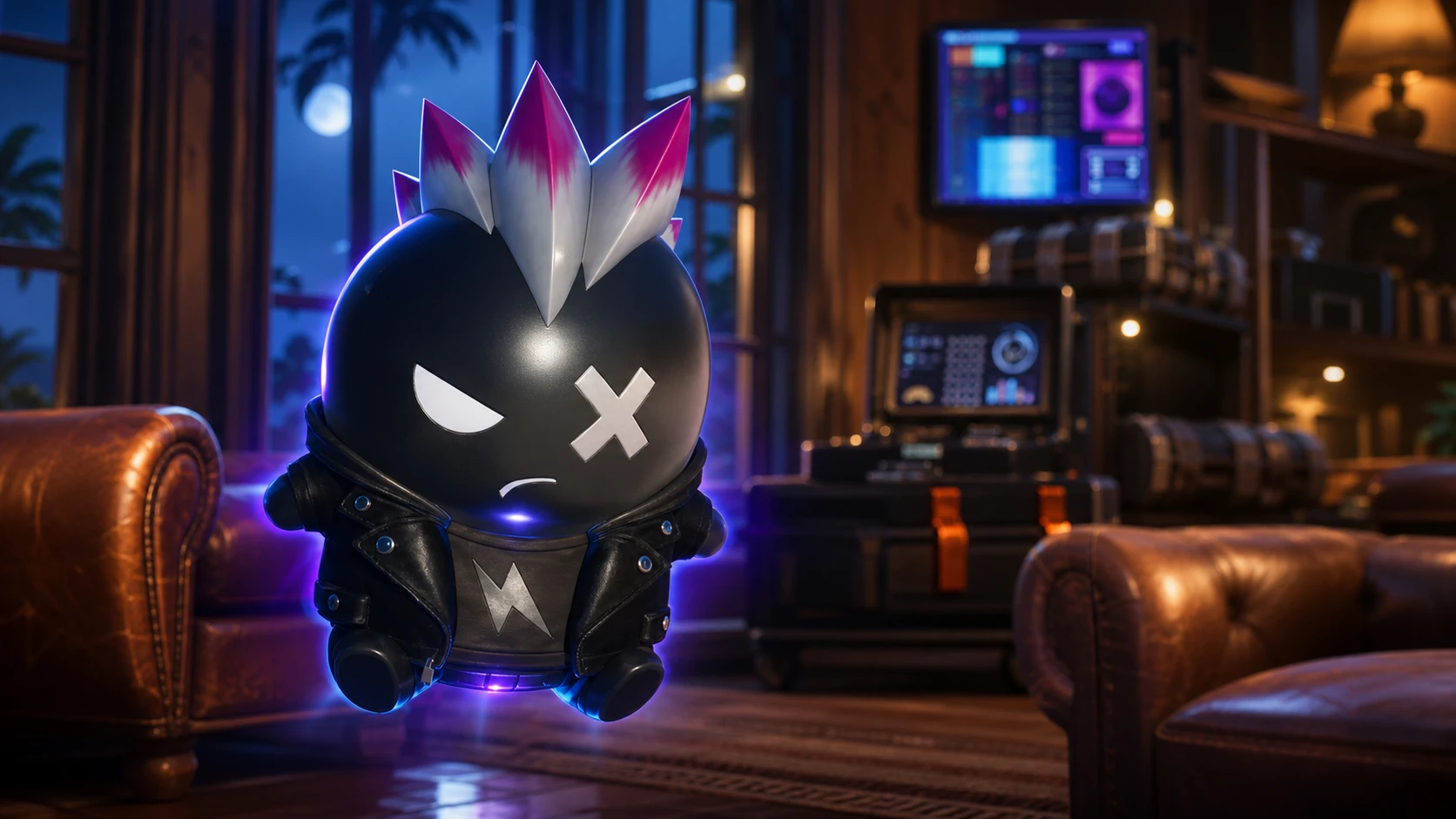
How to Get the Punk Sprite in Fortnite Chapter 7 Season 3
The Punk Sprite drops from rare Sprite Chests at a 3.5% rate, and its only reliable buff is a chance at infinite ammo.
-
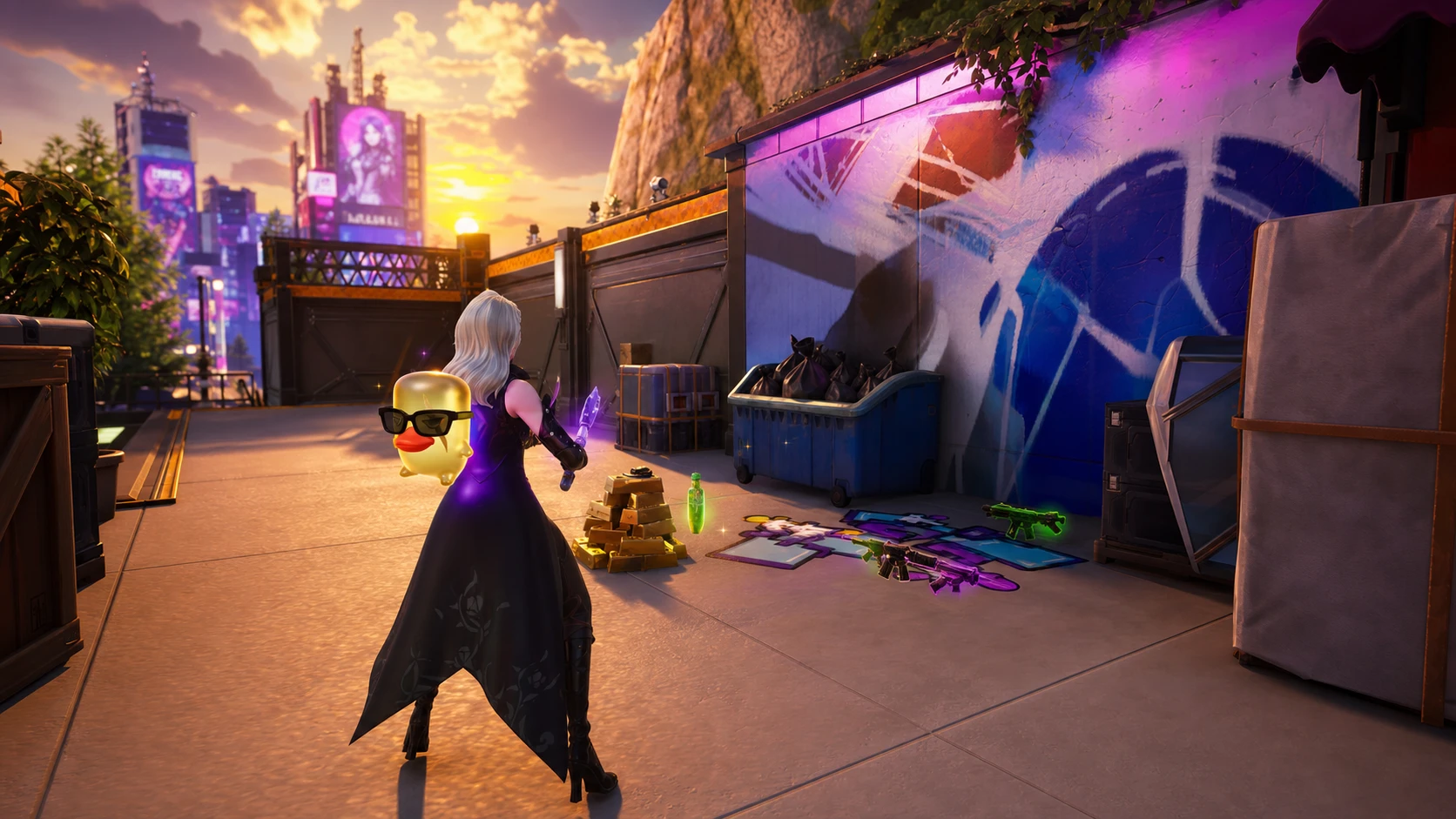
How to Re-summon Sprites You Lost in Fortnite Chapter 7 Season 3
Only banked Sprites come back, and the cost in Sprite Dust depends entirely on rarity.
-
How to Open the Skill Tree in VV: Ultimatum (Roblox)
The exact key that brings up the Skilltree menu, plus what to do when it does not appear.
-
How to Get Soul Essence in VV Ultimatum (Roblox)
The farming methods that reliably drop Soul Essence and what the material is used to craft.
-
How to Get Resurrección (Res) in VV: Ultimatum
The full Hollow path from Vastolorde to Arrancar, plus the fight that unlocks Resurrección.
-
How to Escape the Dangai in VV: Ultimatum
Find the exit, dodge The Cleaner, and get back to normal play before the hazard window traps you.
-
How to Get Spirit Alloy in VV Ultimatum (Quincy Crafting)
Where to buy Spirit Alloy and how it feeds into the Frost Alloy recipe for Quincy progression.
-
How to Get Hair in VV: Ultimatum (Cosmetics Explained)
What is known about hair and character appearance in VV: Ultimatum, and where to confirm current details.
-
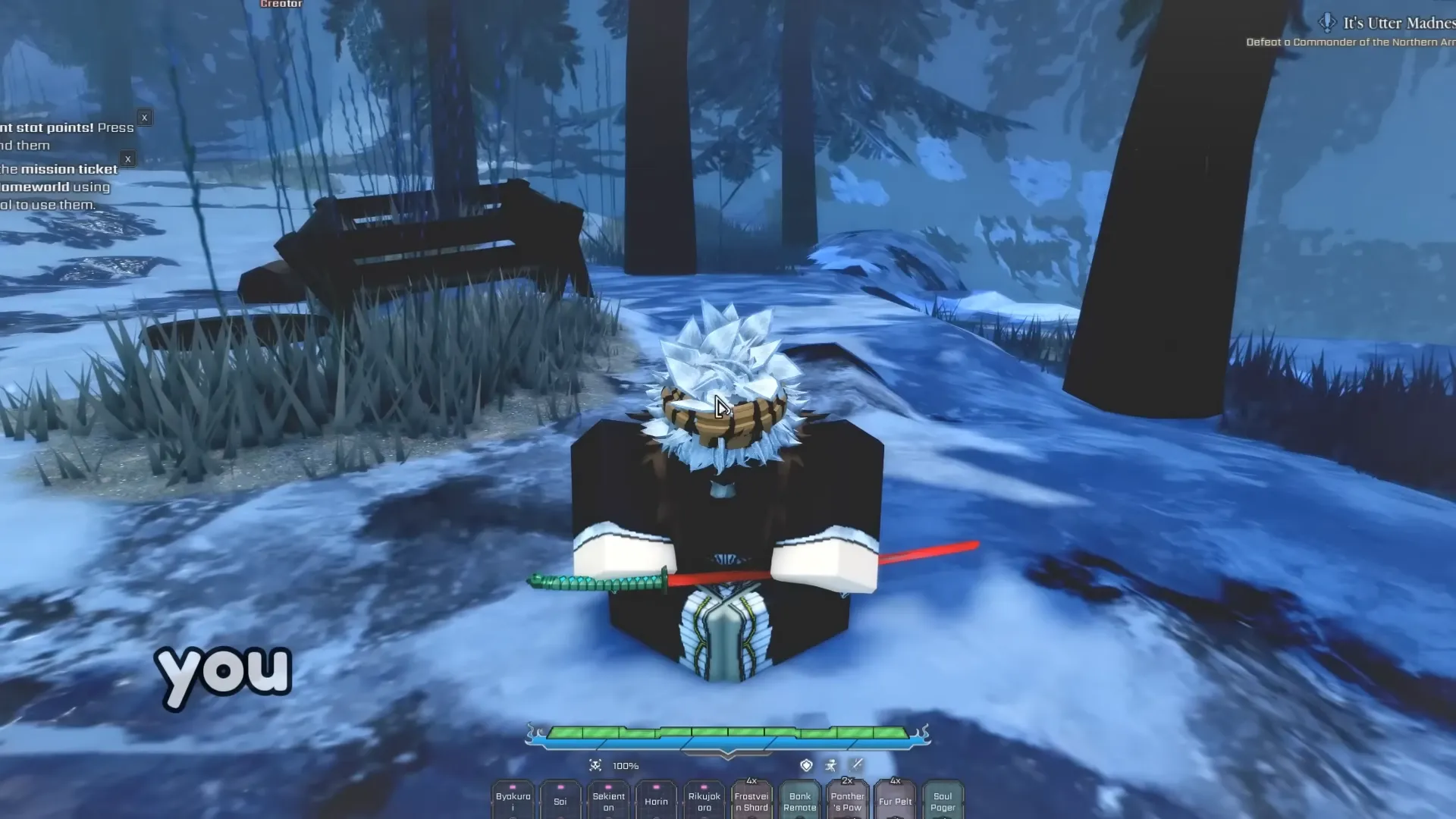
How to Meditate in VV Ultimatum (Shinigami and Hollow)
The exact level, key bind, and whisper timing that make meditation actually progress your Shikai or Resurrección.
-
How to Reroll Your Clan in VV Ultimatum
The exact menu path, the resources you need, and how to grab free clan rerolls with the current code.