
Instructional, step-by-step articles.
Content Type: How-To
-
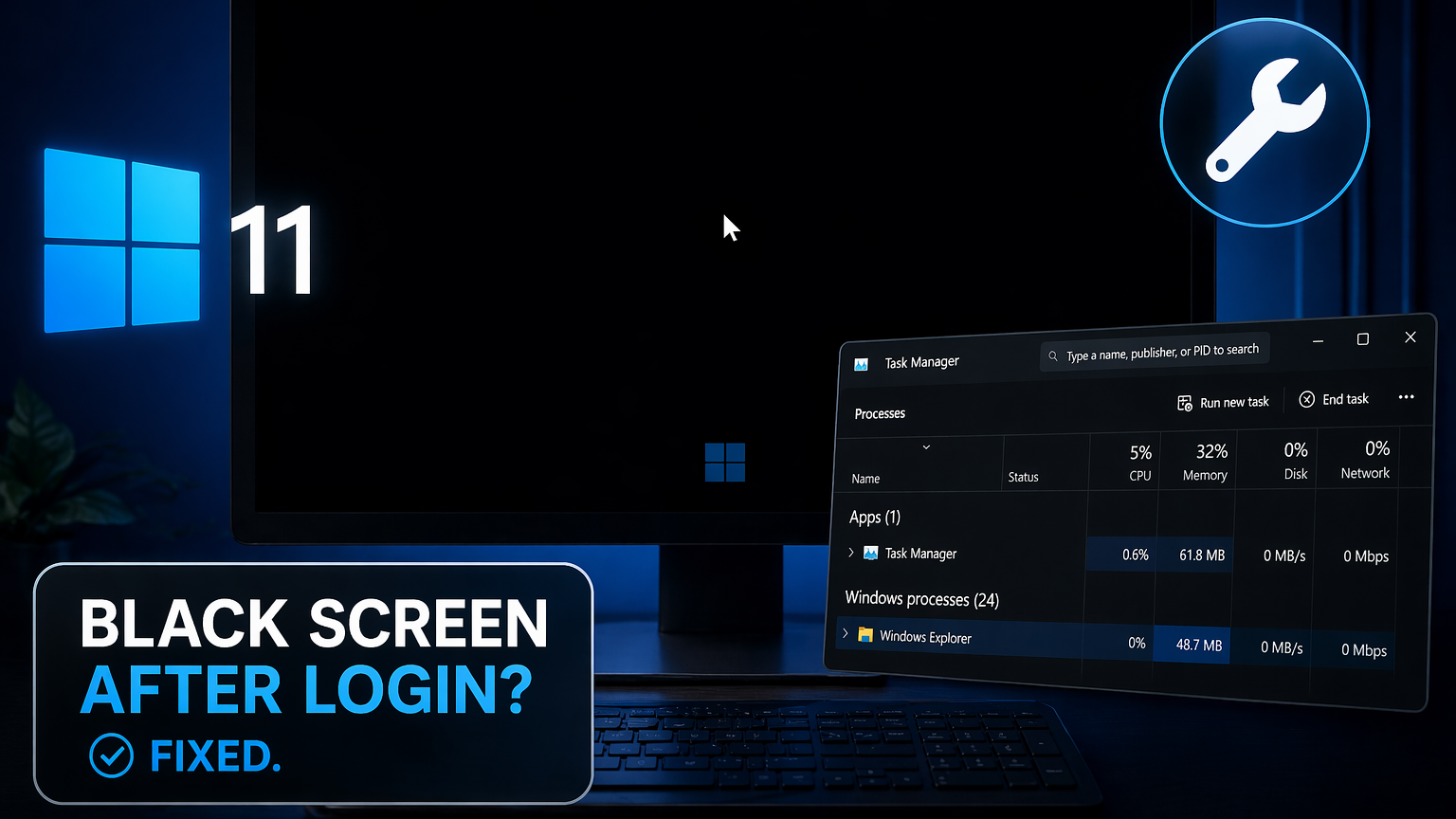
Black screen after login on Windows 11: How to fix it
Recover your desktop when Windows 11 boots to a blank screen with only a cursor visible.
-
OpenClaw Feishu Plugin Error: Cannot Find Module ‘@larksuiteoapi/node-sdk’
A packaging bug strips the Lark SDK from OpenClaw installs, breaking Feishu onboarding until you downgrade or reinstall the dependency manually.
-
Marvel Rivals Error Code 211 Fix (Steam Login Failure)
What triggers the Steam connection error on PC and how to get back into the game fast.
-
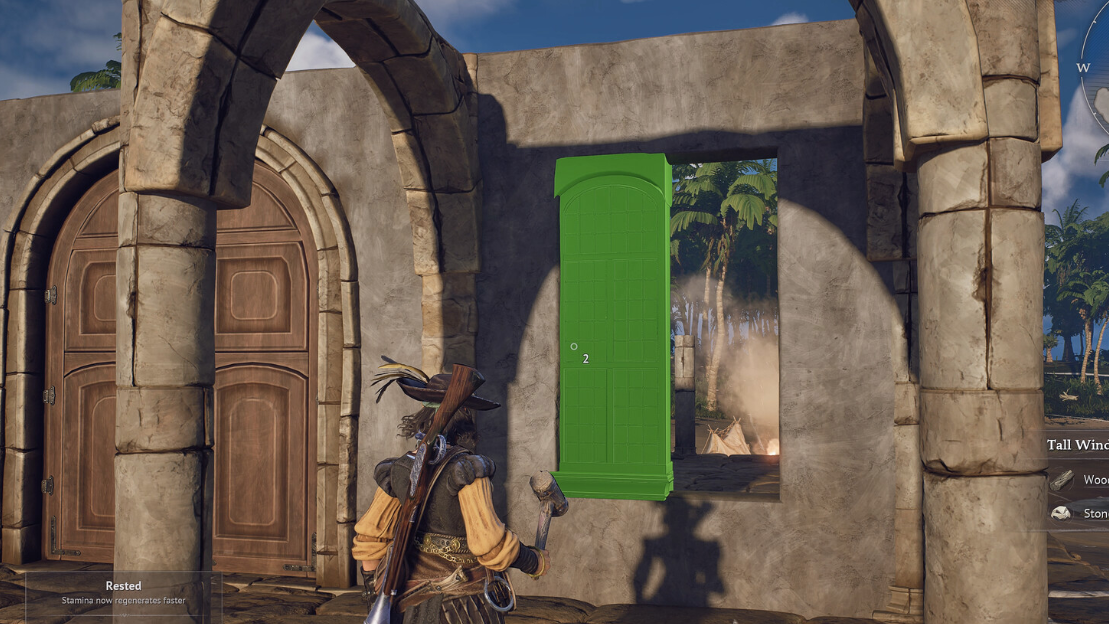
How to Craft Tarred Planks in Windrose
The exact recipe, the tool you need, and where Tar actually drops in the Cursed Swamp.
-
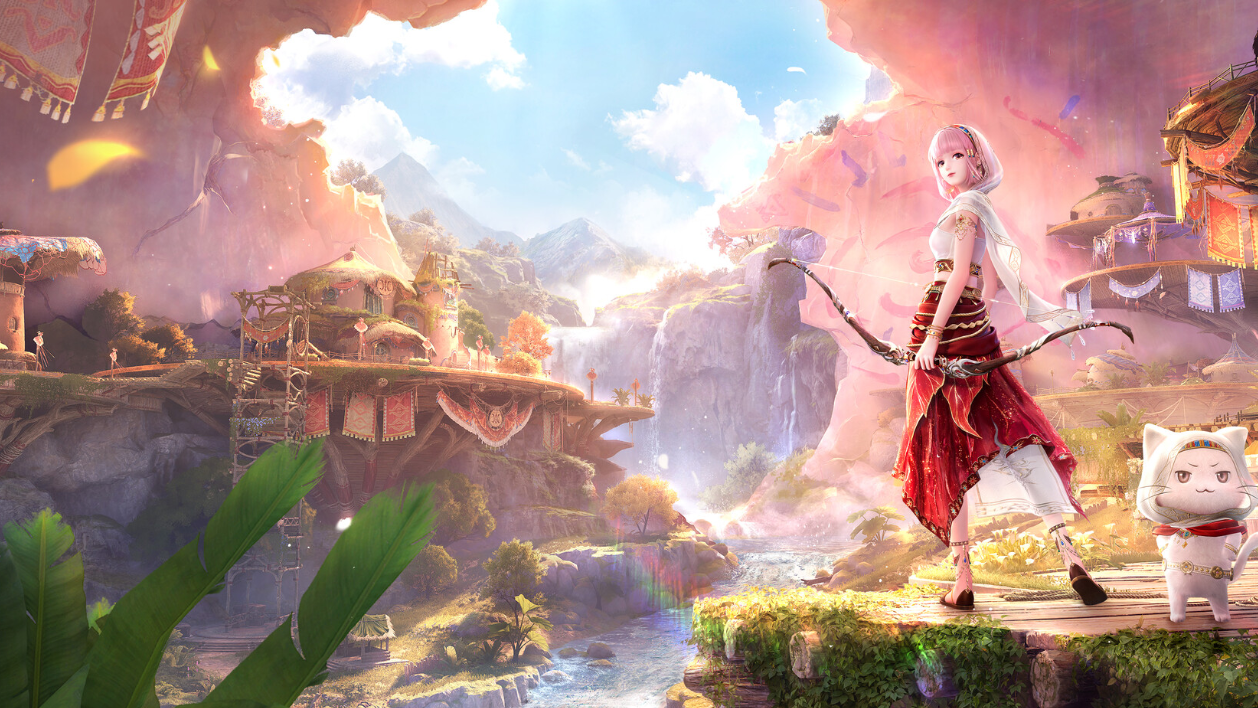
Infinity Nikki 2.5 Free Outfits and How to Unlock Each One
Five free outfits drop with version 2.5, including the game’s first Legendary outfit tied to the main story.
-
How to Unlock The World (Dio) in Sailor Piece
Everything you need to farm, summon, and finish the mastery quest for the JoJo-inspired Sea 2 melee style.
-
How to Get Cosmic Being in Sailor Piece (Sea 2)
Every requirement, drop rate, and mastery step for unlocking the Garou-inspired melee on Punch Island.
-
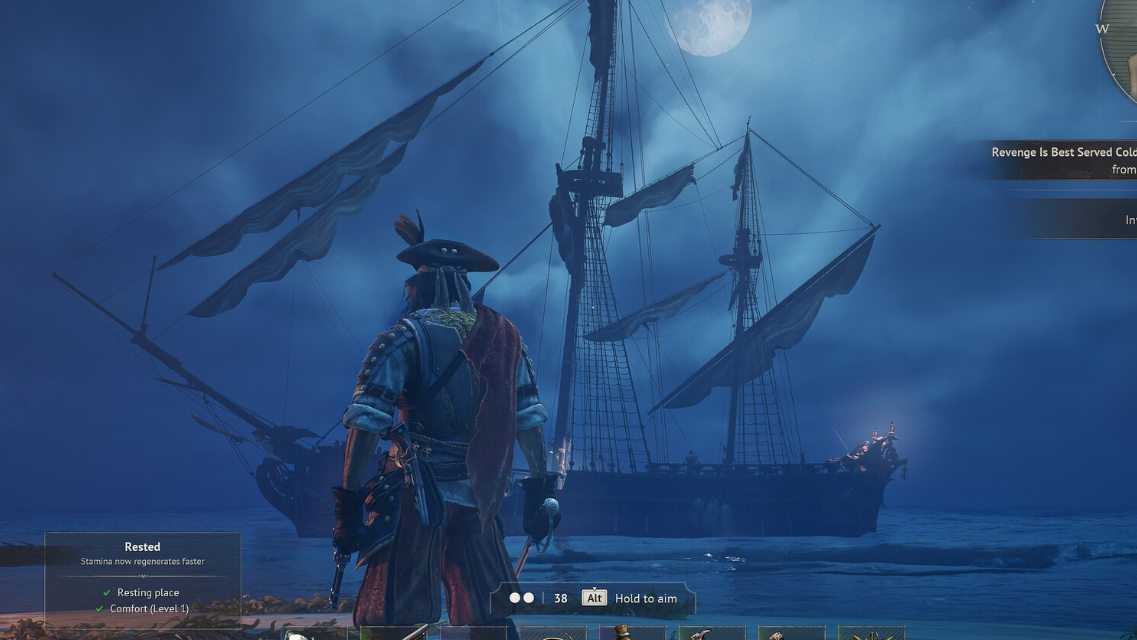
Windrose: How to Open the Second Buccaneer Warehouse Chest
The second chest at the Abandoned Buccaneer Warehouse sits behind a wall unlocked by a hidden switch near the stairs.
-

Windows 11 KB5083769 Boot Loop: What’s Happening and How to Recover
The April 2026 Patch Tuesday update is leaving some PCs stuck in pixelated crashes and endless recovery cycles.
-
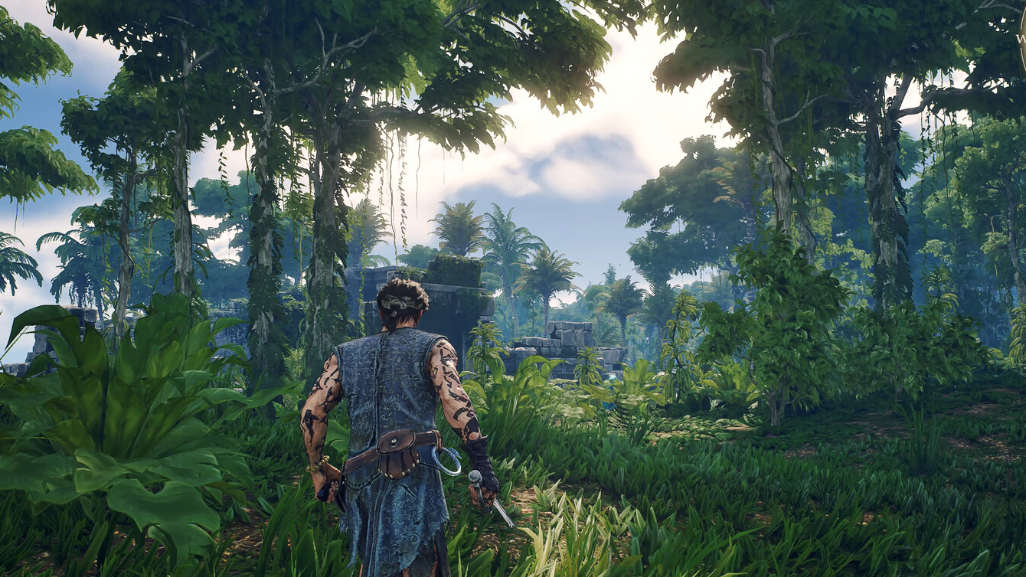
Quagmire Powder in Windrose: Where to farm it and how to craft Mire Metal Ingots
The Cursed Swamps resource that gates every late-game upgrade, plus the enemies and chests that drop it.